
Developer Tools
Applications for development

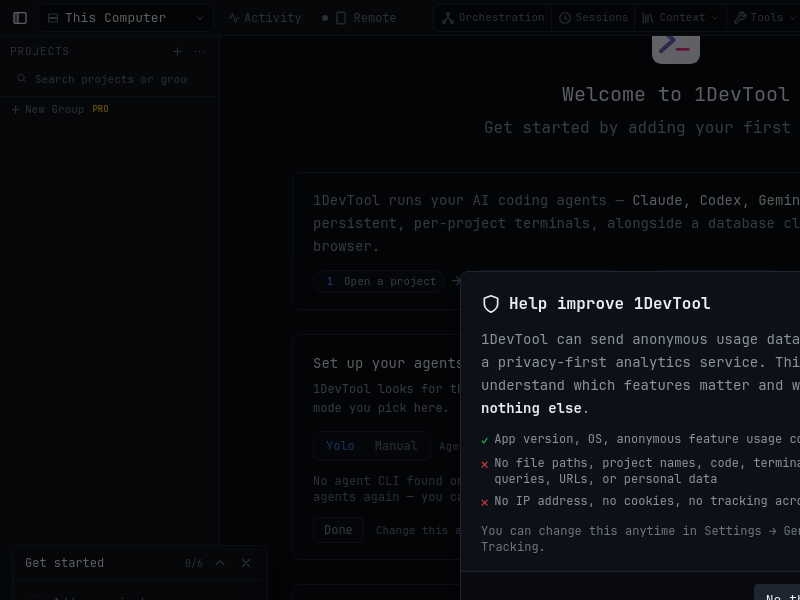
6502-EMULATOR
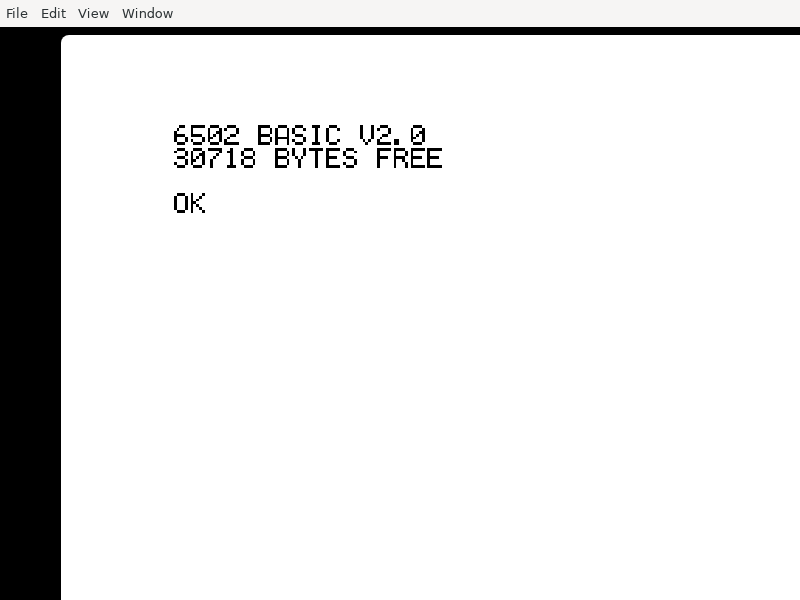
ACP_Inspector
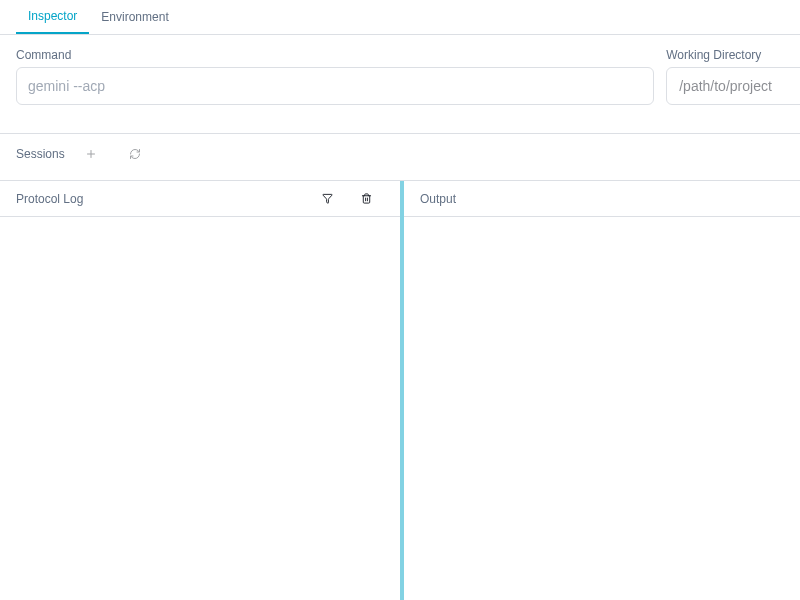
ACP Inspector is a developer tool for testing and debugging agents that speak the Agent Client Protocol (ACP) - inspect the JSON-RPC traffic, sessions, permission requests, and slash commands.
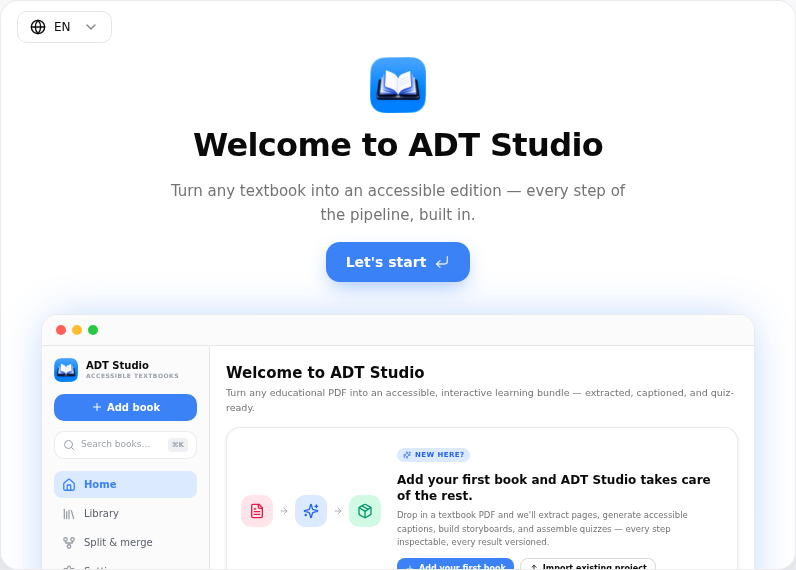
ADT_Studio
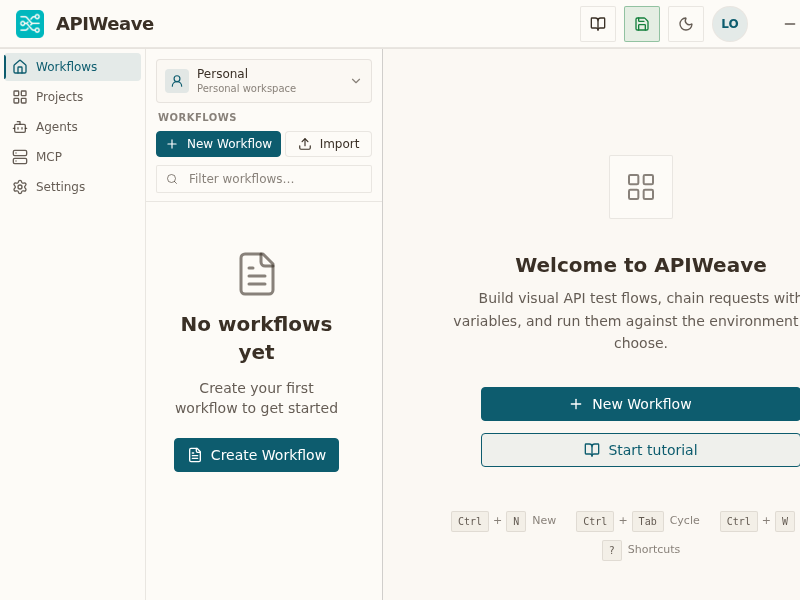
APIWeave
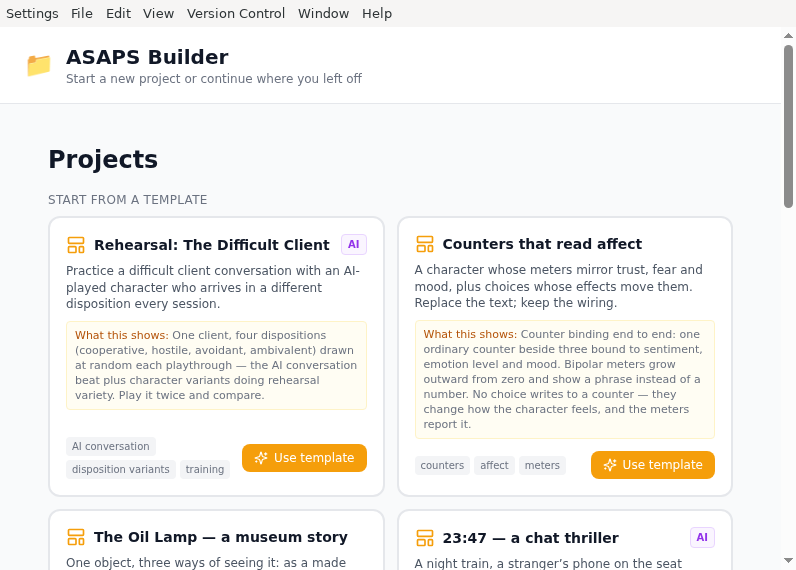
ASAPS_New
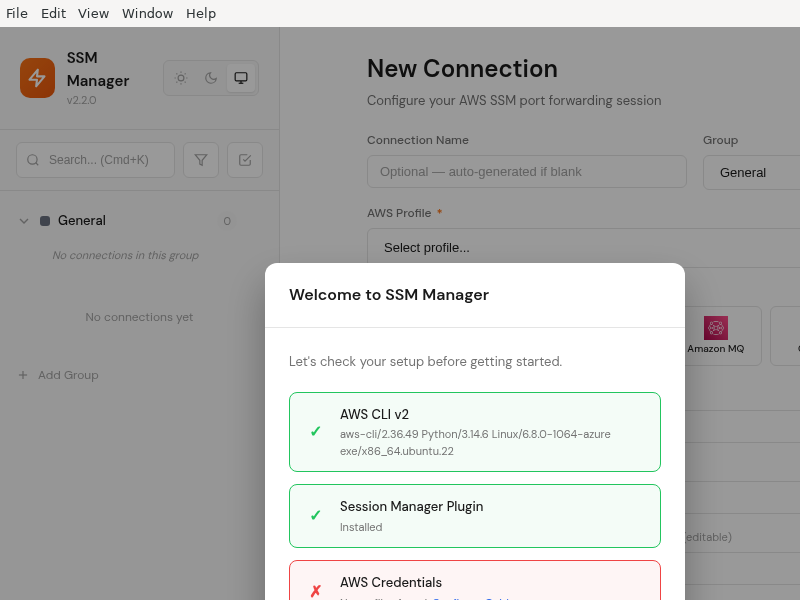
AWS_SSM_Manager
Ada
Advanced_Rest_Client
Aegis
AgentFlow
AgentLauncher
AgentOp
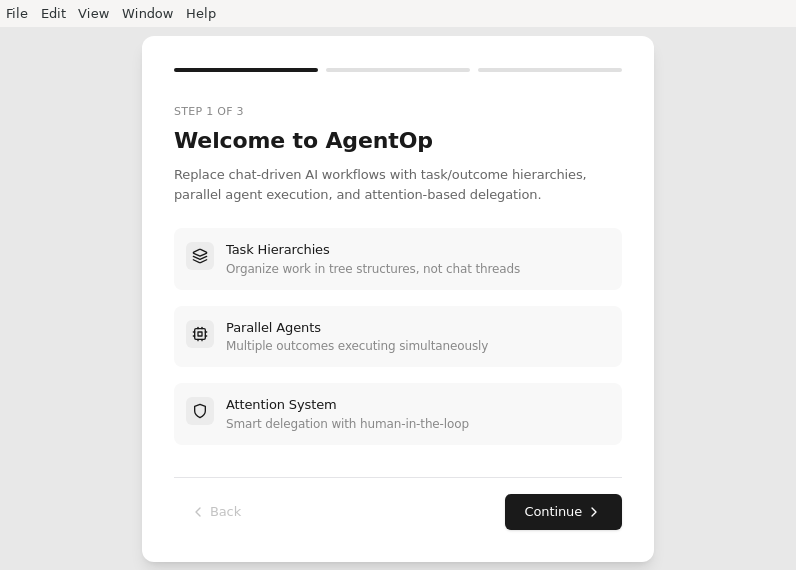
AgentRQ
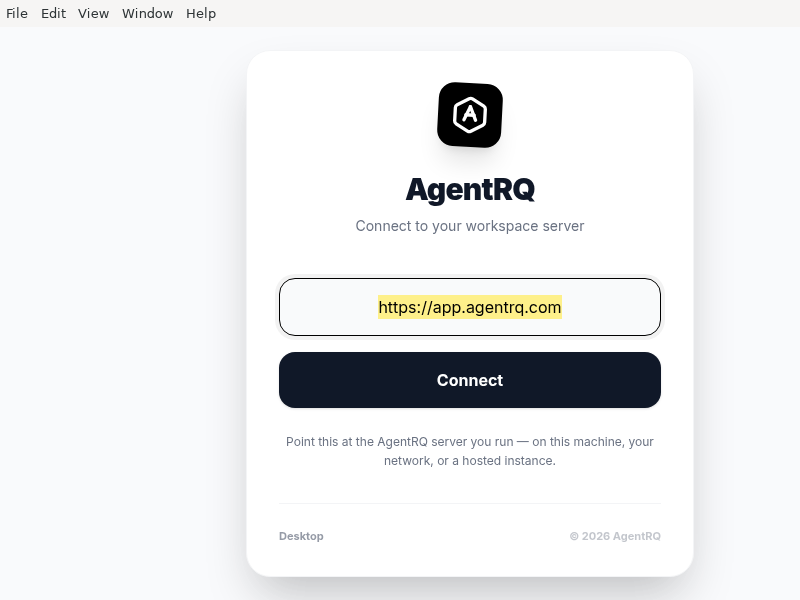
Agent_Pulse
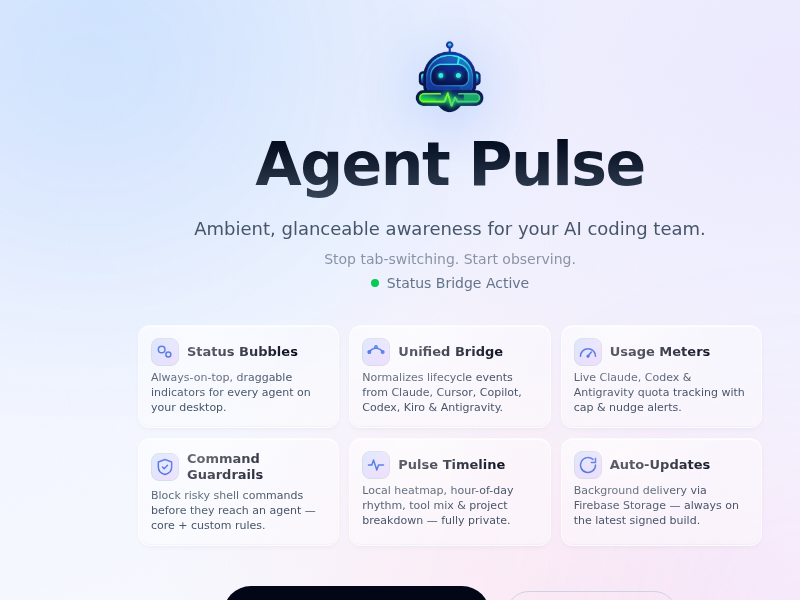
Agent_Teams_AI
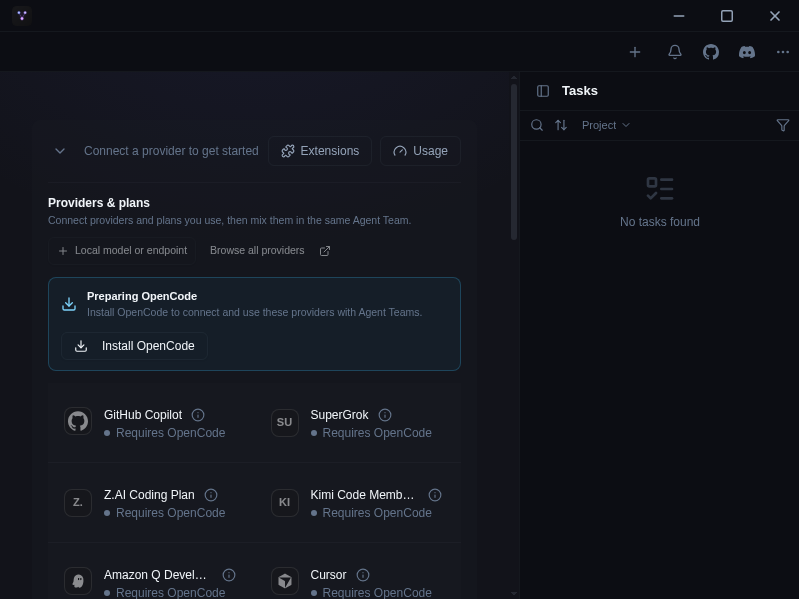
Desktop app for managing AI agent teams, reviews, runtime logs, and provider-aware workflows
Agents
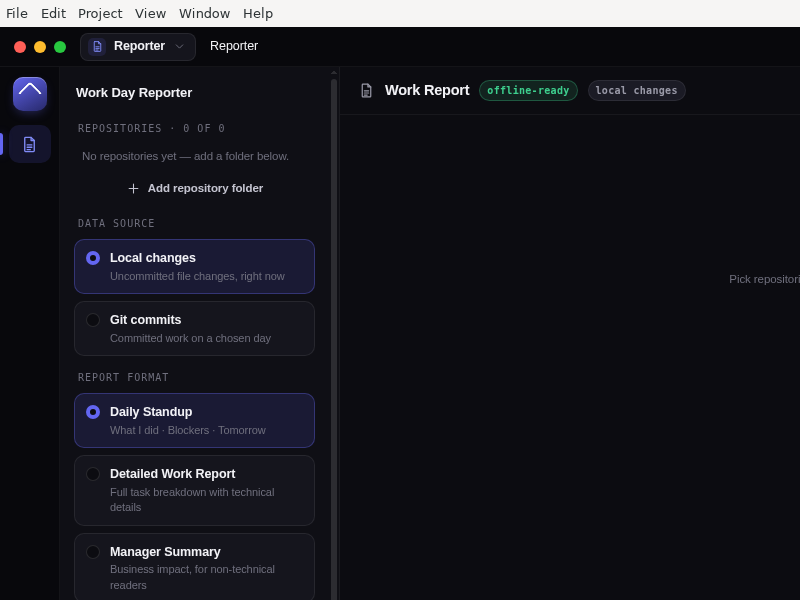
Aiden_Agent
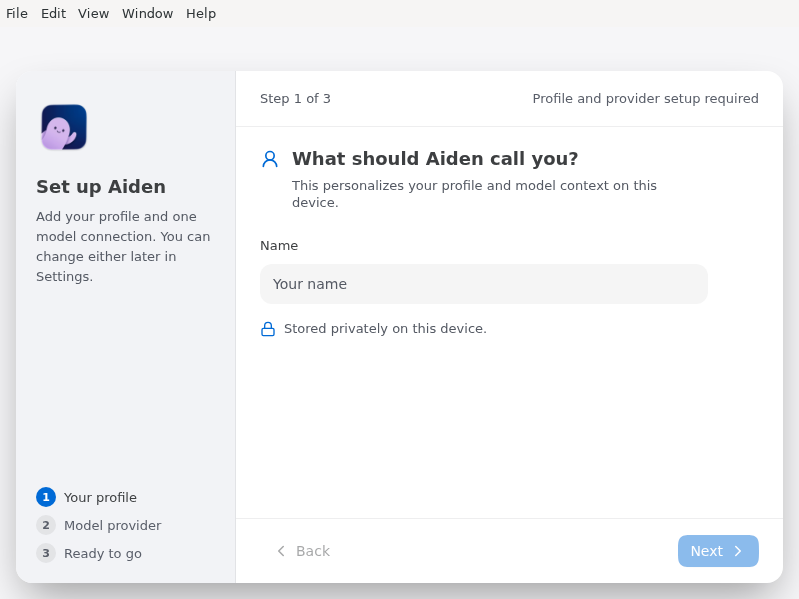
Alwide
AngularConsole
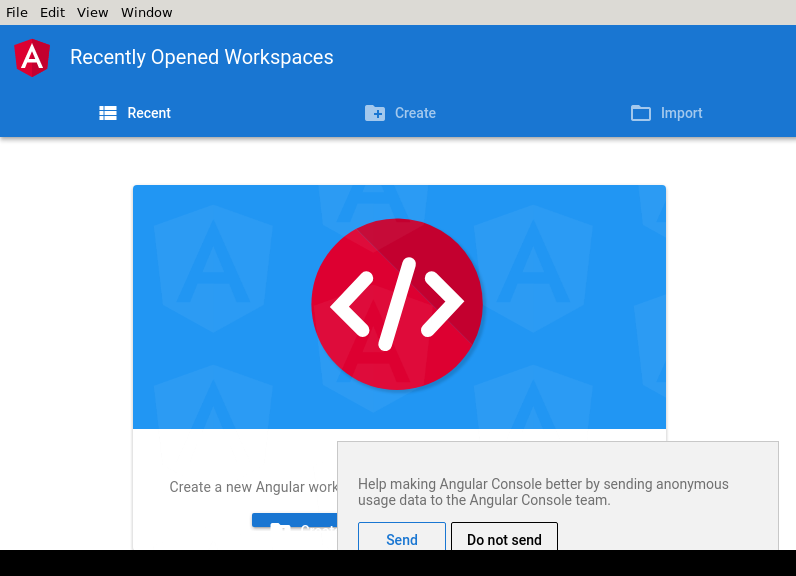
Antares
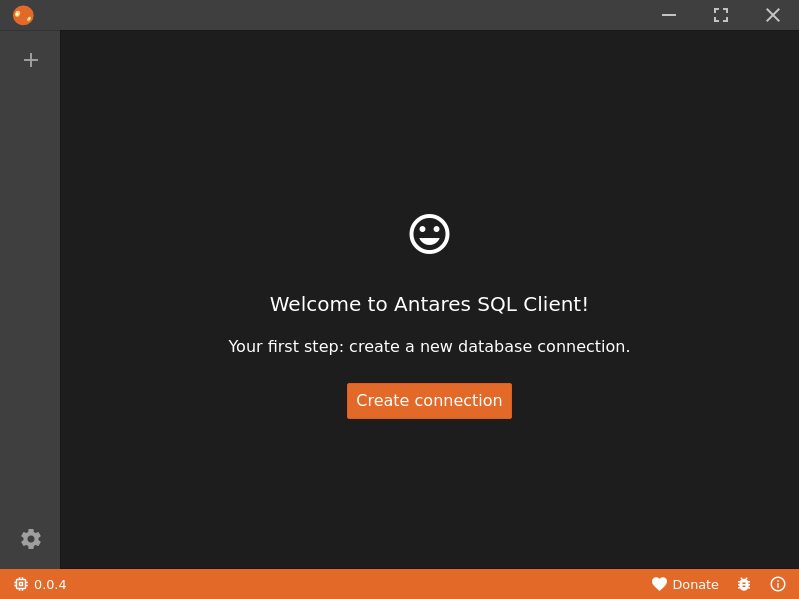
Apache_NetBeans
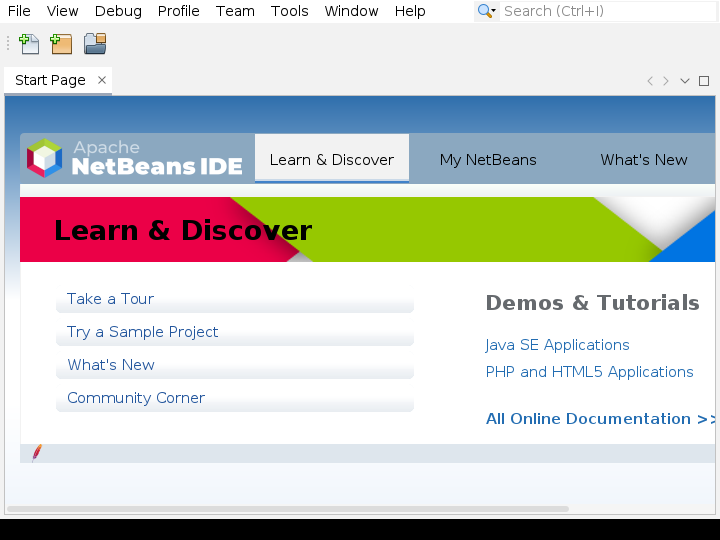
Aperant
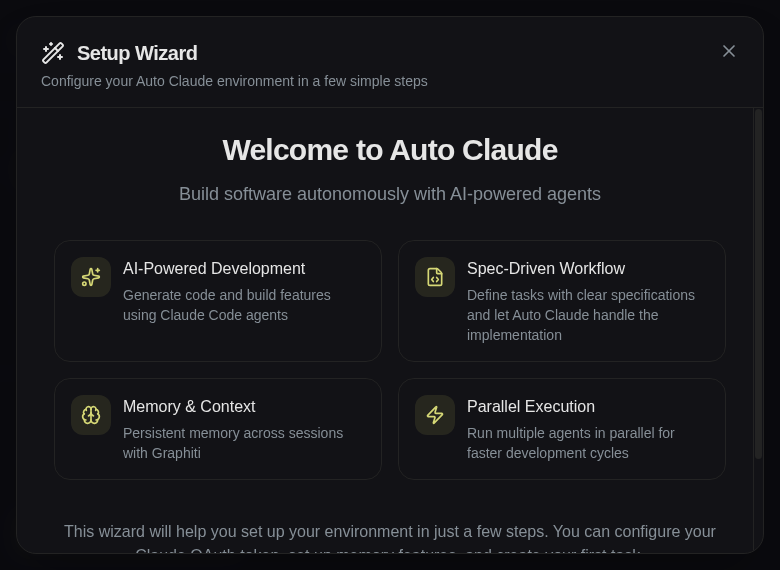
ApiFlow
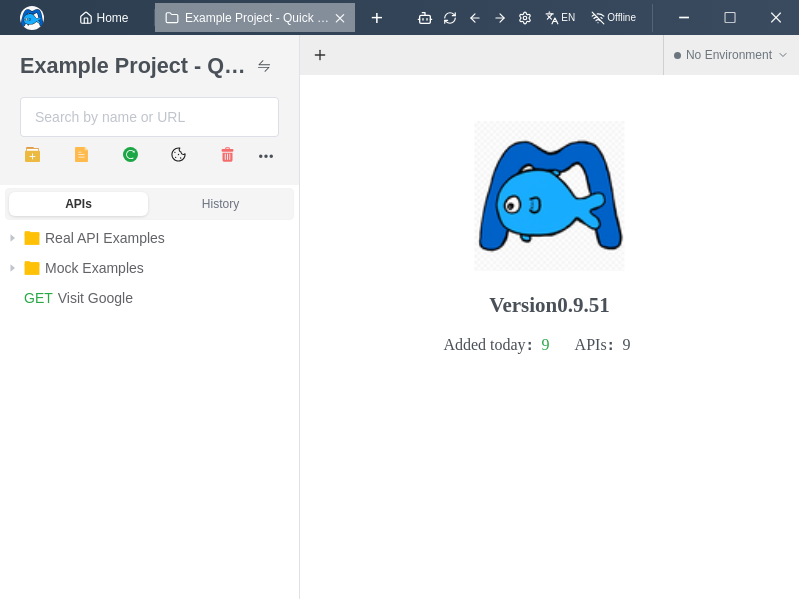
ApiFlow is a visual API design tool that allows users to create, manage, and visualize APIs in a graphical way.
Aptakube
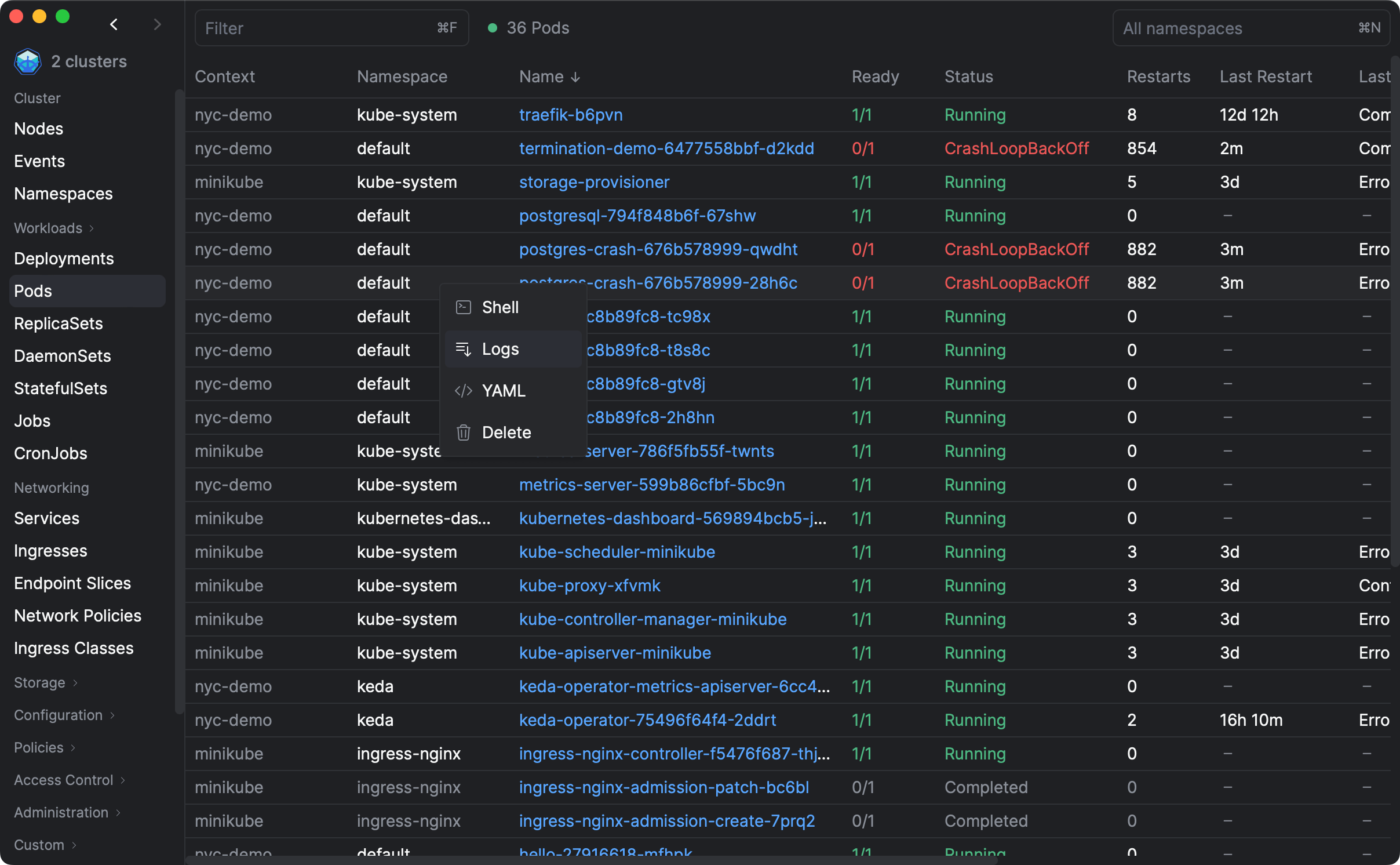
Aptakube is a Desktop Client for Kubernetes. You can connect to multiple clusters, manage workloads, view logs, compare resources, and a lot more.
Arduino_IDE
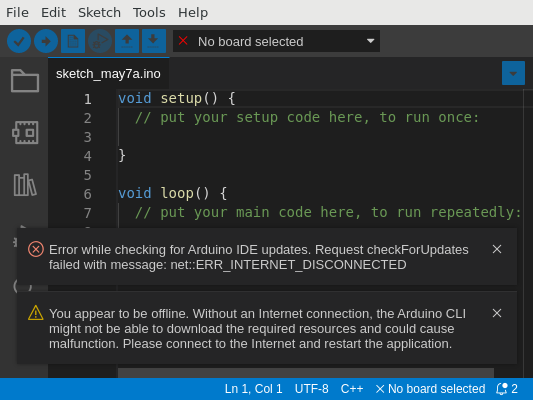
Ari
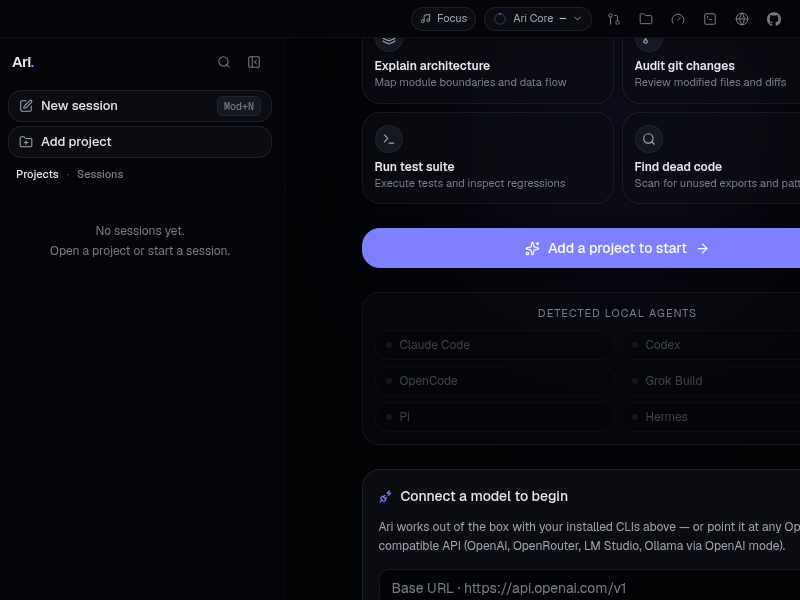
Ari — an open, local-first agent development environment for Windows, macOS and Linux.
Arynwood_MCP

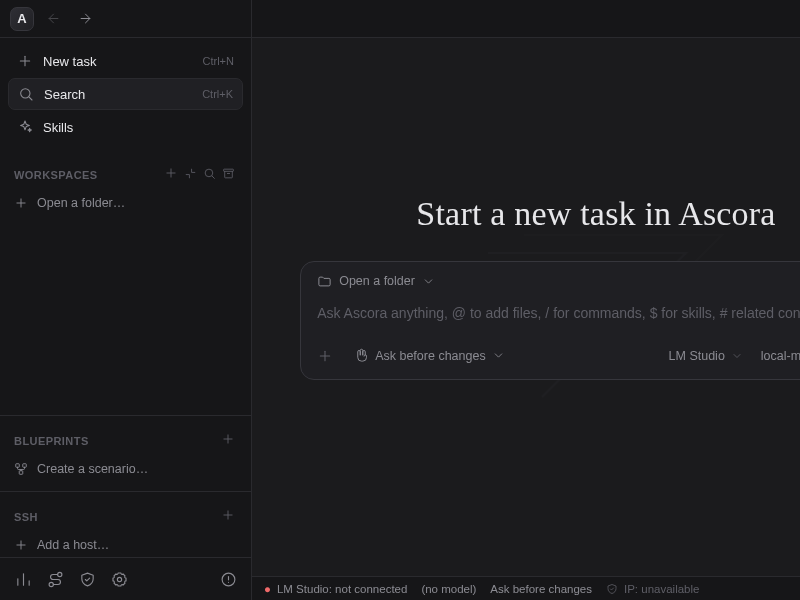
Ascora_ADE
Astera
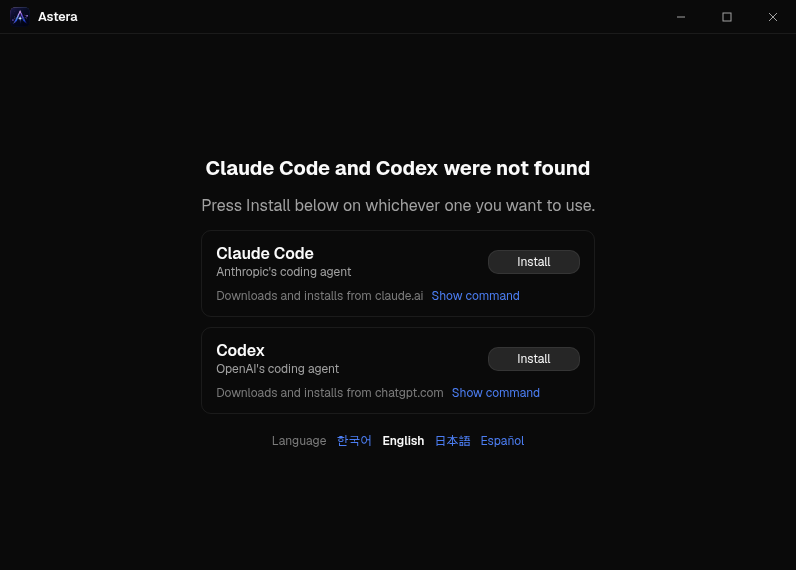
Desktop app for running and orchestrating many Claude Code and Codex sessions — account rolling on usage limits, git worktree isolation, and Slack remote control.
AstralOps
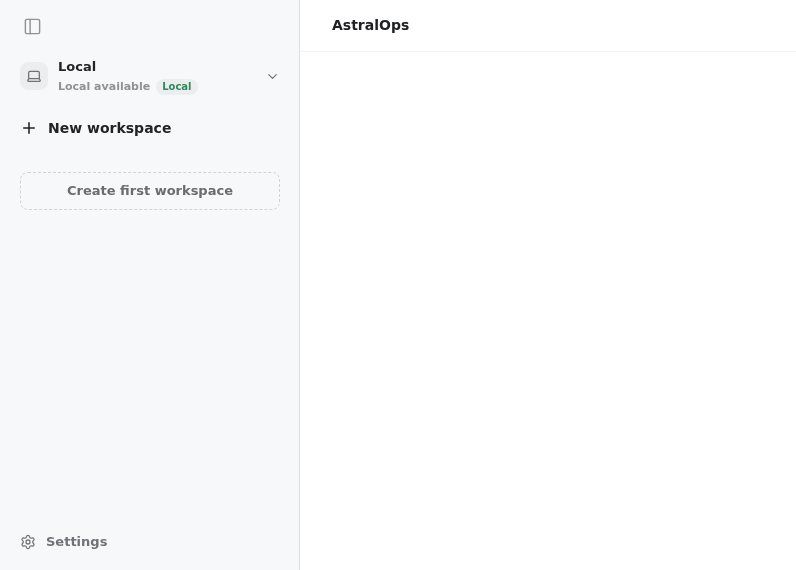
AstroShutter
AstroShutter is a Eto.Forms based ui that uses gphoto2_cl_bindings to control your camera for astrophotography
Atomic_Agent
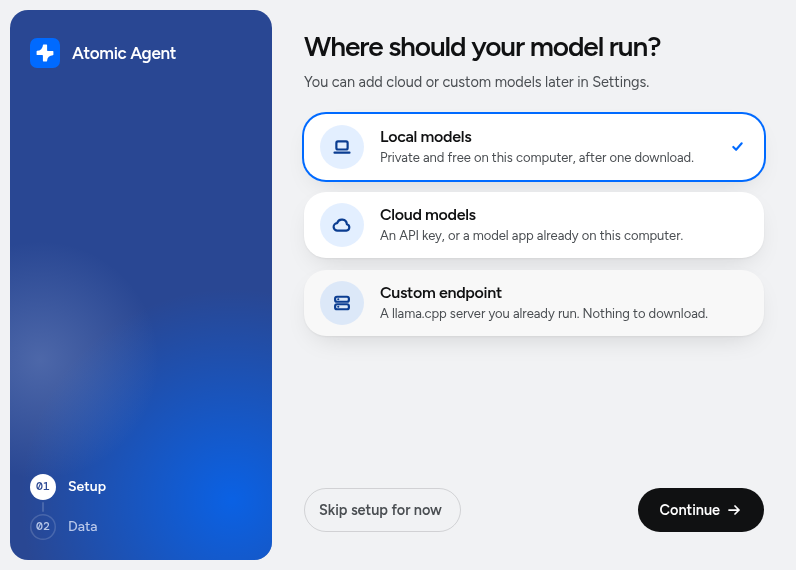
Desktop app for Atomic Agent. Starts the bundled agent locally and gives it a chat window.
Autopsy

AvantGarde
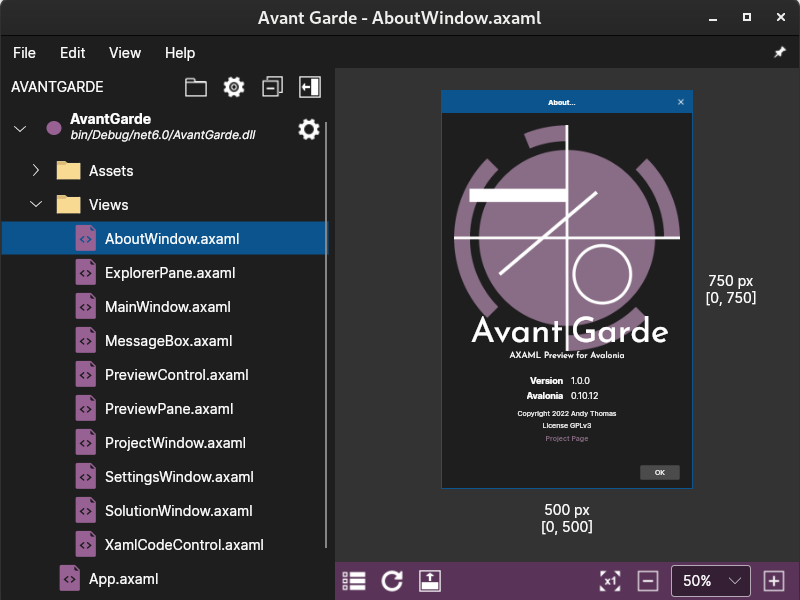
Avant Garde is a XAML previewer for the C# Avalonia Framework. It is a standalone application, rather than an IDE extension. This means you can use it in conjunction with any IDE.
Aynite
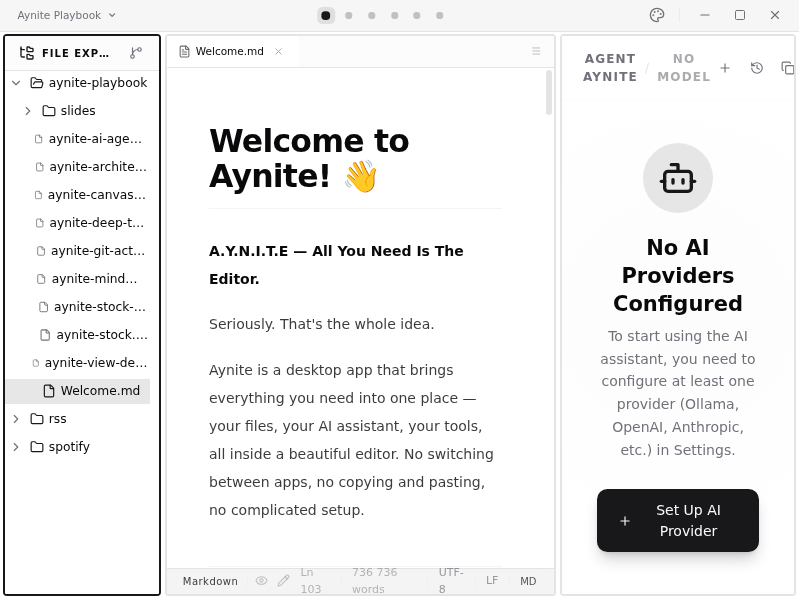
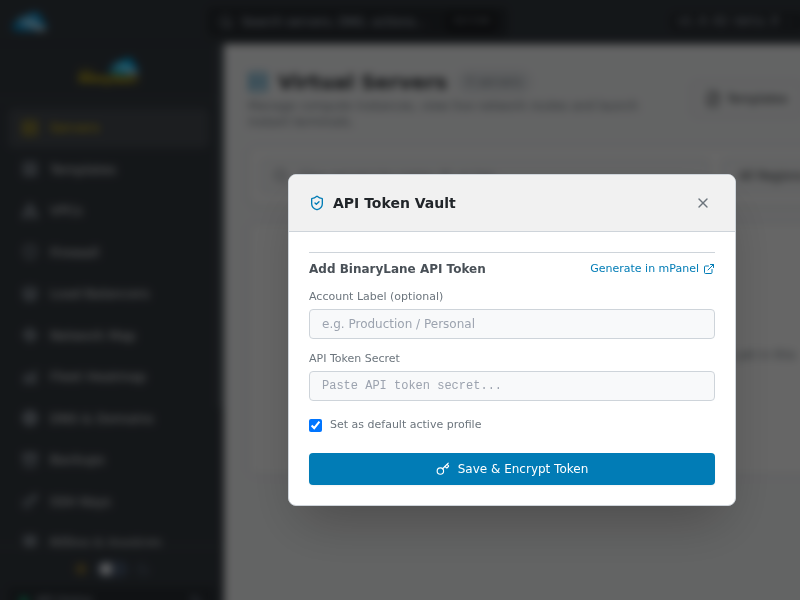
BLDesk
BYAN
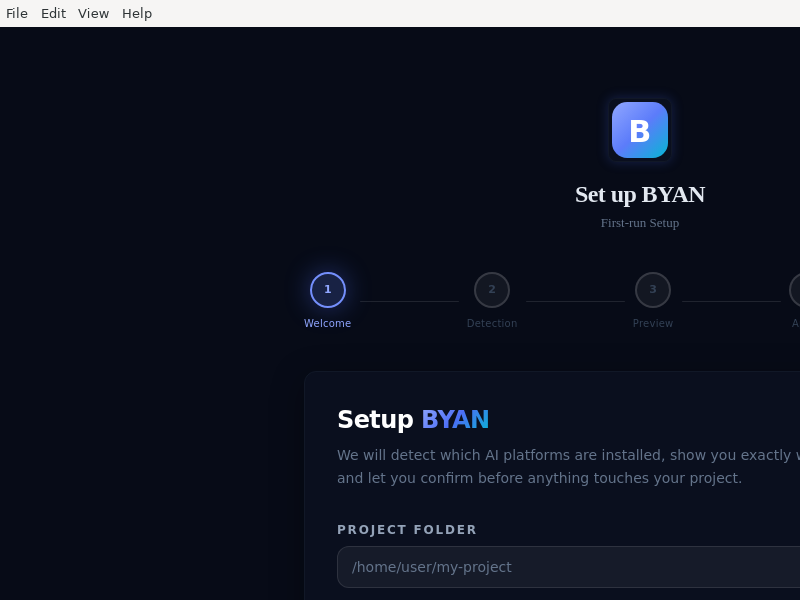
BYAN Electron desktop app — main + preload + renderer (TypeScript). F1 app shell, F2 IPC contract.
Beekeeper_Studio
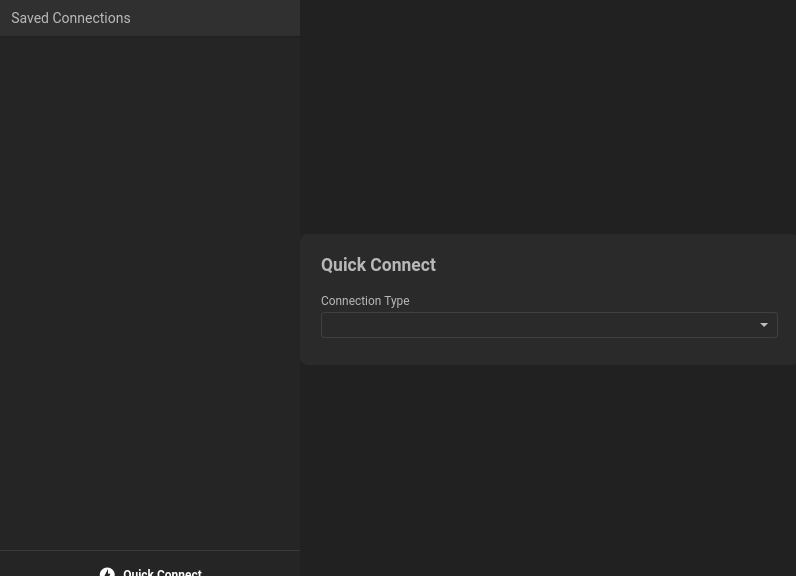
BenchLocal
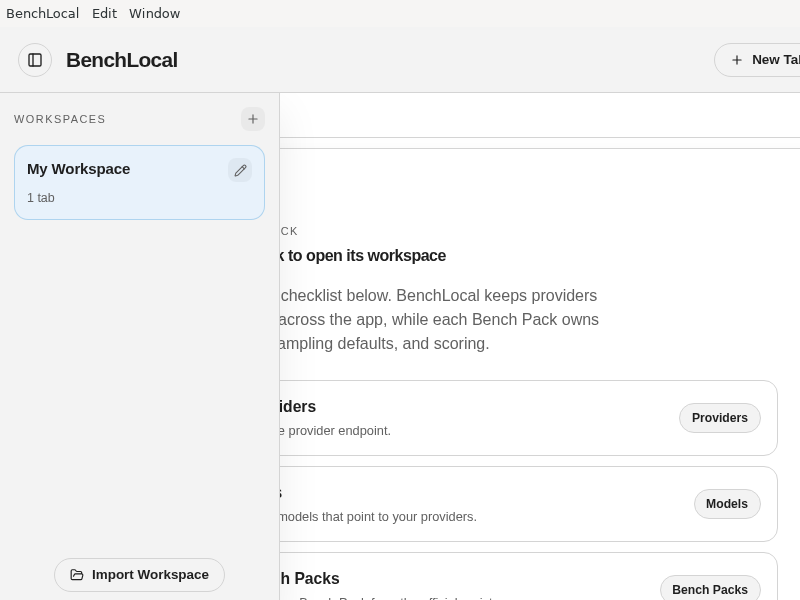
BetterSIS
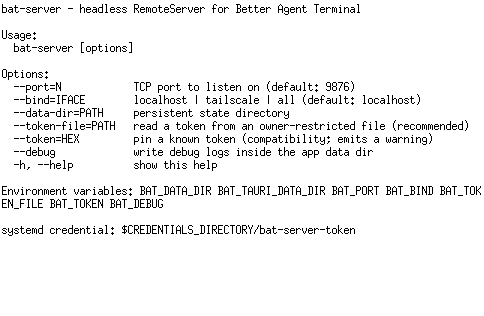
Better_Agent_Terminal
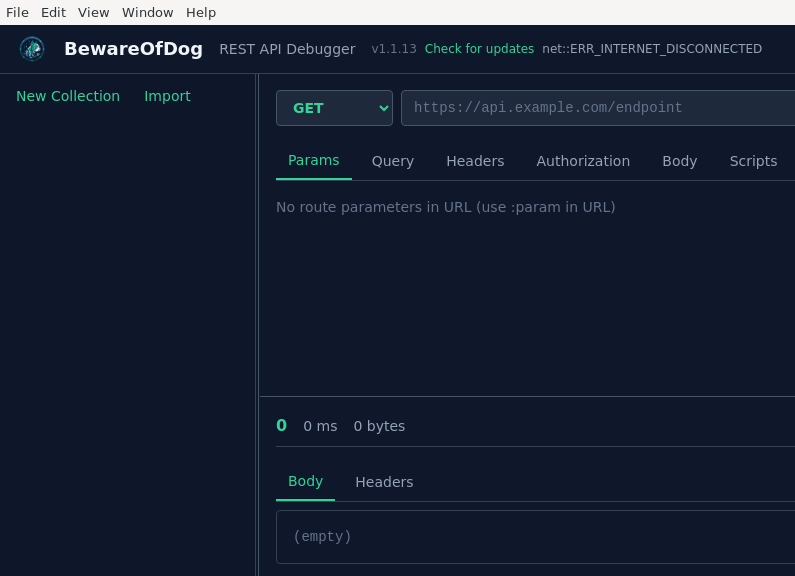
Beware_Of_Dog
Bootstrap_Studio
Bootstrap Studio is a powerful tool which web developers and designers use to create layouts and fully functional websites using the Bootstrap framework.
BrainWaves
BrewMate
Browservice
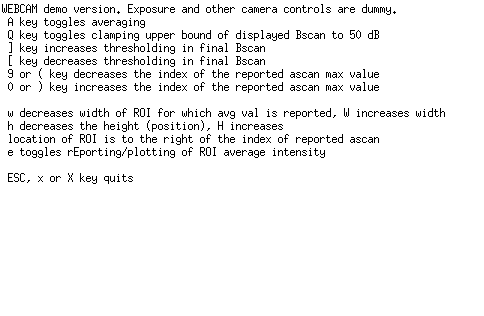
BscanFFTwebcam
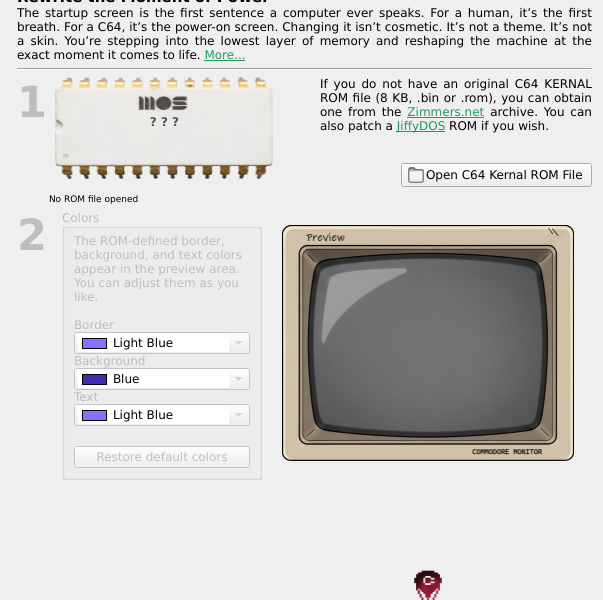
C64KERNALGenesis
CIAA_Suite
CLILoom
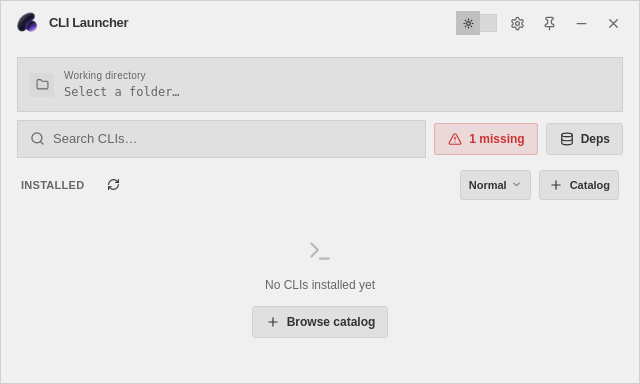
CLI_Launcher
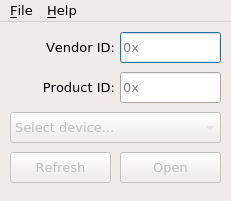
CP2130_Commander
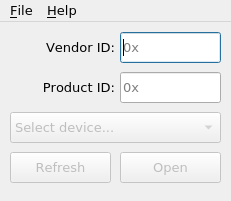
CP2130_Configurator
CP_Editor
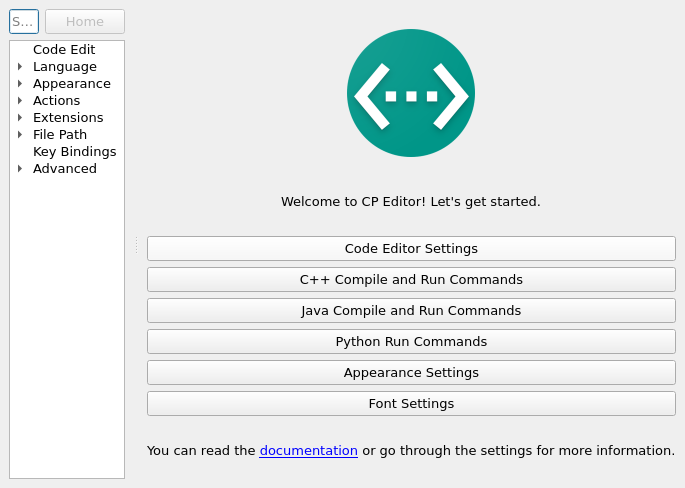
CP Editor is a Qt-based, lightweight and cross-platform code editor specially designed for competitive programming.
CRIC
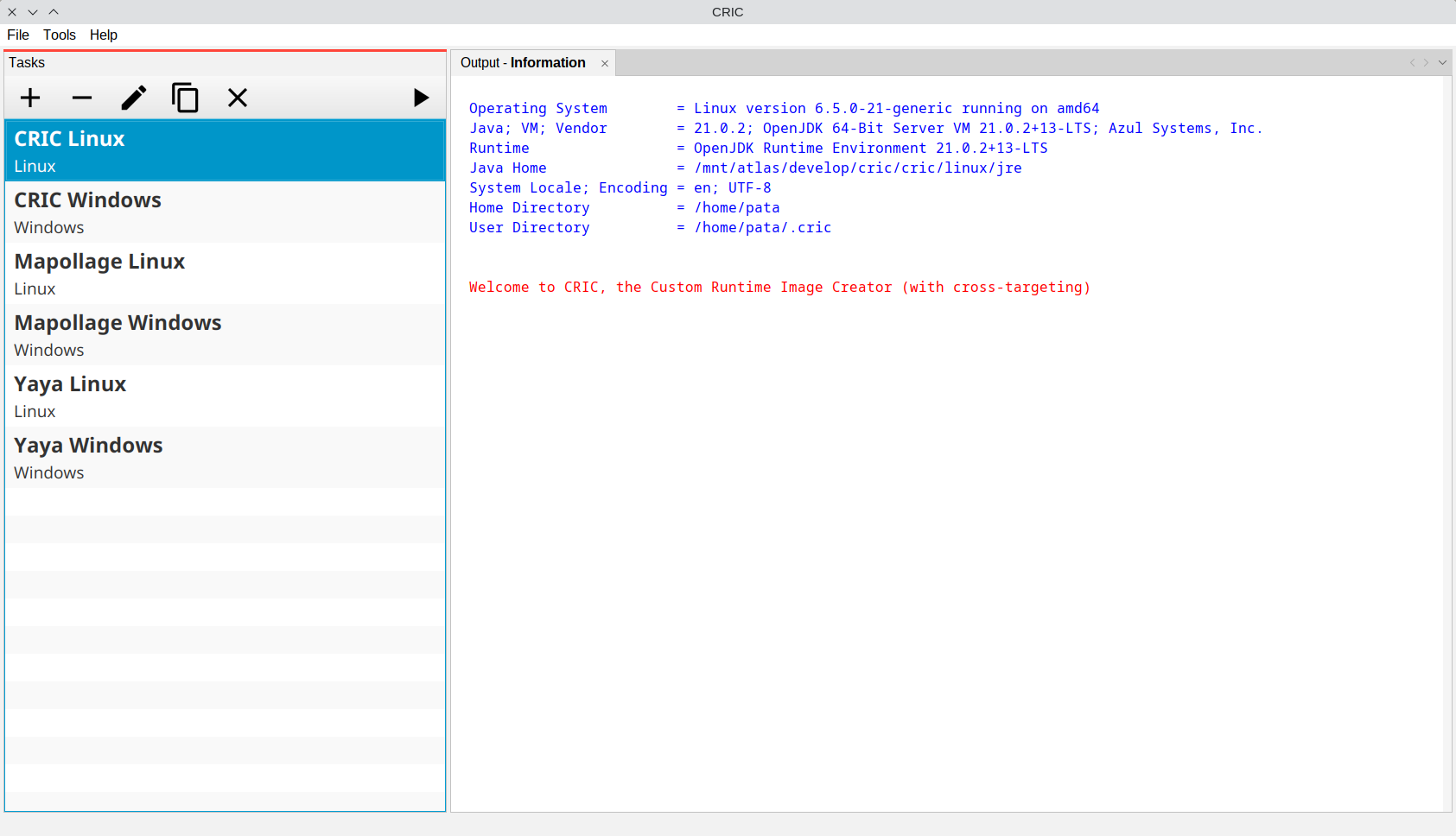
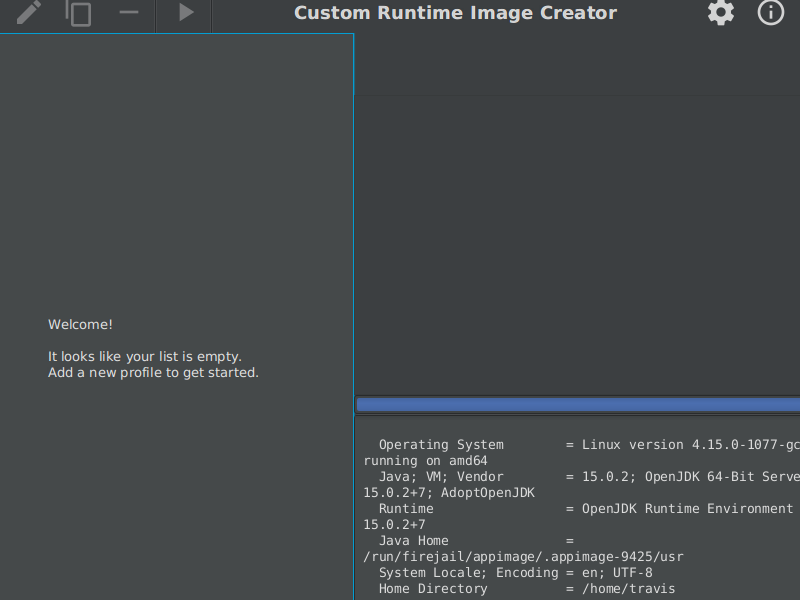
CRIC is a gui for the Java jlink command. It produces custom runtime images, kind of Java Runtime Environments.
CUBA_Studio
CUBA Studio Standalone Edition
Cacher
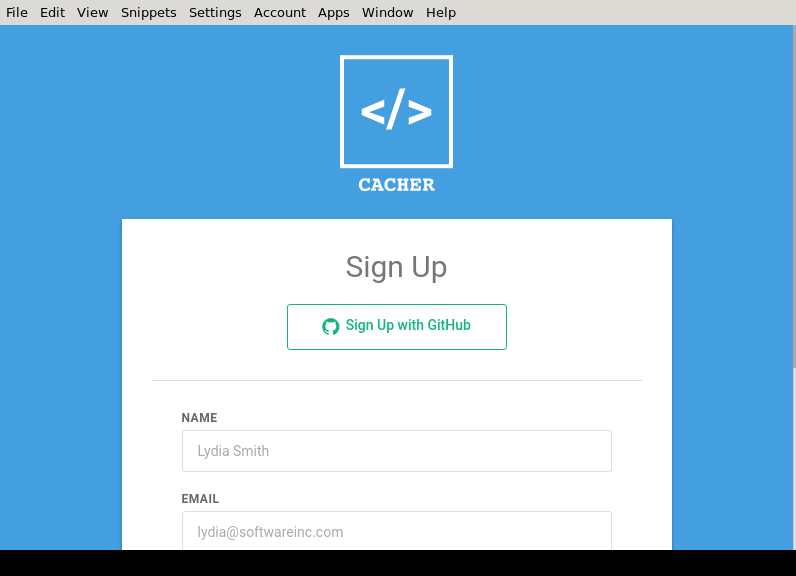
Cacher is a code snippet library for professional developers. Use it to build a technical knowledge base for you and your team.
Caelo
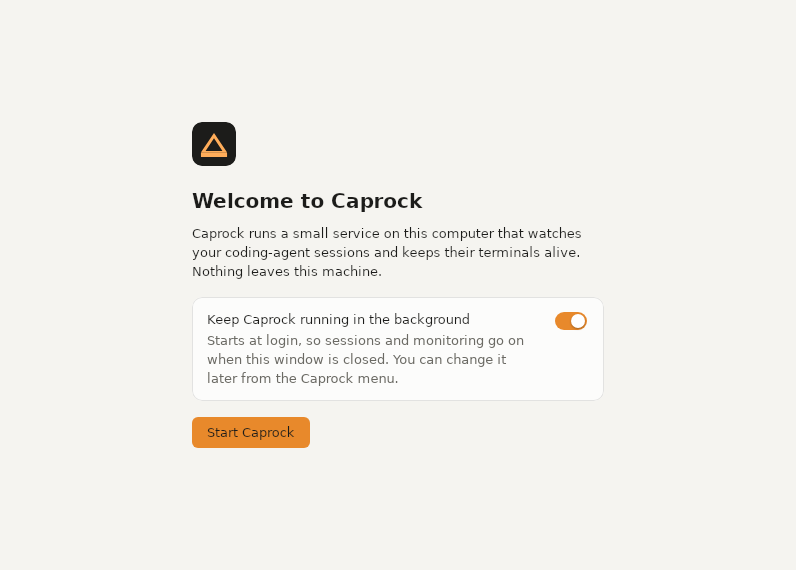
Caprock
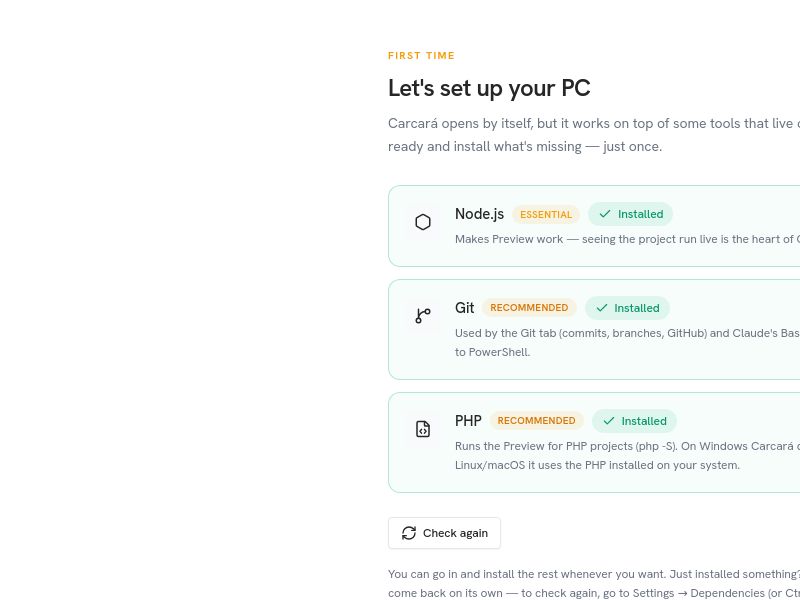
CarcaraCode
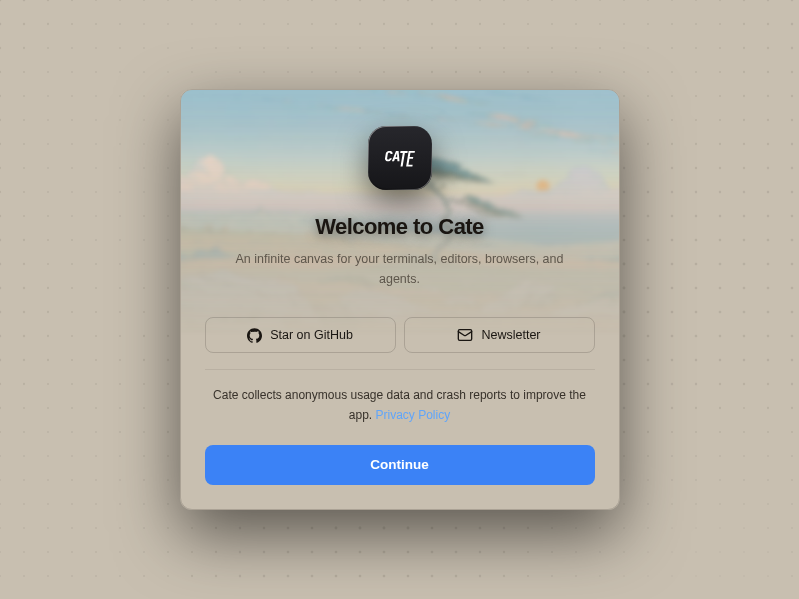
Cate
Cells
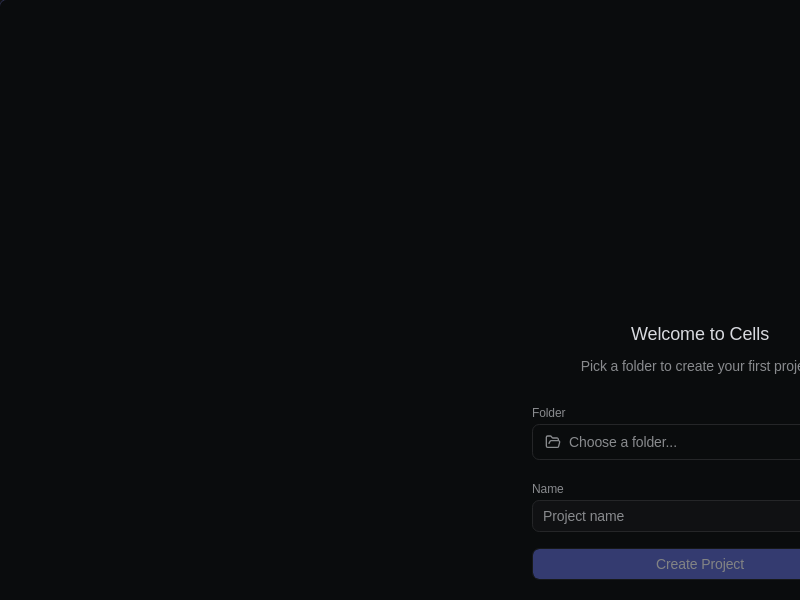
Cells is an Electron desktop workspace for arranging terminals, browser panes, and agent workflows on an infinite canvas.
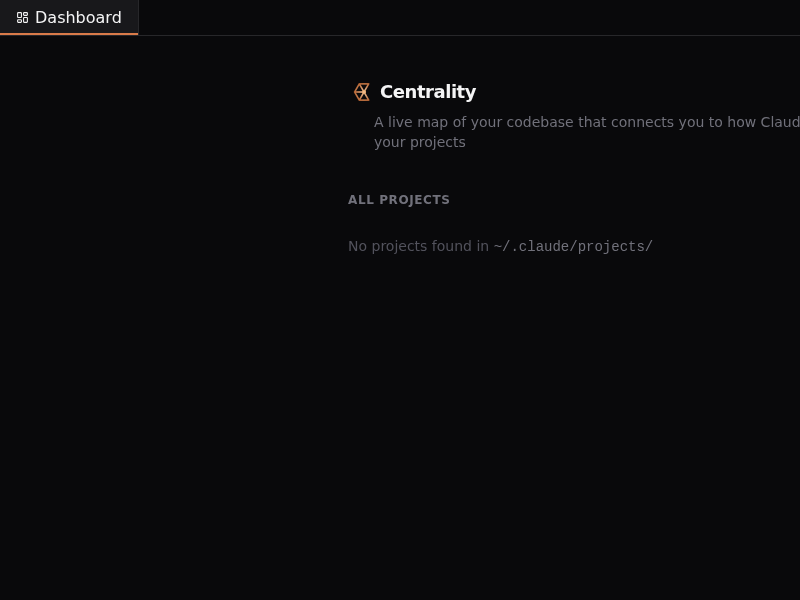
Centrality
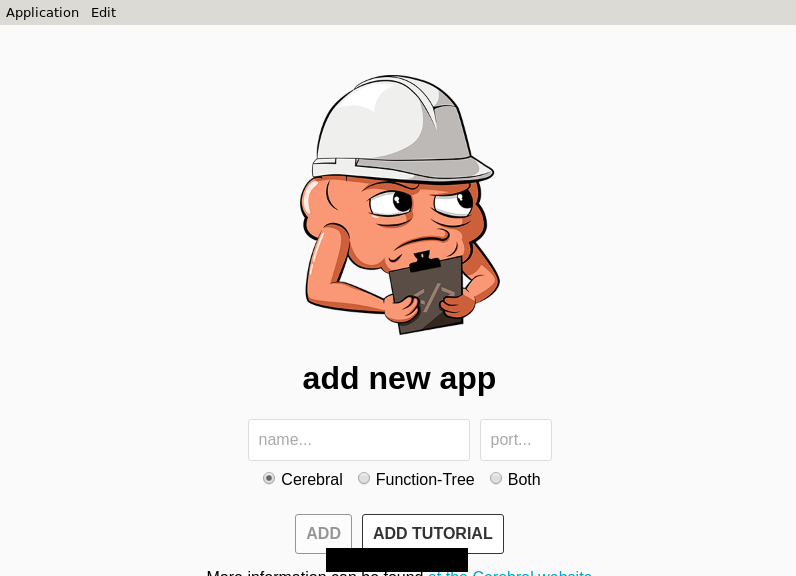
Cerebral-Debugger
CertProof
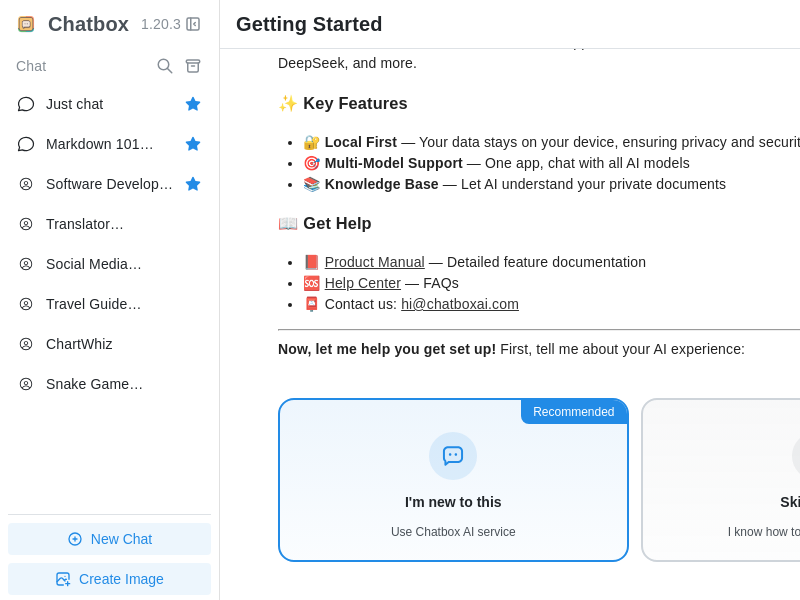
Chatbox
Chip_Hippo
CircuitBlocks
Citron
Citropy
ClaudeCodeX
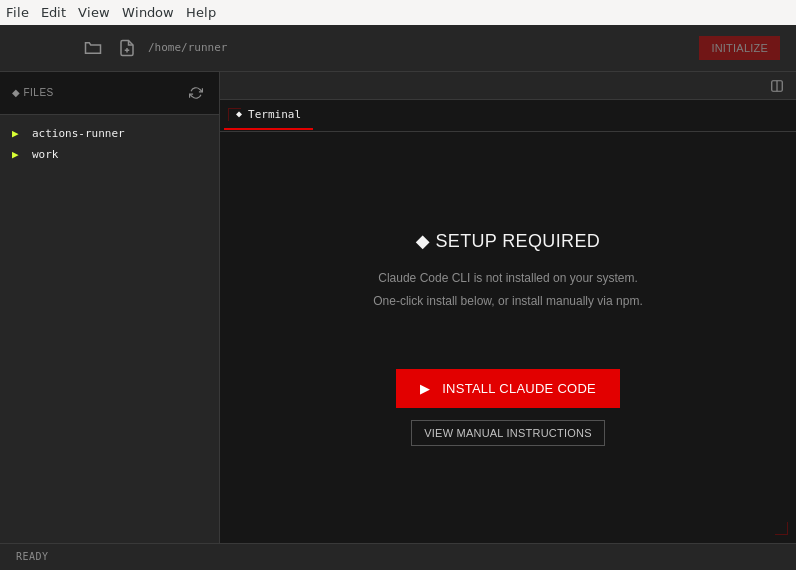
A native GUI wrapper for Claude Code CLI with integrated file browser, document viewer, and web browser
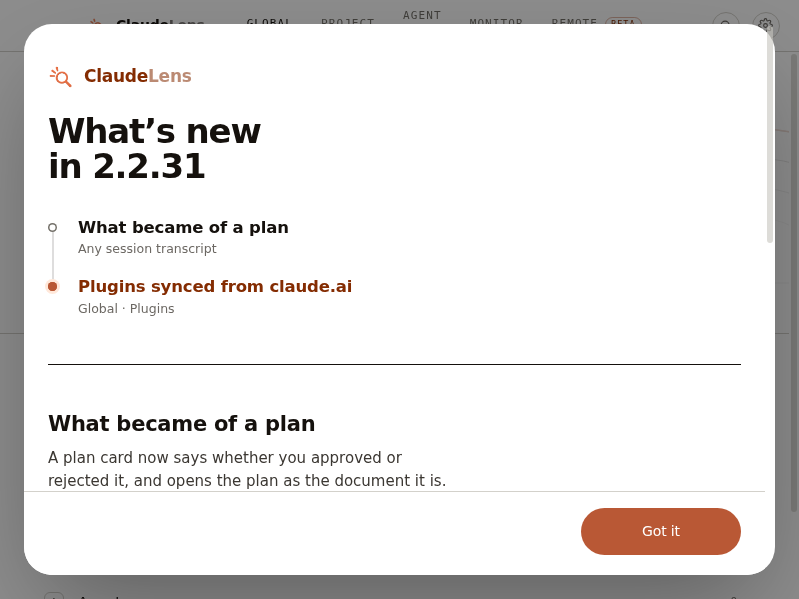
ClaudeLens
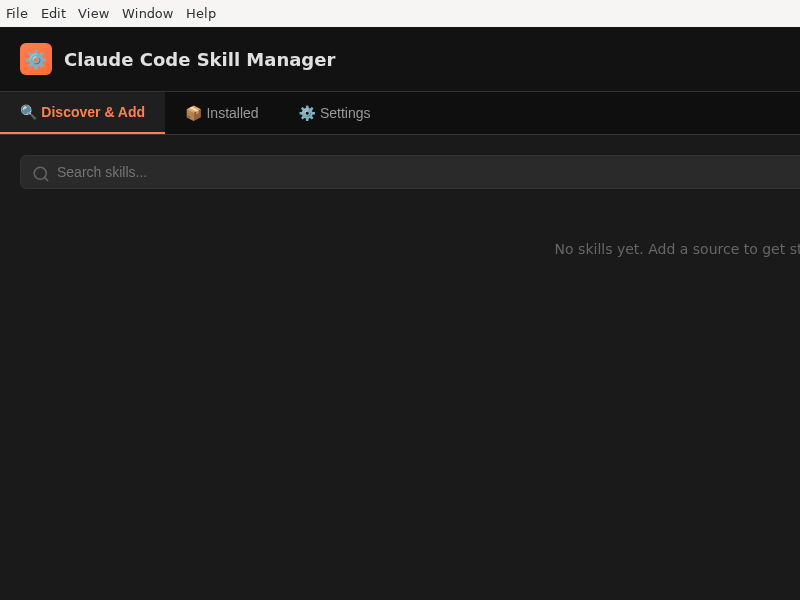
Claude_Code_Skill_Manager
Claude_Code_Studio
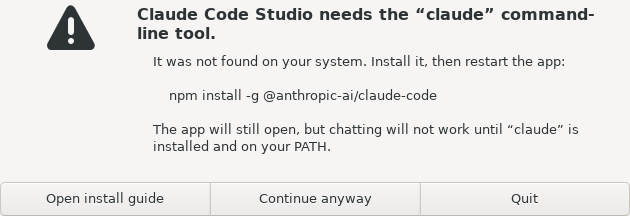
Full-featured web workspace for Claude Code — chat, Kanban, multi-agent, MCP, skills, projects
Claude_Journal
Claude_Multi
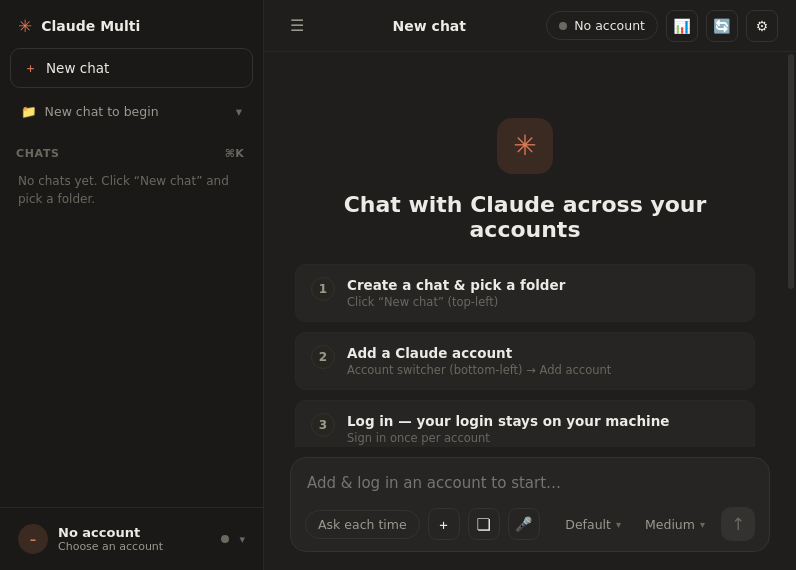
Run Claude Code with multiple accounts and auto-switch when one hits its usage limit.
Claude_PowerTerminal
ClawWork
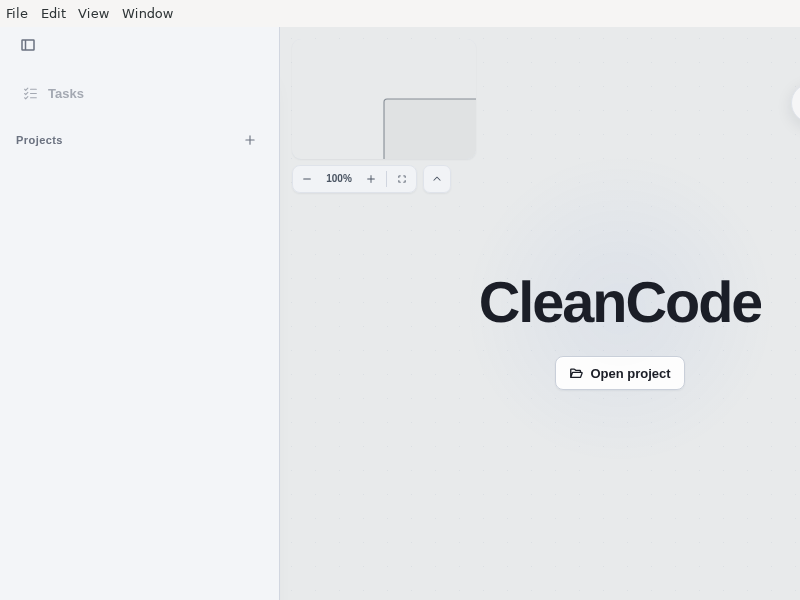
CleanCode
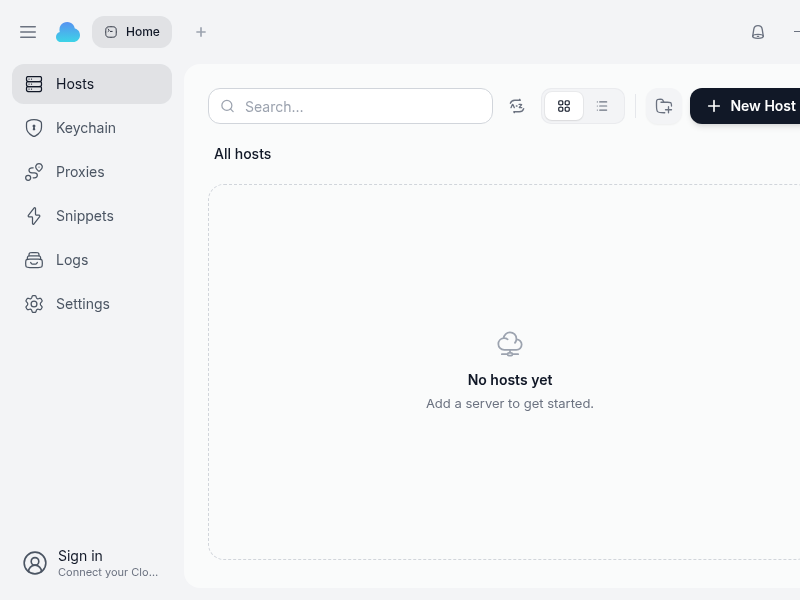
CloudTerm
CodeMux
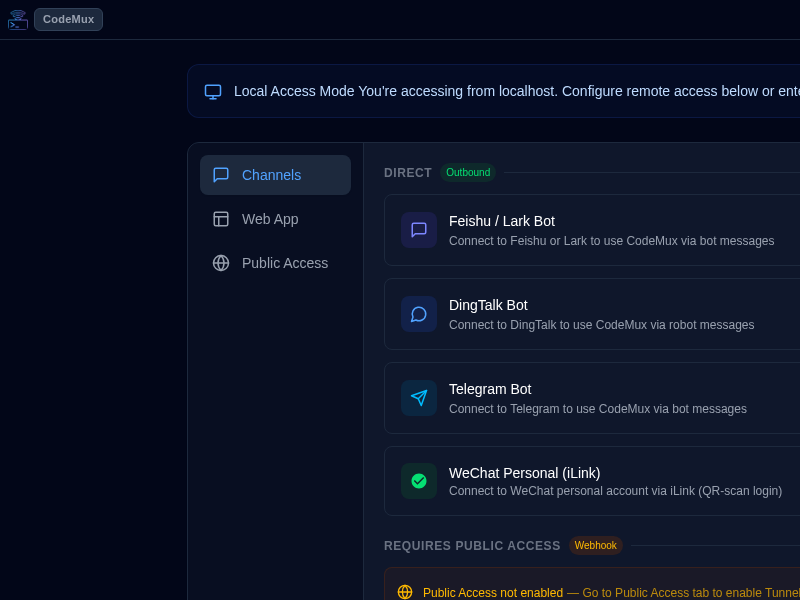
A unified AI coding assistant client - access multiple AI coding engines from any device via desktop app or web interface
CodePilot.ai
Quickly find code you can reuse or learn from
CodePulse
Code_OSS
Codex-Mobile-Bridge
Codex_App
Codync
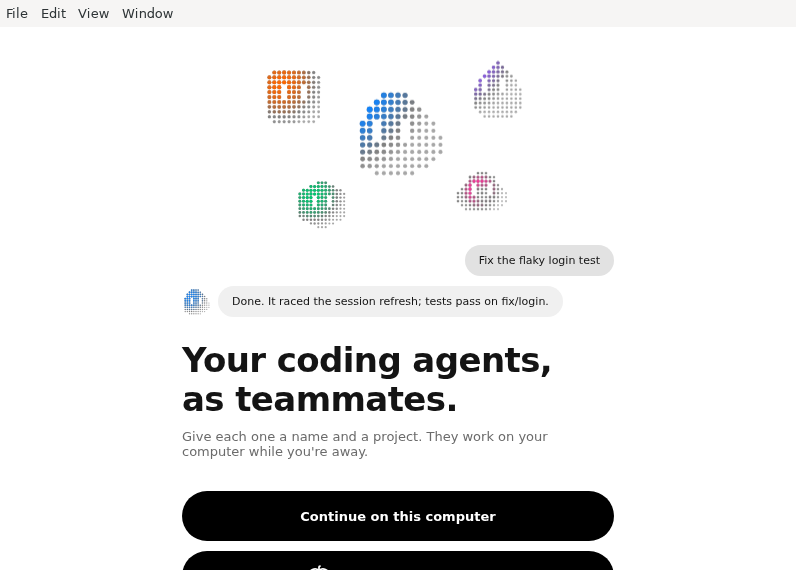
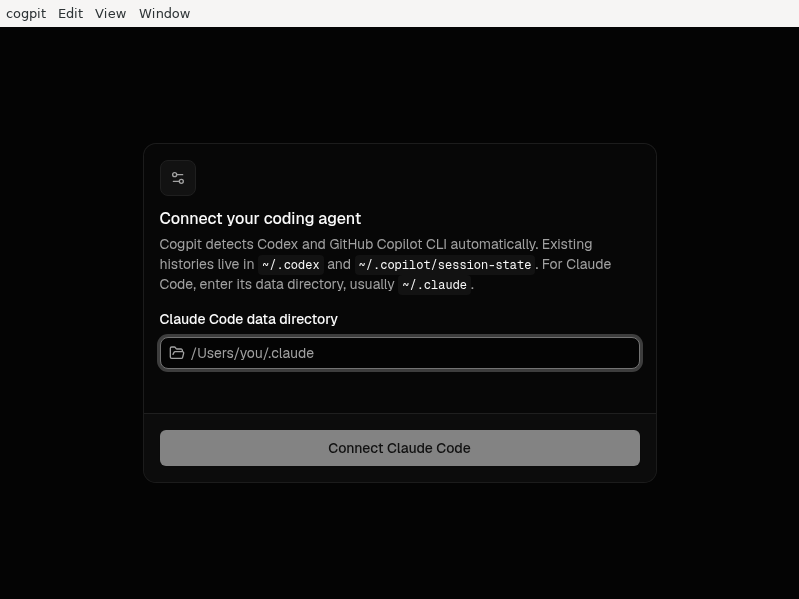
Cogpit
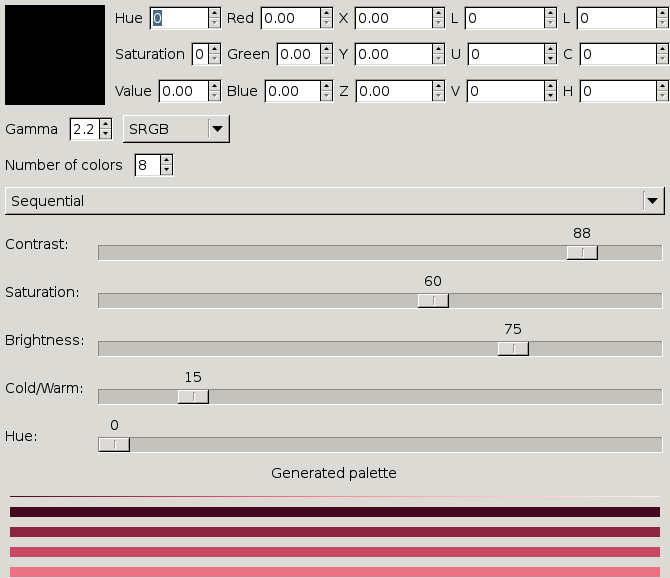
ColorGenerator
ConfigForge
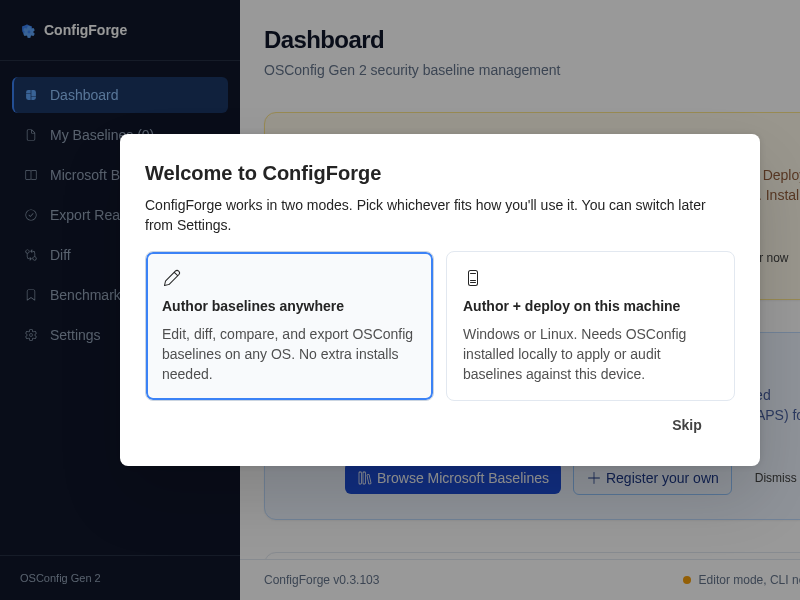
ConfigForge is an open-source desktop tool for authoring,\nvalidating, deploying, auditing, and exporting OSConfig security\nbaseline manifests on Windows and Linux.\n
ConsoleWorkbench
Control_Center
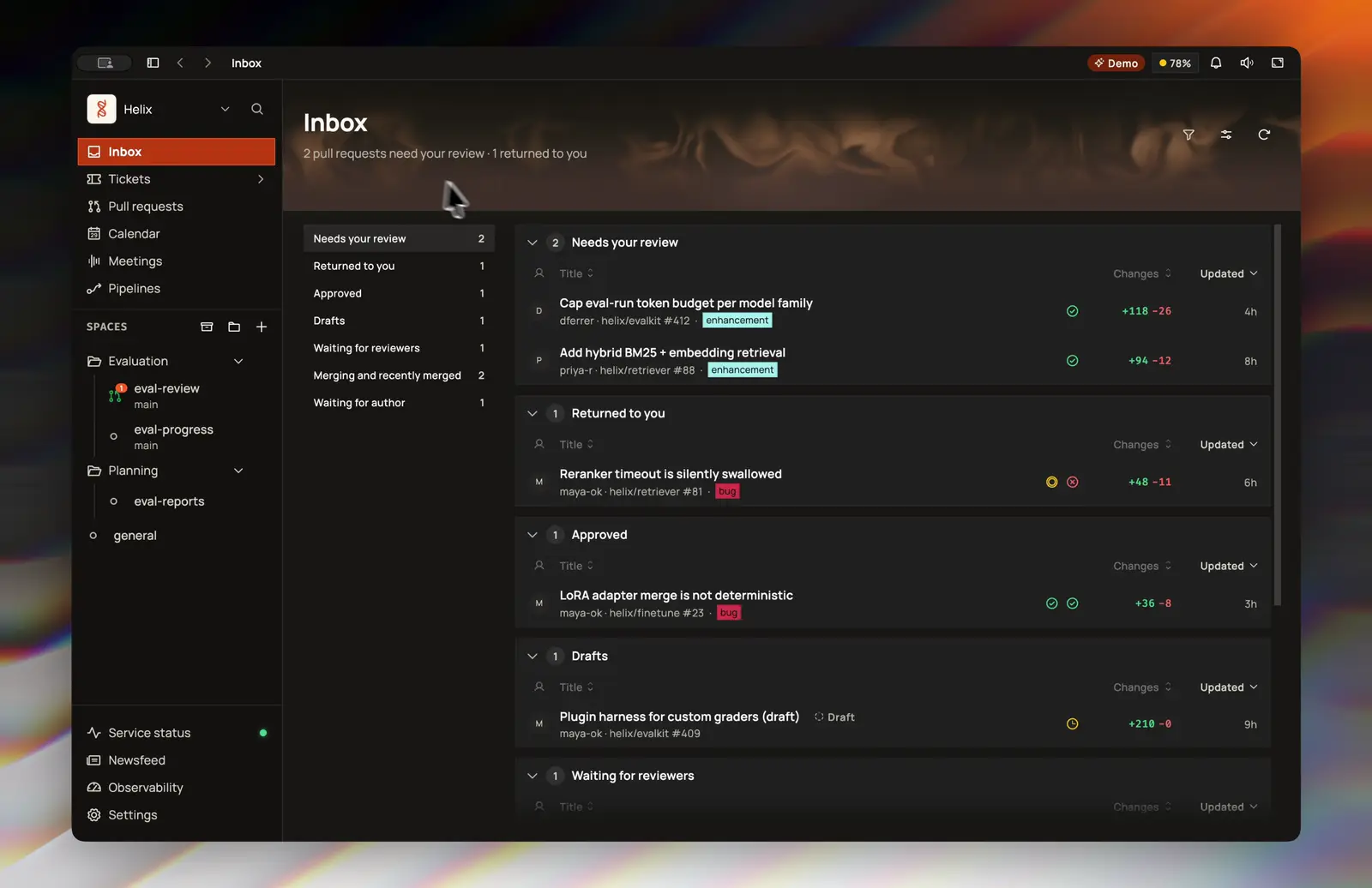
Control Center coordinates coding agents across workspaces and repositories. Mention an agent in a space to dispatch a run against an isolated branch and worktree, follow its conversation and run log, then review the pull request it opens.
Agents are one part of the deck. The same server keeps:
- An inbox of the pull requests waiting on you, with diffs, checks and review
- Tickets, pipelines and plans
- Meetings with on-device transcription and summaries
- Messaging, calendar, a newsfeed and observability
Agents run on the built-in runtime with your own model-provider key, or through the Claude Code CLI. The desktop app hosts its own server, and the web and phone clients connect to it.
Copilot-API
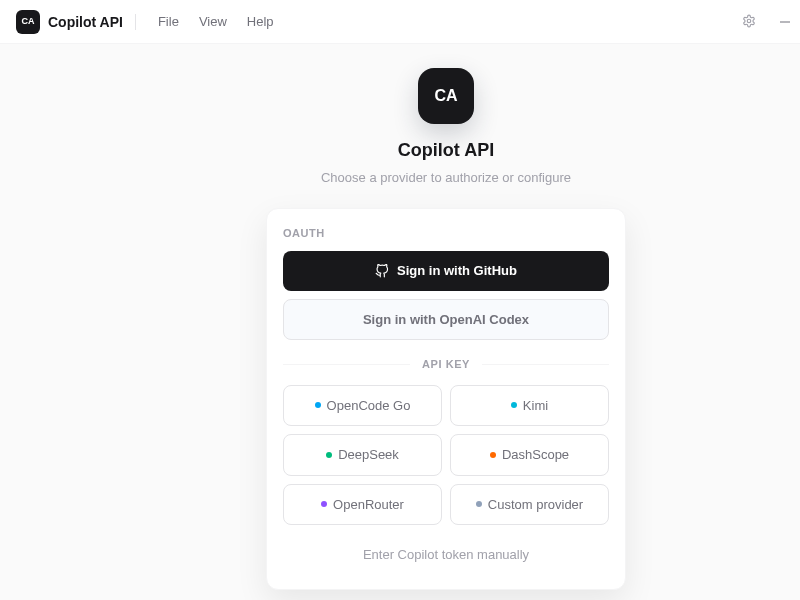
Cortask
Creality_Print
Creality_Print
Crew44
CrewCode
Cron_Manager
CrossMobile

Create native iOS, Android, Windows Phone and Desktop applications in Java. Just write it once and produce sophisticated multiplatform applications
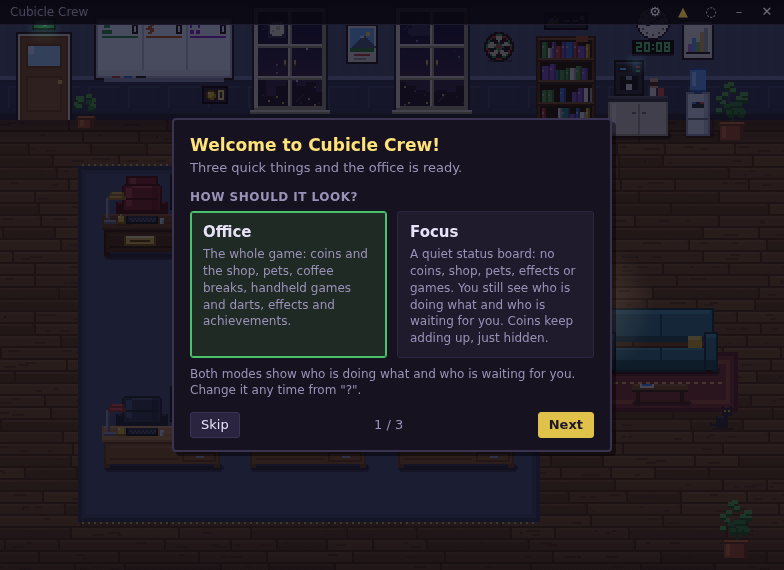
CubicleCrew
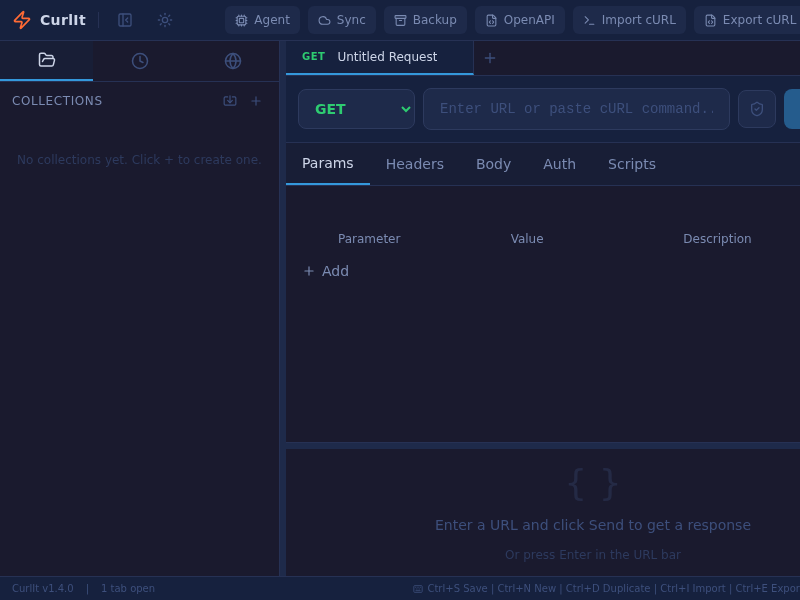
CurlIt
Cutter
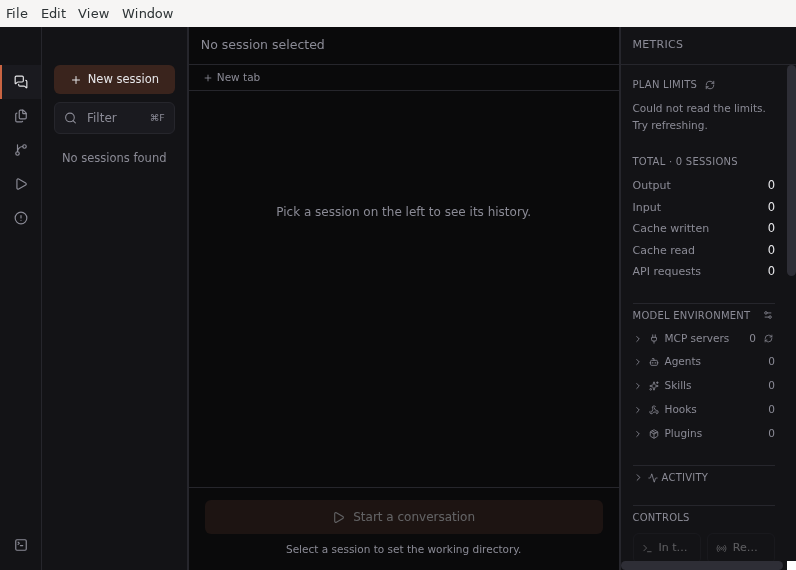
D-code
DBDelve
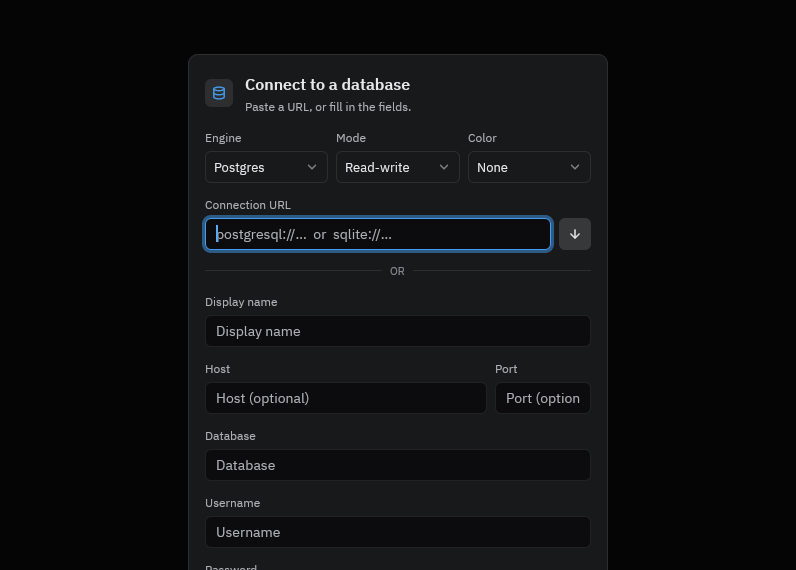
DBFlux
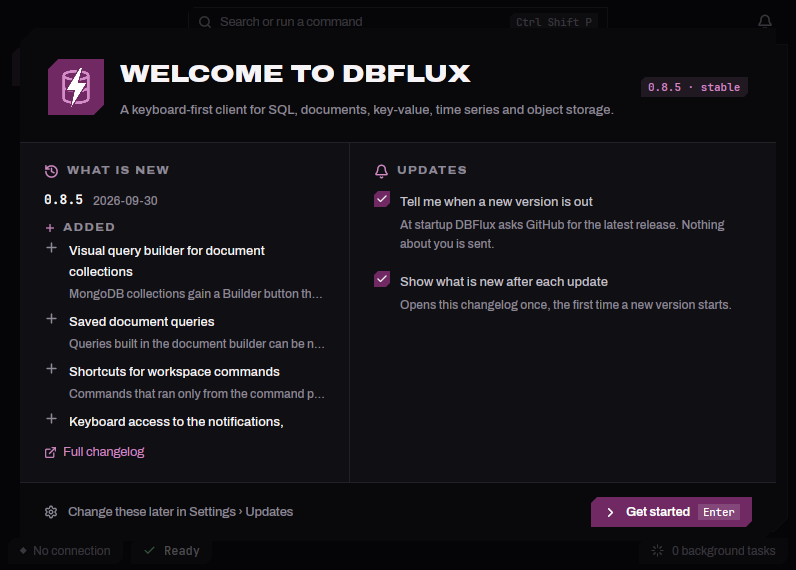
DB_Toolkit
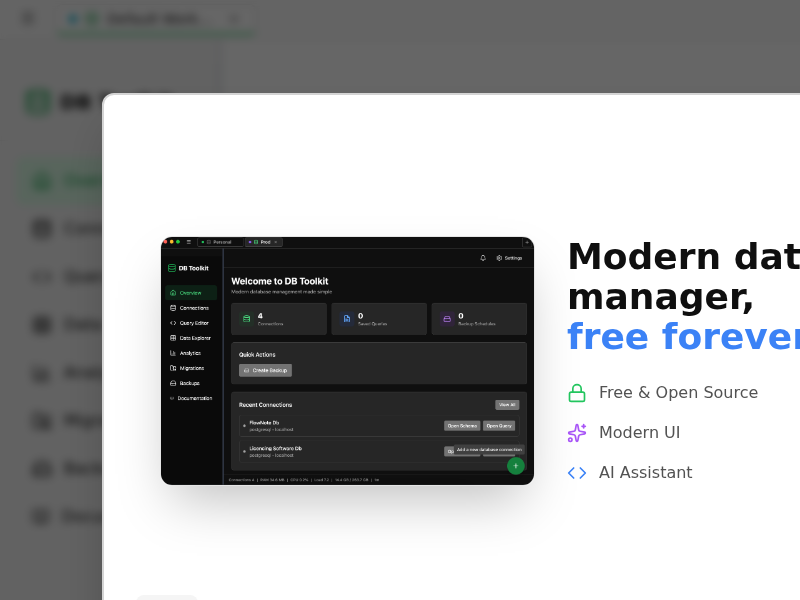
Dala
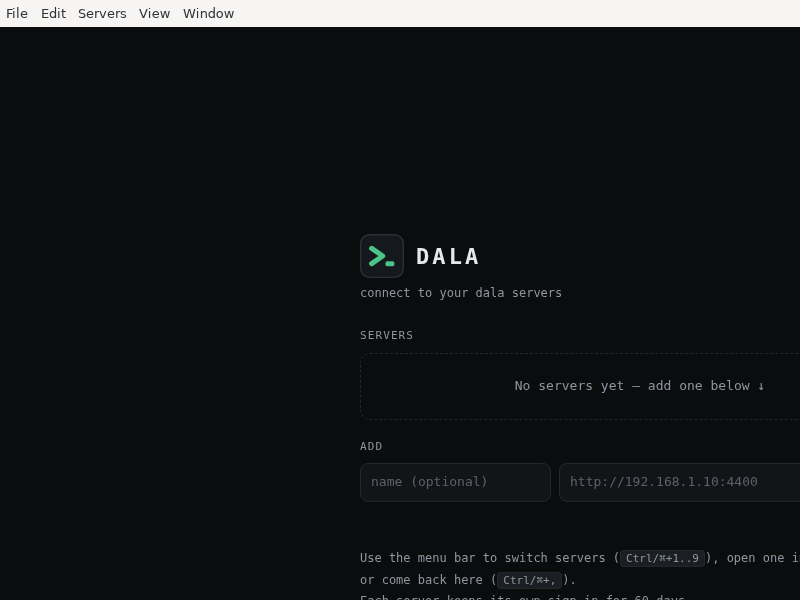
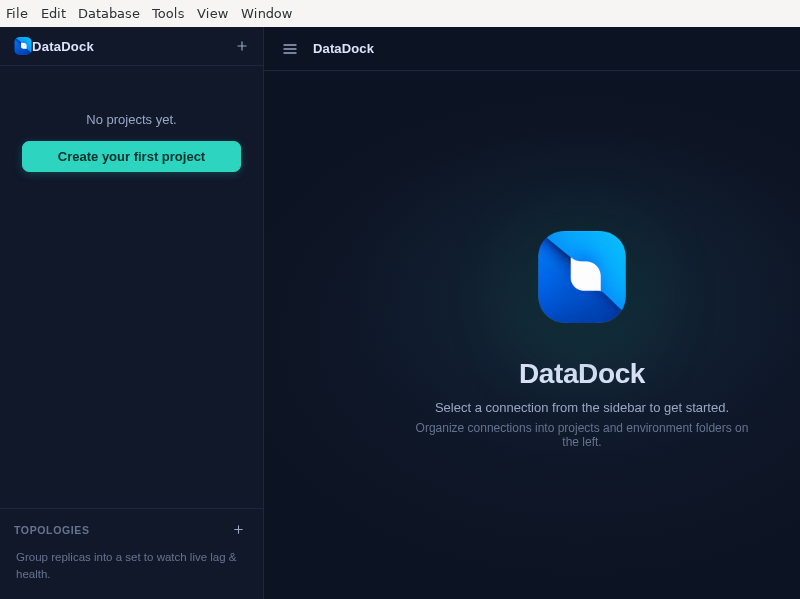
DataDock
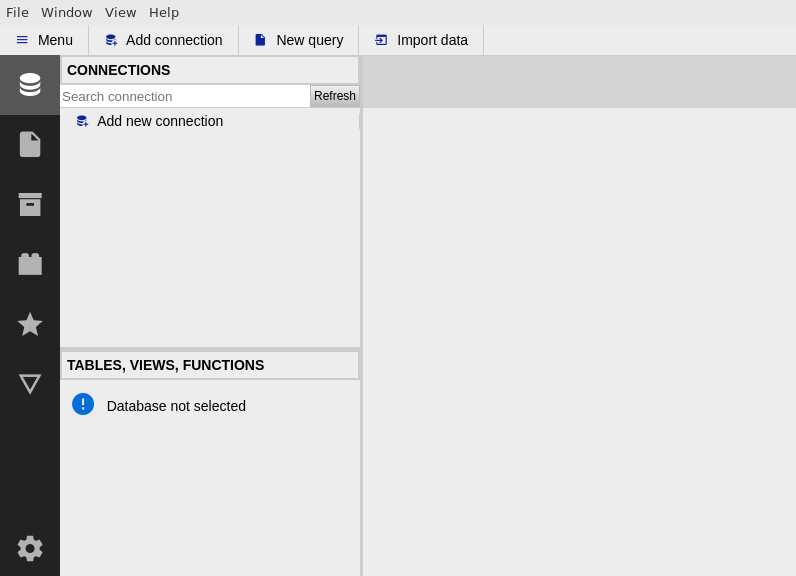
DbGate
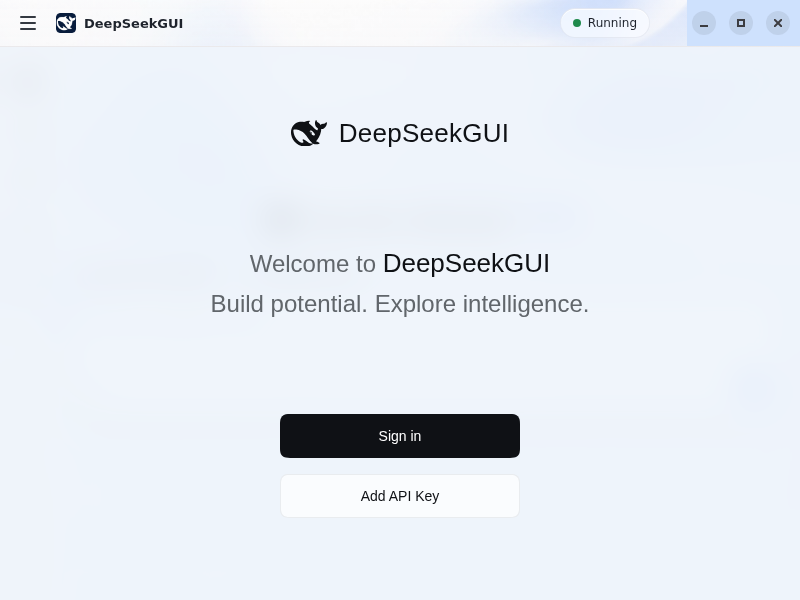
DeepSeekGUI
DeepVibe
Demonizer
DeployerX
Desktop_Django_Starter

Detect_It_Easy
DevCleaner
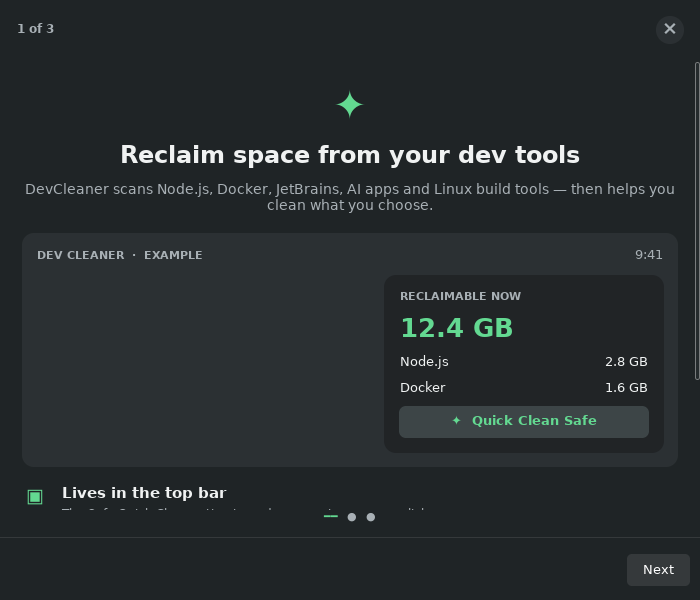
DevCleaner for Linux scans developer caches and temporary files, explains cleanup risks, and can move selected Safe caches to Trash.
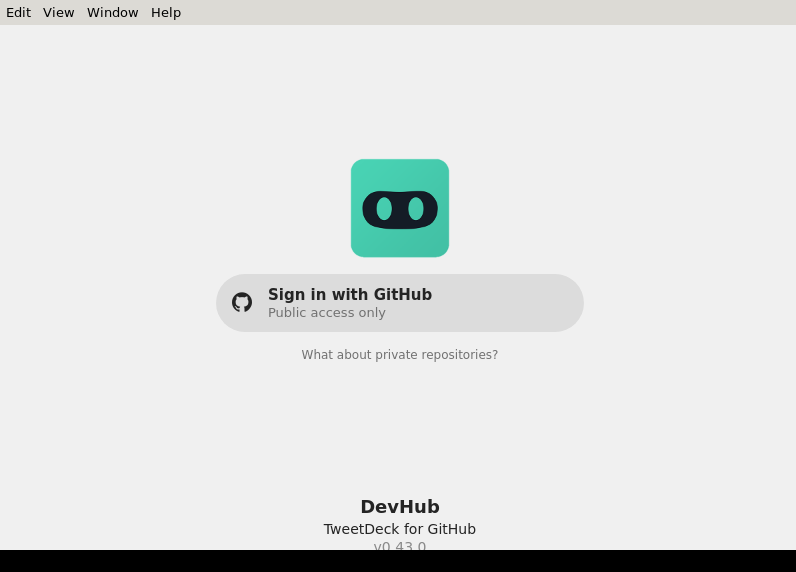
DevHub
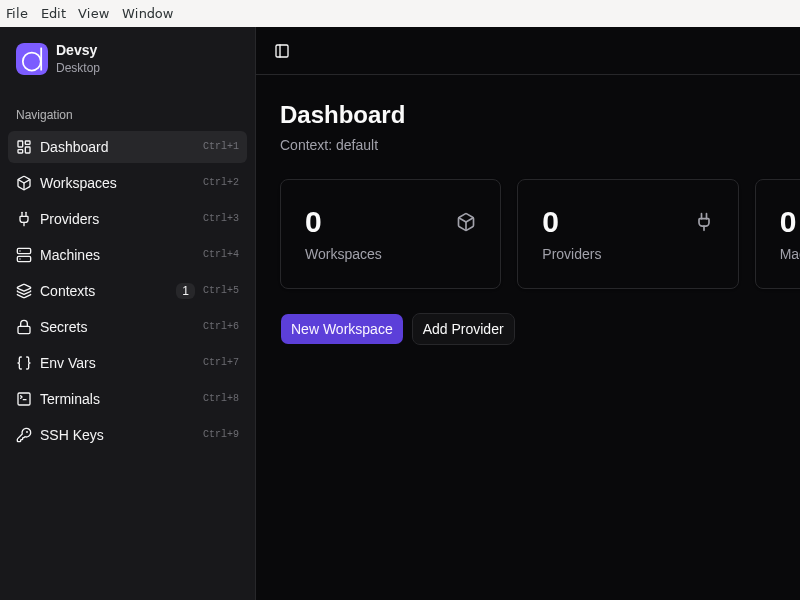
Devsy
Disass
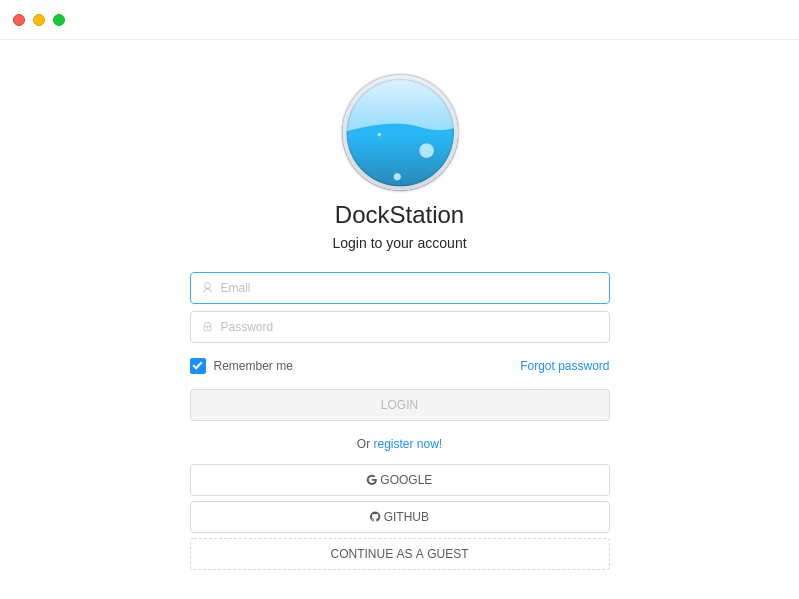
DockStation
Dpro-Agent
Dragoman
Dream
ECA_Desktop
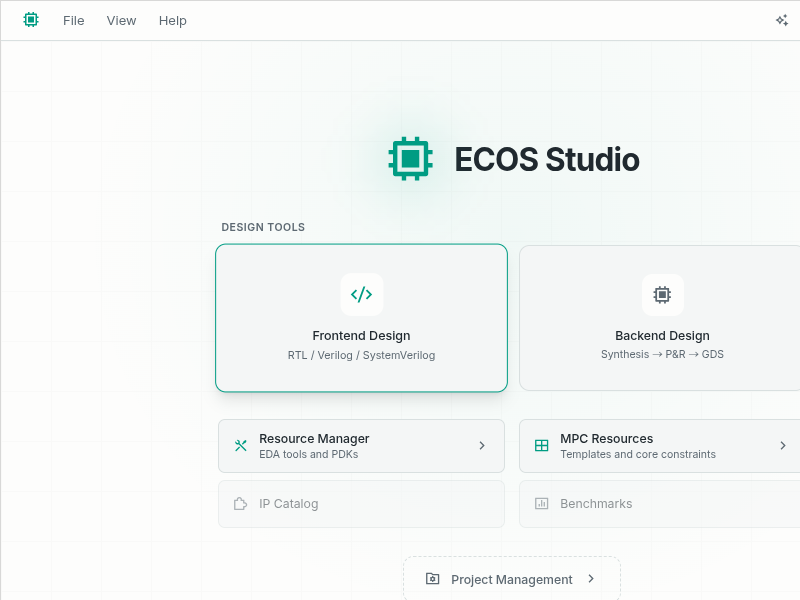
ECOS_Studio
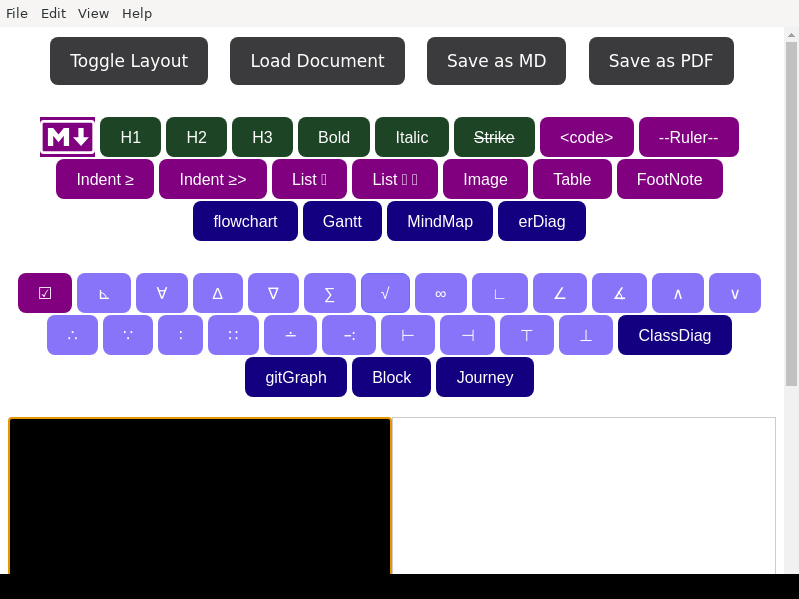
EasyEdit
EasyMercurial
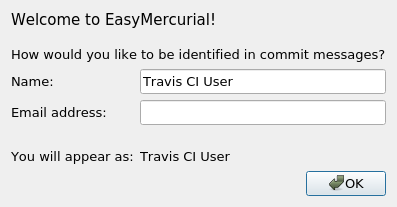
A simple user interface for the Mercurial version-control system
EasyShell
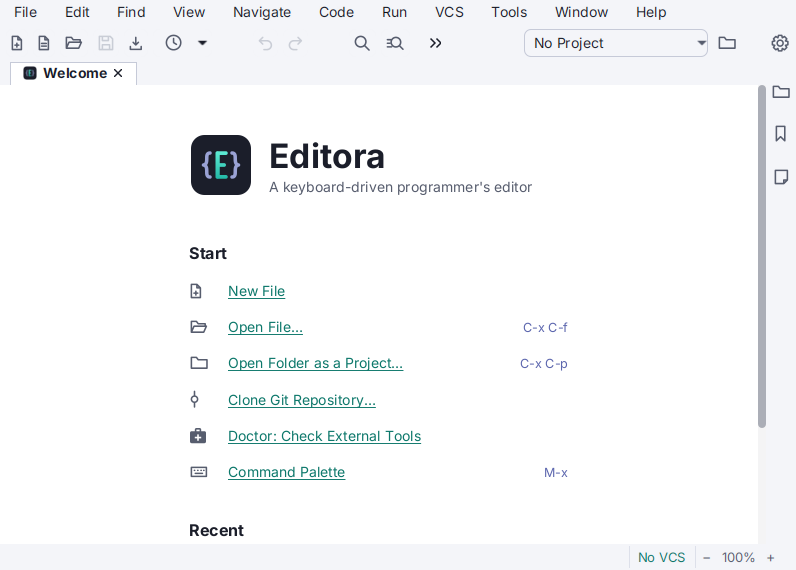
Editora
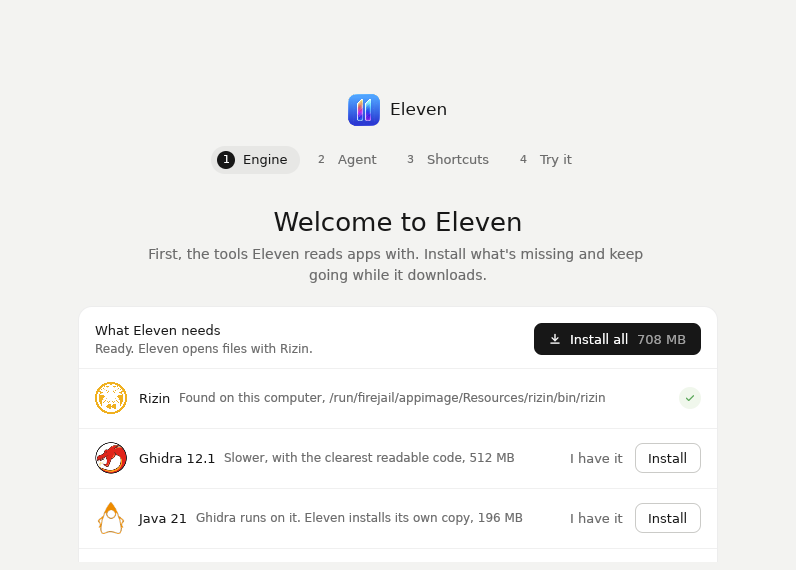
Eleven
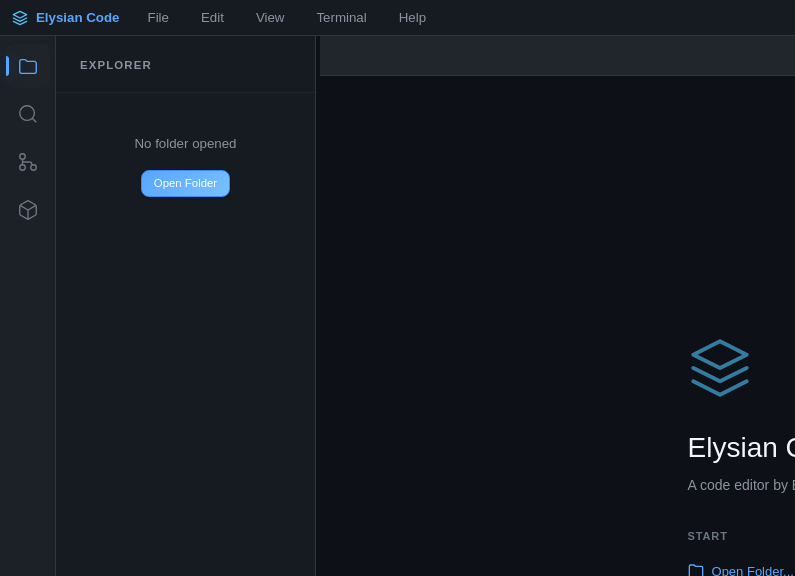
Elysian_Code
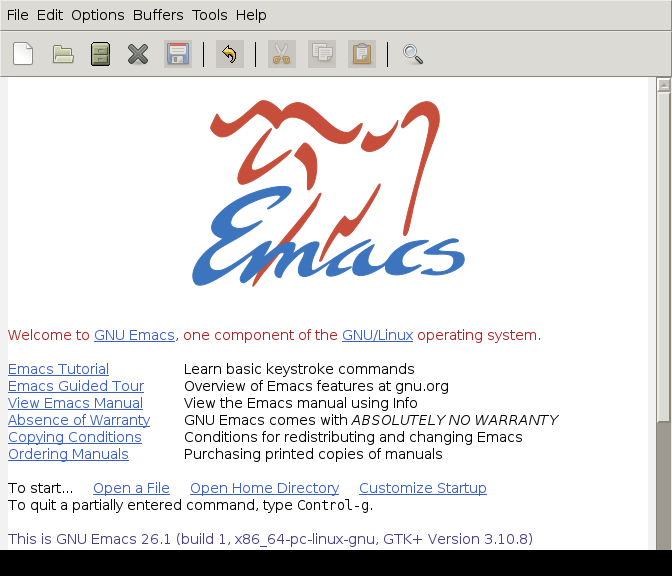
Emacs
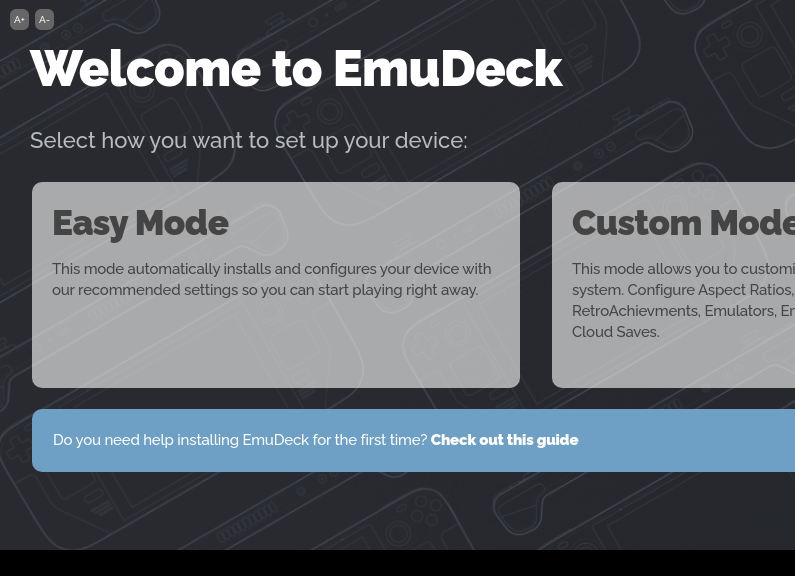
EmuDeck
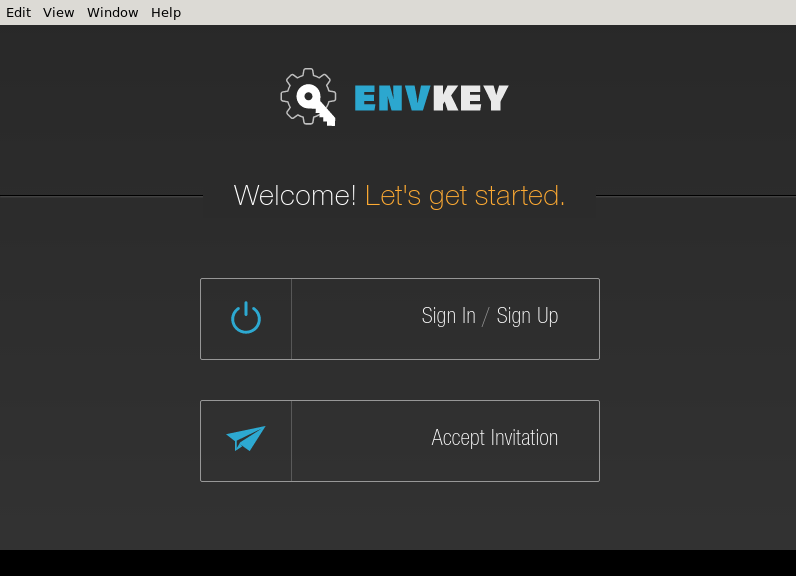
EnvKey
Escouade
Fallback
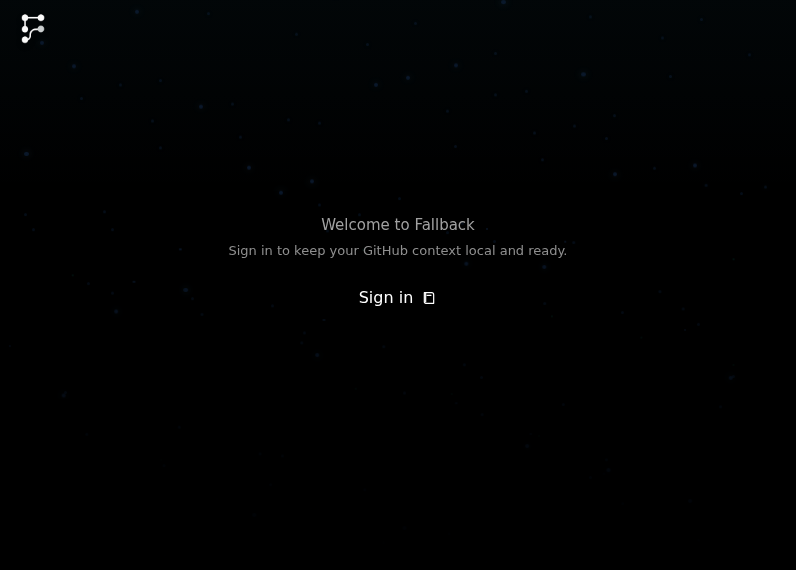
Fallback keeps GitHub work, local changes, and branch state coherent when repo work gets messy.
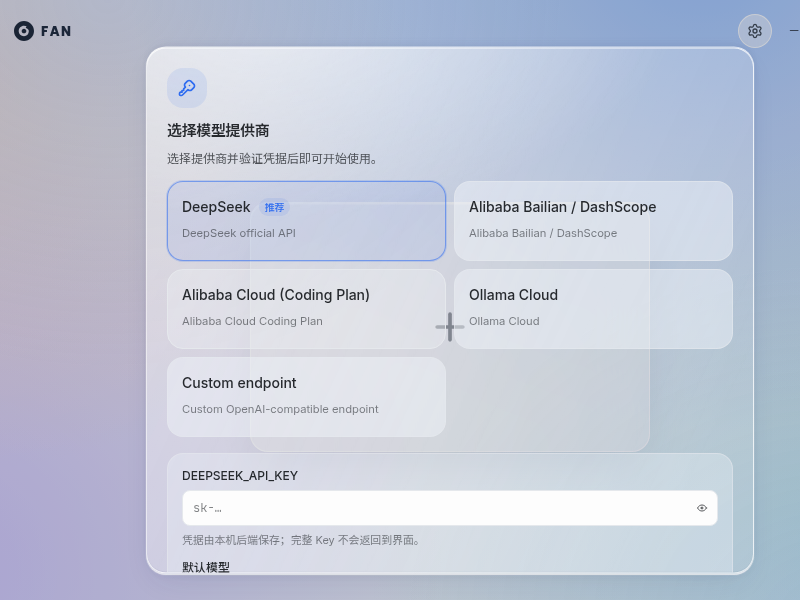
Fan-Browser-Agent
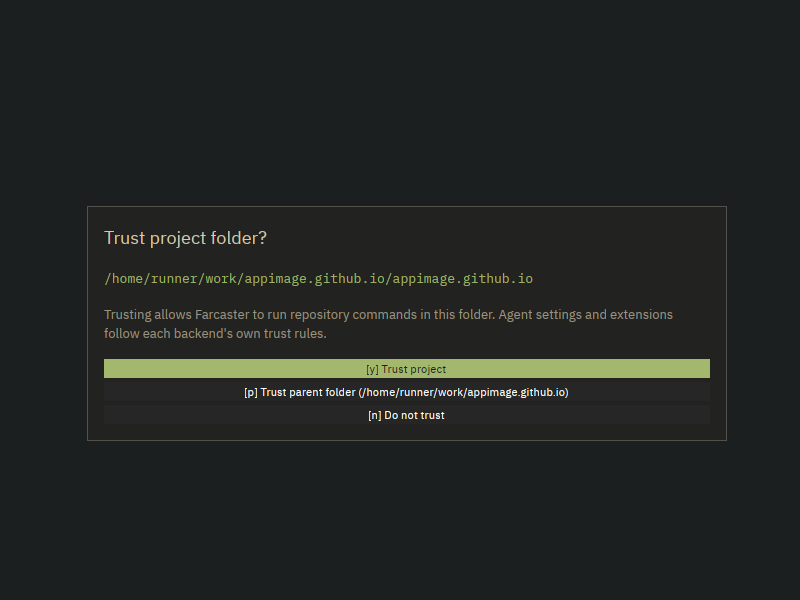
Farcaster
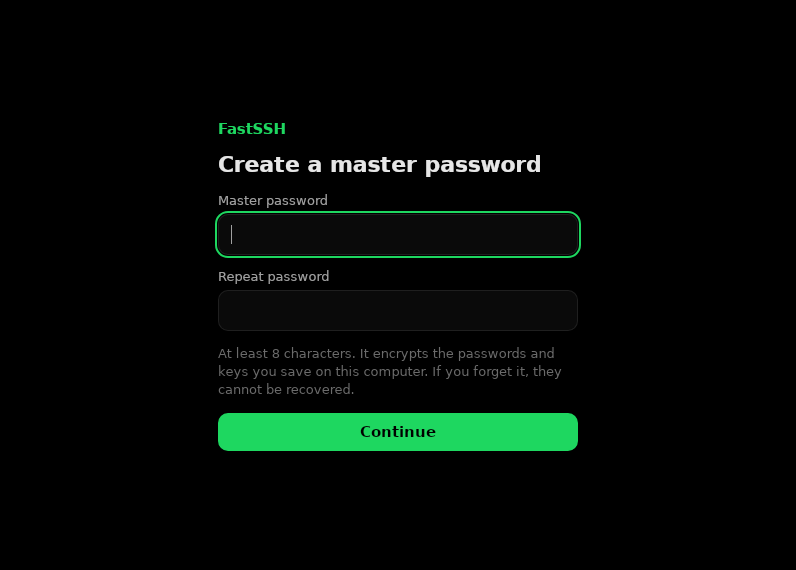
FastSSH
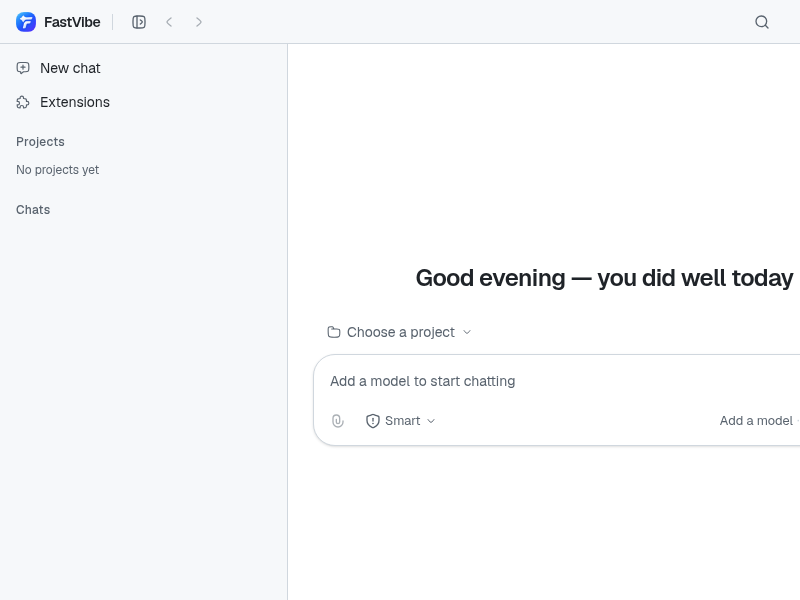
FastVibe
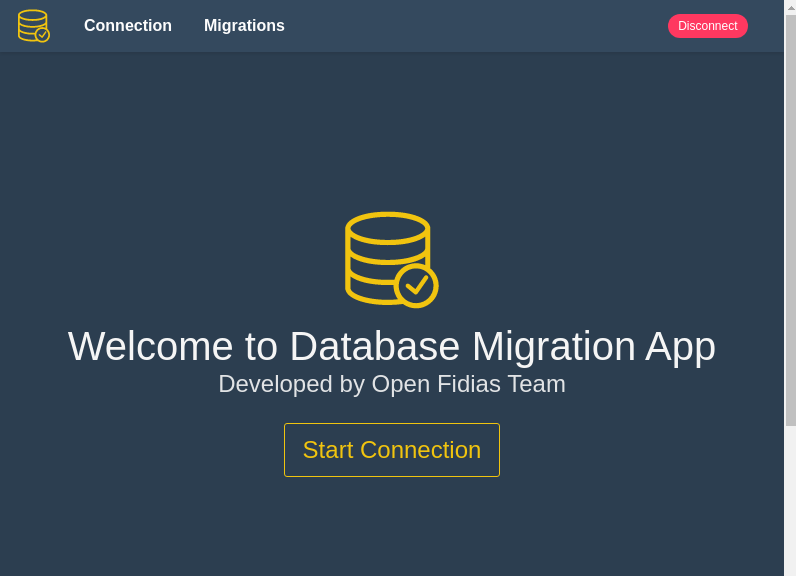
Fidias_Database_Migration_App
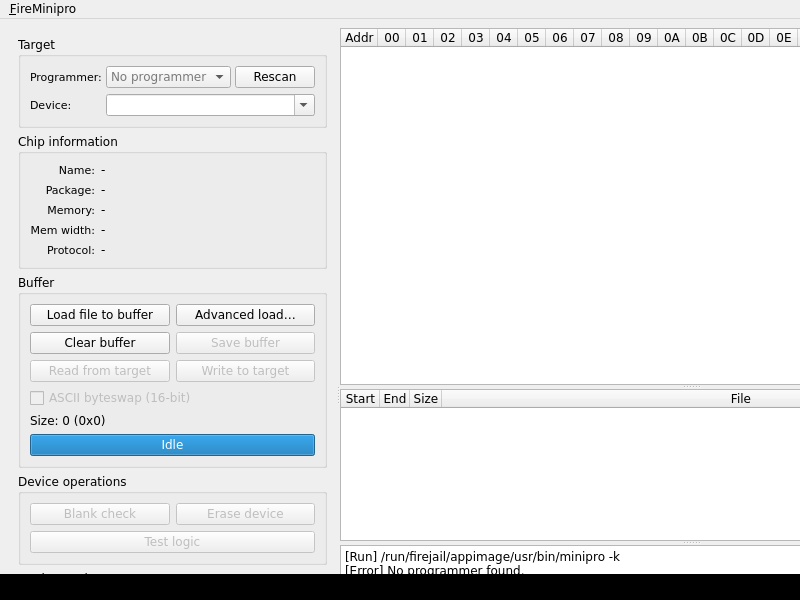
FireMinipro
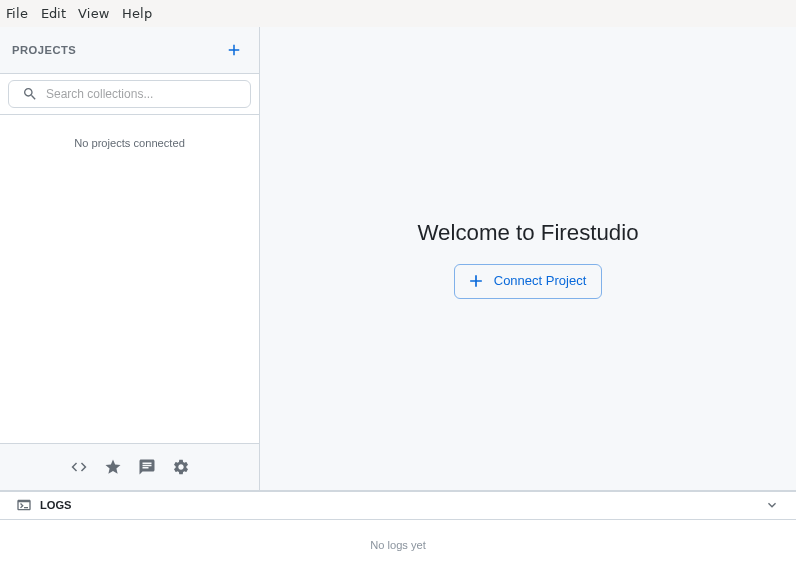
Firestudio
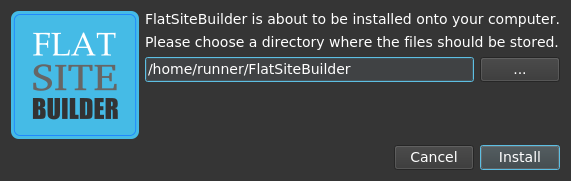
FlatSiteBuilder
Fleet
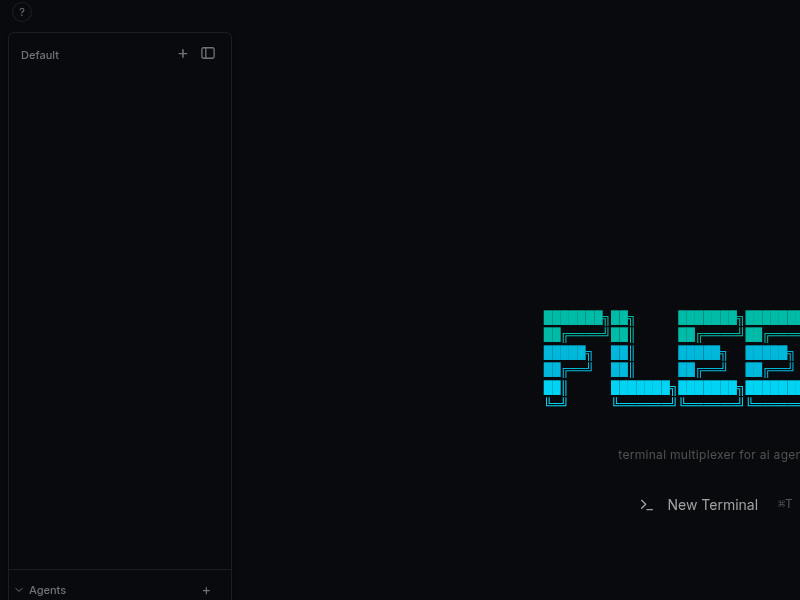
A lightweight, cross-platform terminal multiplexer desktop app for developers running multiple AI coding agents simultaneously.
FlowScale_AIOS
FontLet
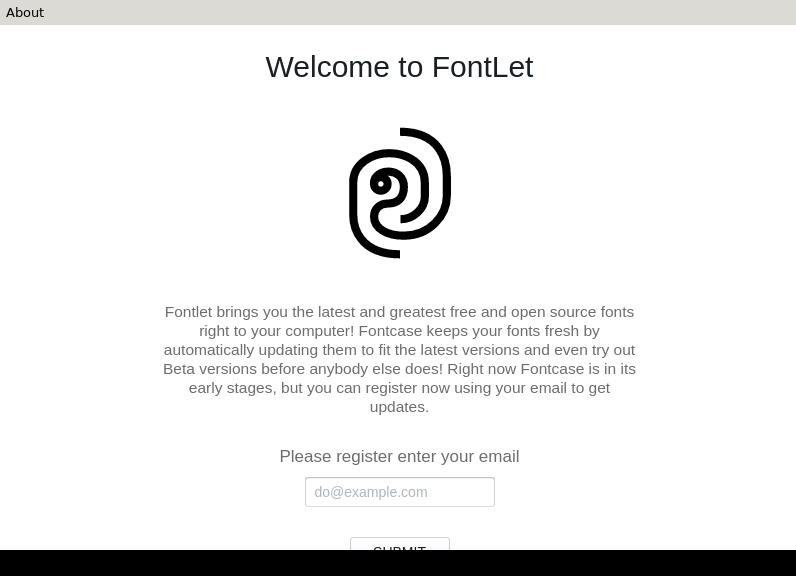
A package manager for fonts bringing latest and greatest libre fonts to your desktop
Forja
FreeCoreData
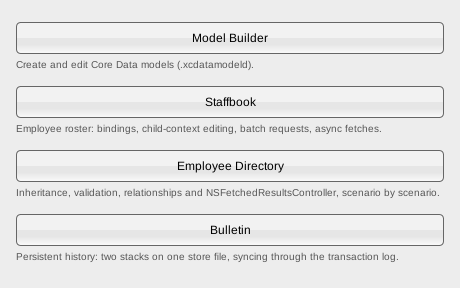
FreeCrawl_SEO_Tool
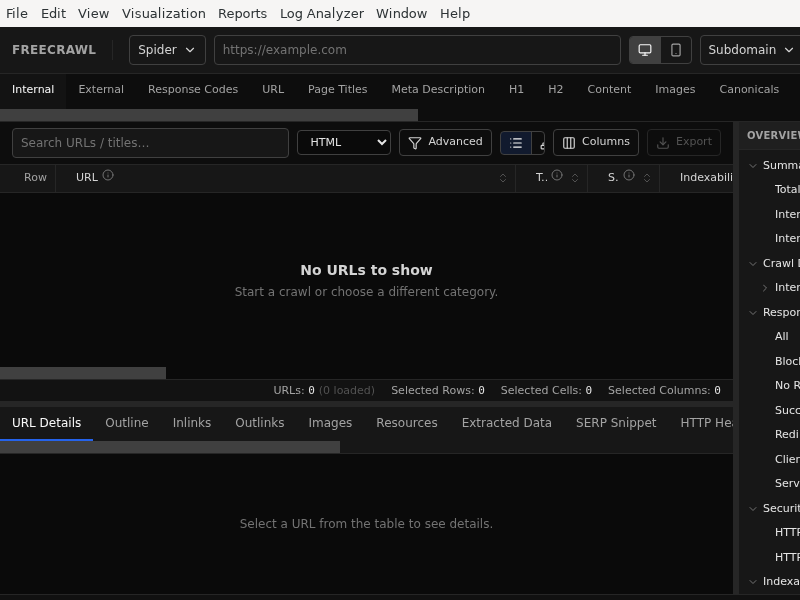
Freelens
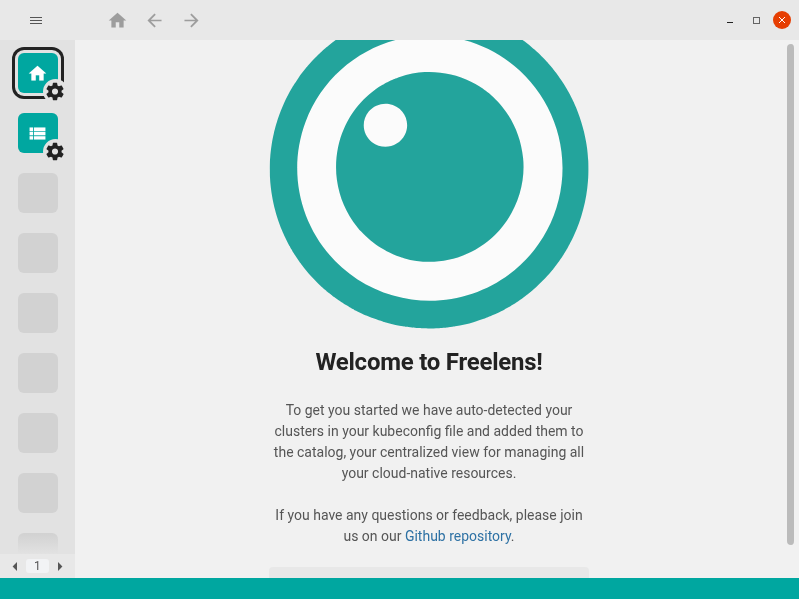
Frink
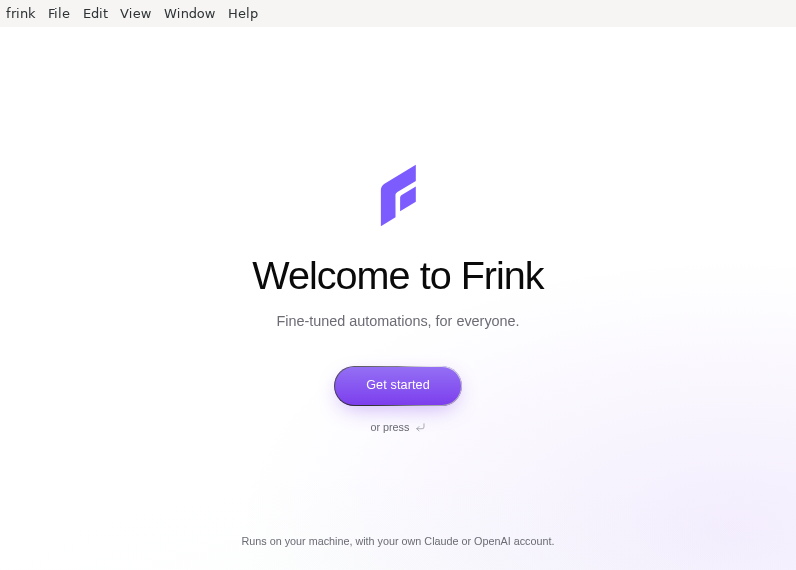
G9BrowserAgent
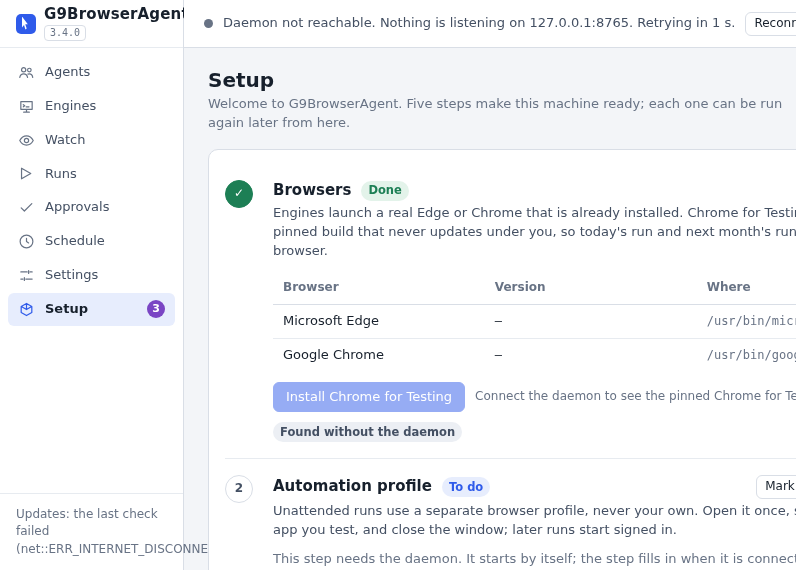
G9BrowserAgent lets AI agents drive real Chromium browsers at DevTools depth through MCP, with human-like input and reviewable evidence.
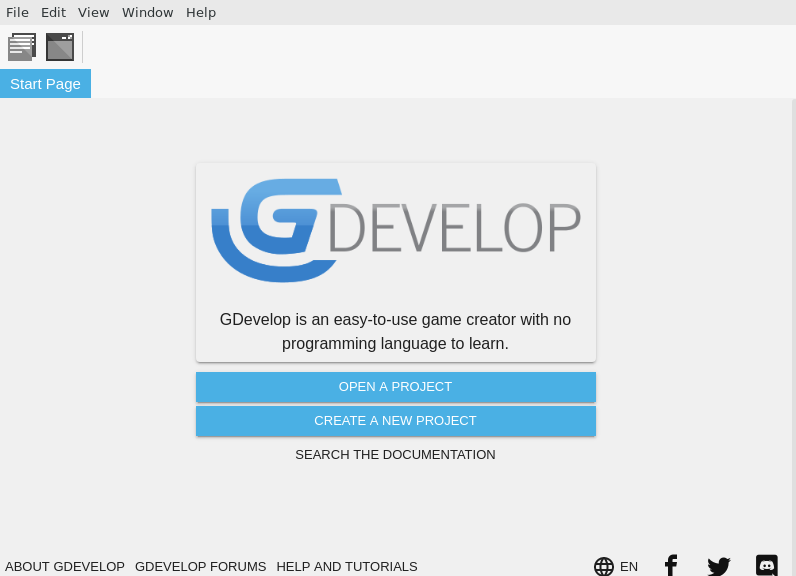
GDevelop
GL_warp2mp4
GPUpad
GXC_Smart_Contract_IDE
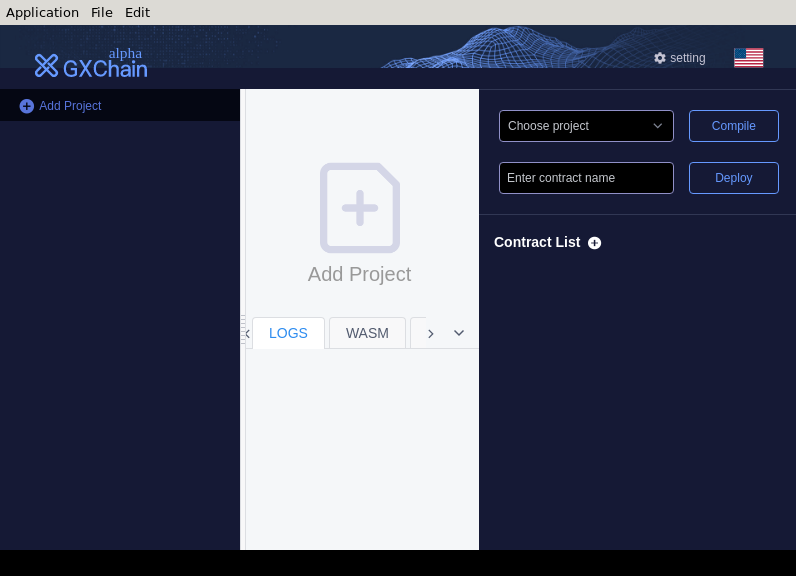
Ganache
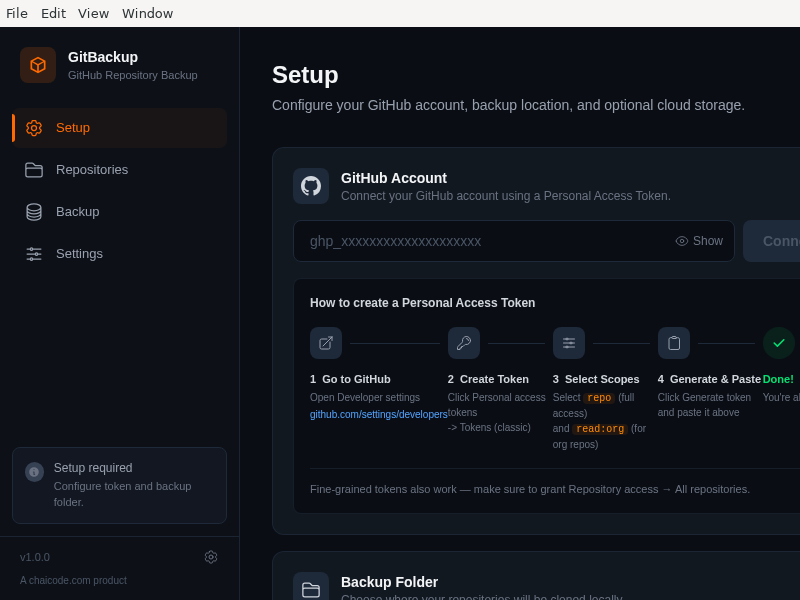
GitBackup
GitStudio
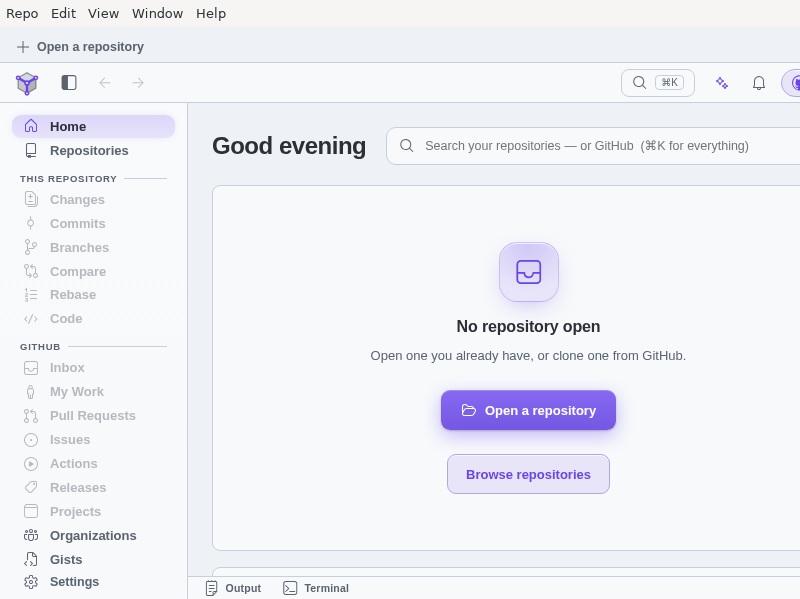
GitStudio is a free, open-source Git client for people who work in Git all day. Stage by hunk or by line, read history in a real commit graph, resolve conflicts in a three-way merge editor, reshape history with a visual interactive rebase, and manage branches, stashes, worktrees, tags and pull requests without leaving the app. Optional AI assistance is off until you connect a provider, and it never gates or blocks a Git operation.
GitWand
Gitbox
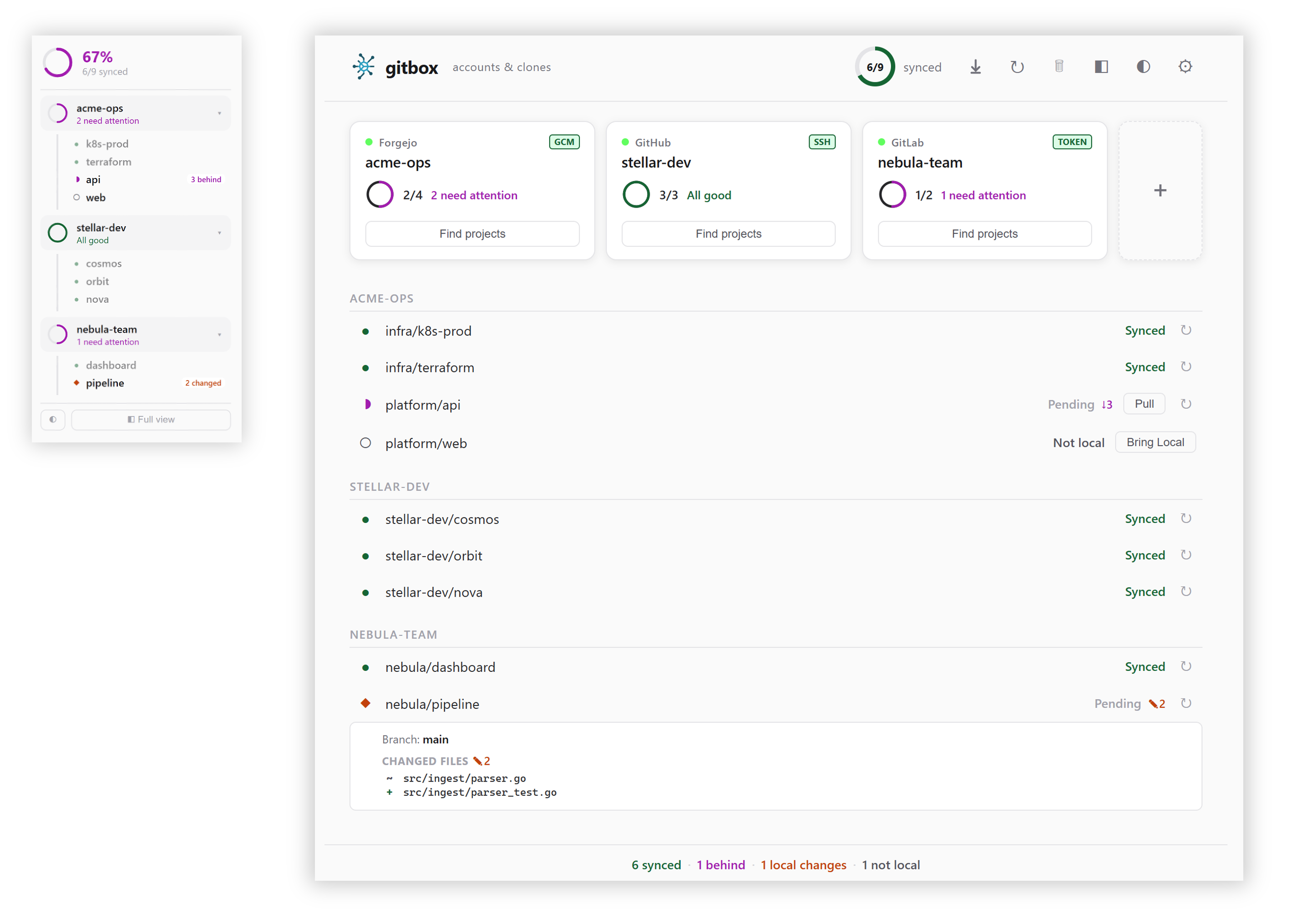
gitbox manages Git multi-account environments across GitHub, GitLab, Gitea, Forgejo and Bitbucket. It keeps each account's clones under its own folder, wires the right credential (Git Credential Manager, SSH or token) per account, discovers repositories you already have on disk, and sets up push and pull mirrors between providers.
The AppImage bundles the graphical app together with the gitbox command-line tool and terminal UI.
Gitbumr
Git client
Gitty
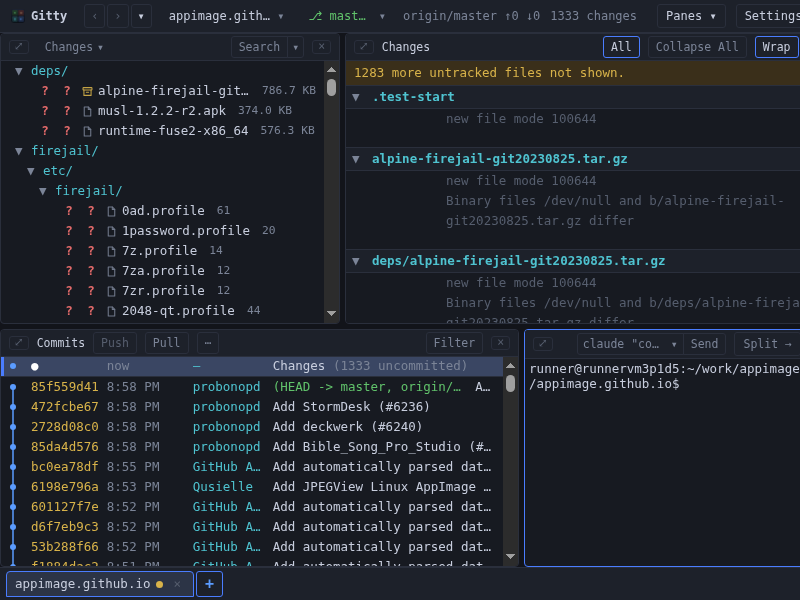
Gitty shows a repository as four panes at once — the working tree, the diff, the commit log and a real shell — so reading history and acting on it happen in the same window.
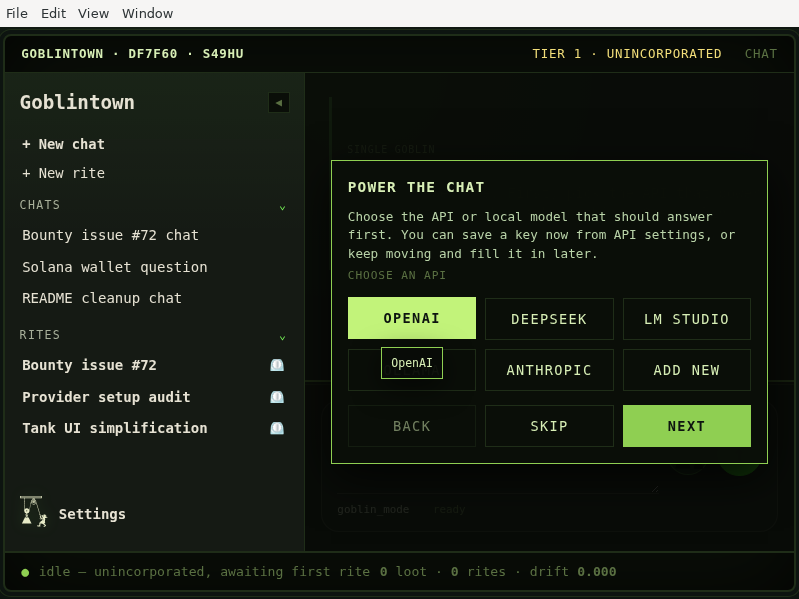
Goblintown
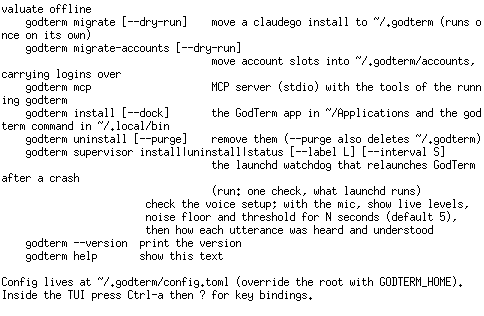
GodTerm
Godot
Multi-platform 2D and 3D game engine with a feature-rich editor
Godot_Hub
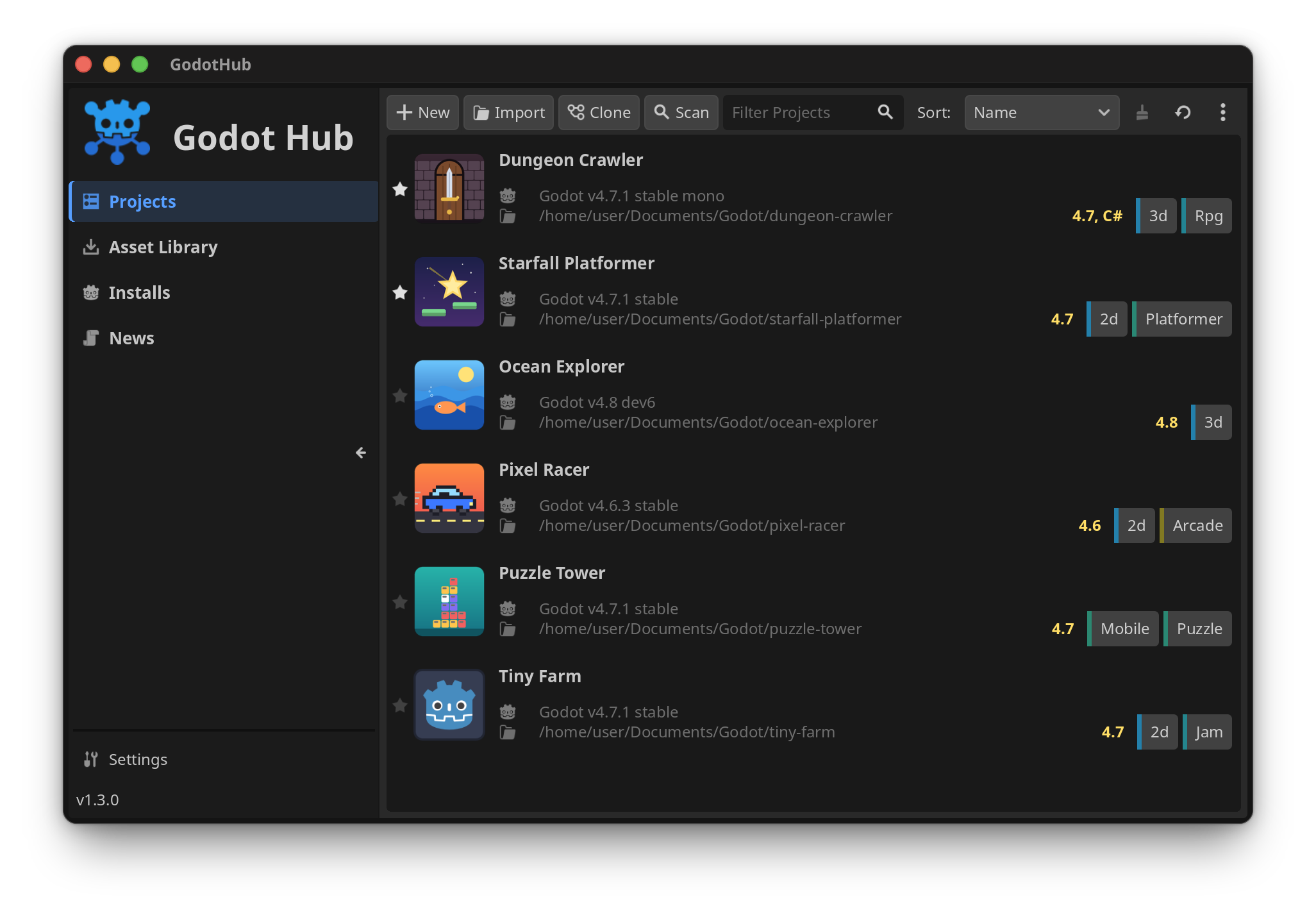
Godot Hub keeps your Godot Engine editors and projects together in one place. Install several editor versions side by side, open every project with the editor it needs, and follow Godot news without jumping between folders and browser tabs.
- Install official releases, pre-releases and archived versions from the Installs page
- Pick the Standard or .NET build of an editor in a short install wizard
- Choose export templates while installing an editor, and add or remove them later
- Import, create, clone, search and launch all your projects from one library
- Keep each project connected to the Godot version it needs
- Browse the Asset Library and read the official Godot news
- Runs natively on x86_64 and ARM64, and updates itself from new releases
Groot
Guitar

Guitar is a graphical frontend for the git distributed version control system. It has logs, graphs, and a diff view.
GyShell
Happy
HappyVibe
Harnss
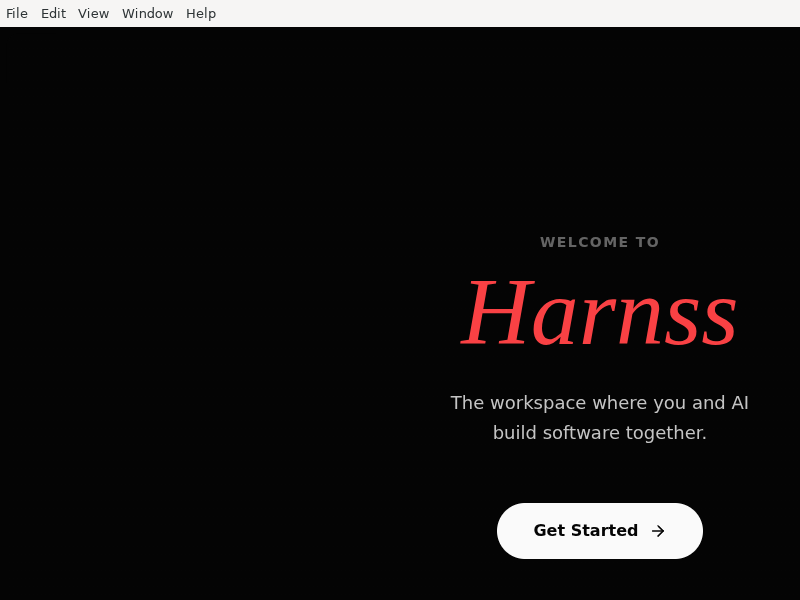
Harness your AI coding agents — one desktop app for Claude Code, Codex, and any ACP agent
Helium
Hephaestus
Herta
Hexinator
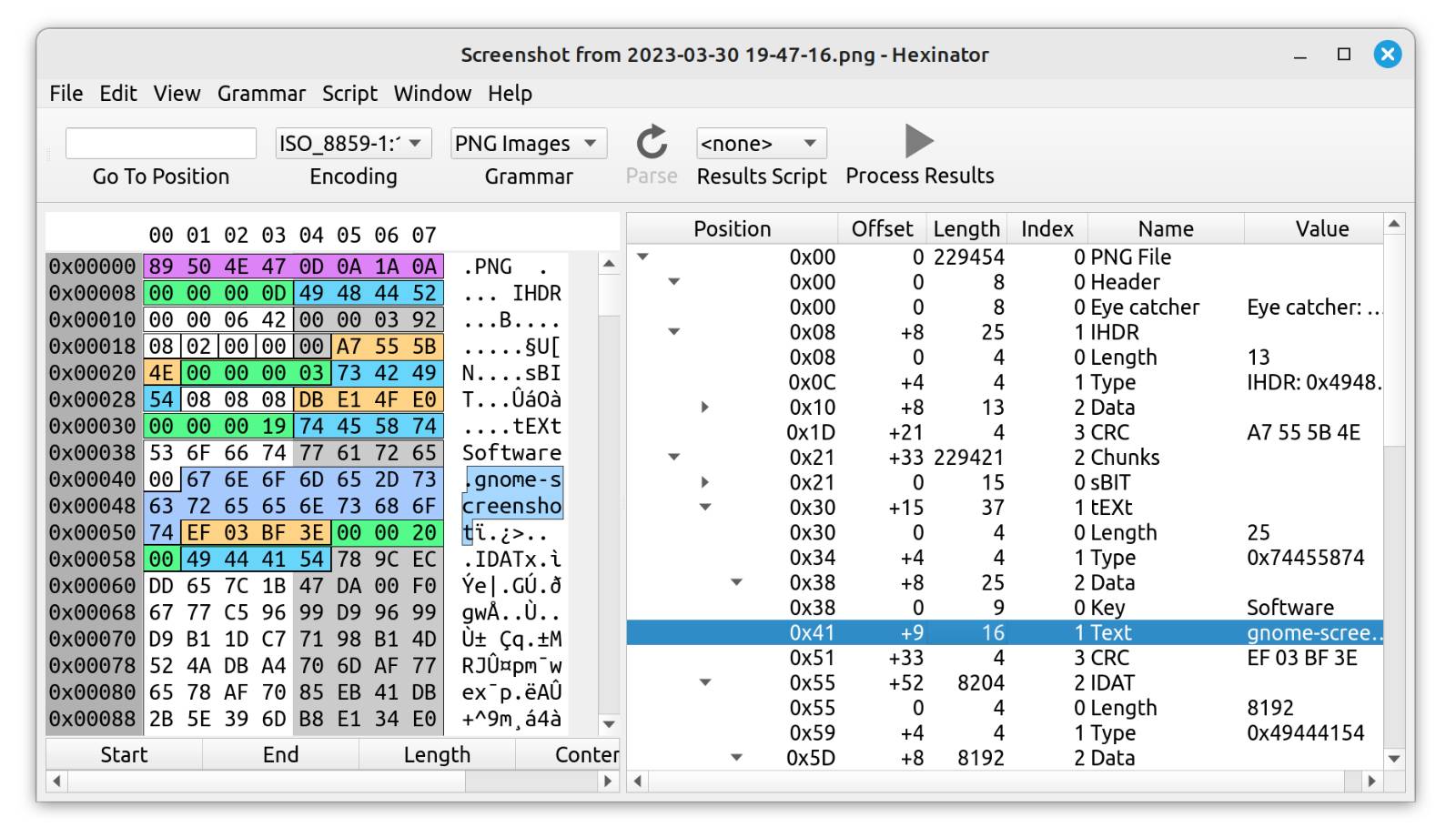
Hexinator is a hex editor that is specialized on reverse engineering and binary file analysis.
It allows you to any of the 70+ existing "grammars" to decode file formats like PNG, JPEG, MP3, and others automatically. Additionally it supports you in the analysis of unknown file formats.
Features:
- Edit files of unlimited size
- Parse binary files automatically
- Incremental search
- Lua and Python scripting builtin
- Binary file comparison
- Data panel with little/big endian display
- Histogram (byte distribution)
- Checksum computation of byte selection
- Text encoding comparison
- Display all strings in file
HexoKit
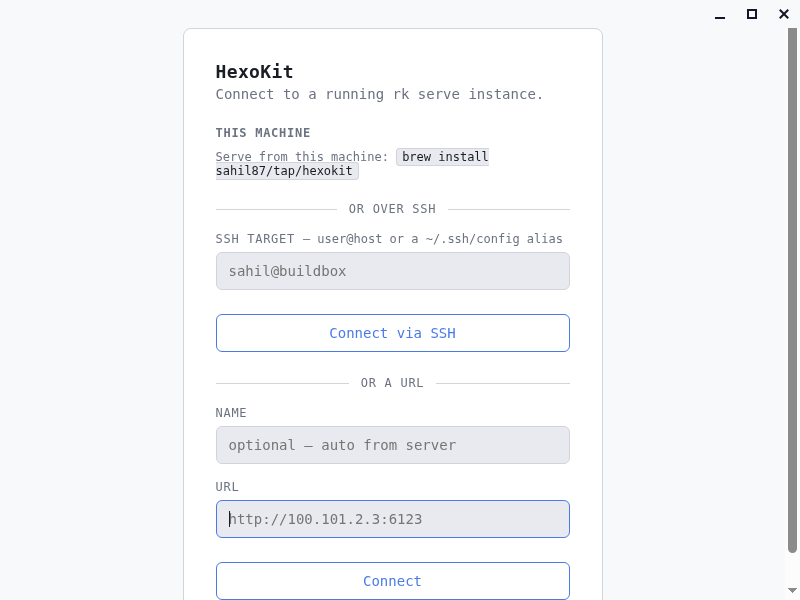
HexoKit desktop viewer shell — loads an existing rk serve URL (client only, never spawns or supervises the daemon)
HexoManager
Hive
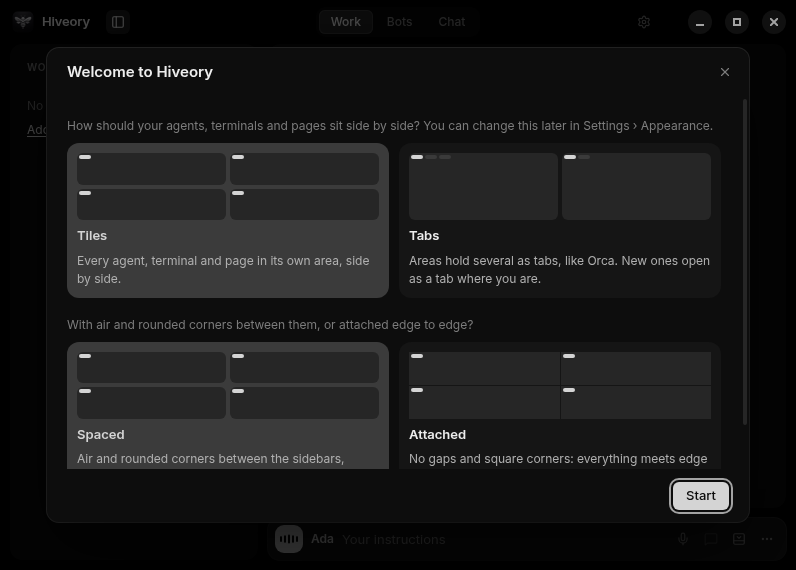
Hiveory
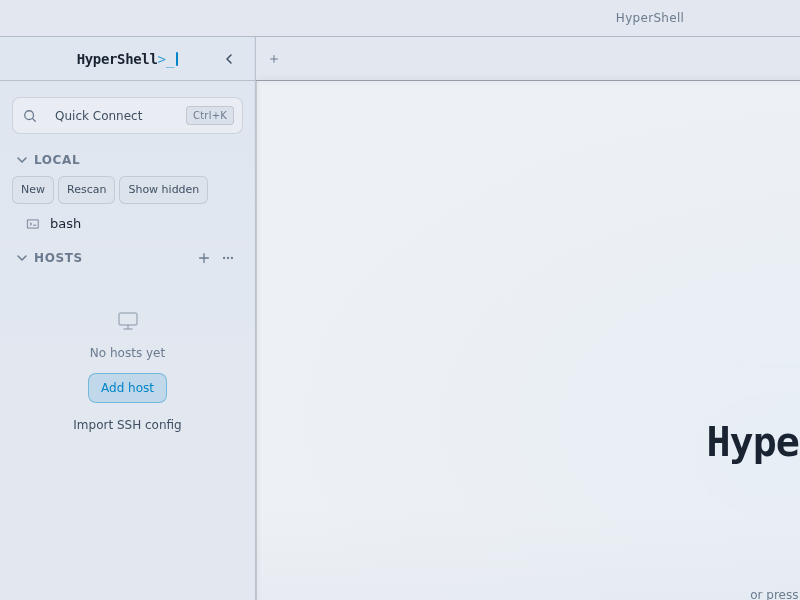
HyperShell
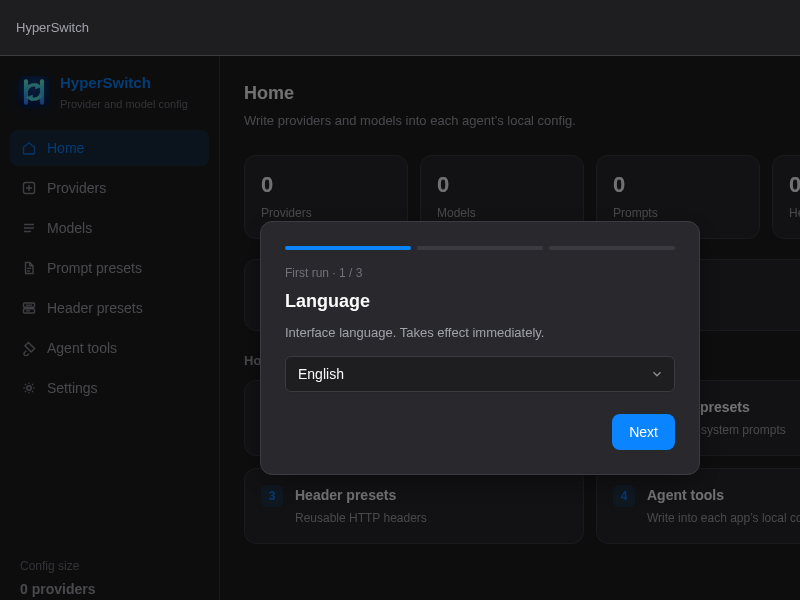
HyperSwitch
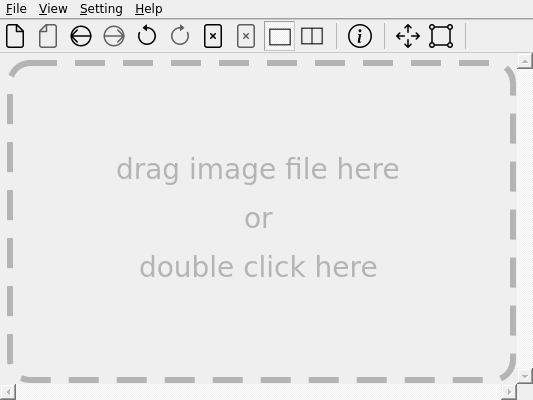
IIViewer
ITUSB1_Manager
ITUSB2_Manager
IagonCloudApp
IllusionAgent
ImHex

ImHex is a feature-rich Hex Editor aimed towards Reverse Engineers working with foreign data formats, malware, executables and raw memory. Besides all the features a common Hex Editor has, ImHex also features a custom scripting language used to declare and dissect data structures, support for running YARA rules, a node-based graphical data pre-processor and support for various data sources such as files, raw disks or GDB Servers.
ImapSyncClient
Infection_Monkey
InfloWave
Insomnium
JReleaser
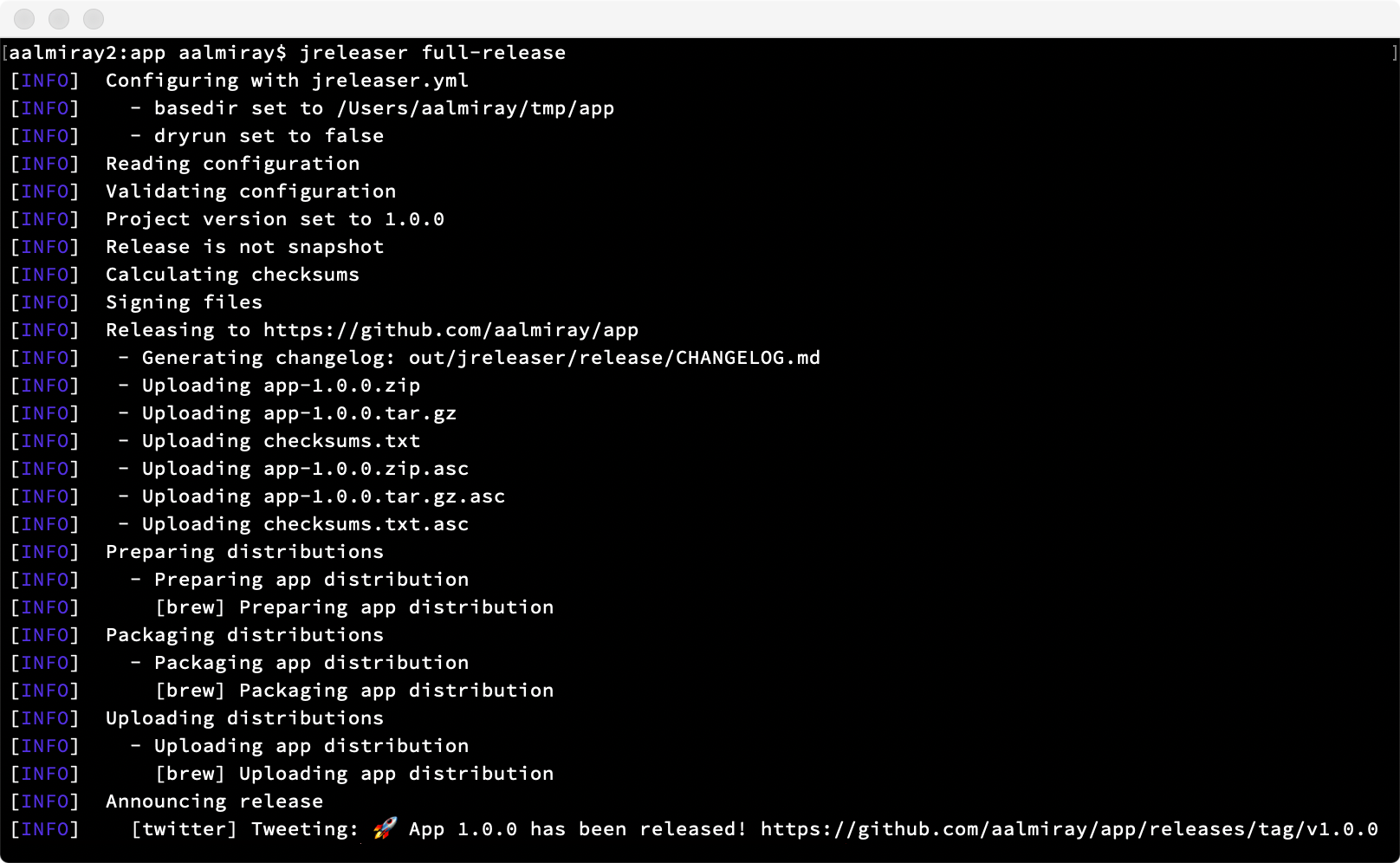
JReleaser is a release automation tool. Its goal is to simplify creating releases and publishing artifacts to multiple package managers while providing customizable options.
JReleaser takes inputs from popular builds tools (Ant, Maven, Gradle) such as JAR files, binary distributions (.zip, .tar), JLink images, or any other file that you’d like to publish as a Git release on popular Git services such as GitHub, GitLab, or Gitea. Distribution files may additionally be published to be consumed by popular package managers such as Homebrew, Chocolatey, Snapcraft, or get ready to be launched via JBang. Releases may be announced in a variety of channels such as Twitter, Zulip, SDKMAN!, and more.
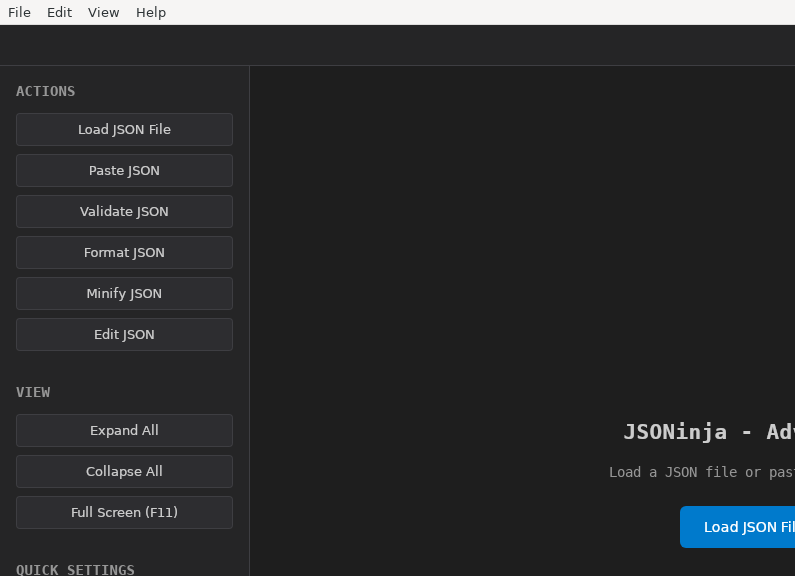
JSONinja
Jam
JetBrains_Toolbox
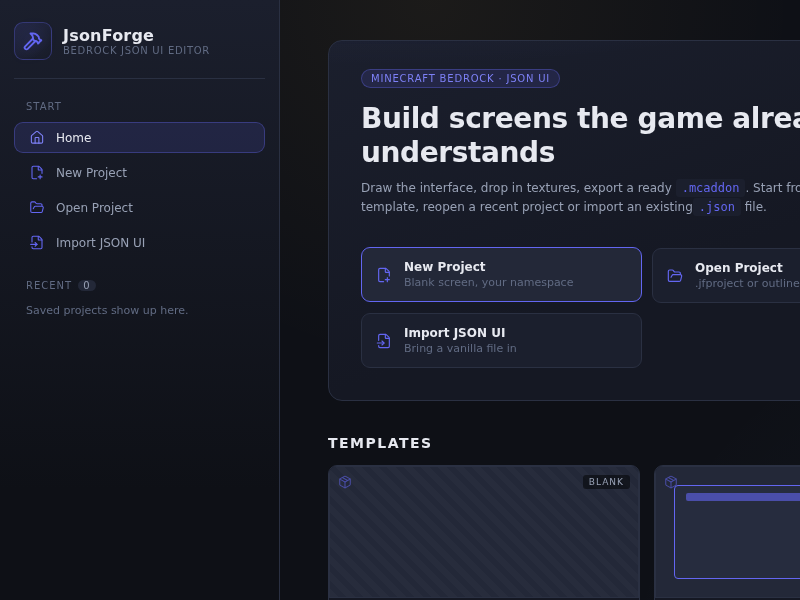
JsonForge
Juggernaut
K-Lens
KCode
Kcov
Kerminal
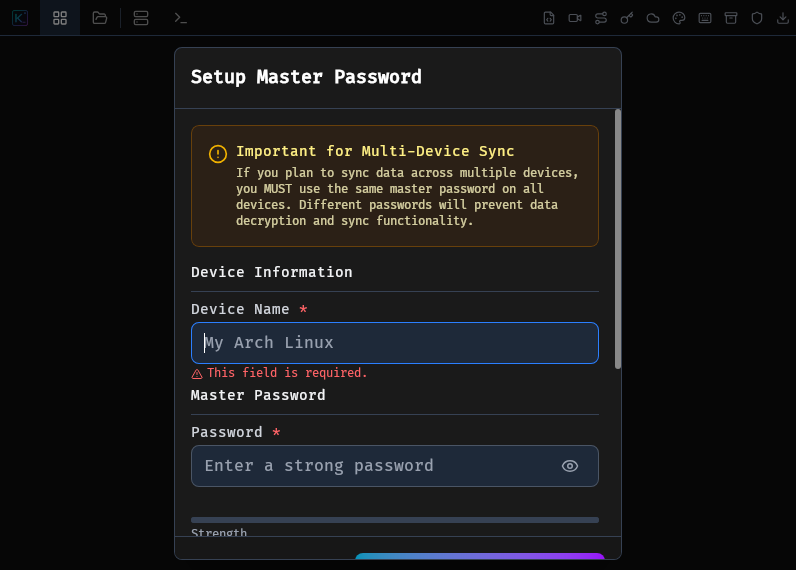
KeyManager
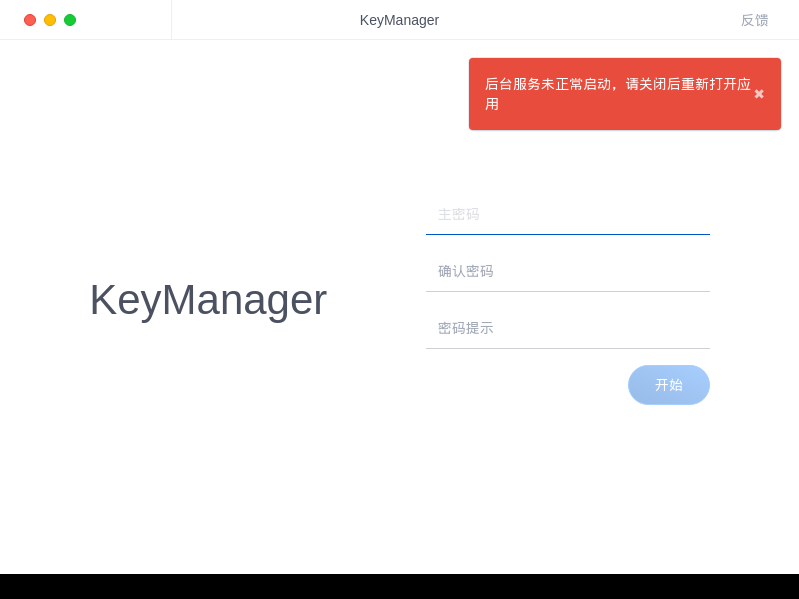
Keys
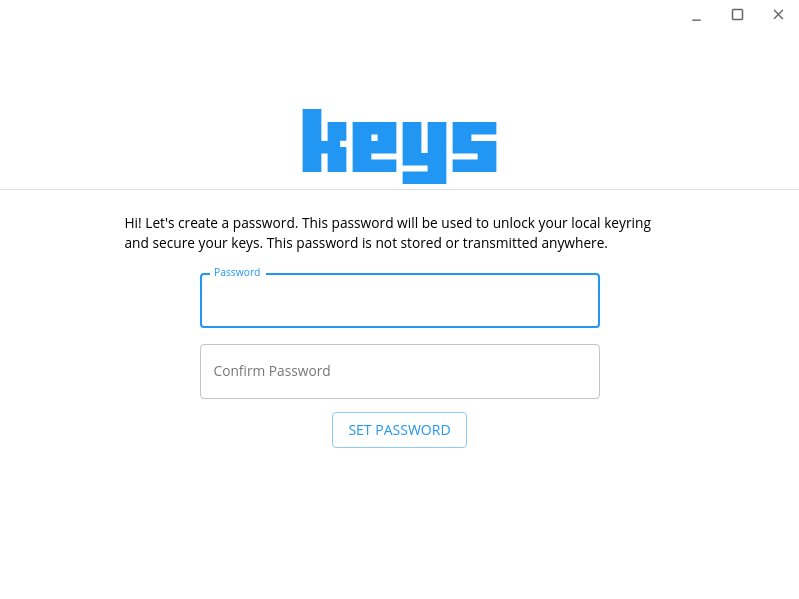
KiCad
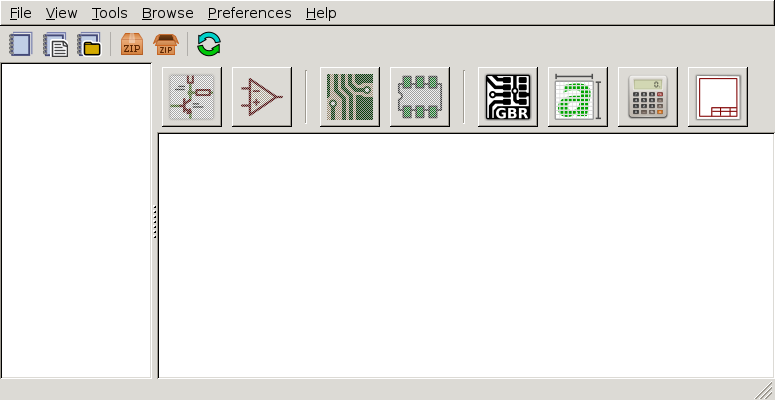
Kimitzu-Client

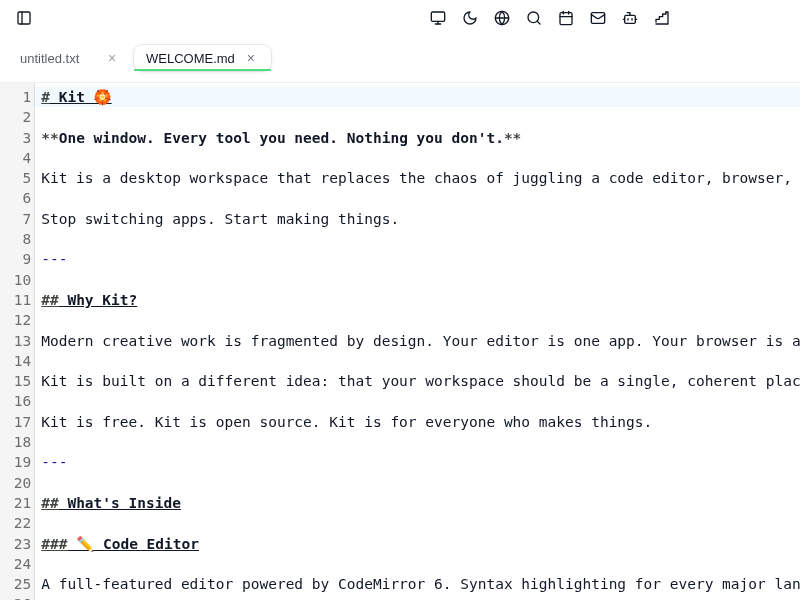
Kit
Konjure

Konjures primary desktop application, used to build and upload your website to the decentralized web!
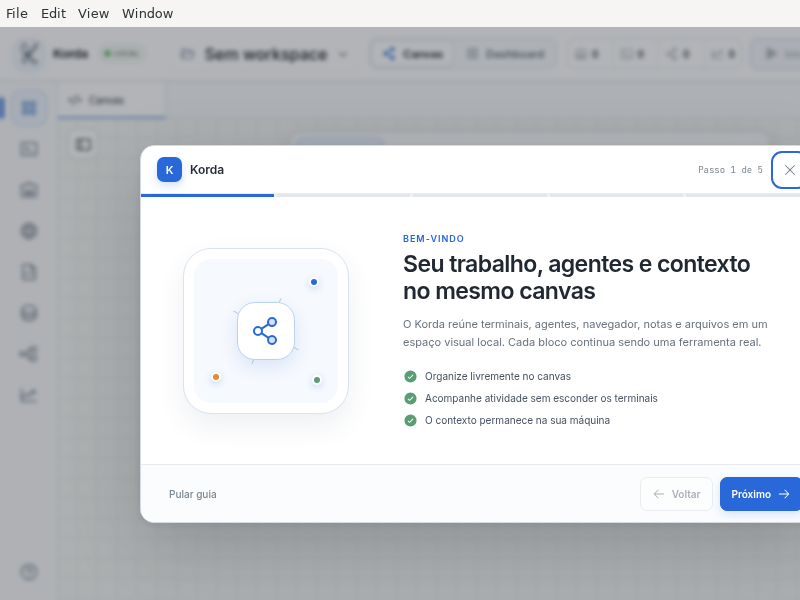
Korda
Kosmos
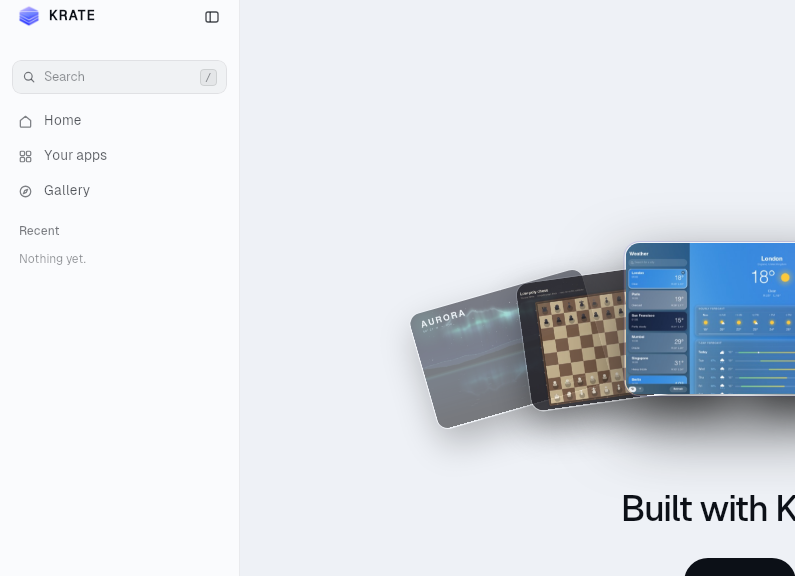
Krate
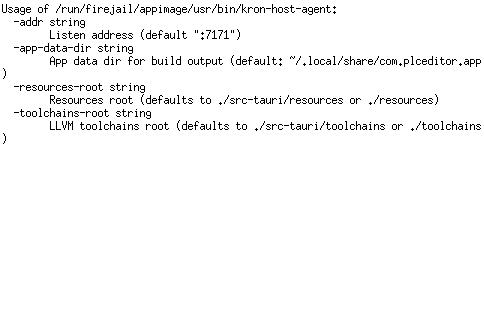
KronEditor
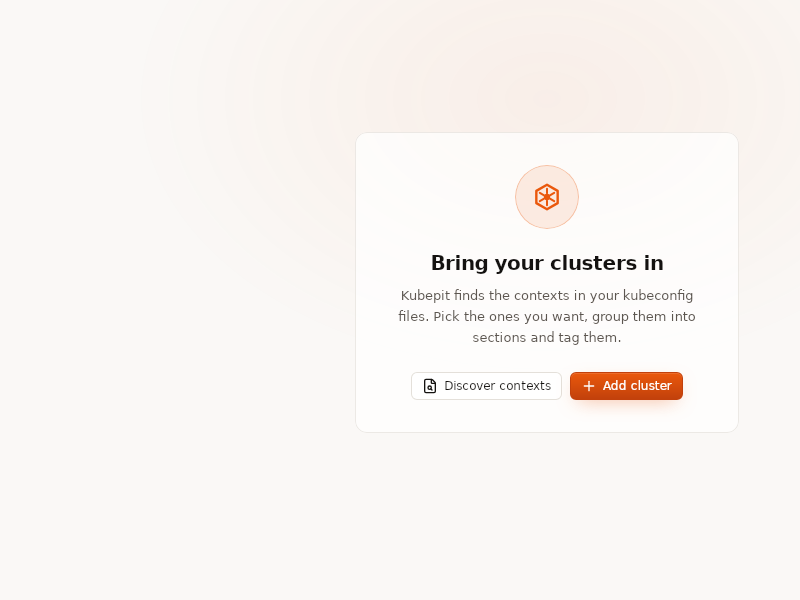
Kubepit
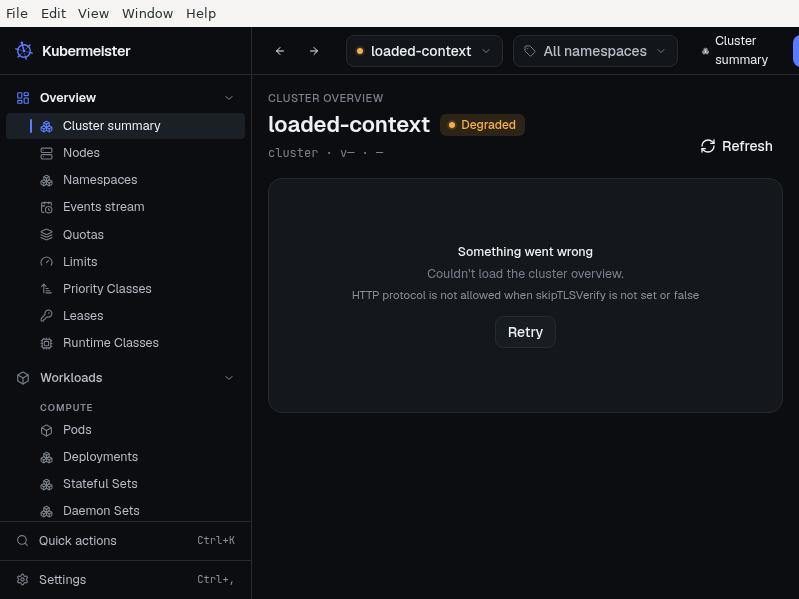
Kubermeister
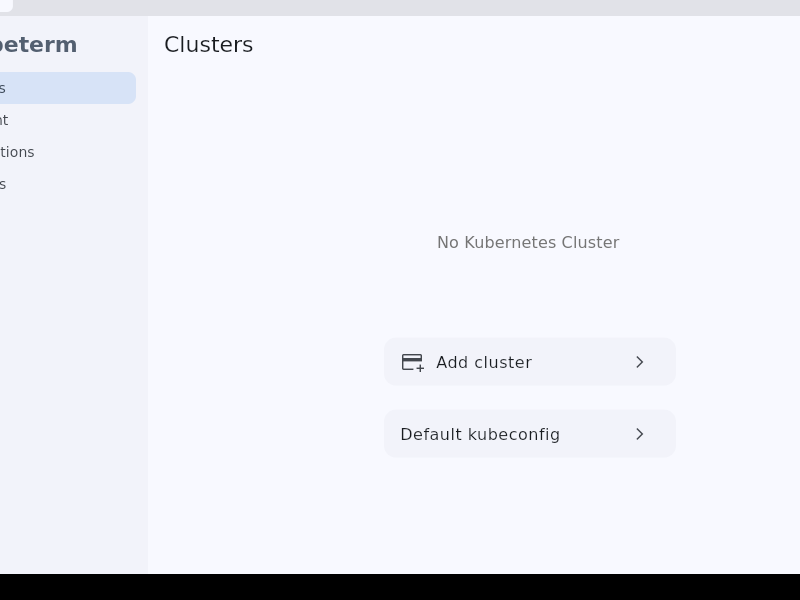
Kubeterm
Kun
LCEdit
LOVE

The unquestionably awesome 2D game engine
LOVR
LTools
LaTeX_Editor
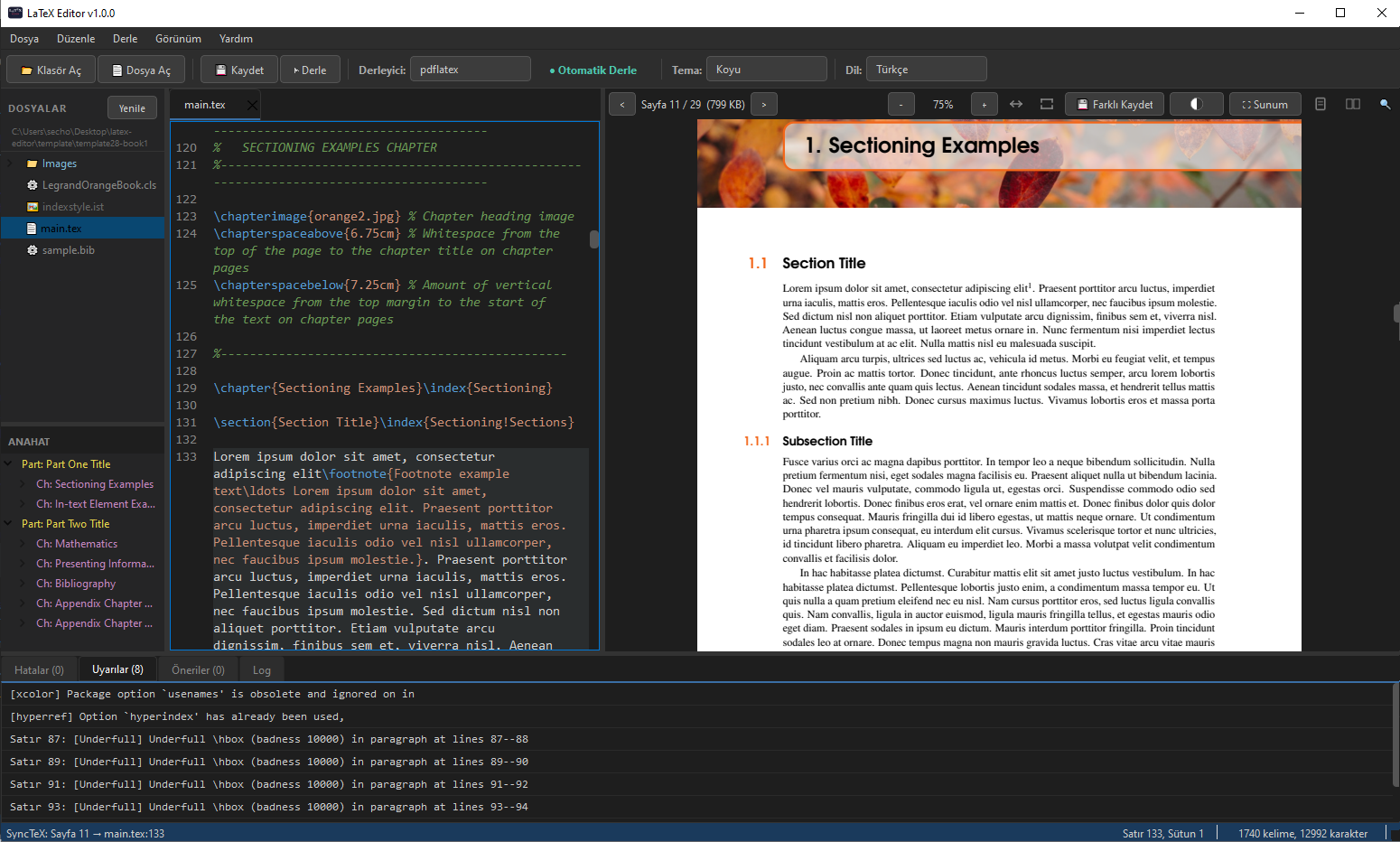
LaTeX Editor is a lightweight desktop editor that compiles your document and shows the PDF next to the source. Click a line to jump to it in the PDF, click the PDF to jump back to the source (SyncTeX).
- pdflatex, xelatex and lualatex; the engine is picked from the document
- Build the whole document from any chapter file
- Autocompletion for commands, \ref and \cite keys and file paths
- PDF search, bookmarks, text selection and a presentation mode
- Spell check with bundled Turkish and English dictionaries
- Reference audit, a bibliography tab and adding sources by DOI
- Named snapshots of your files without git, crash recovery and autosave
- Turkish and English interface, seven themes
A TeX distribution such as TeX Live has to be installed separately.
LampixJS
Create apps for Lampix on your own workstation
LeanStudio
Lepton
Liang.Desktop.Pet
LibreDB_Studio
LibreMerge
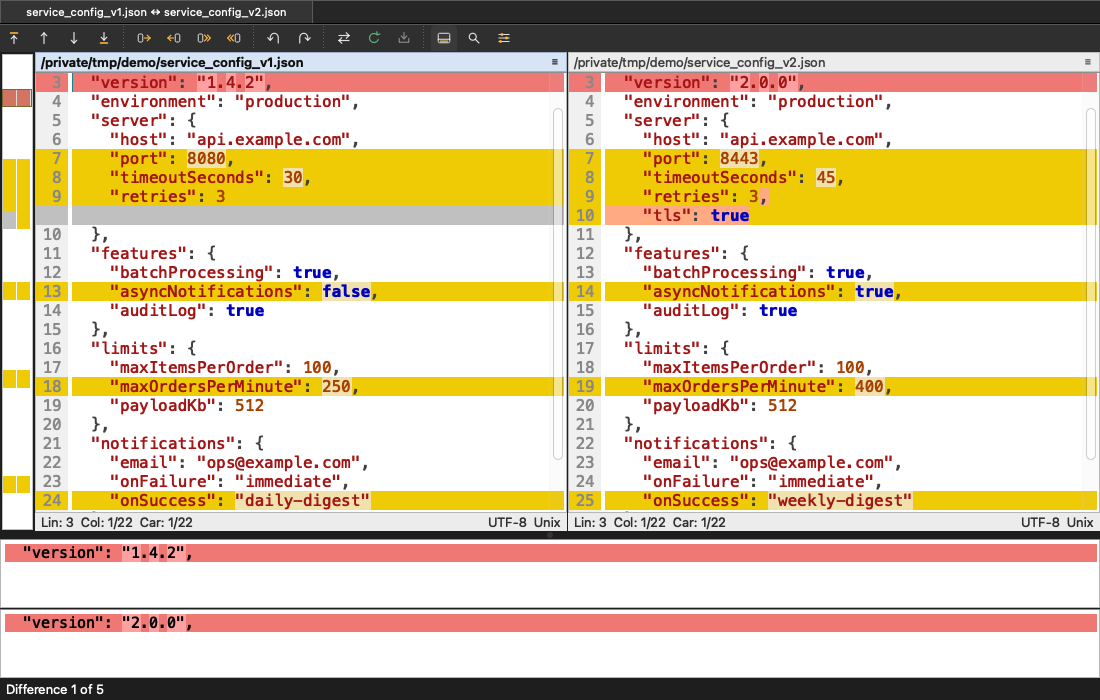
LibreMerge brings the comparison engine of WinMerge to Linux and macOS, with a native Qt interface. If you know WinMerge, you already know LibreMerge: the layout, the colors and the workflow are intentionally the same.
- Side-by-side file comparison and merging, 2-way and 3-way, with word-level highlights, free editing and undo
- Folder comparison, 2-way and 3-way, with WinMerge's compare methods, file filters, View filters, copy and delete
- Archive comparison: zip, 7z and tar archives open as folders
- CSV and TSV tables compared cell by cell, and images compared pixel by pixel
- Syntax highlighting for 47 languages, light and dark themes
- Works as git's merge and diff tool
LibrePCB-Nightly
Design Schematics and PCBs
LibrePCB
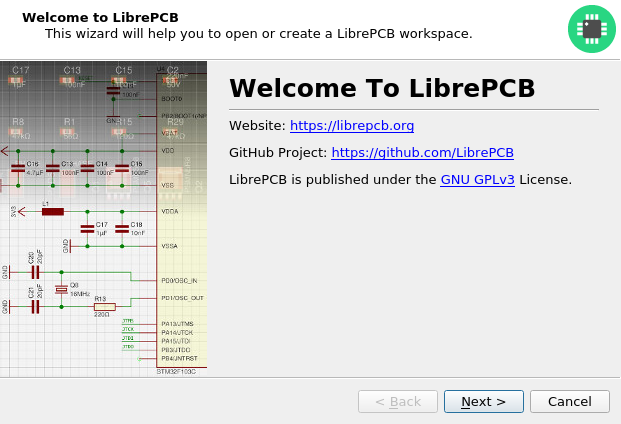
Design Schematics and PCBs
Limboo
Lite
LiteIDE
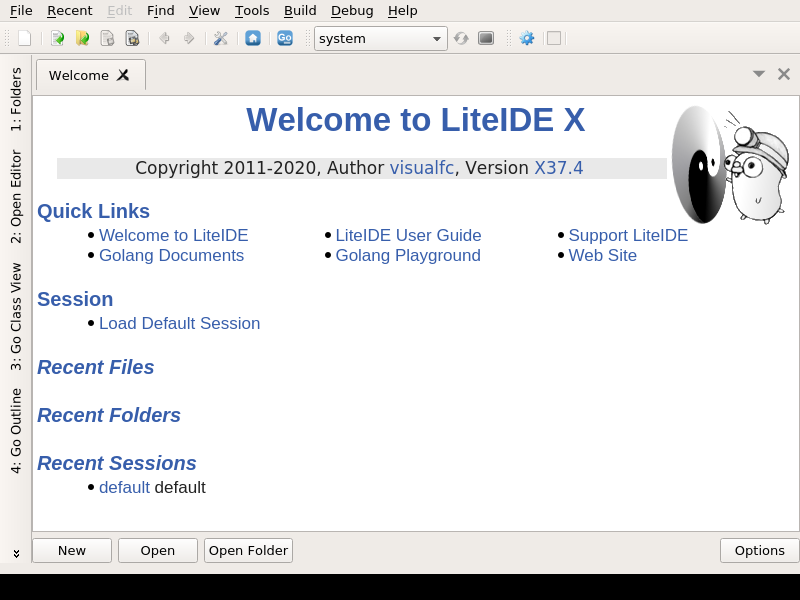
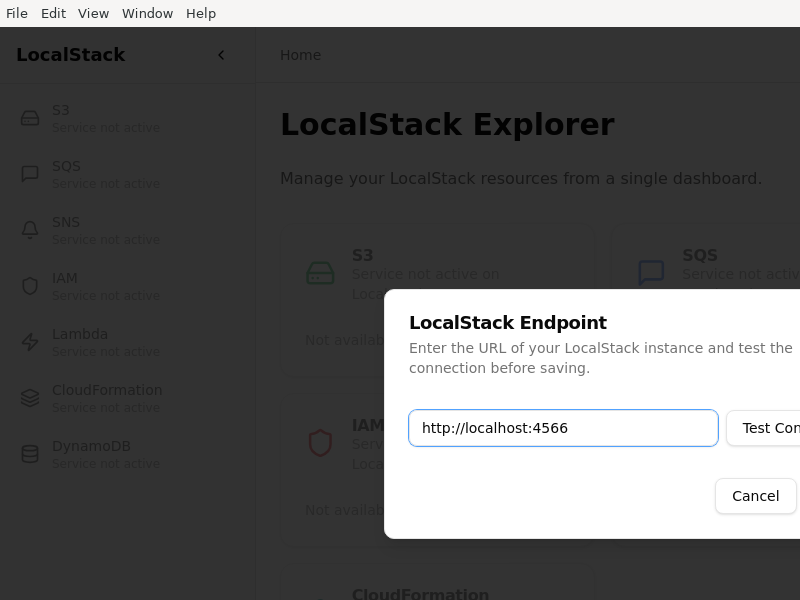
LocalStack_Explorer
Loenn
LogDeck
Loom
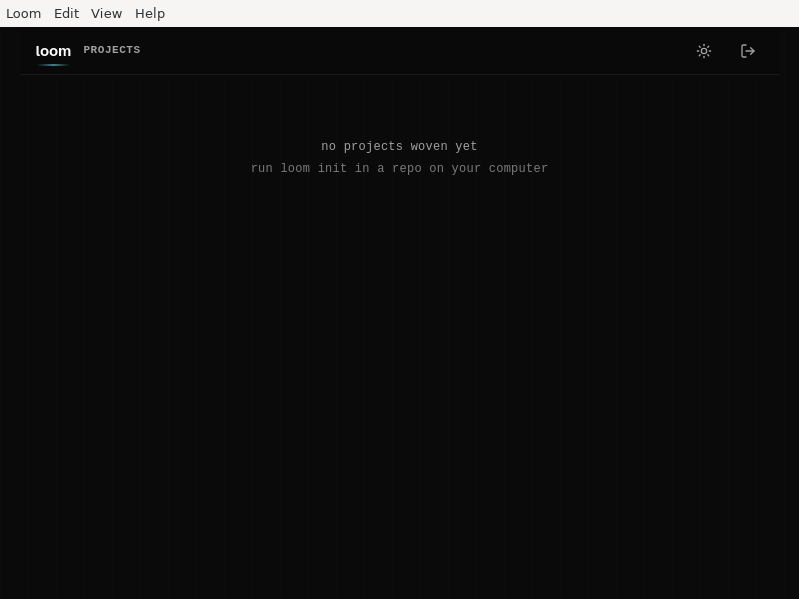
Loom desktop — an Electron shell around the loom daemon’s web app. See BUILD.md for why the build config looks like this.
Loop
Lotun

LunoDB
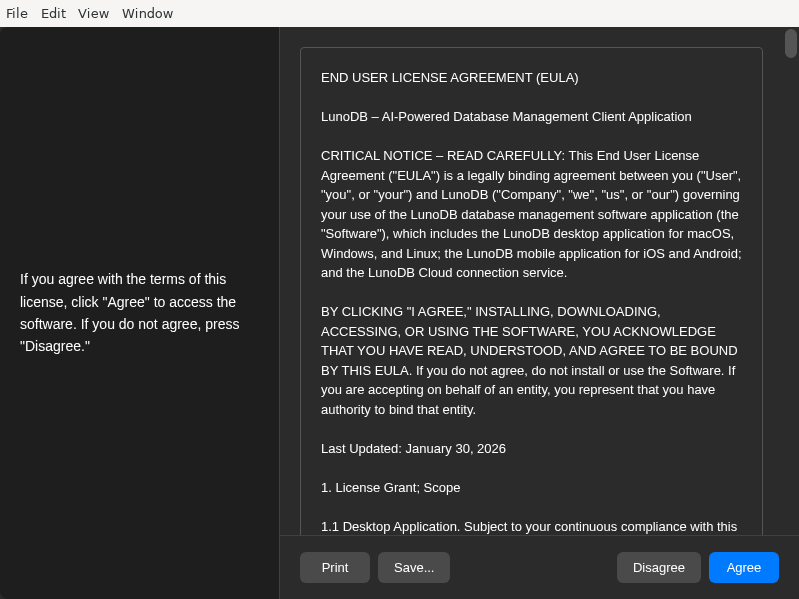
LunoDB is modern, AI-powered database software for MySQL, PostgreSQL, SQLite and more. Connect to your databases, manage your data with ease, and leverage AI to generate SQL queries, get insights, and optimize your workflow.
Lyra
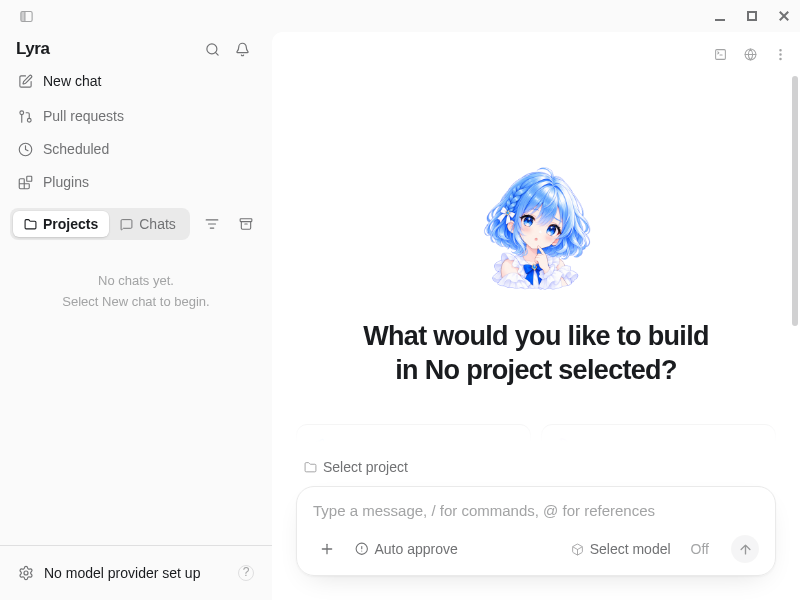
MCP2210_Commander
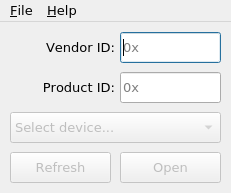
MCP2210_Configurator
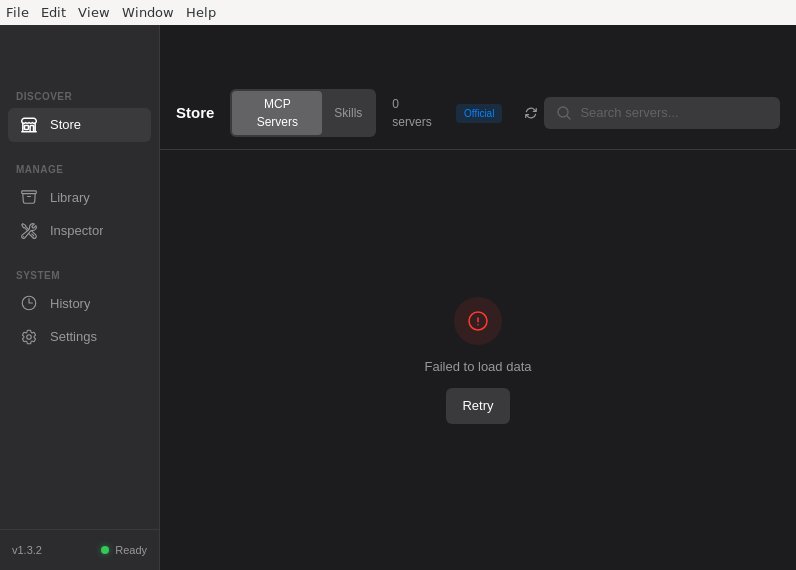
MCP_Dock
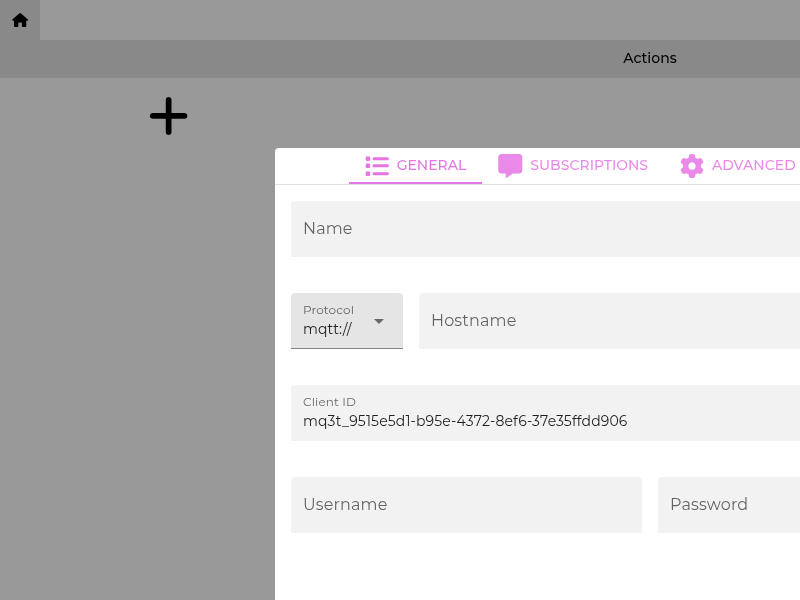
MQ3T
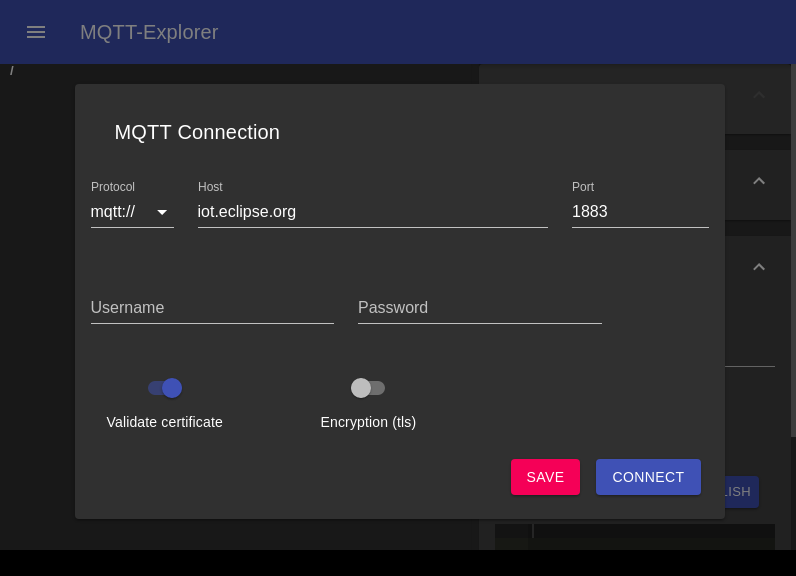
MQTT-Explorer
MQTTProbe
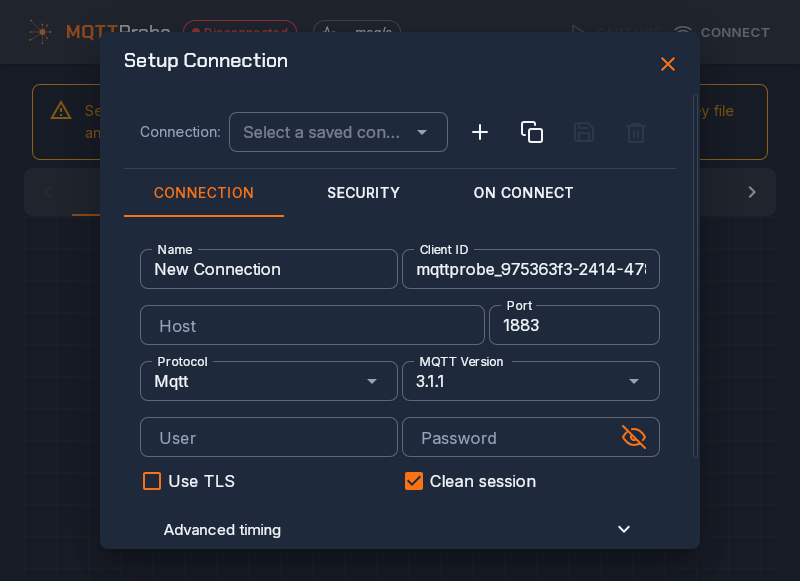
MacPipeGUI
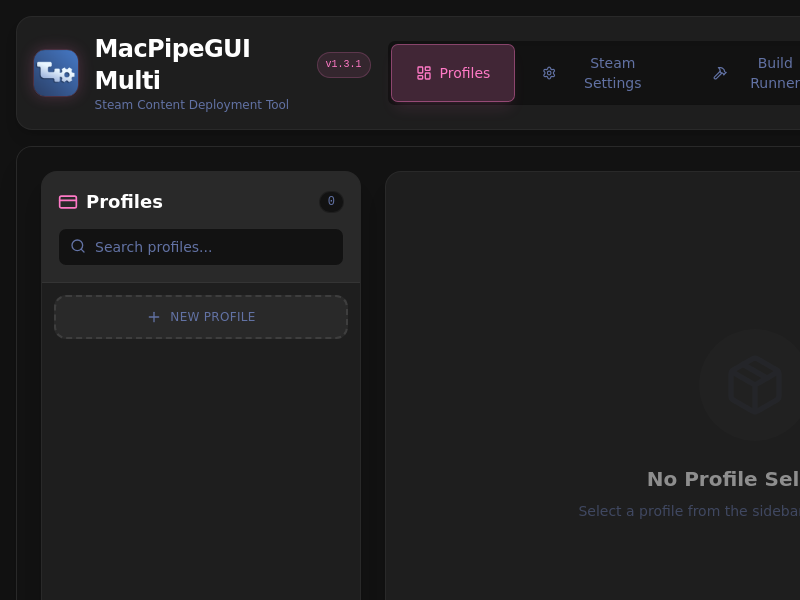
Maestro
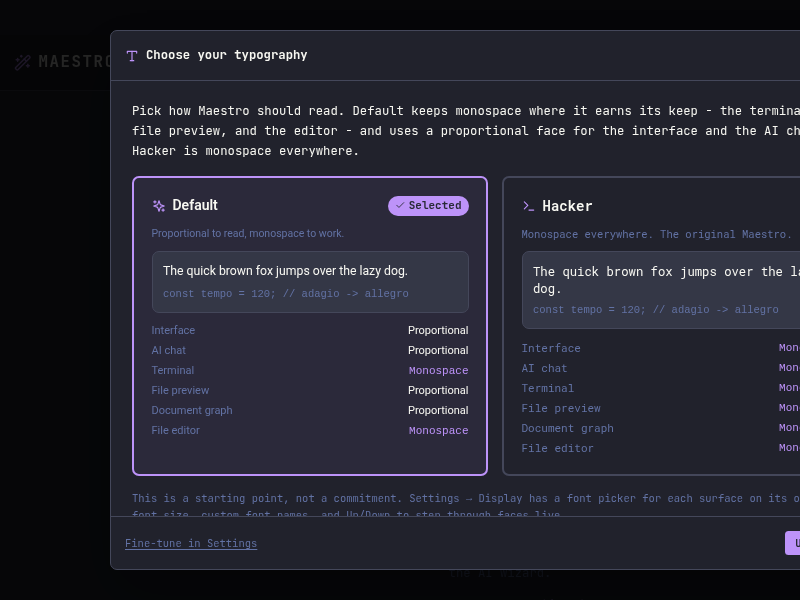
Magic_Term
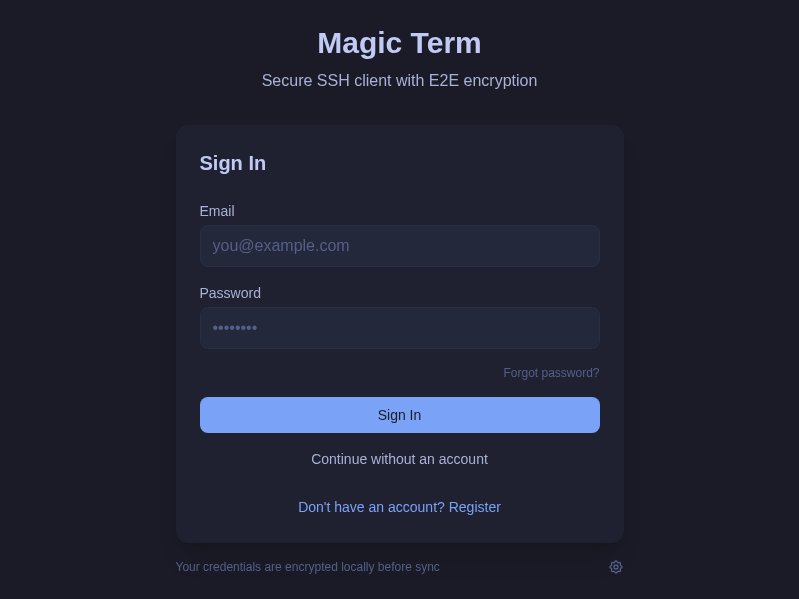
Malice
Marea
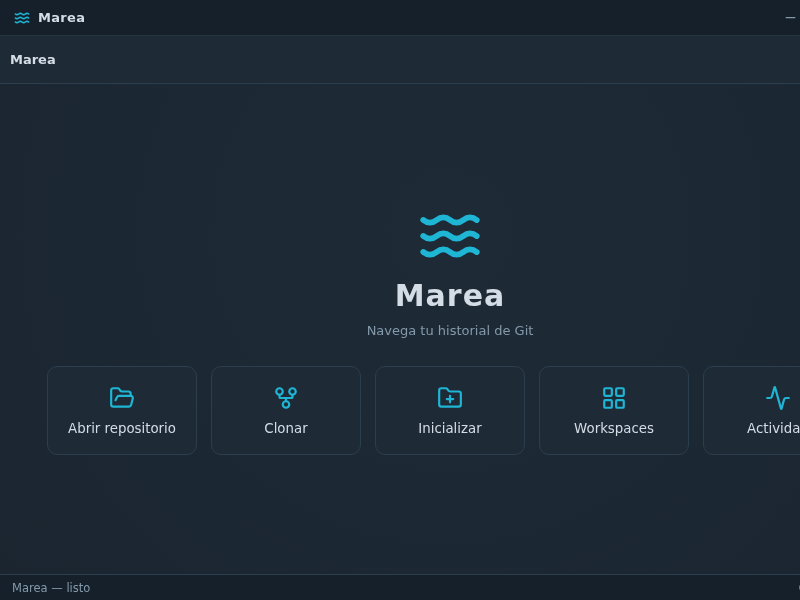
Marea — cliente Git de escritorio con grafo de commits interactivo. Navega tu historial.
MaxReams
MeowSQL
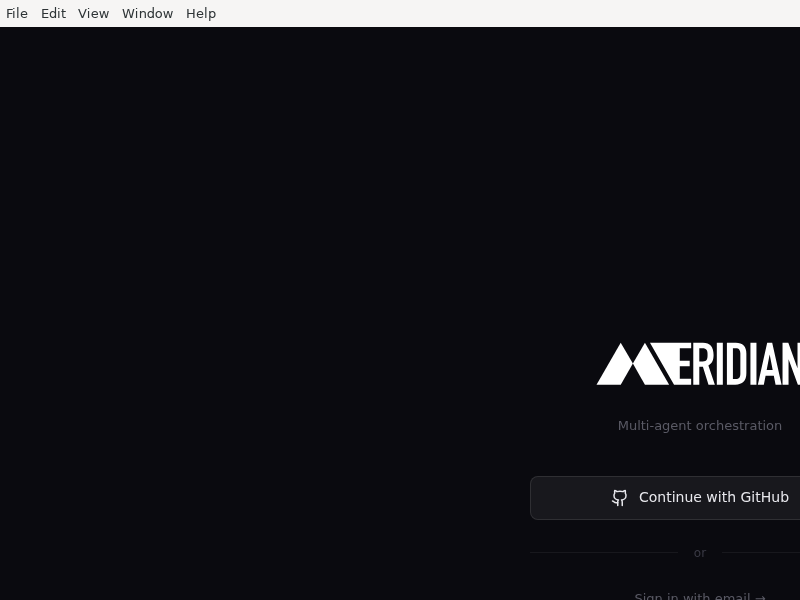
Meridian
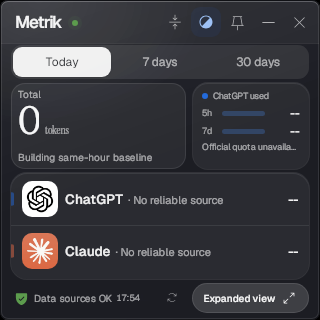
Metrik
MiMo_Studio
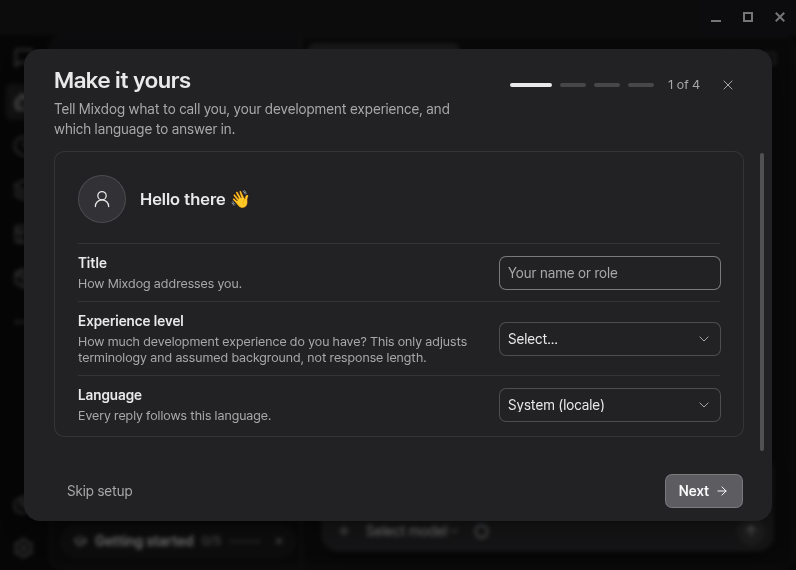
Mixdog
MoarPerf
Monadic_Chat
Monghoul
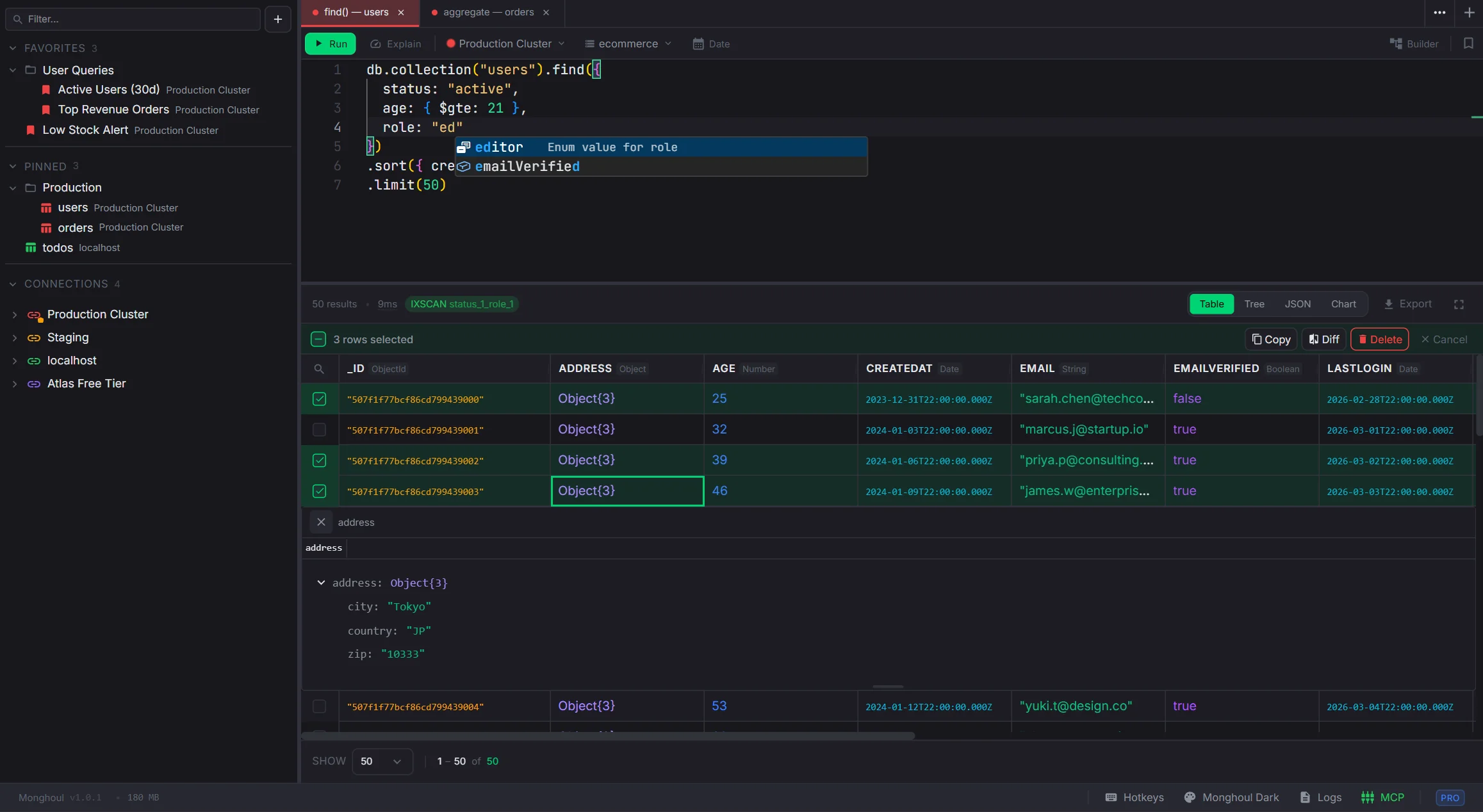
Monghoul is a desktop MongoDB client with schema-aware autocomplete, a visual aggregation builder, real-time cluster monitoring, charts, custom themes, and 70+ AI tools via the Model Context Protocol.
Features include:
- Query editor with field paths, operators, pipeline stages, and enum suggestions
- Visual aggregation builder with drag-and-drop, live preview, and code sync
- 6 chart types with stacking, dual axis, date aggregation, and PNG export
- Cluster monitoring with sparkline charts, slow queries, and database profiler
- Import and export in JSON, CSV, Excel, and cross-instance collection copy
- 8 auth methods including SCRAM, x509, LDAP, Kerberos, and AWS IAM
- SSH tunneling, SSL/TLS, and per-connection write protection
- 11 built-in themes and a full theme editor with 3-color generation
- 70+ MCP tools for AI assistant integration
MongoBench
MultiClaude
MusePi

Muse_Desktop
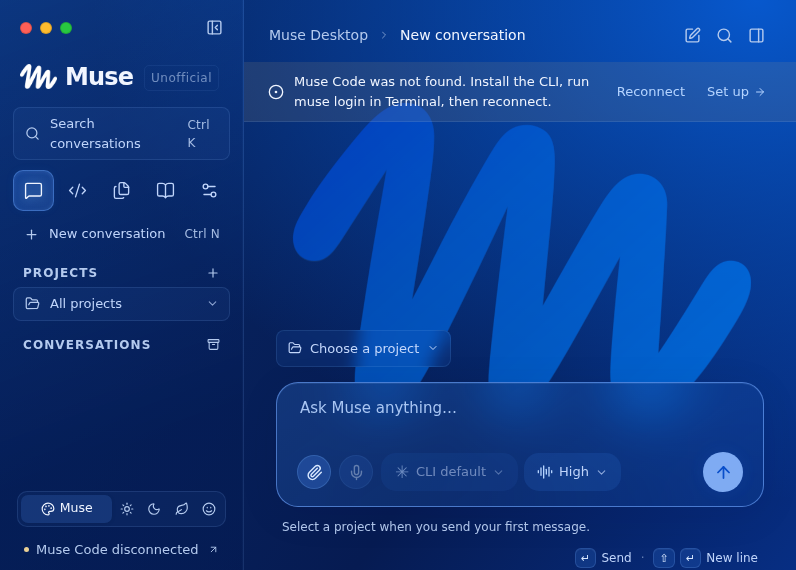
Unofficial macOS, Windows, and Linux desktop companion for Muse Code. Not affiliated with Meta.
My_Dash
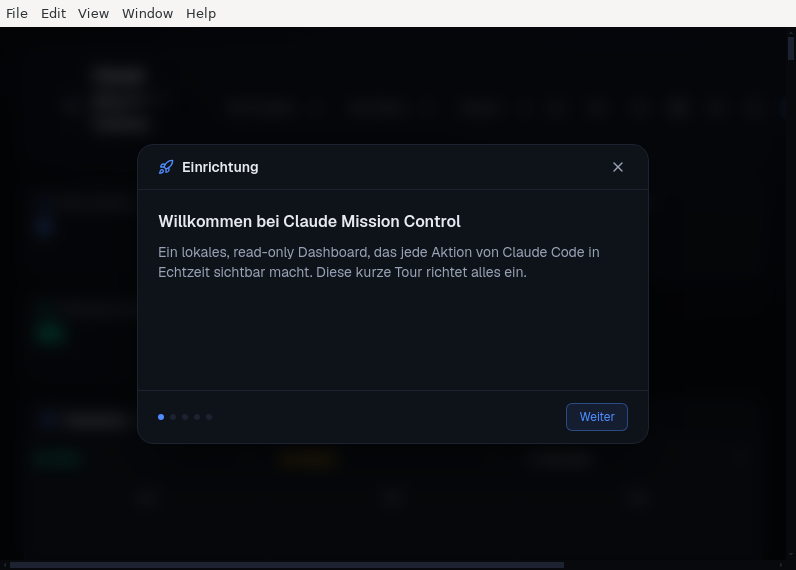
A local, read-only observability dashboard for Claude Code — live event stream, session kanban, token/cost charts and a 3D tool-call graph.
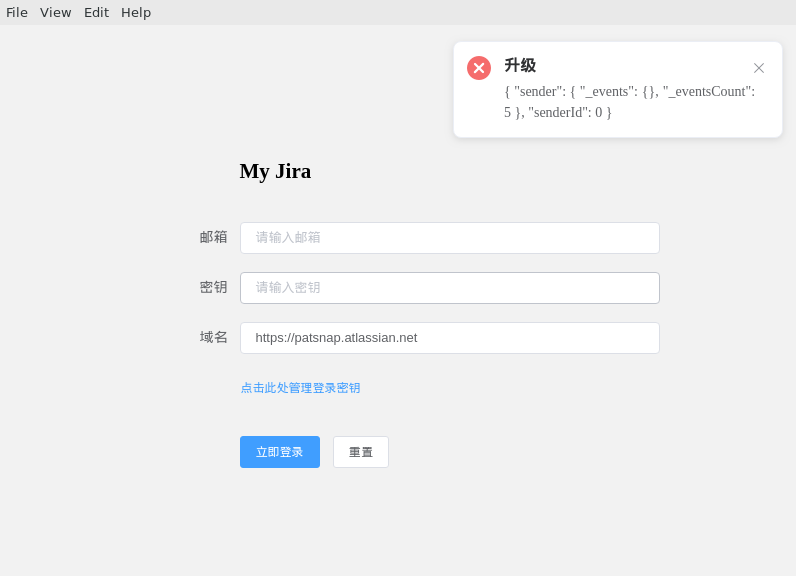
My_Jira
NativePi
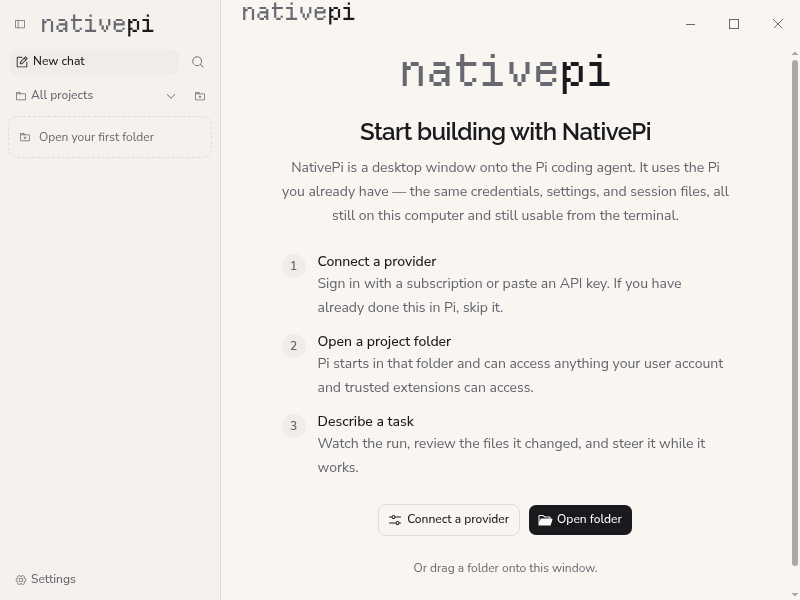
A free, open-source desktop interface for the Pi coding agent on Windows, macOS, and Linux.
Navicat
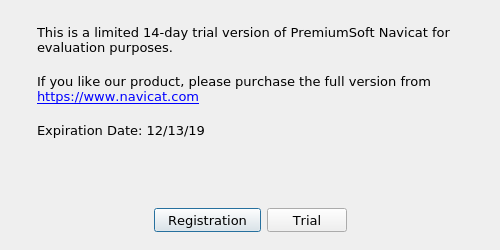
Navide
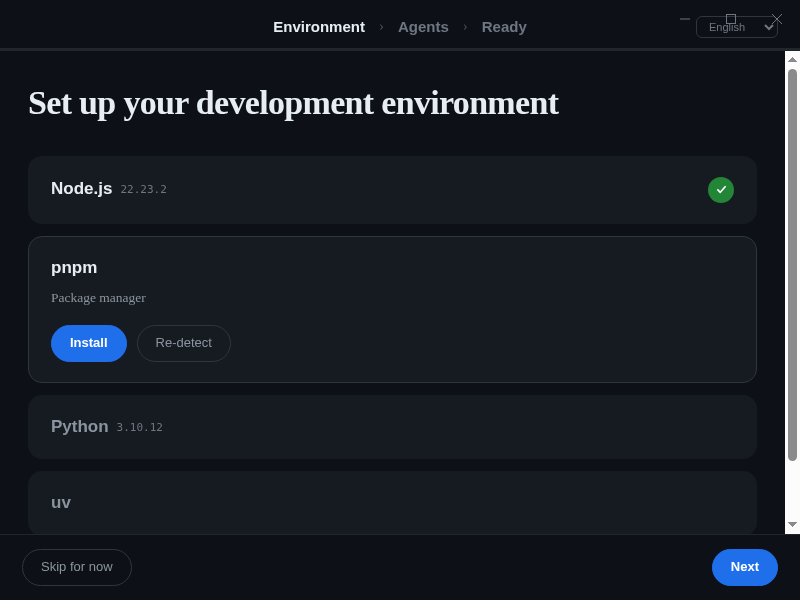
Navide is a desktop engineering environment for one engineer directing multiple coding agent CLIs.
Ness
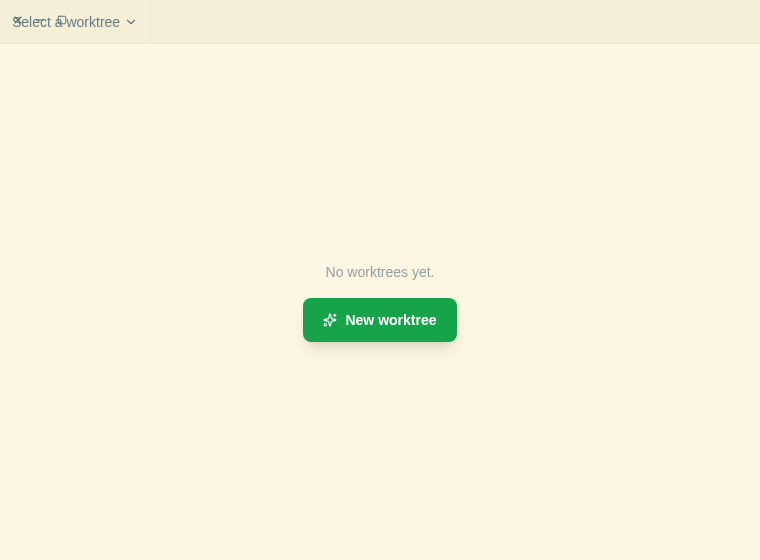
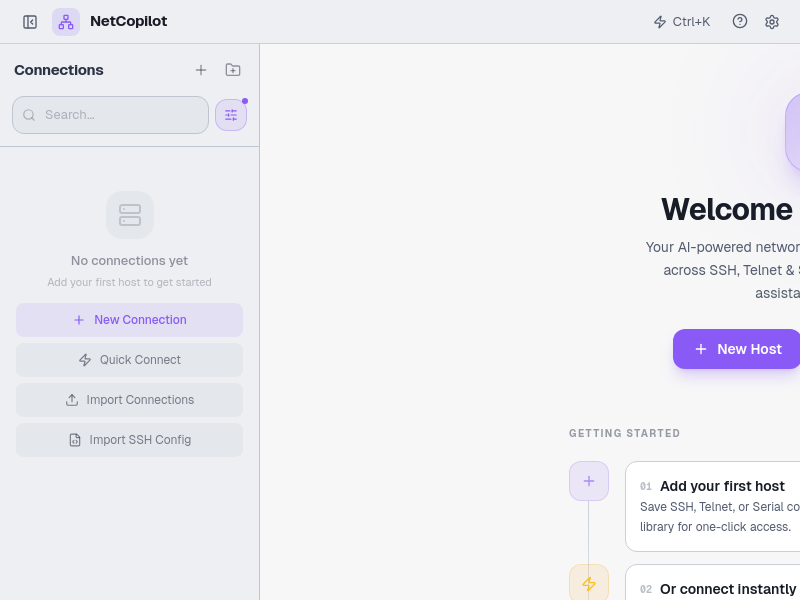
NetCopilot
Netcatty
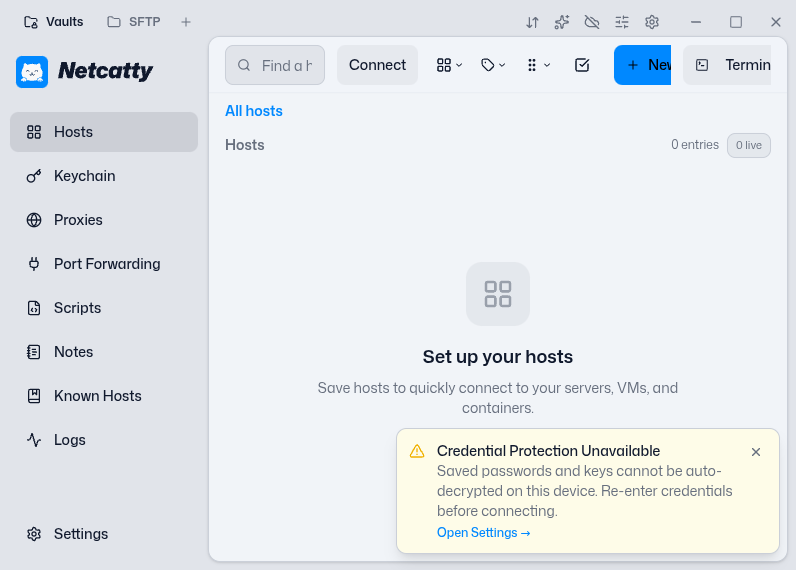
Netcatty is a modern SSH manager and terminal app with host grouping, SFTP, keychain, port forwarding, and a rich UI.
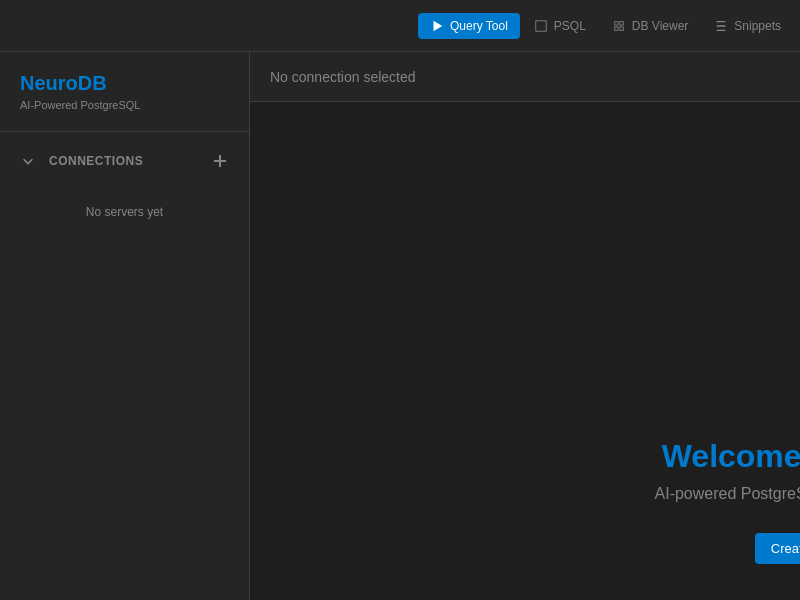
NeuroDB
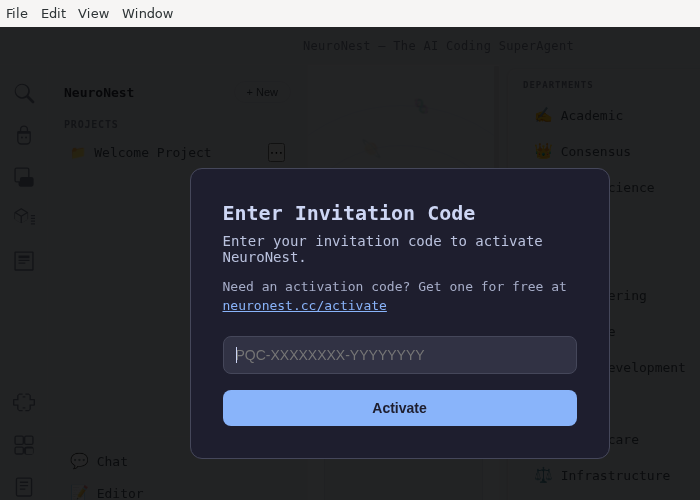
NeuroNest
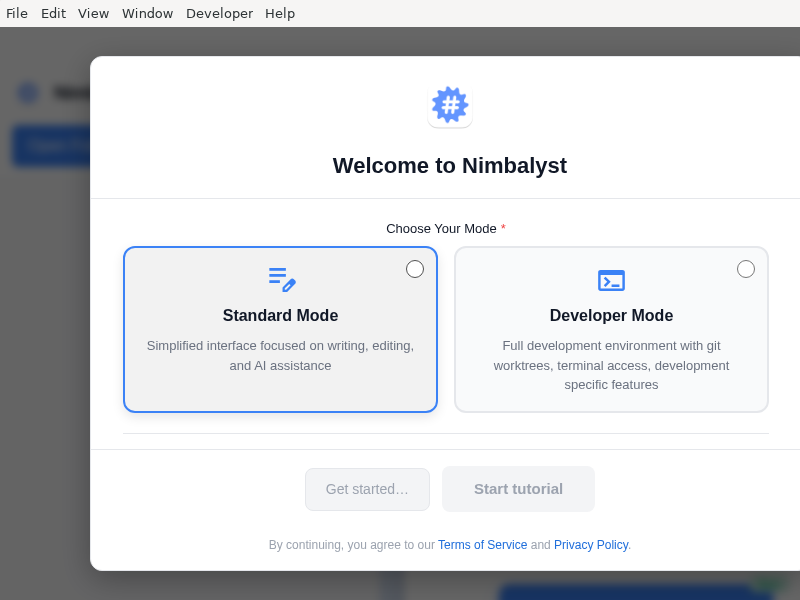
Nimbalyst
Nimbus
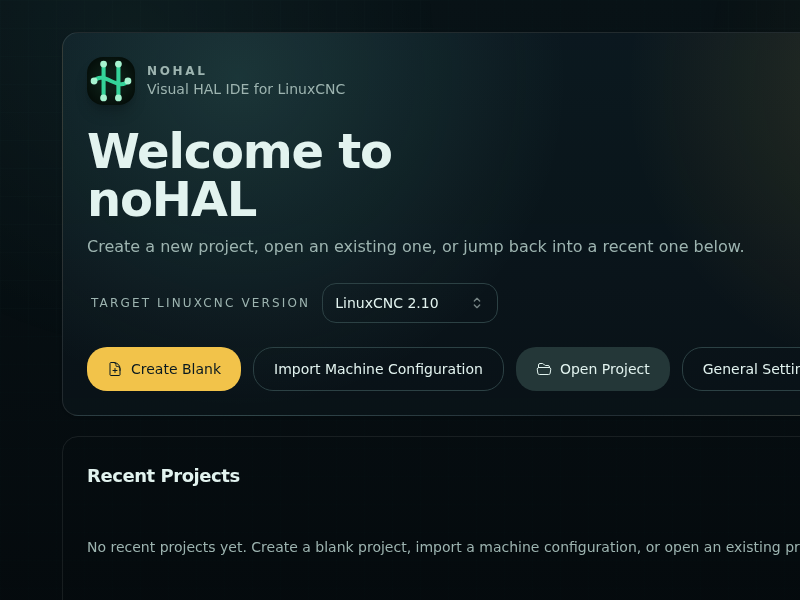
NoHAL
NoSQLBooster
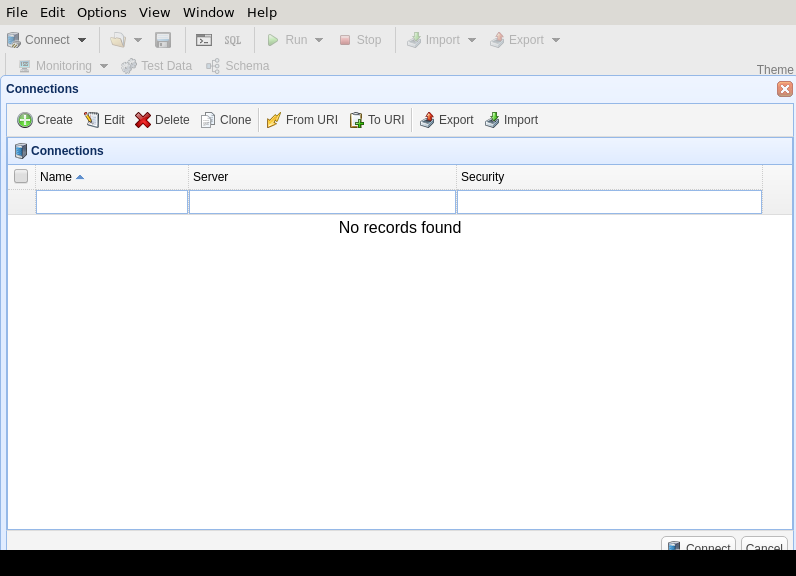
Essential admin GUI for mongodb
NoTer
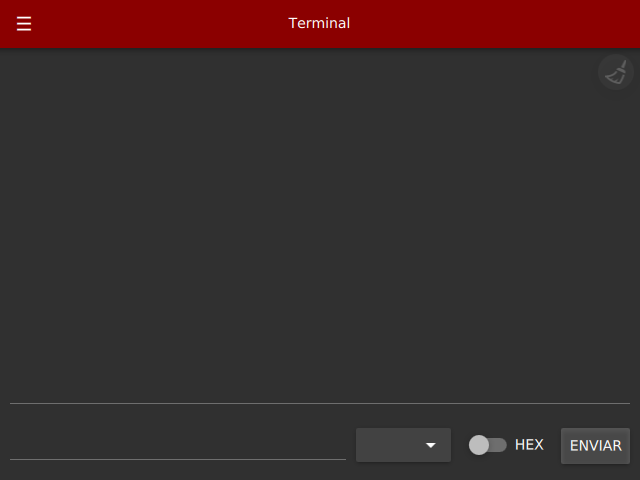
NoteMaster
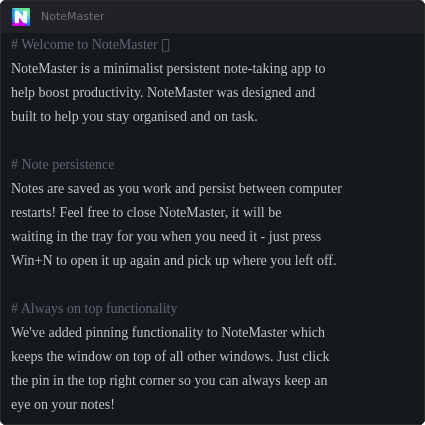
OCPQ
OCVWarp
OCVvid2fulldome
OCVvid2fulldome.txt
OMPChamber
OSW
OVis
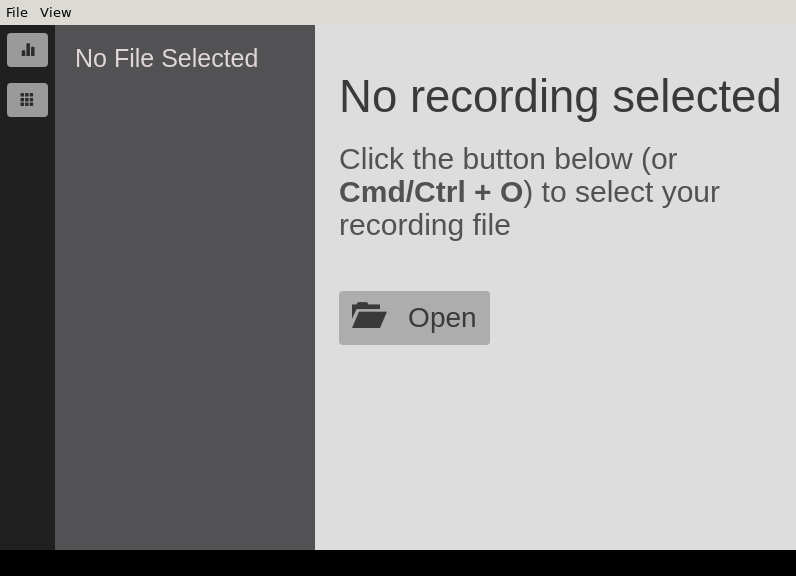
One-Click_Coding_Agent
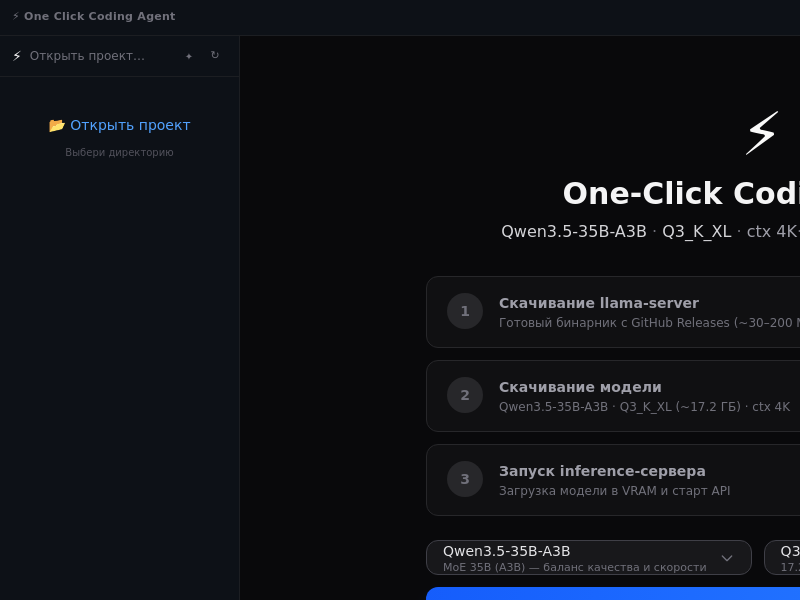
Fully local, self-contained AI coding agent. Downloads and serves Qwen3.5-35B-A3B via llama.cpp. Reads, writes, and edits code autonomously.
OpenChamber
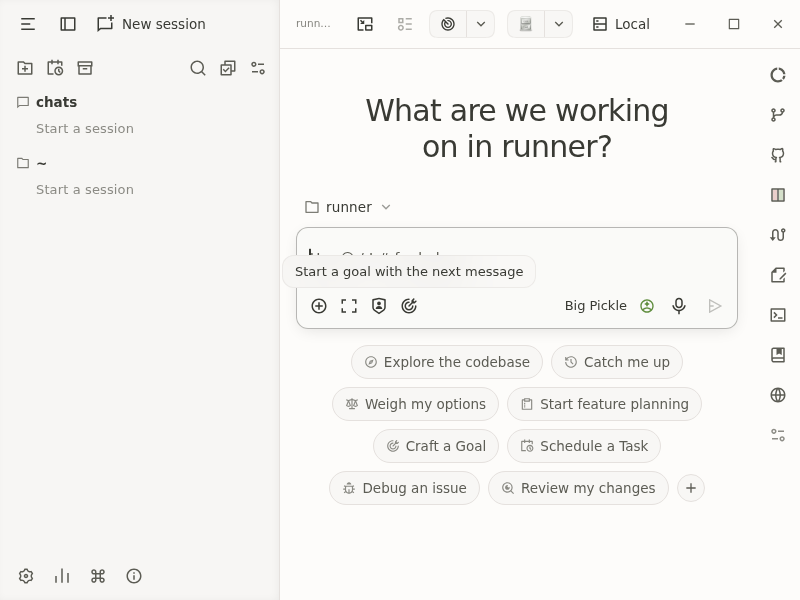
OpenCode_Beta
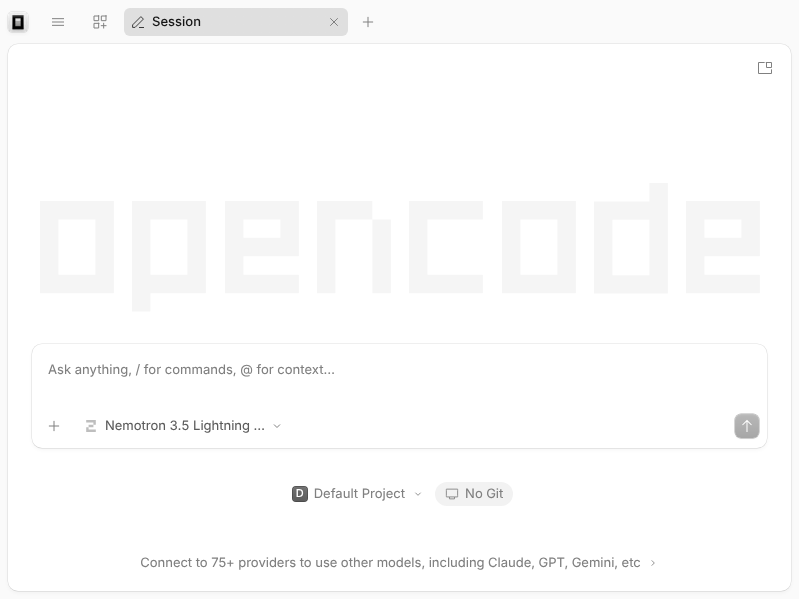
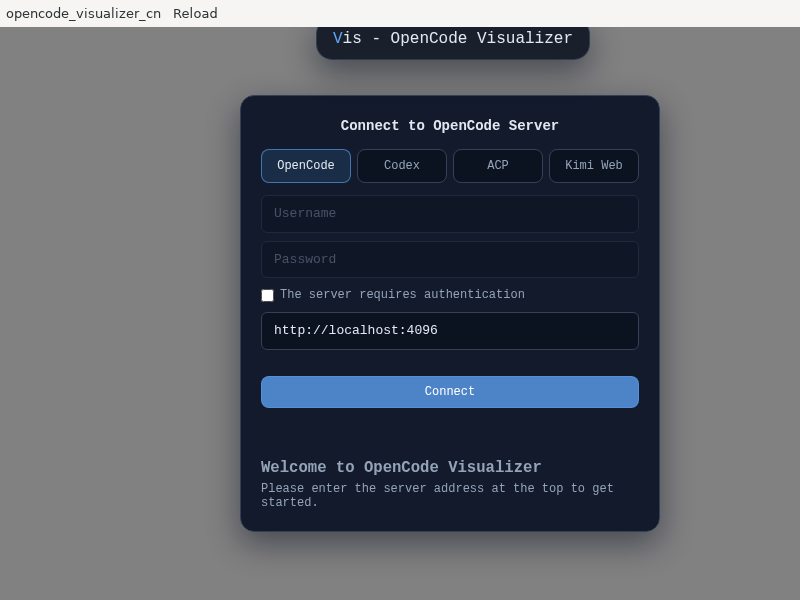
OpenCode_Visualizer_CN
OpenMango
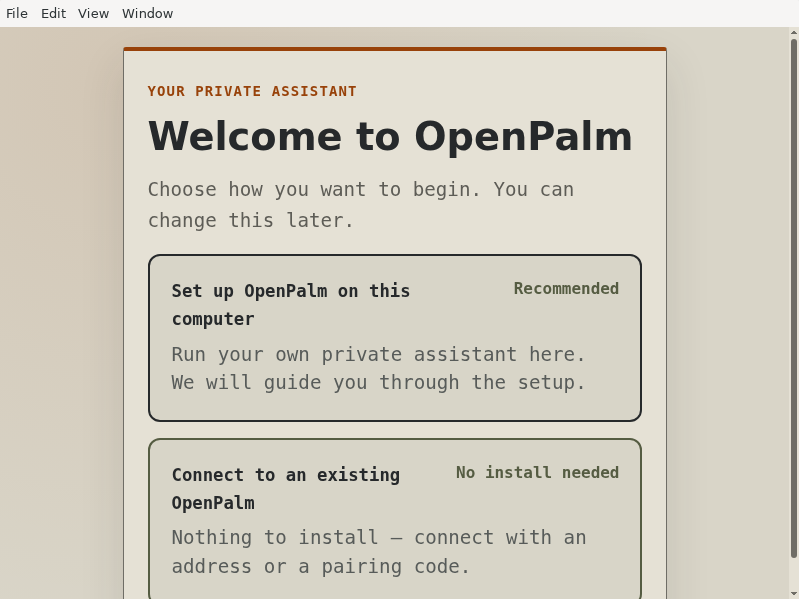
OpenPalm
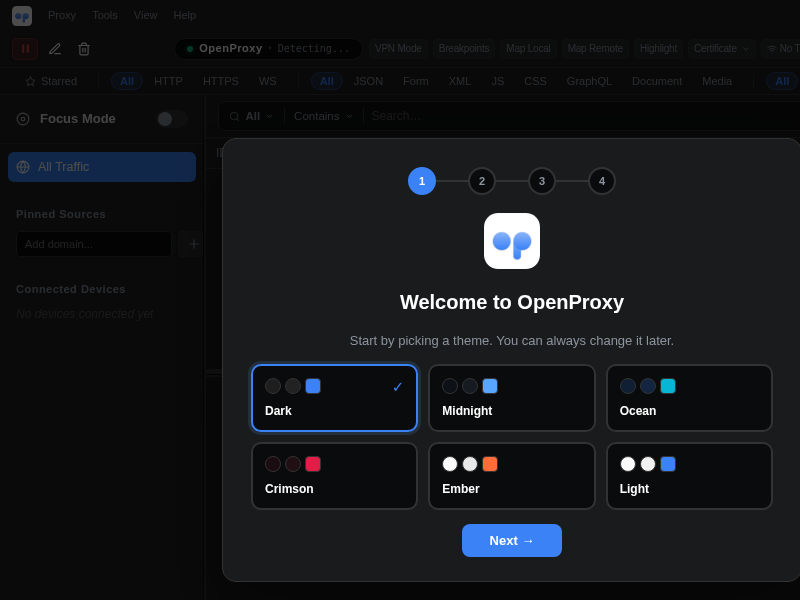
OpenProxy
OpenResearch
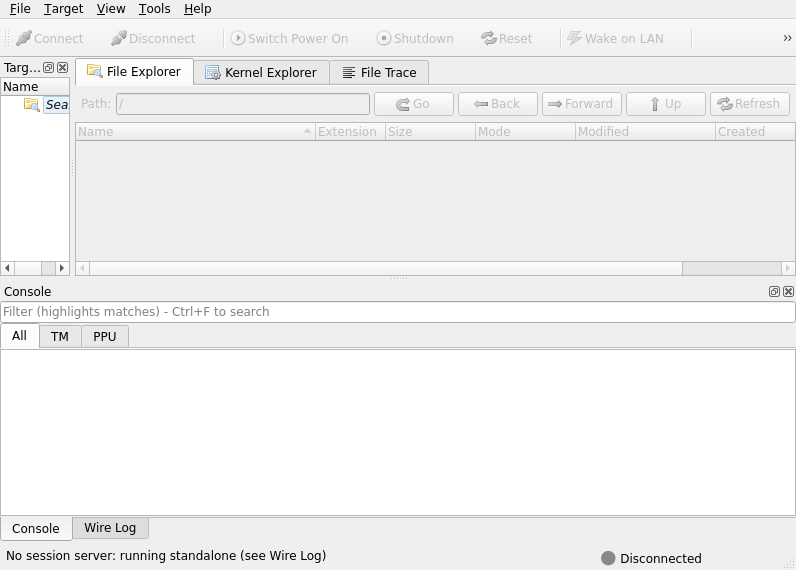
OpenTM
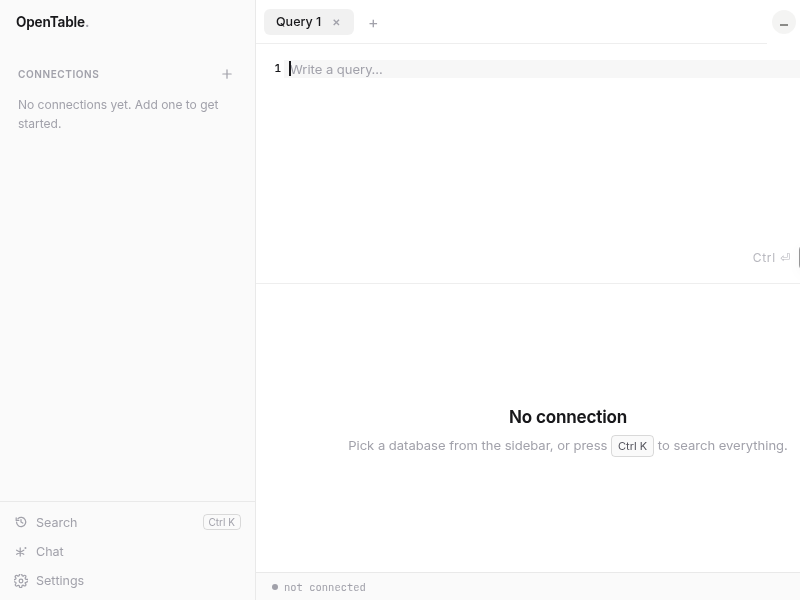
OpenTable
Opengeni
Opengeni for Linux. Chat with agents, follow sessions and the inbox, and let agents use this computer.
OpsDeck
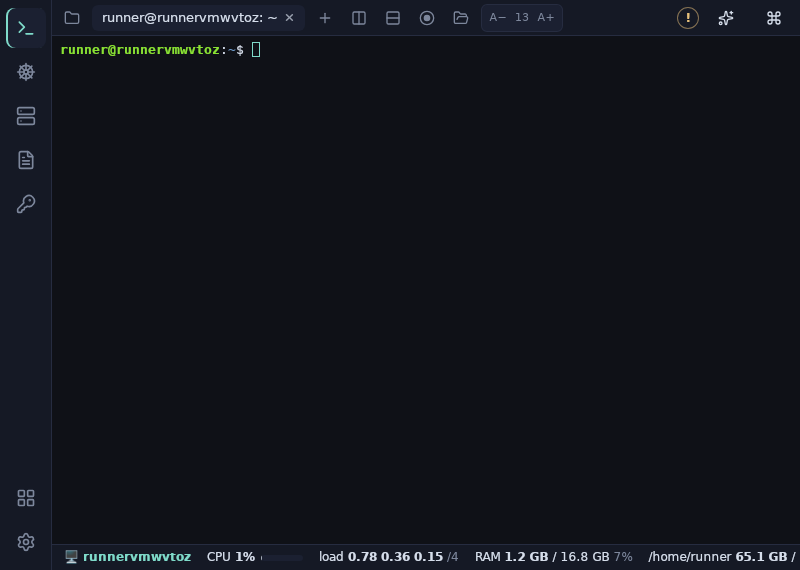
Orkestrai
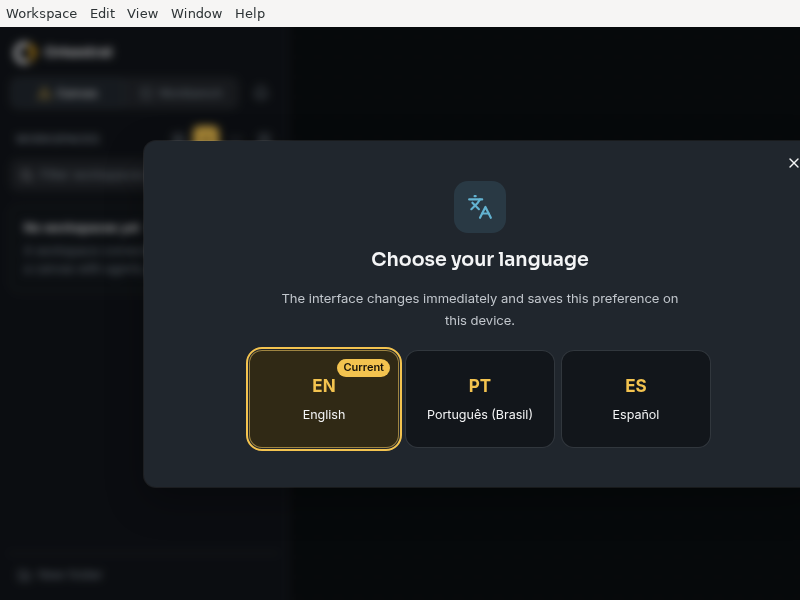
Otis
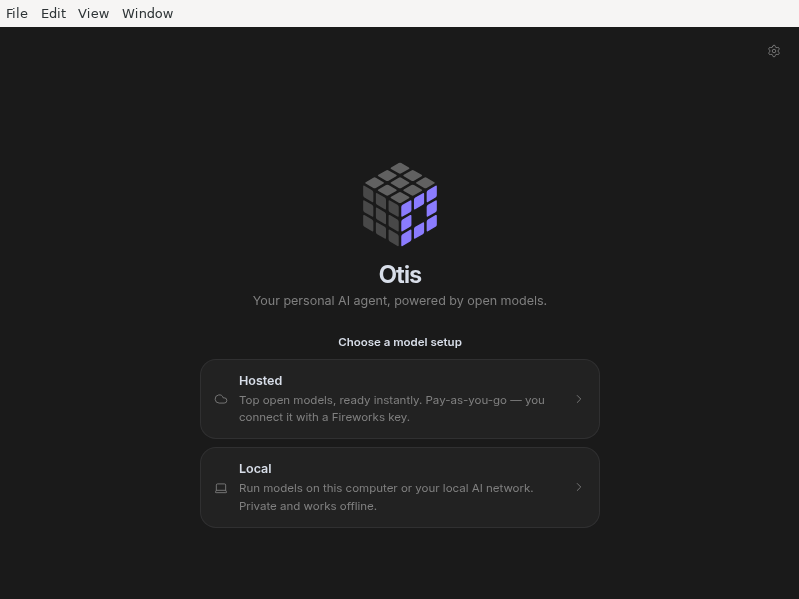
Otto
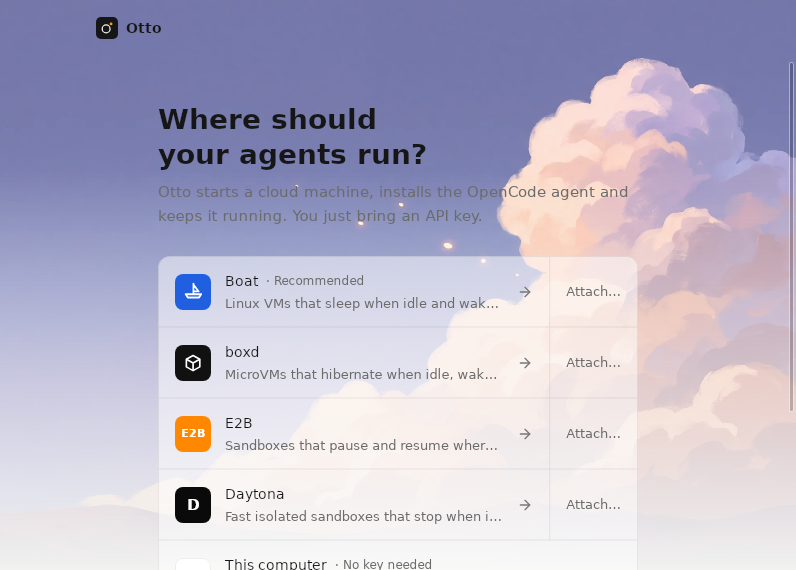
PG_Orbit
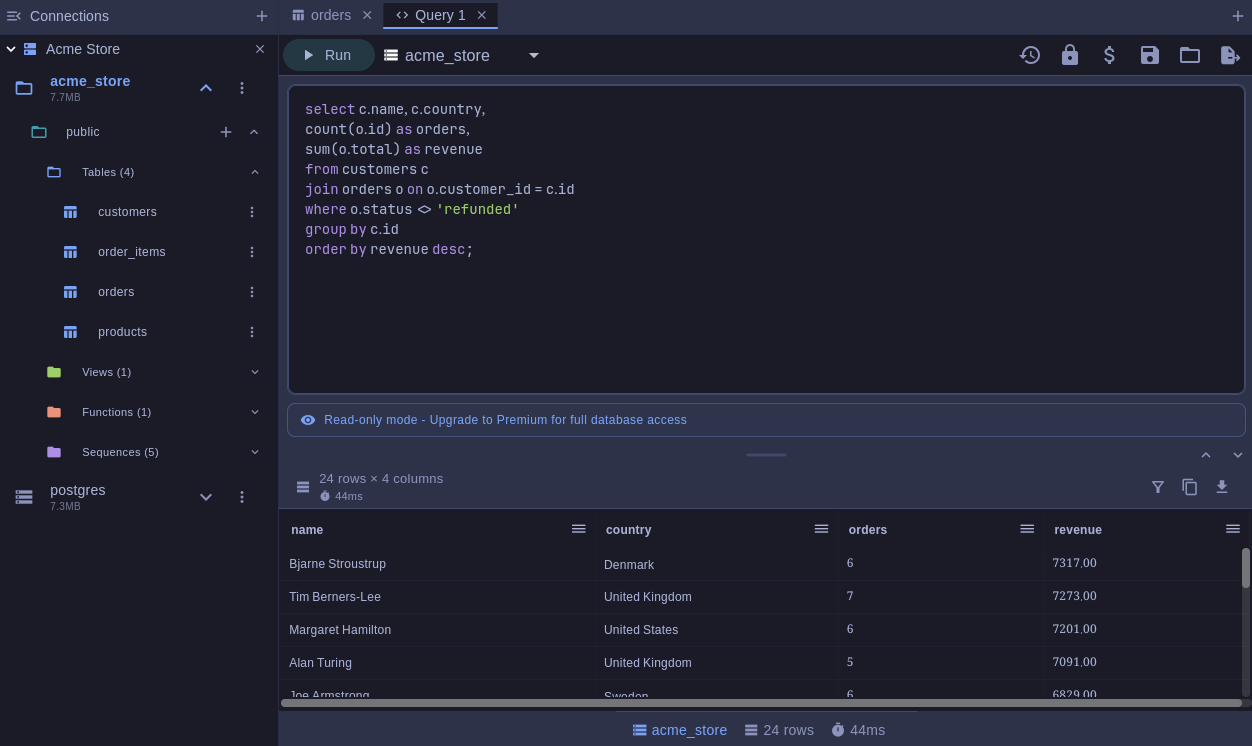
PG Orbit is a PostgreSQL client for your desktop and your phone. Browse databases, schemas, and tables, run SQL with highlighting and autocomplete, and edit rows in place.
- Schema browser for tables, views, materialized views, functions, and sequences
- SQL editor with syntax highlighting, autocomplete, query parameters, history, and saved queries
- Results grid with filtering, sorting, inline editing, and CSV export
- Connections over SSL, SSH tunnels, and Kubernetes port forwarding
- Passwords and SSH keys stay in your system keyring
- On Omarchy, the app follows your desktop theme and changes with it
Browsing and read-only queries are free. Premium, a one-time purchase, unlocks writes, table design, and CSV export. An optional subscription syncs connections and saved queries across your devices.
PPUX
PREVU
Pace
Pairlet
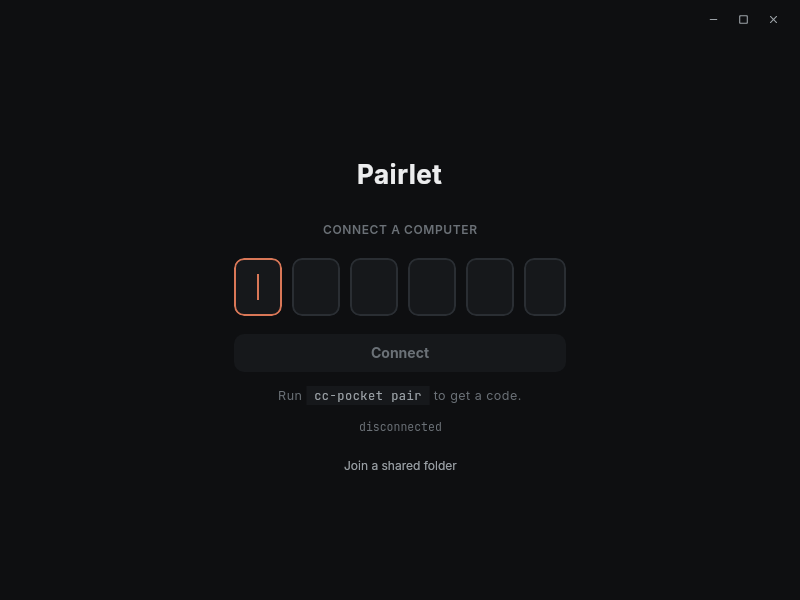
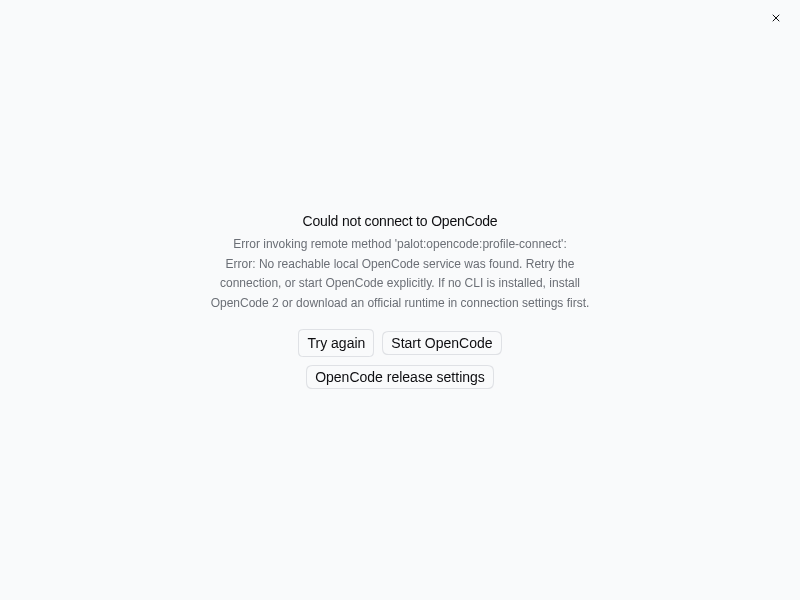
Palot
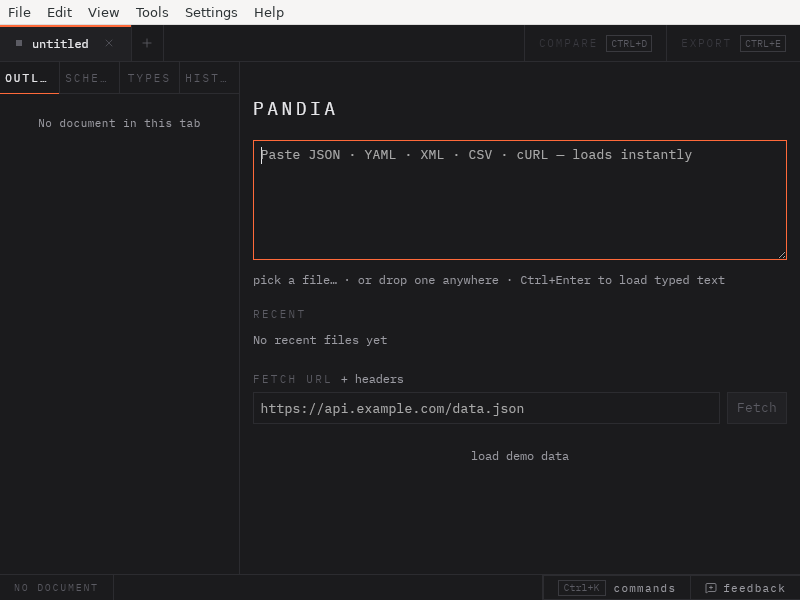
Pandia
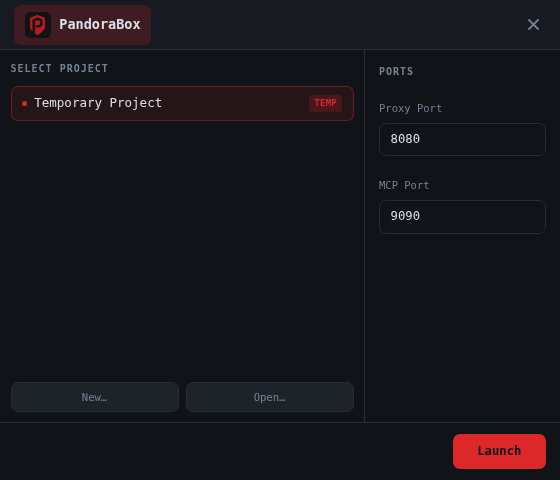
PandoraBox
Pane

Parallel-Code
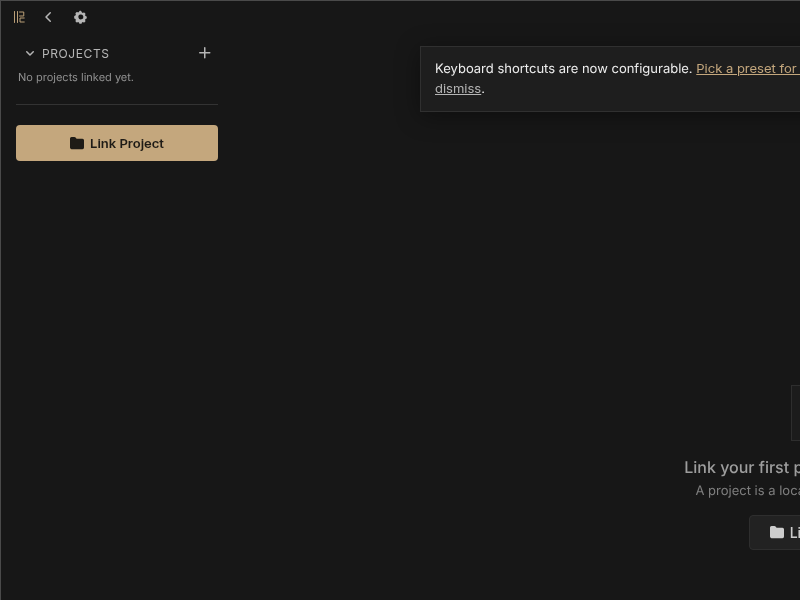
PasteMax
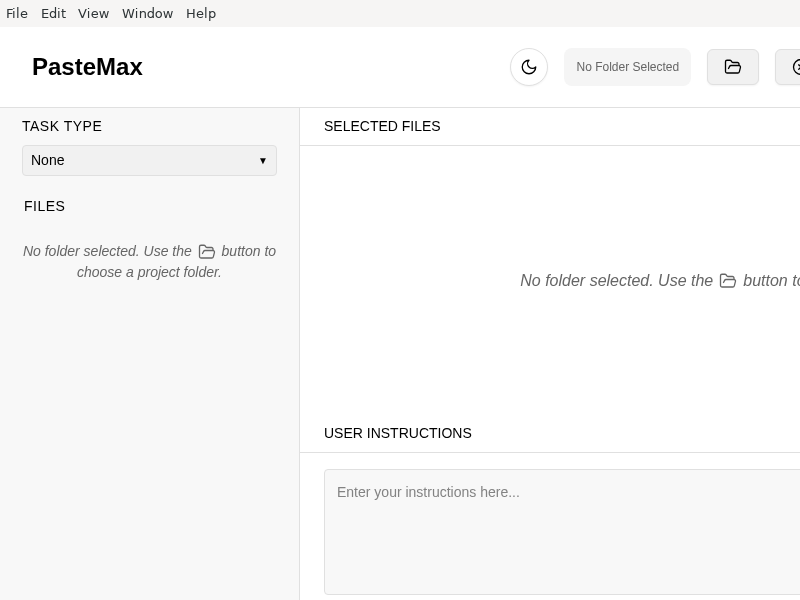
A modern file viewer application for developers to easily navigate, search, and copy code from repositories.
PatternPaint

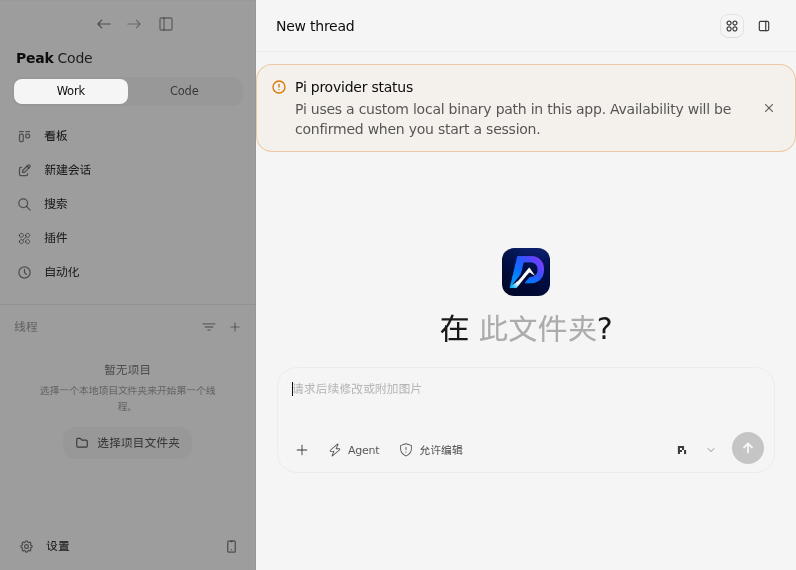
Peak-Code
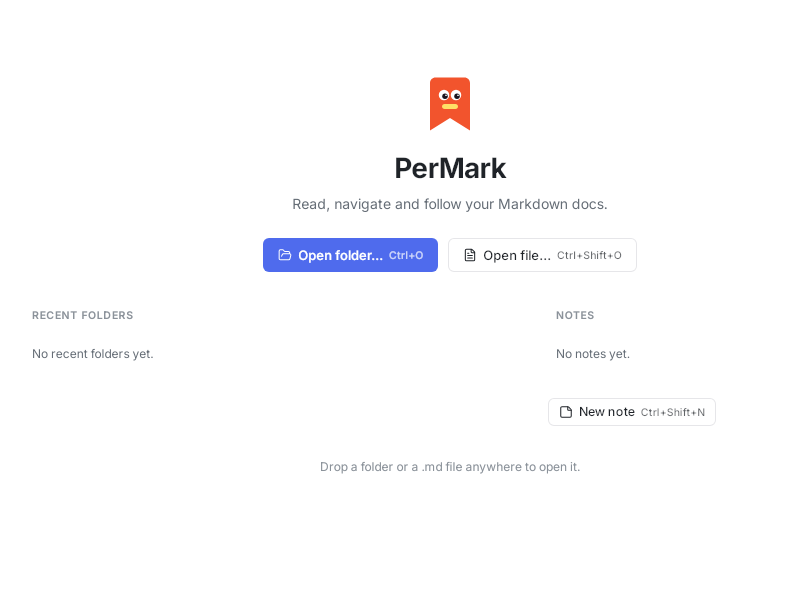
PerMark
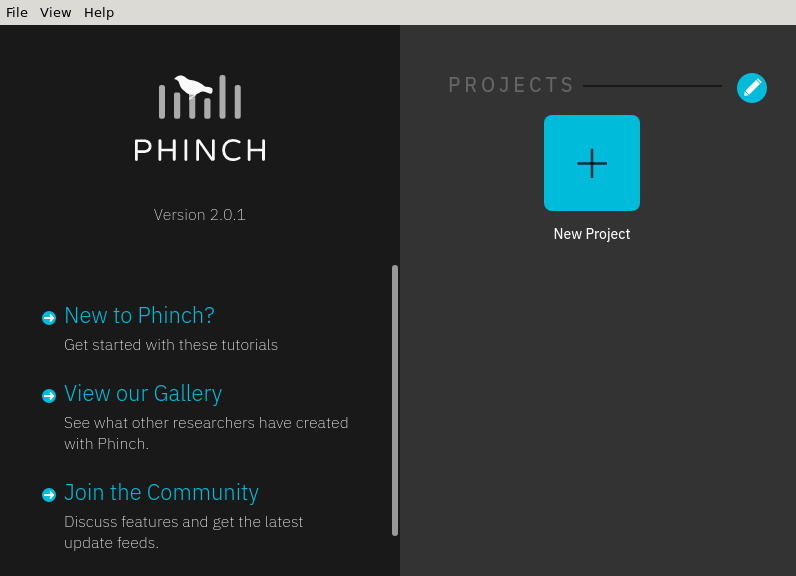
Phinch
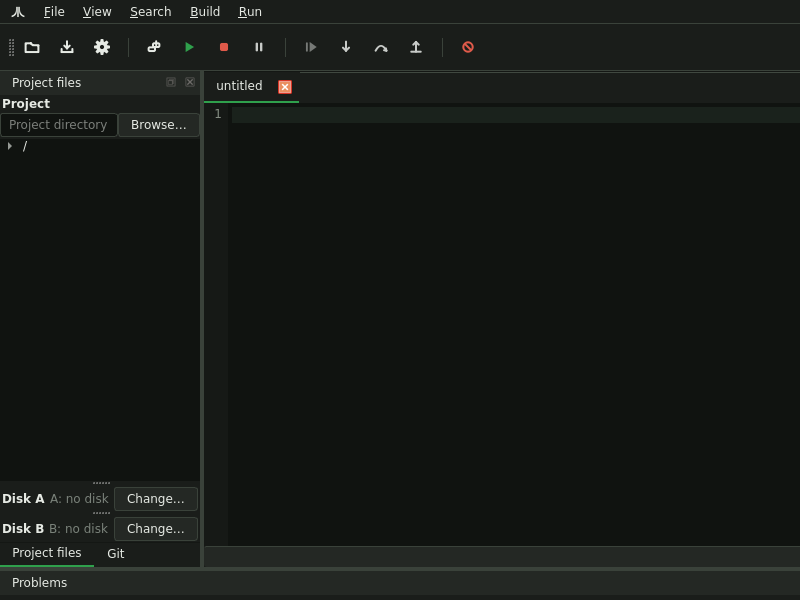
PiST
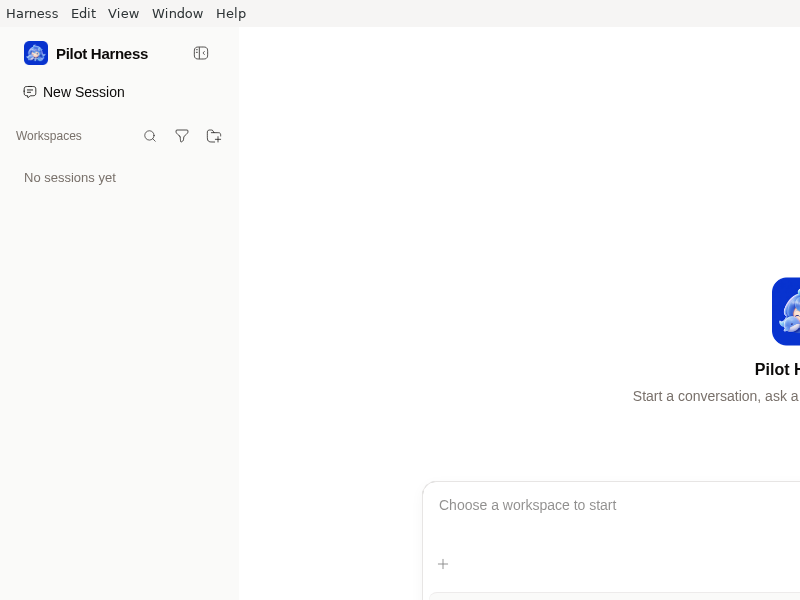
Pilot_Harness
Piora
PlainRepo
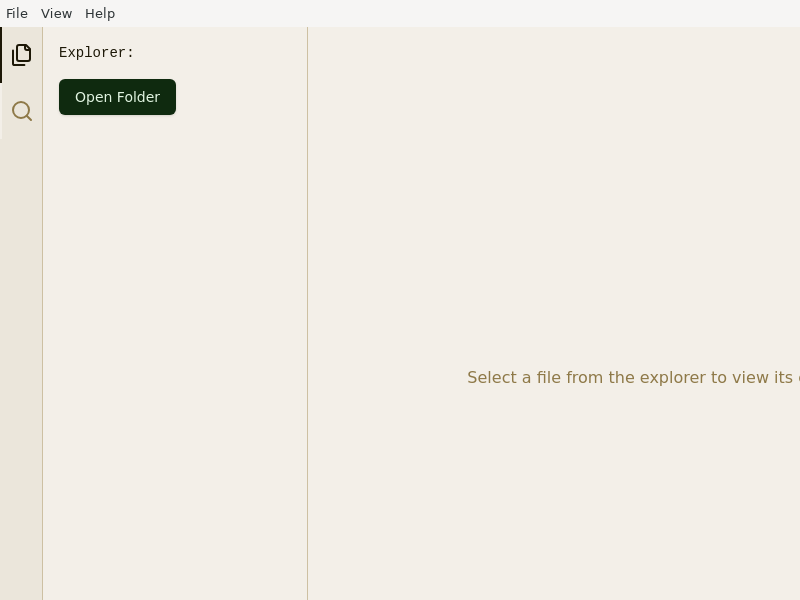
PlayWeld
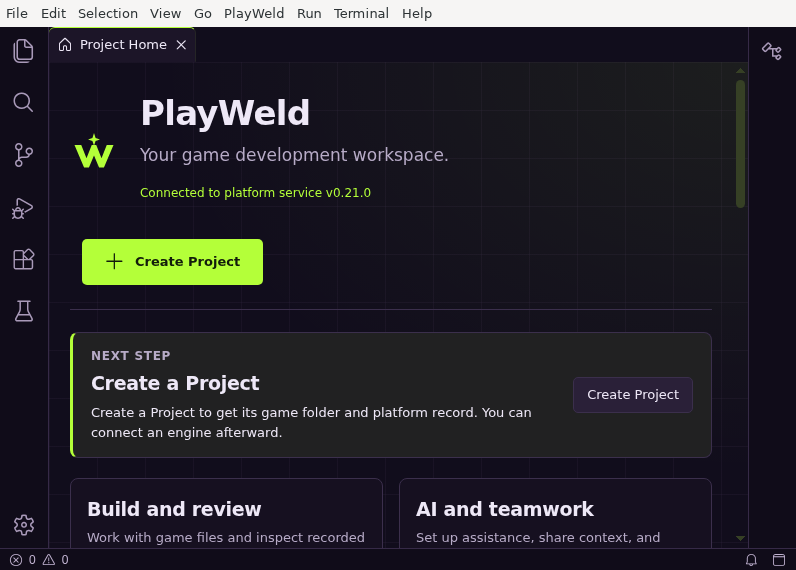
PlotJuggler
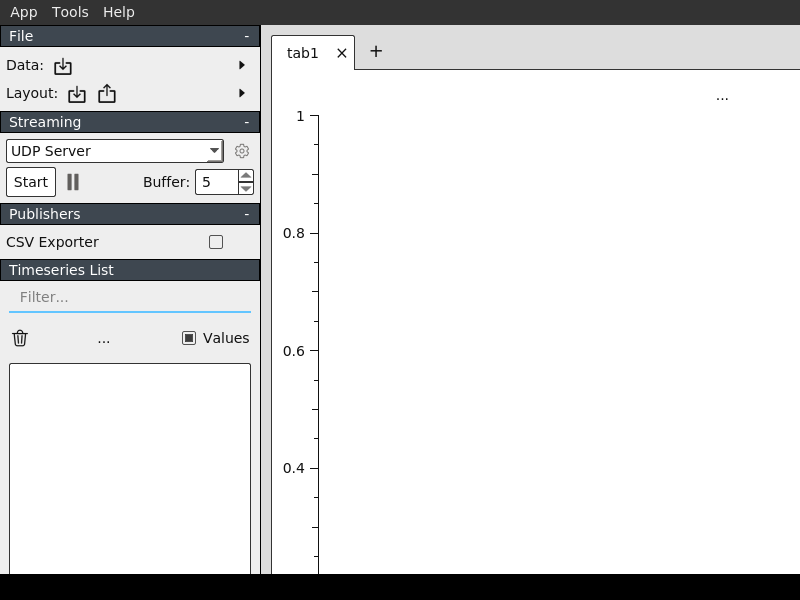
Pneuma_Skills
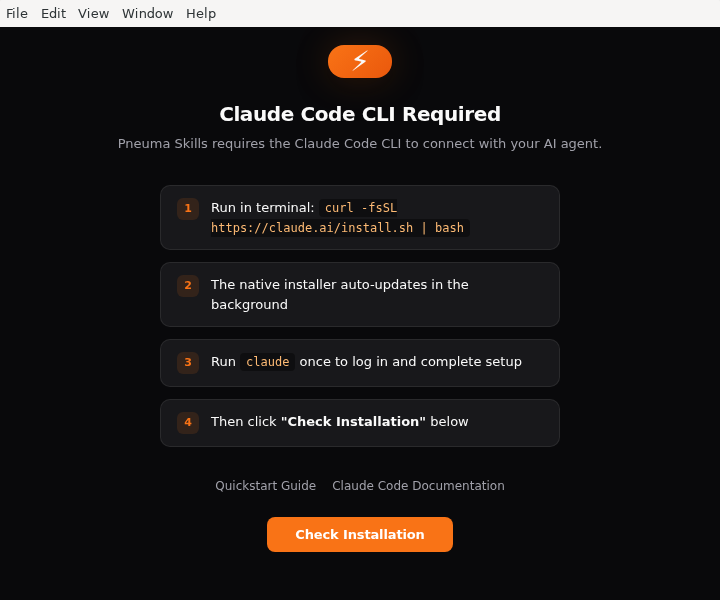
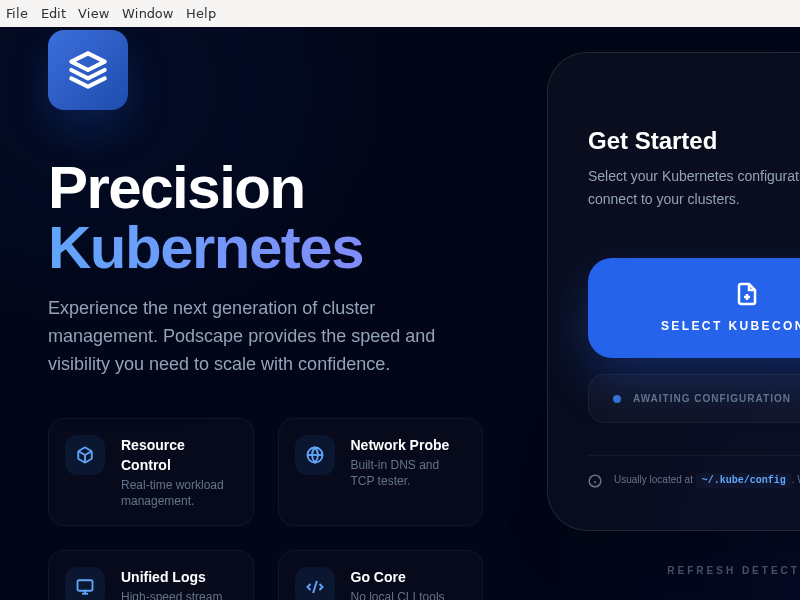
Podscape
Polypane
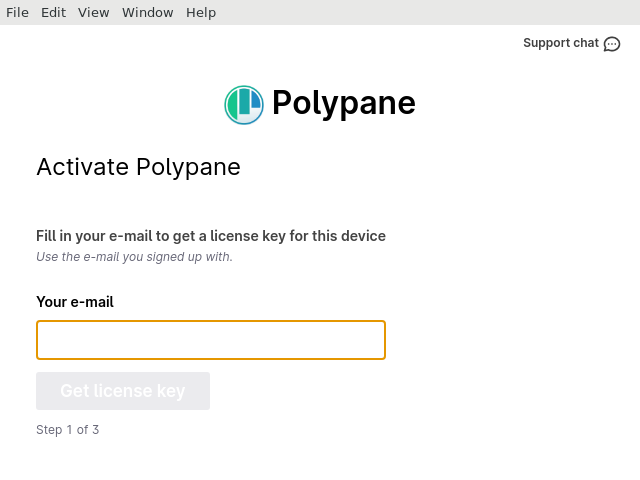
Browser for web developers
Pony_Compiler
Port587
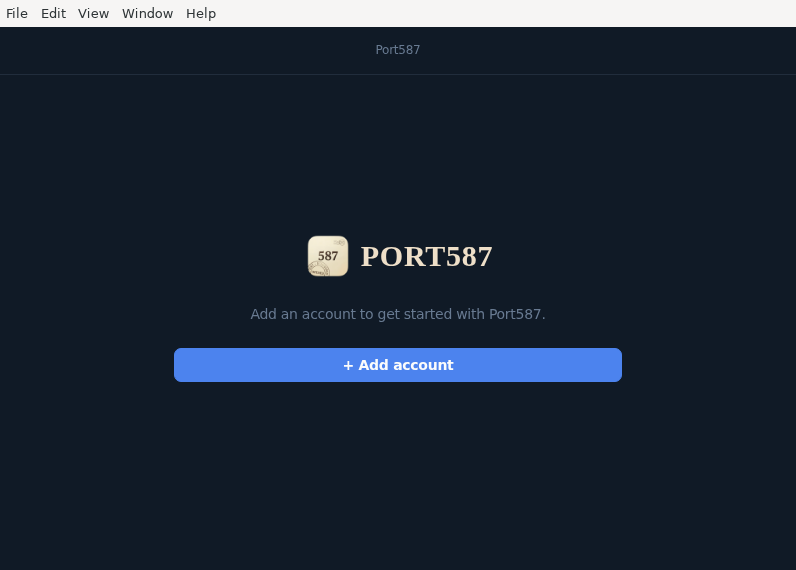
Desktop email client for multiple senders — sending stats, sandbox testing, and more
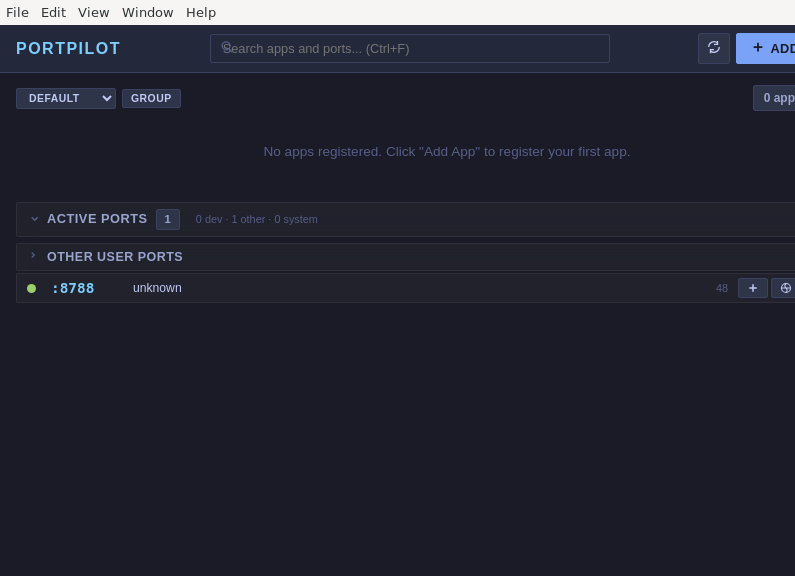
PortPilot
Portkeeper
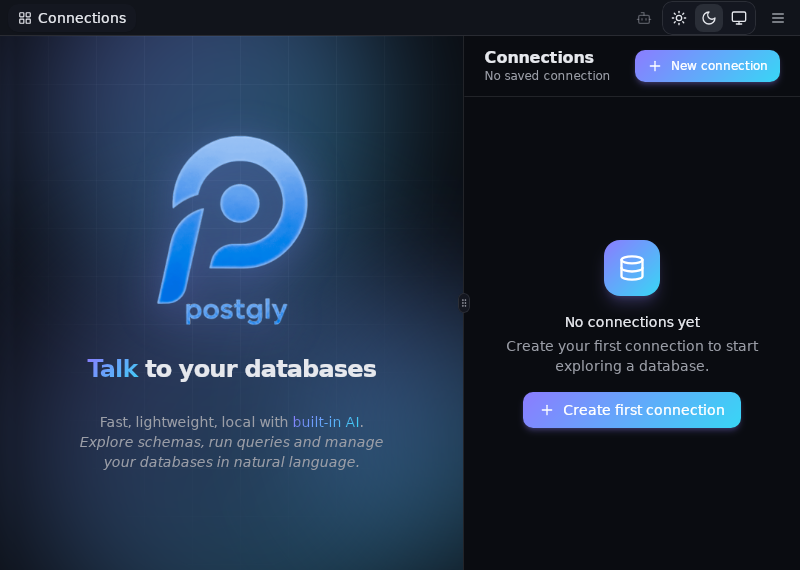
Postgly
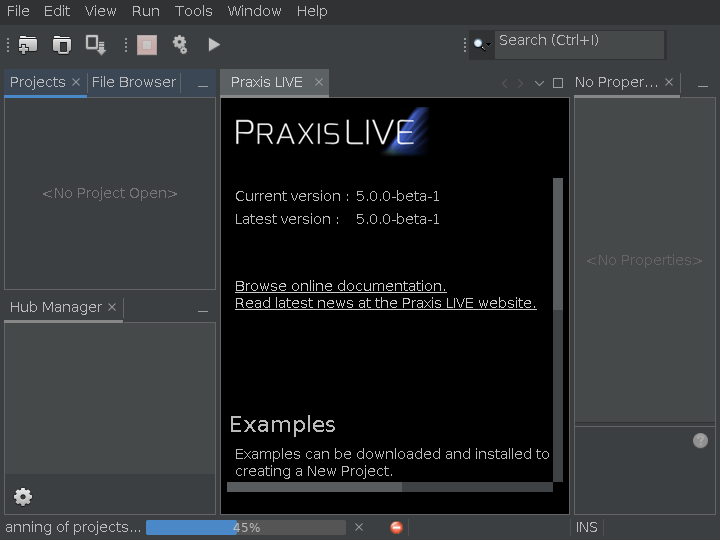
PraxisLIVE
PrimeWorldEditor
ProcDepMonitor
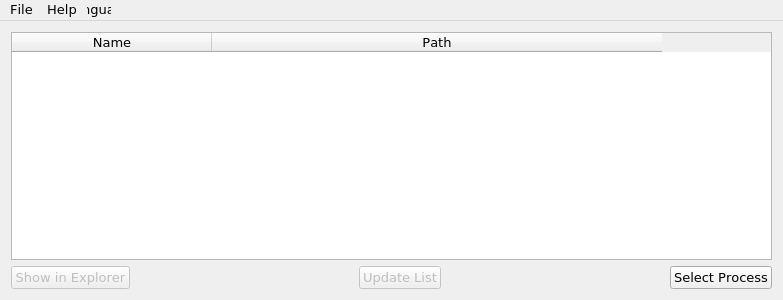
Сross-platform program with GUI for obtaining information about loaded process dependencies
ProjectMind
Prompt_Evaluator
Prompt_Self-Tuning
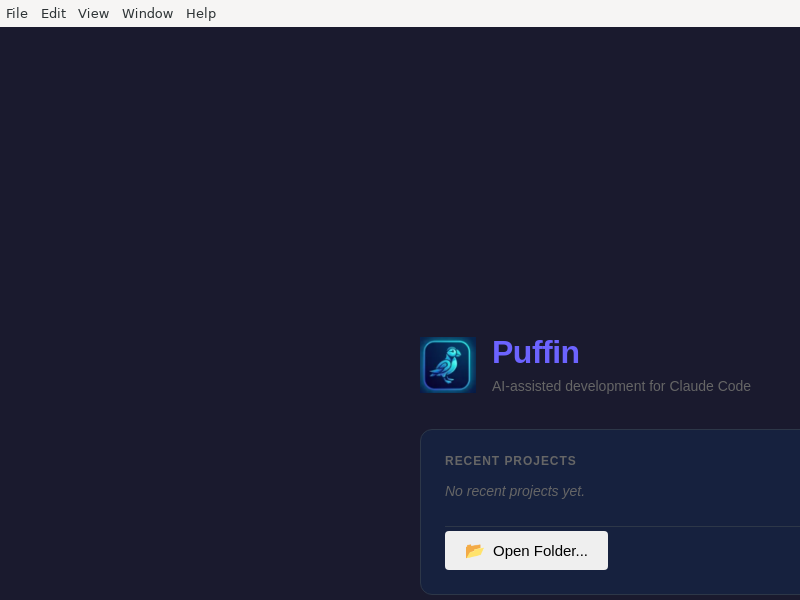
Puffin
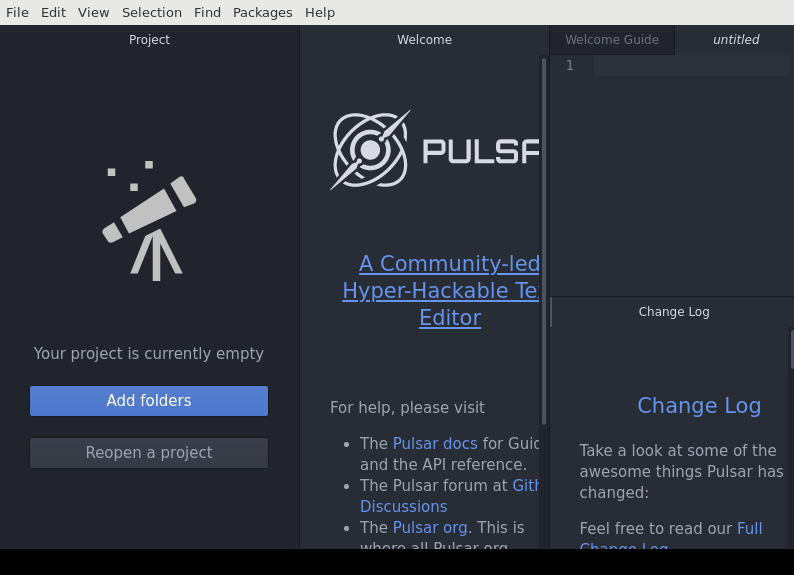
Pulsar
Pulse-Analytics

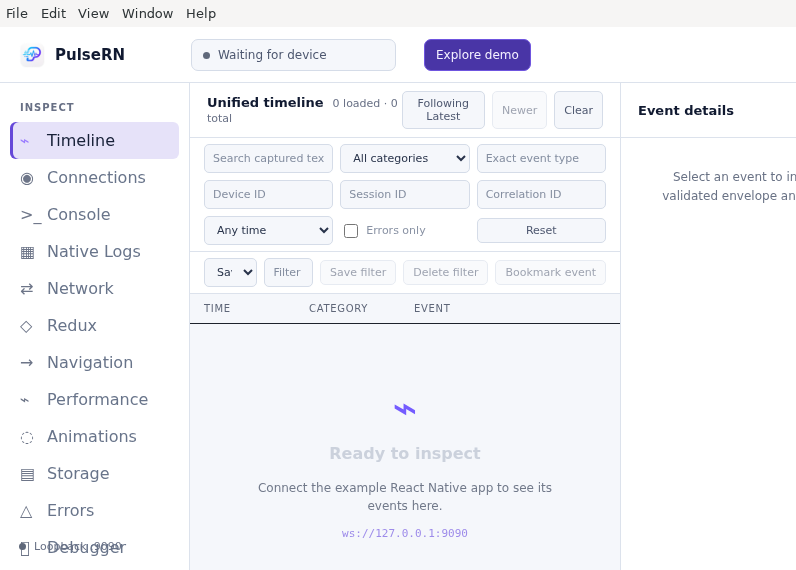
PulseRN
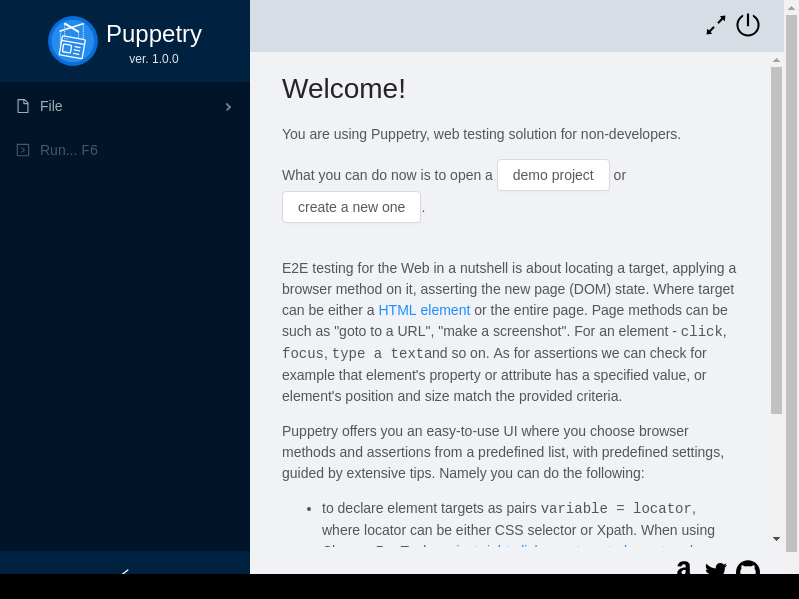
Puppetry
Pybient
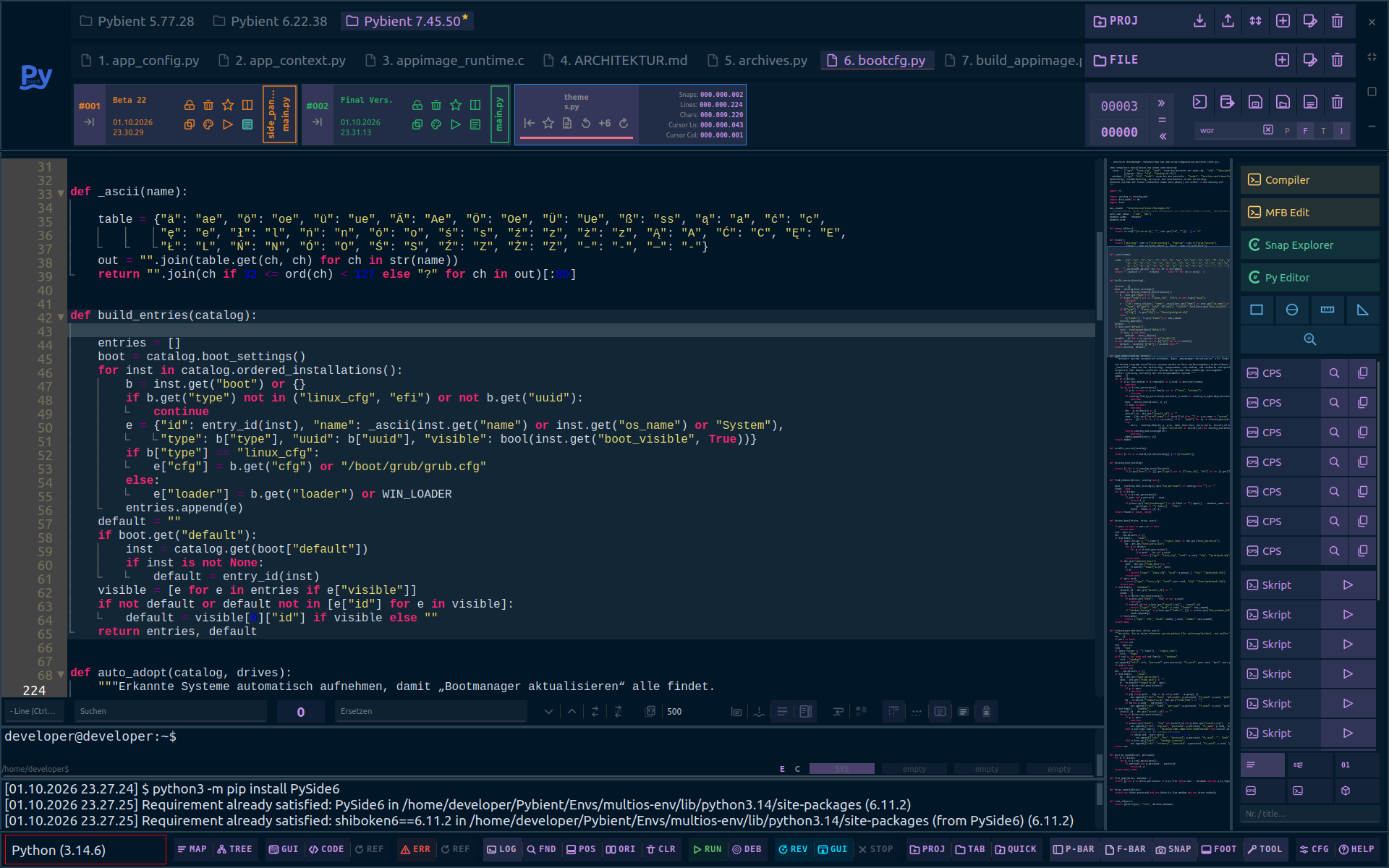
Python
QCADesigner-E
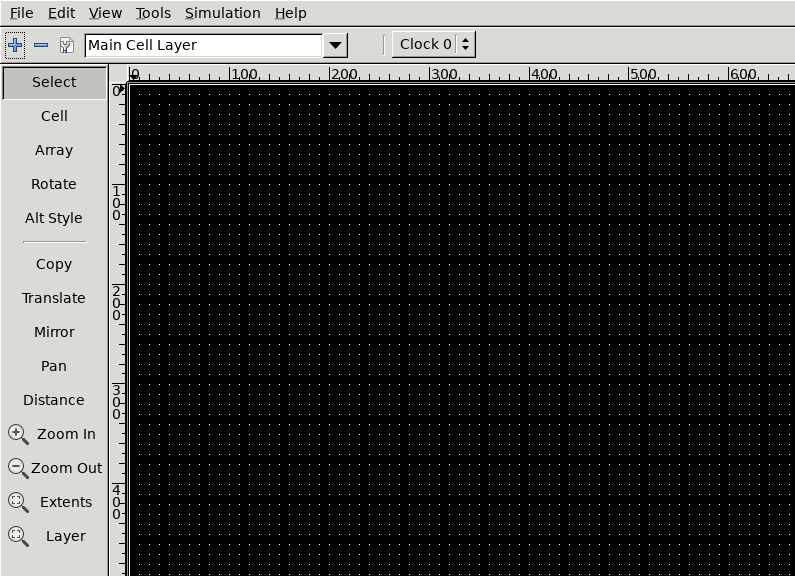
QDriverStation

QaterialHotReload
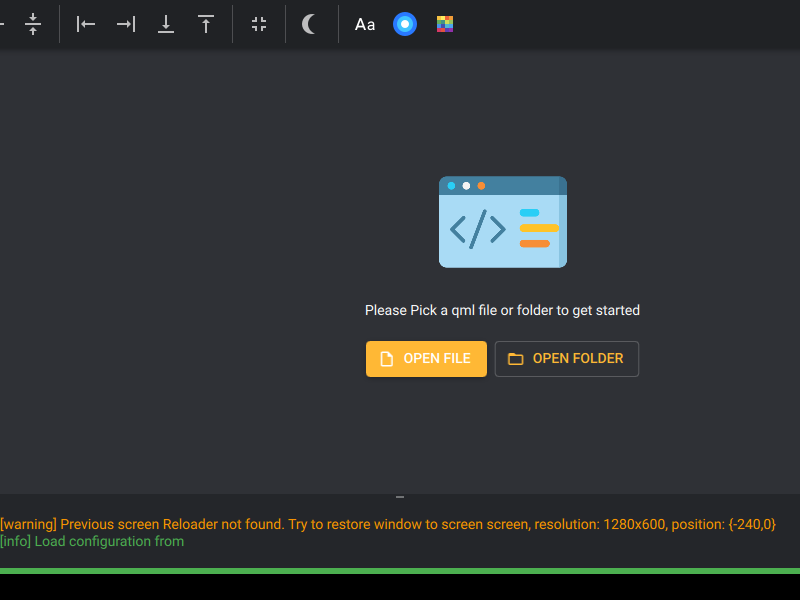
Qt_JSON_diff
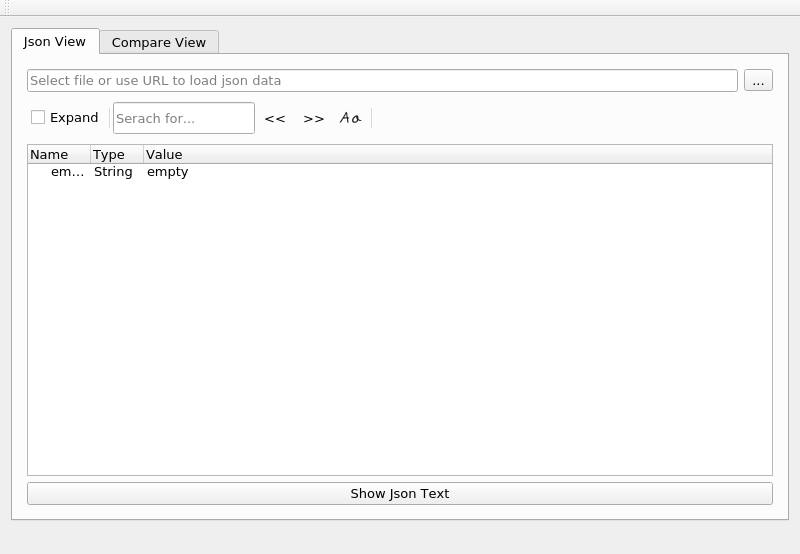
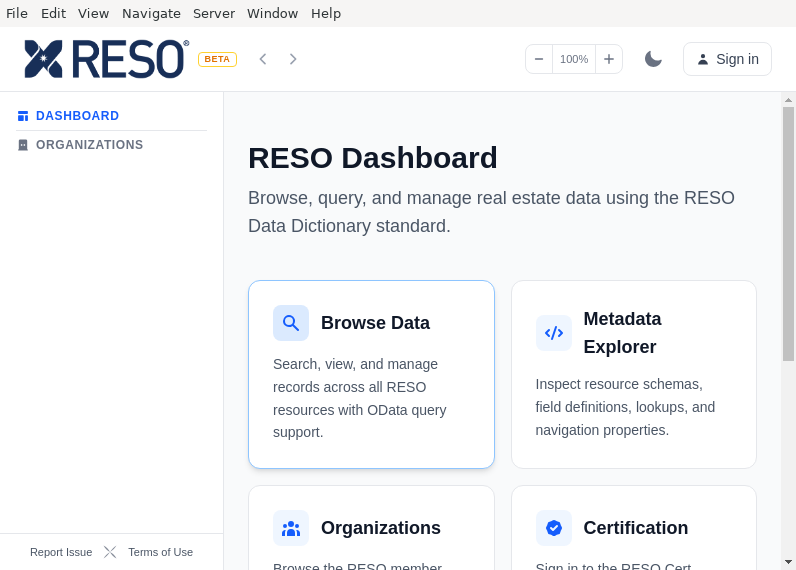
RESO_Tools
RKDevelopTool-GUI
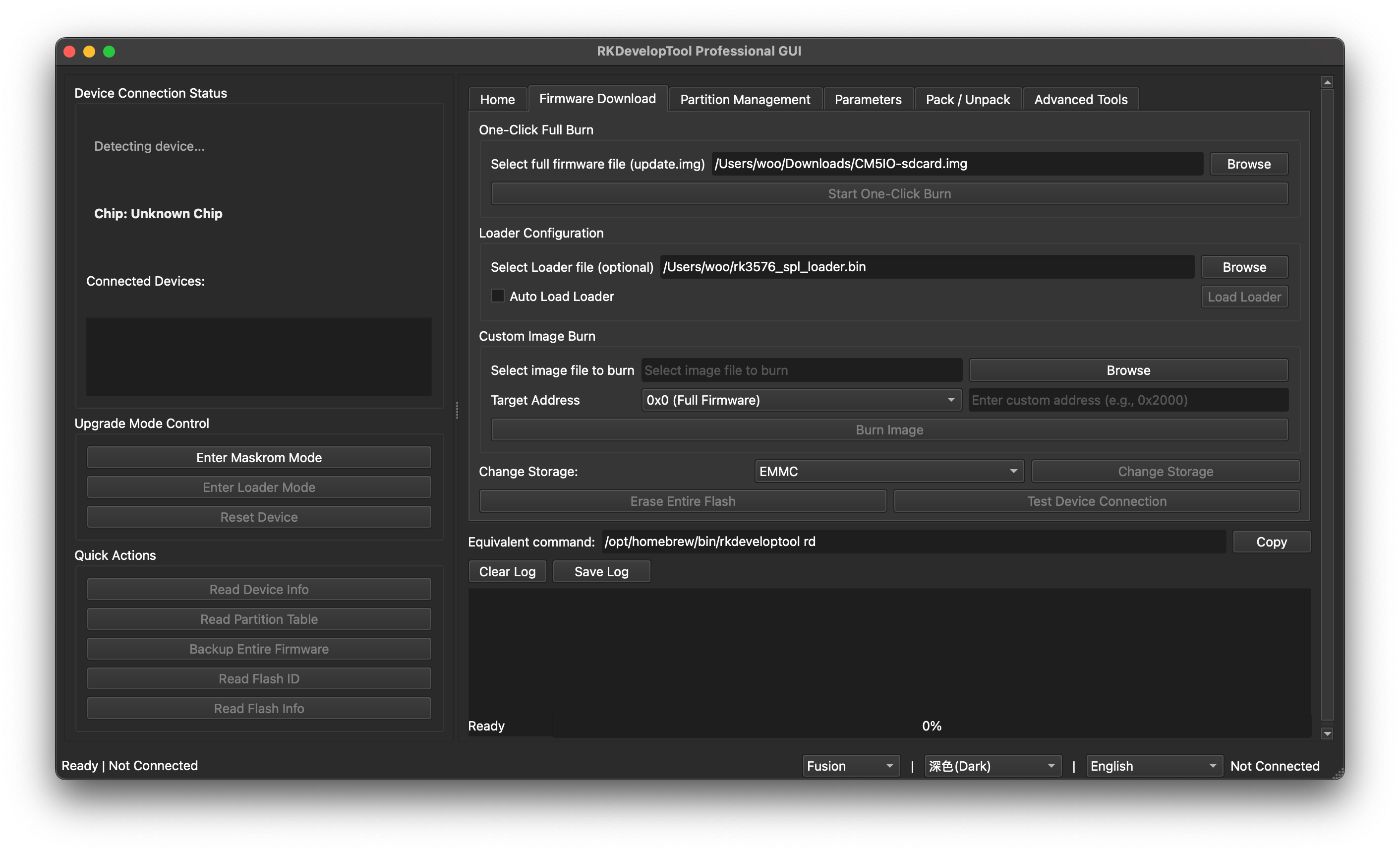
A graphical front end for Rockchip's rkdeveloptool. Flash firmware, manage partitions and debug Rockchip boards over USB without using the command line.
- One-click flashing of full firmware images, including packed update.img files
- Partition table viewer with per-partition flashing and backup
- Maskrom and Loader mode handling with loader download
- Shows the equivalent rkdeveloptool command for every action
It ships with rkdeveloptool built in, so nothing else needs to be installed.
Raml_KQL
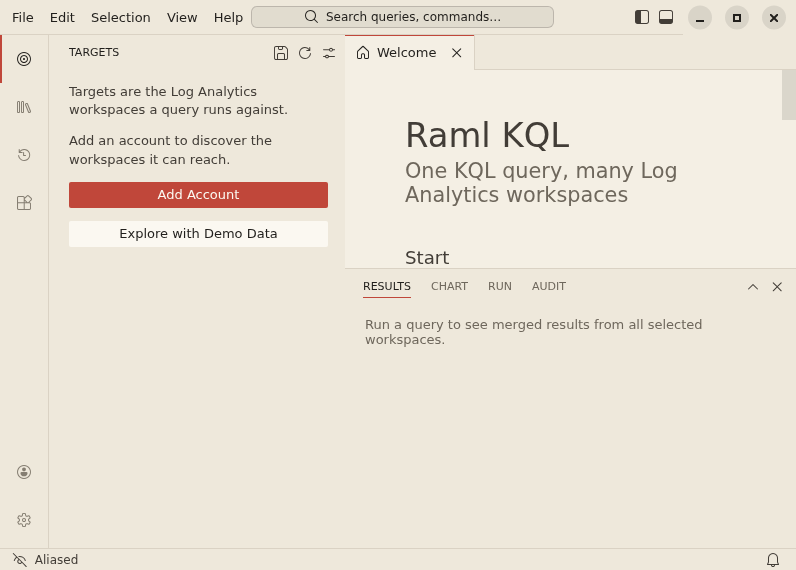
Run one KQL query against many Azure Log Analytics workspaces across tenants and accounts.
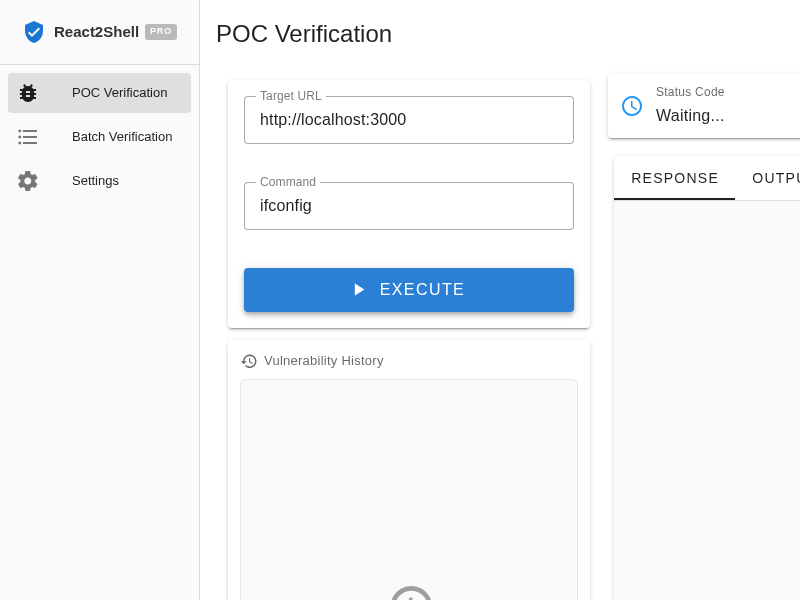
React2Shell_Toolbox
Reactotron
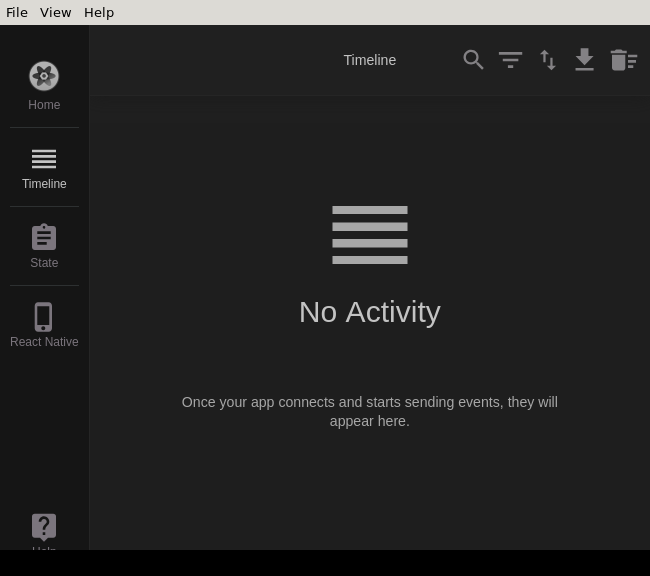
A desktop app for inspecting your React JS and React Native projects. macOS, Linux, and Windows
Realm_Studio
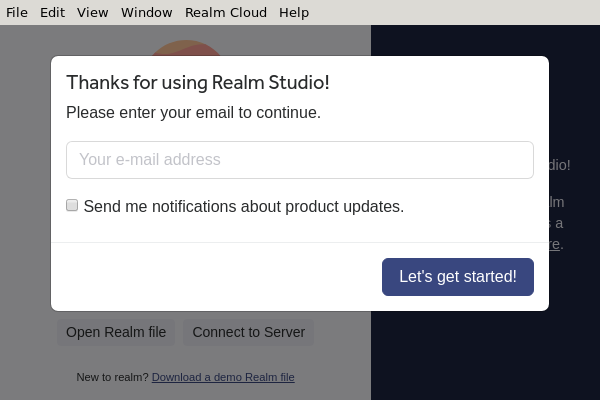
A tool for everything Realm
RedmineTimeTracker
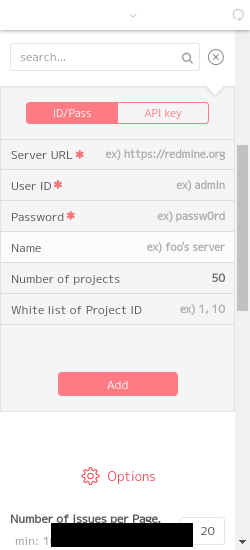
Requesto
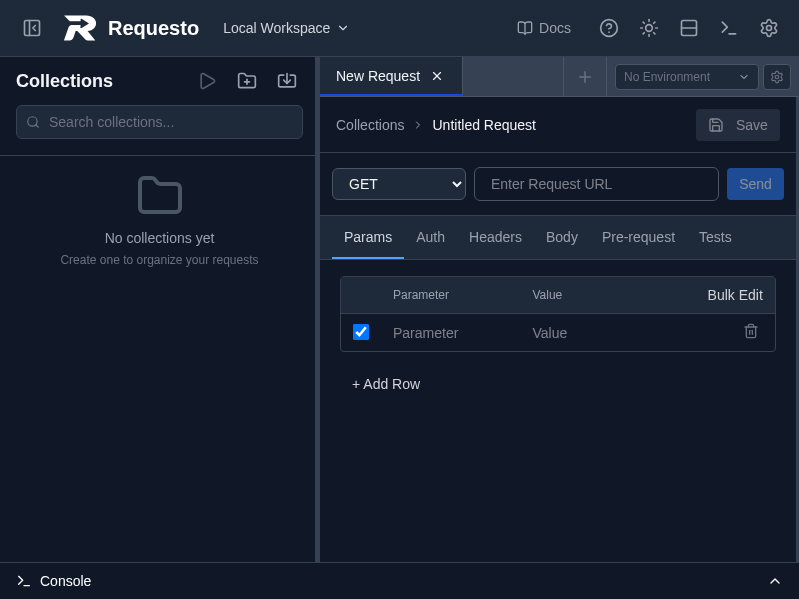
Responsively
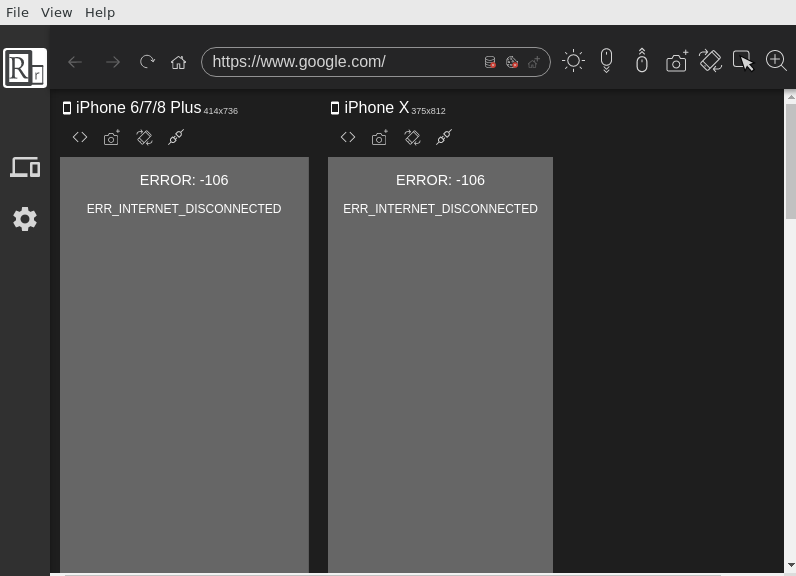
Restless
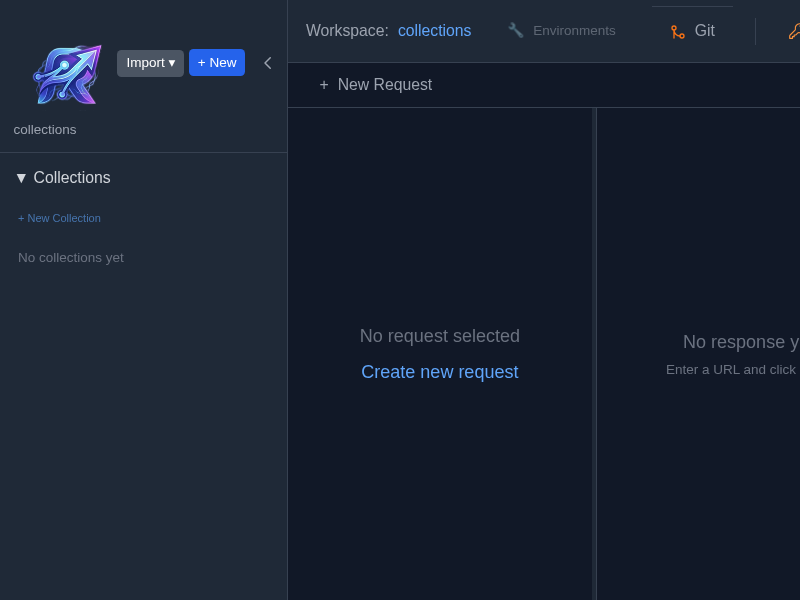
RetroStudio
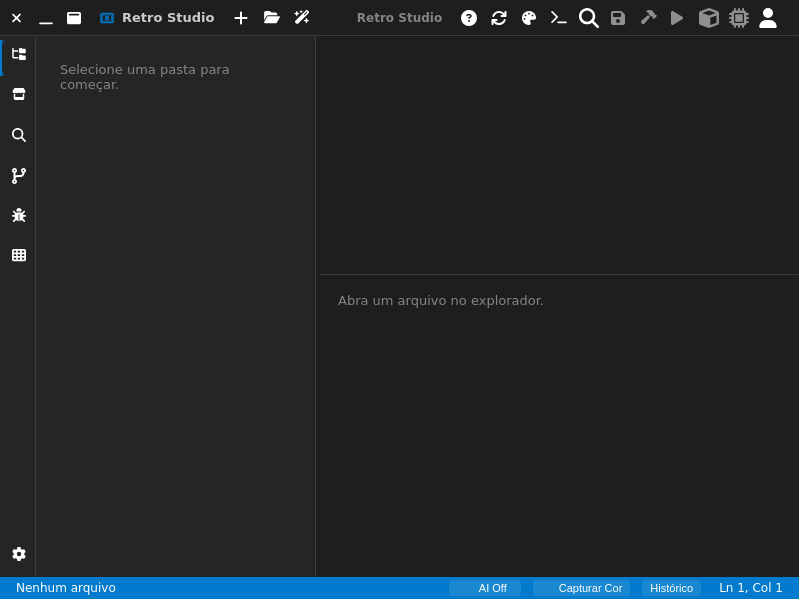
Revisionary
A foundation for scalable desktop apps
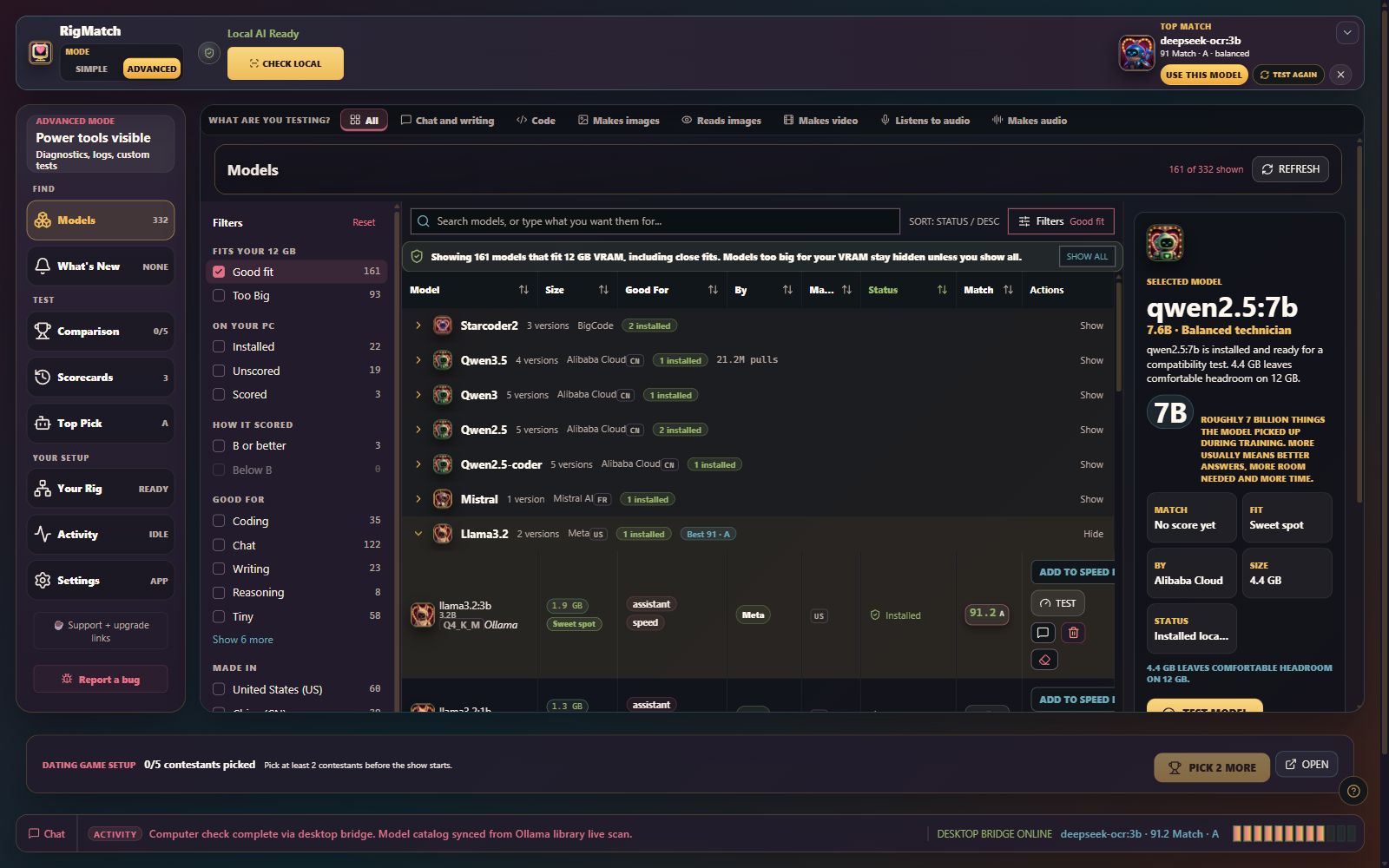
RigMatch
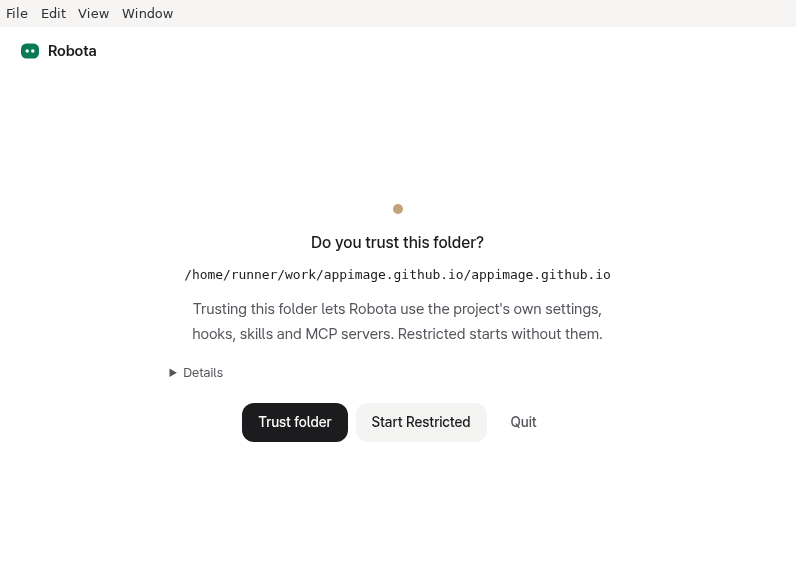
Robota
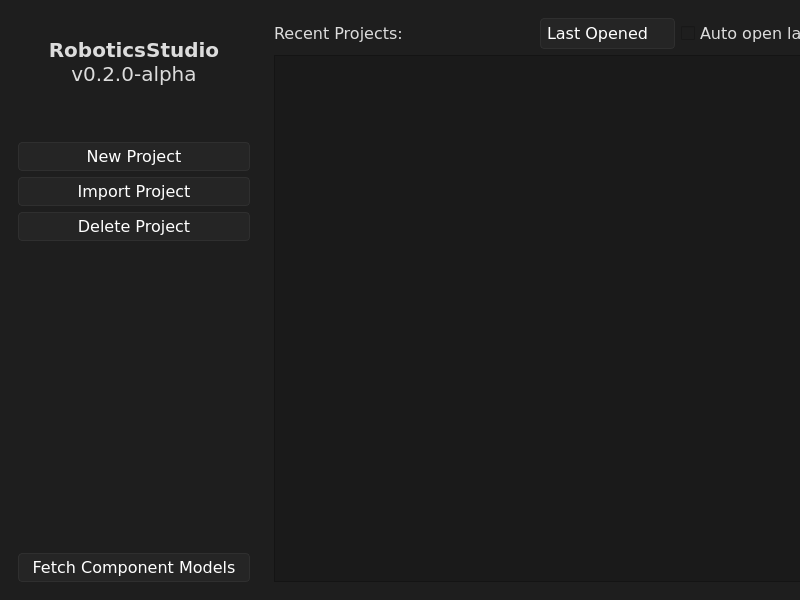
RoboticsStudio
Rombo
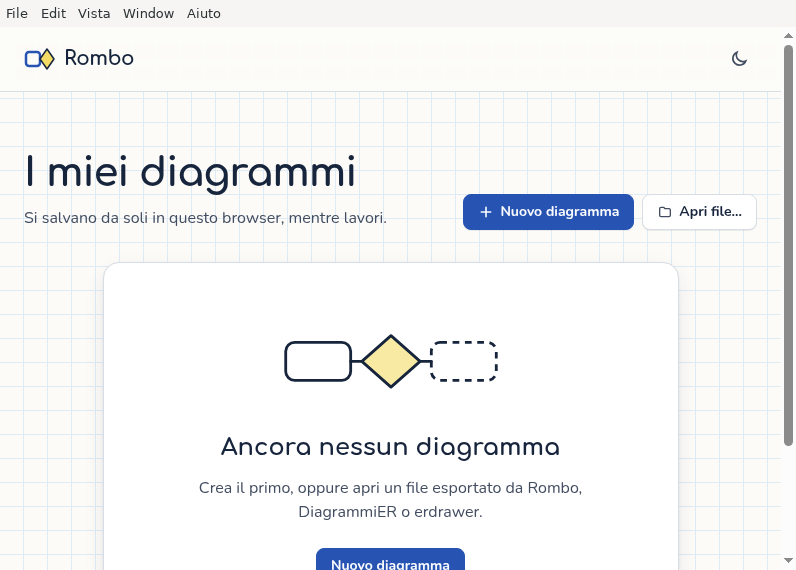
Editor di diagrammi entità-relazione in notazione Chen, con validazione, schema logico e SQL. Funziona offline.
Ropcode
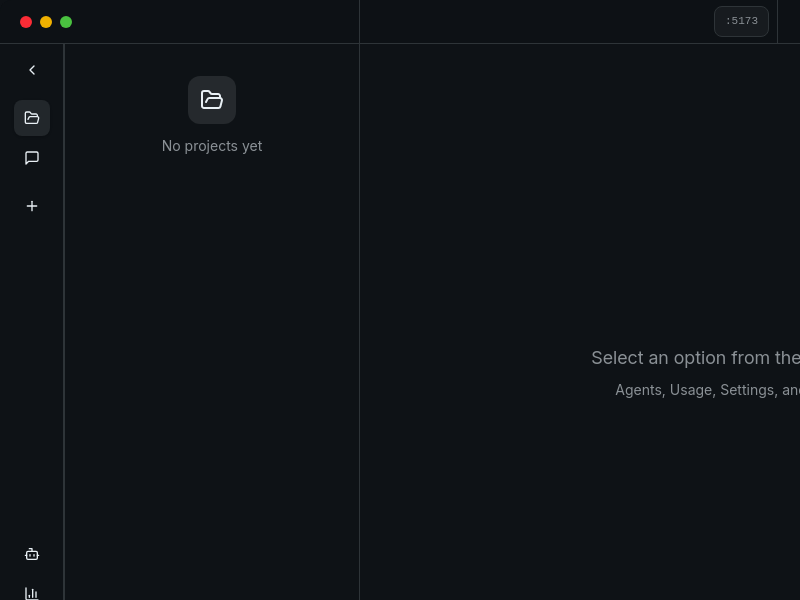
Roxy
Rubick
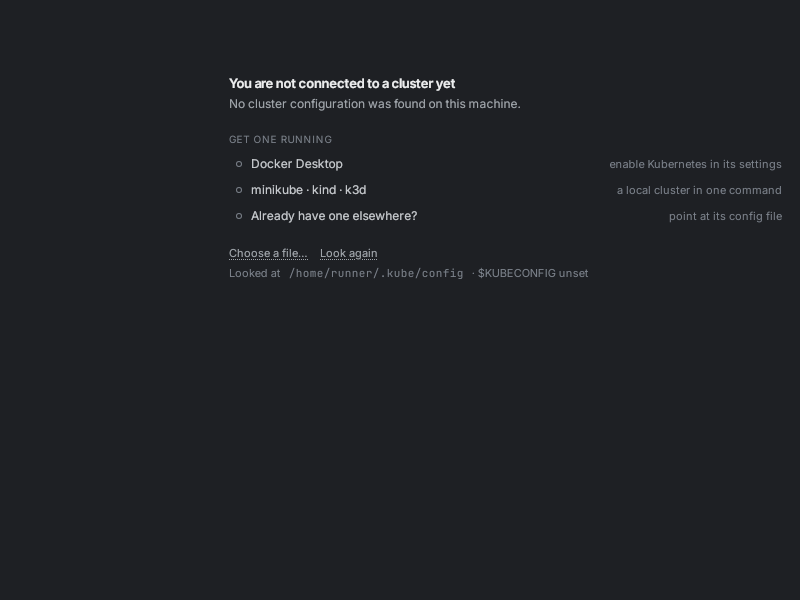
SBOM_Workbench
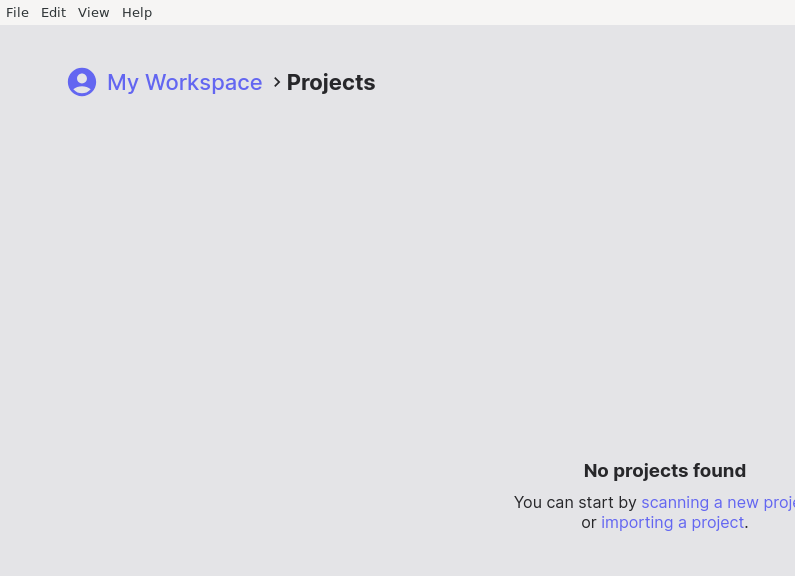
SQL_Joiner
Sai
SavvyCAN
ScrapeStorm

ScrapeStorm
Scrum-Retroboard
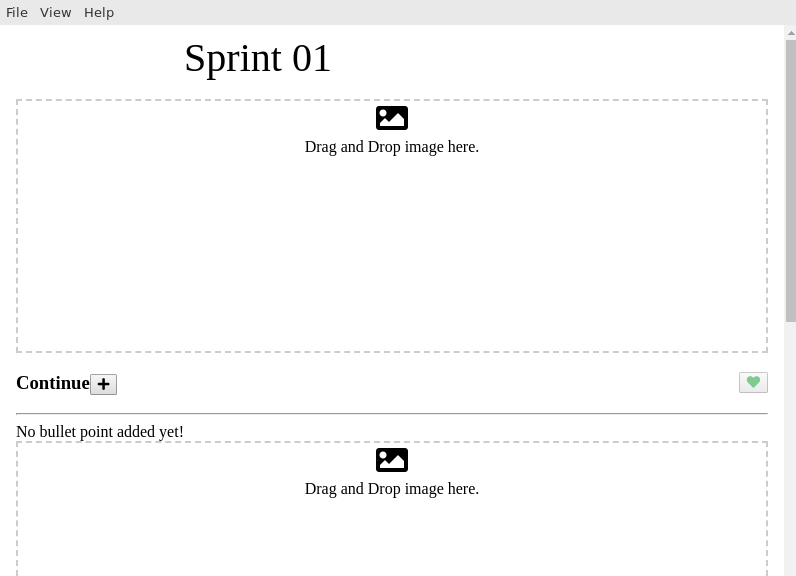
Electron application based on React, React Router, Webpack, React Hot Loader for rapid application development
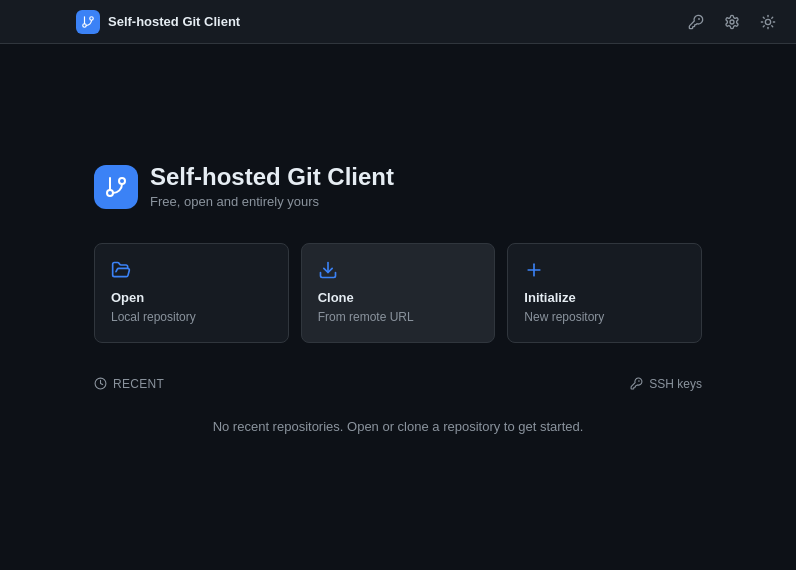
Self-hosted_Git_Client
SerialPlot
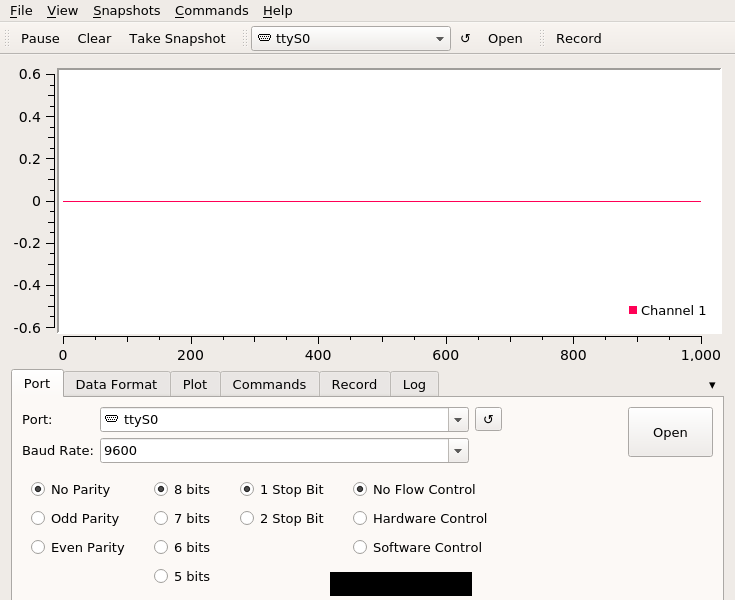
Small and simple software for plotting data from serial port
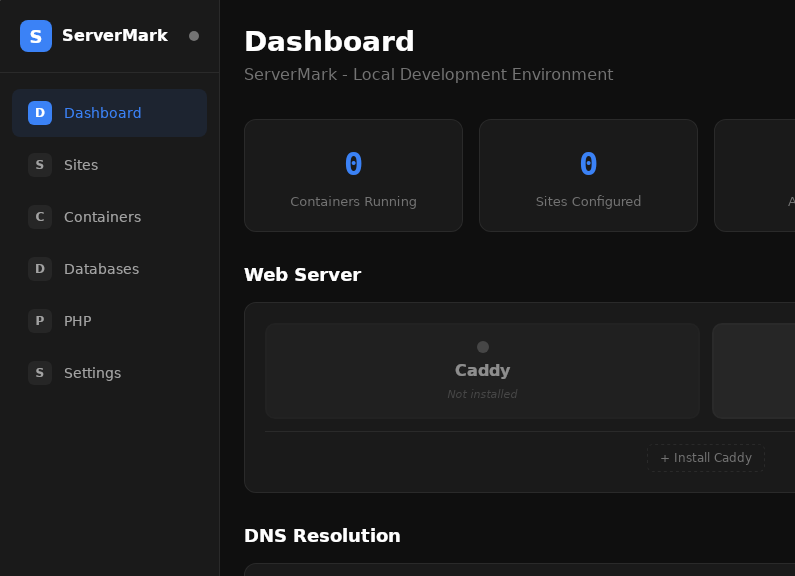
ServerMark
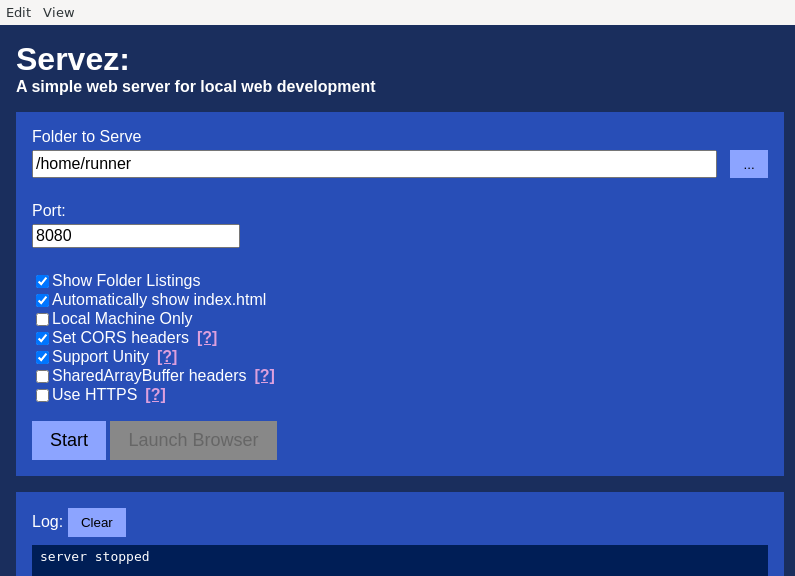
Servez
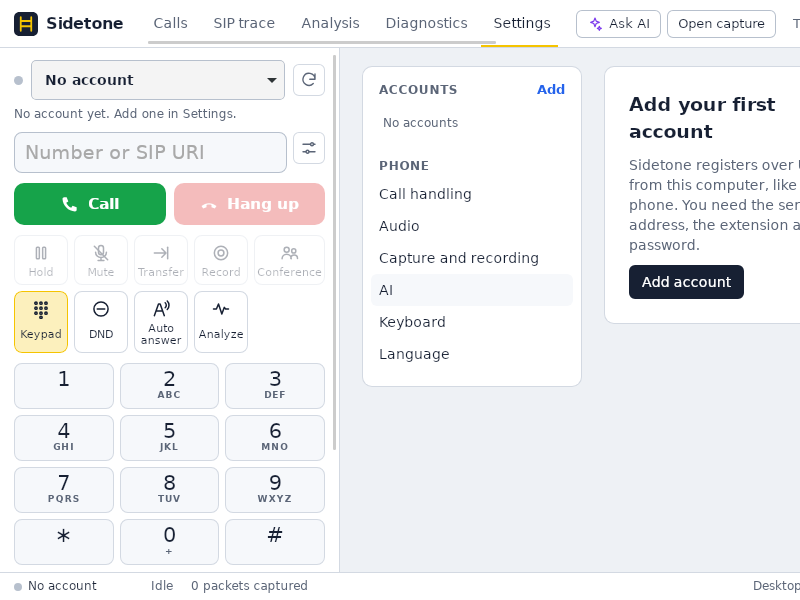
Sidetone
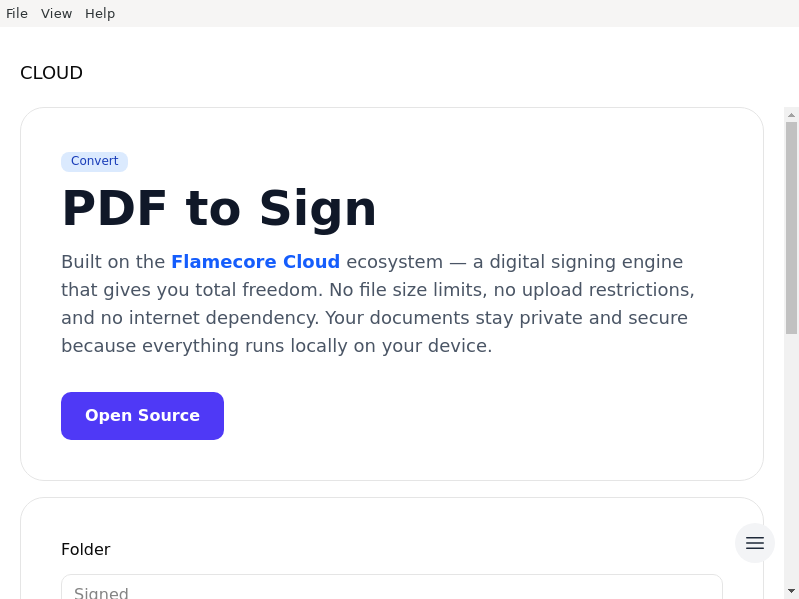
Signature-One
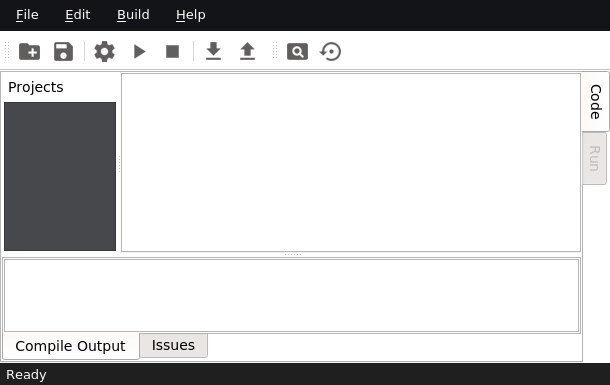
SimDSP
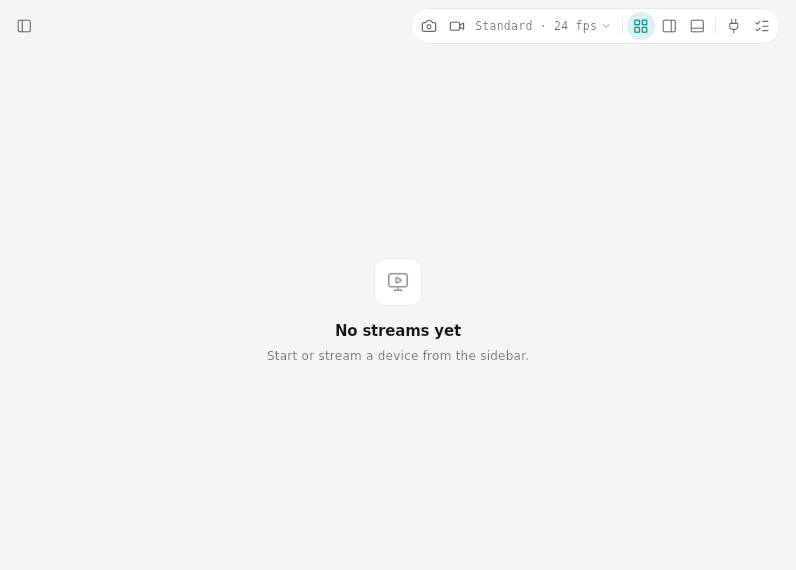
SimUtil
Simple-Code-GUI
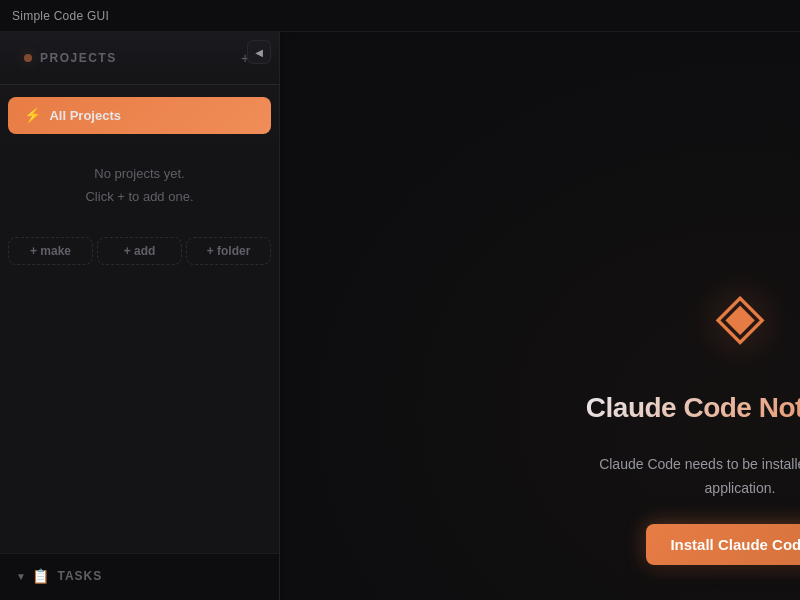
SkillVault
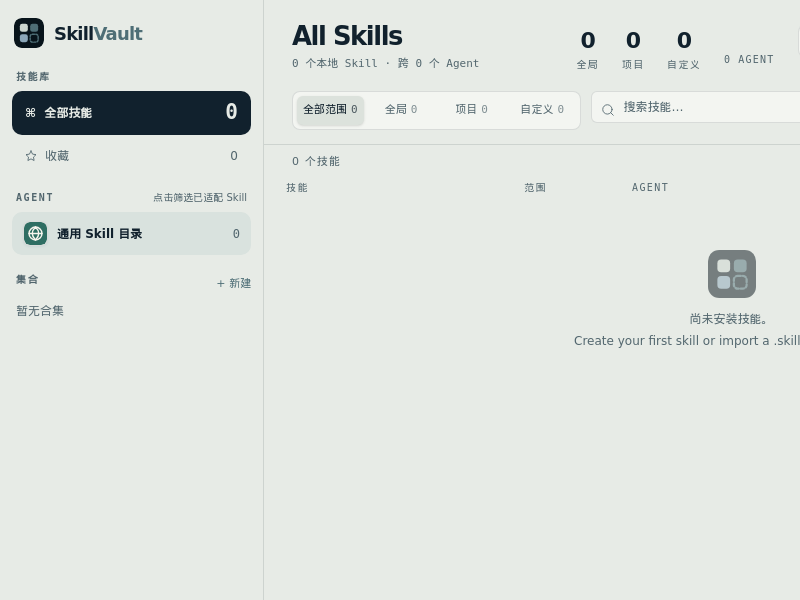
Skilldeck
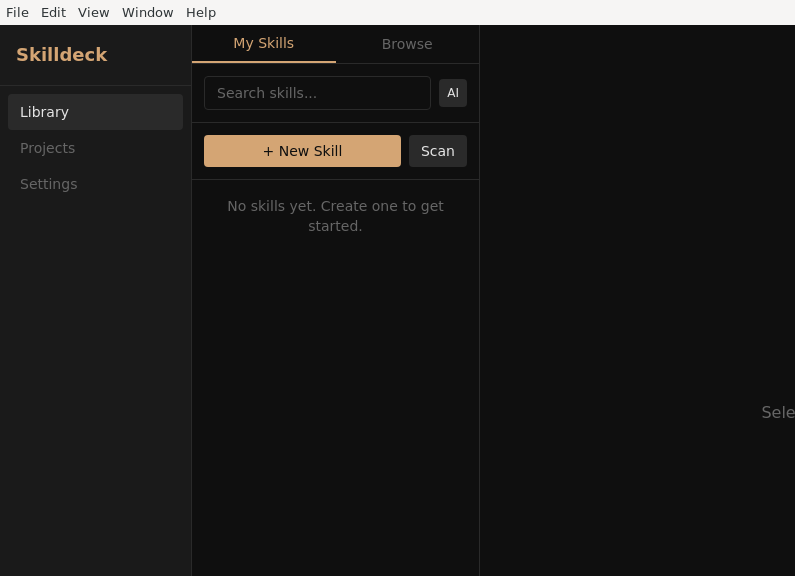
Skiller
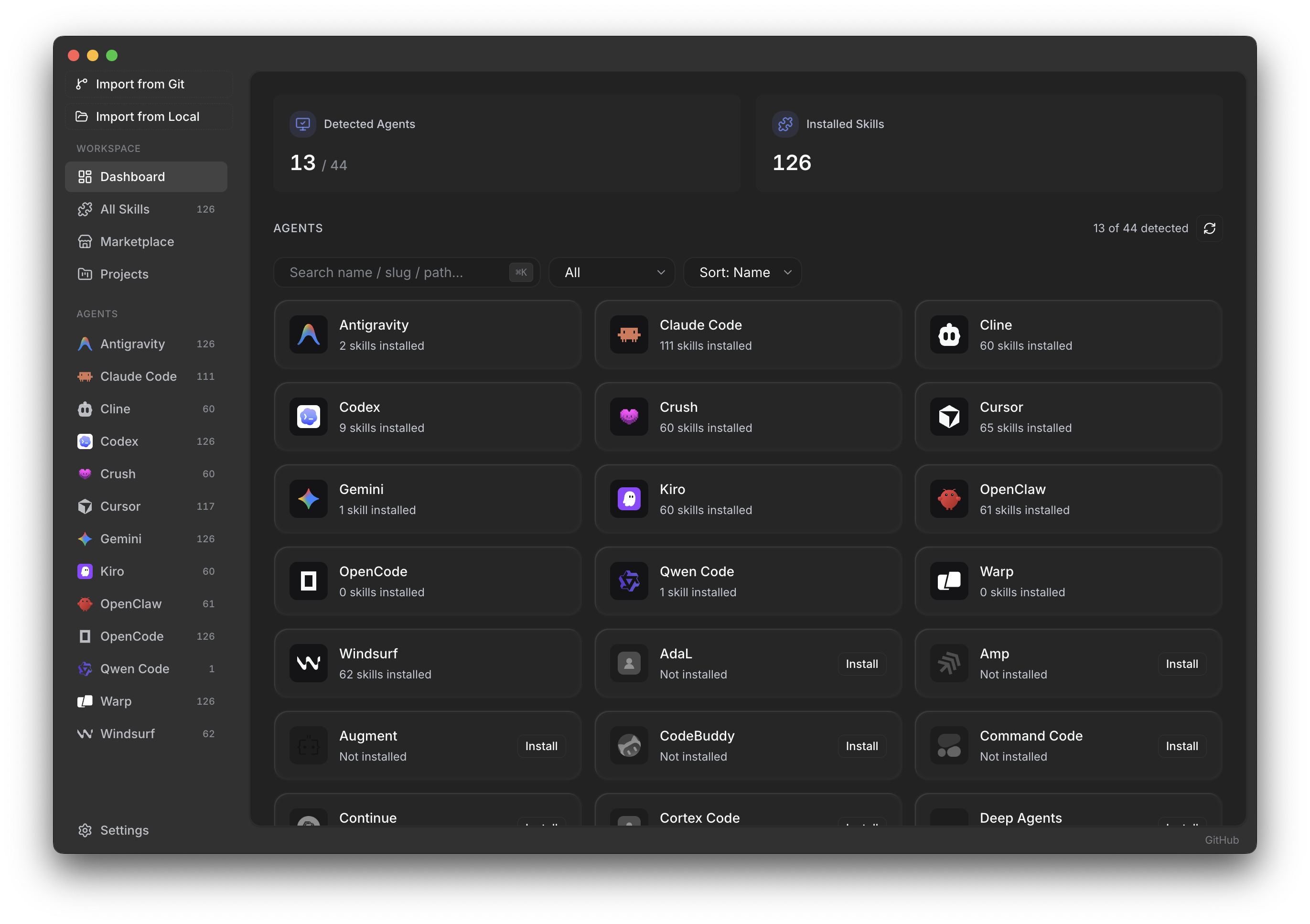
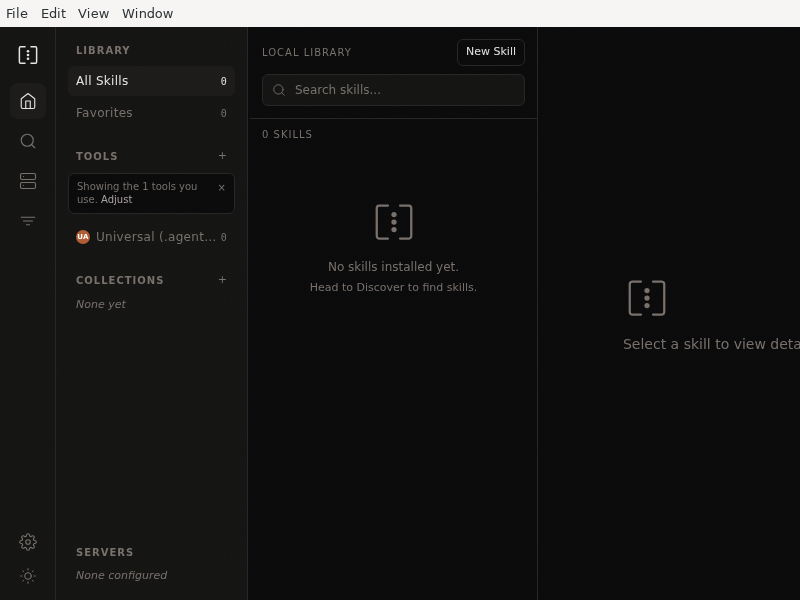
A desktop app for managing AI agent skills across Claude Code, Cursor, Copilot, Gemini CLI, and more
SkillsGate
SlackBackup
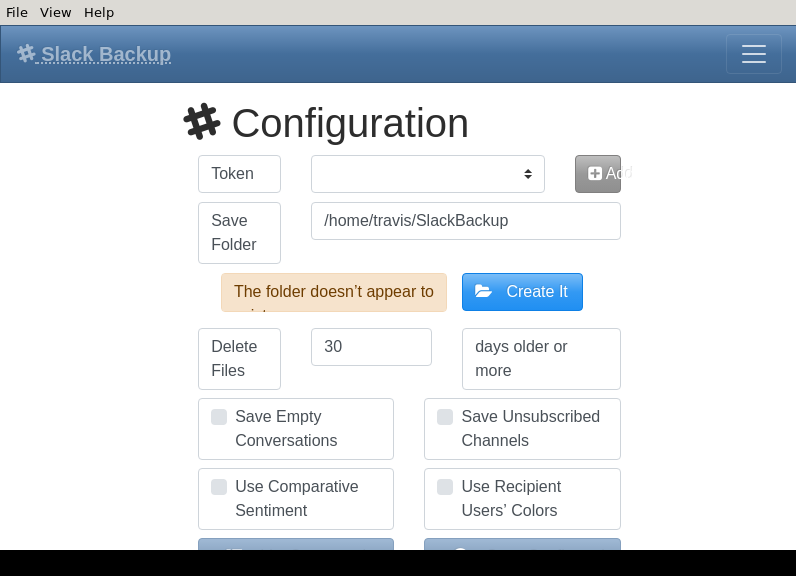
An application to archive Slack messages and perform some simple account maintenance
Slacktronic
Slippi
Sliver_GUI
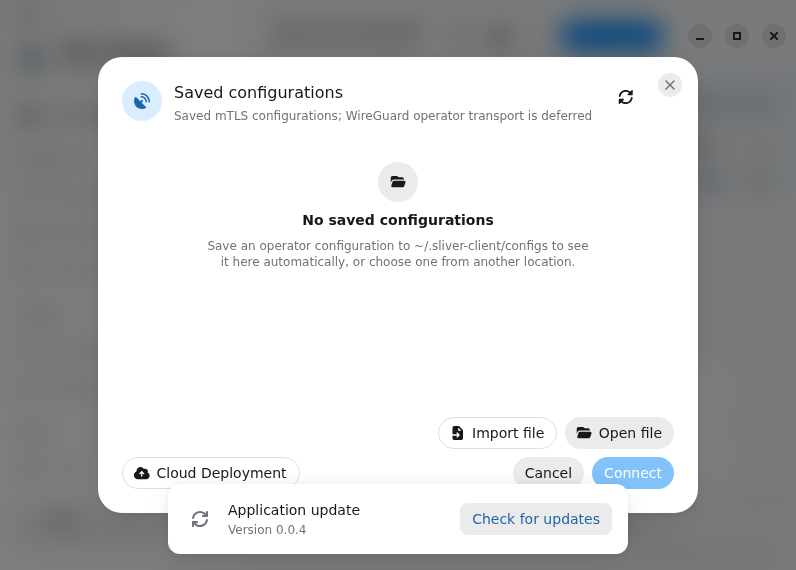
SmallBASIC
SmartGit
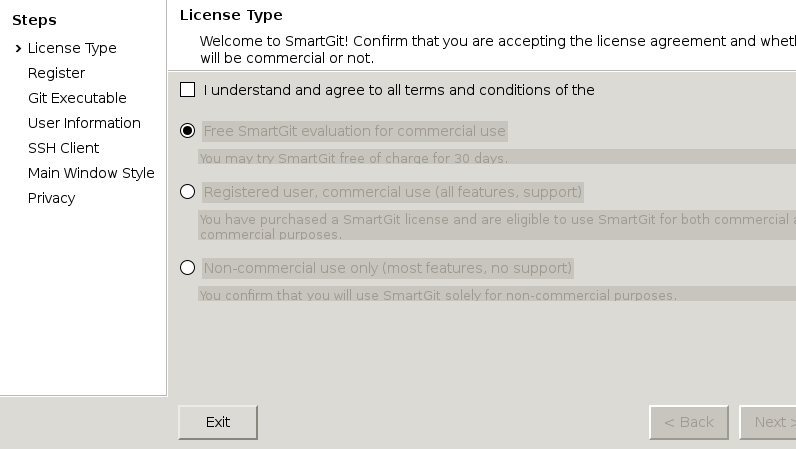
Snakie
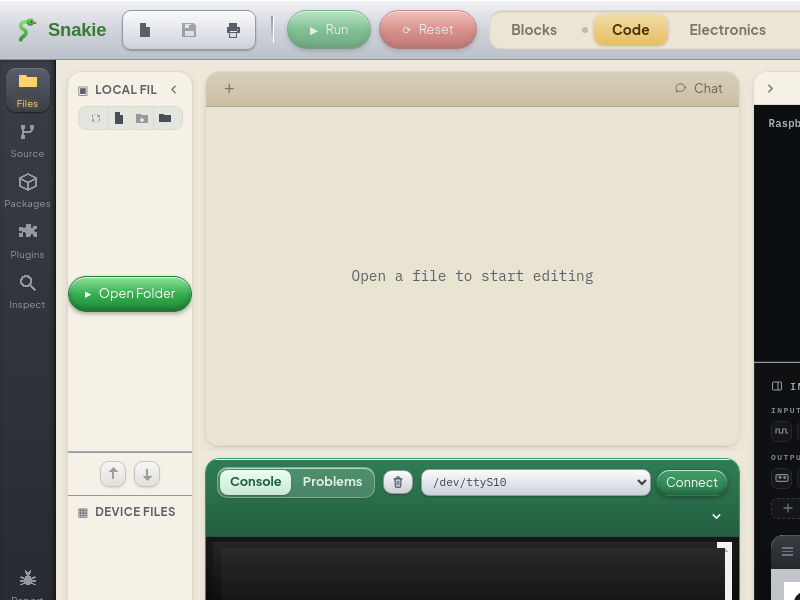
SnippetStore
Software-Challenge-GUI
SourceGit
Sourcetrail
Speaky_MiniPlayer
Sprocket
StackFerry
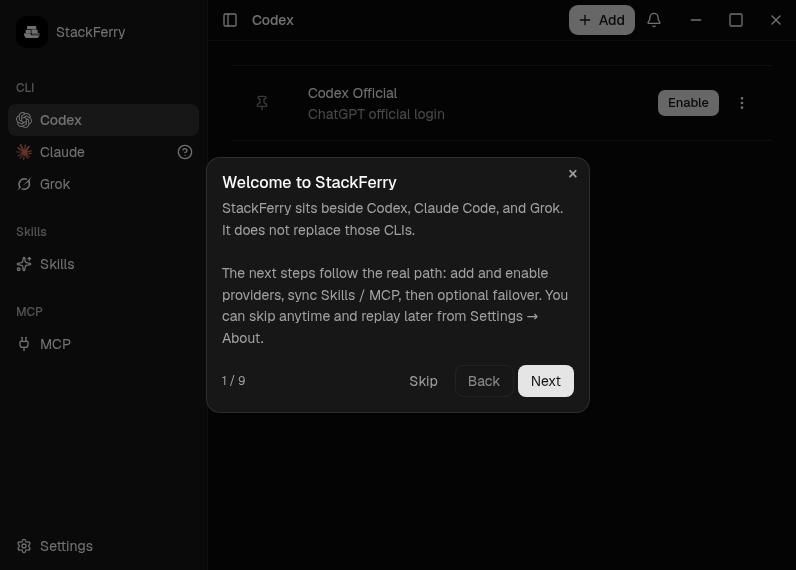
Desktop provider manager and local failover router for Codex, Claude Code, and Grok.
StarUML
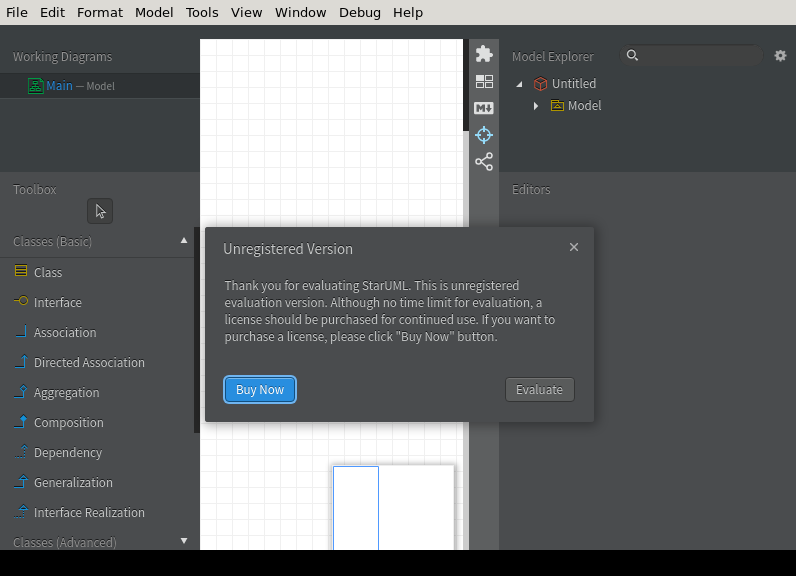
A sophisticated software modeler
Stele
StopLight
Styx
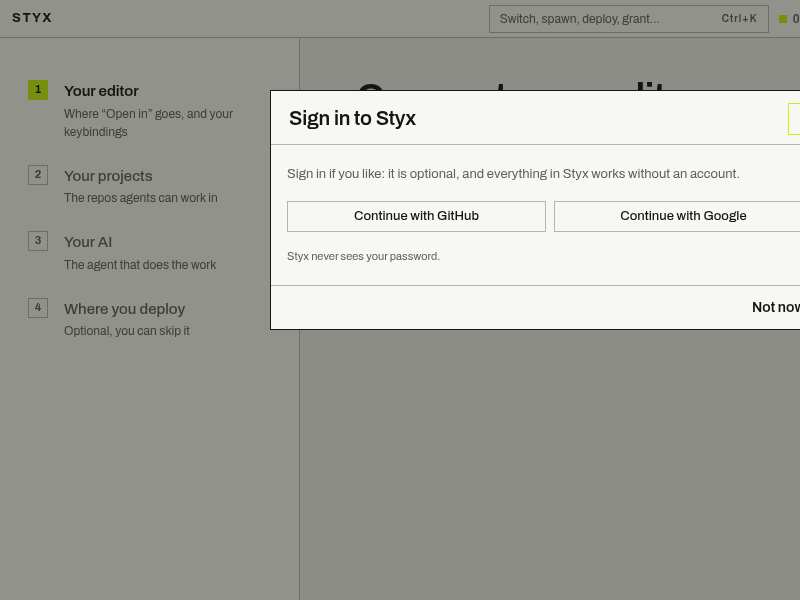
Styx runs Claude Code, Codex, Gemini CLI and Cursor's agent across all your projects in one window. Each task gets its own branch, and an agent has to ask before it deploys or touches anything live.
SubCat
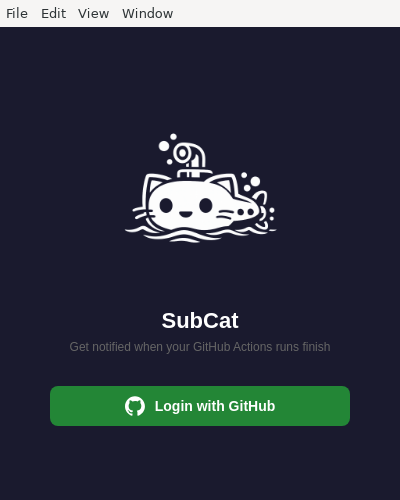
Get notified when a GitHub Actions CI run finishes and investigate flaky tests automatically.
Substrate_IDE
Supernova_Editor

SwiftnessX
Electron application boilerplate based on React, React Router, Webpack, React Hot Loader for rapid application development
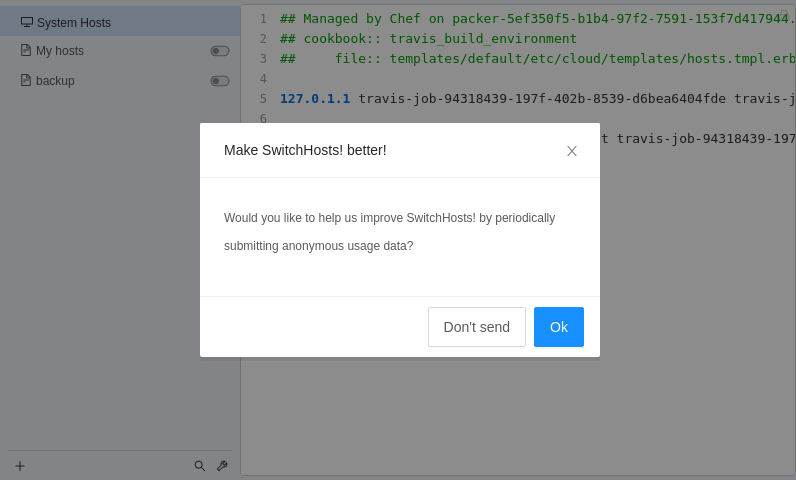
SwitchHosts!
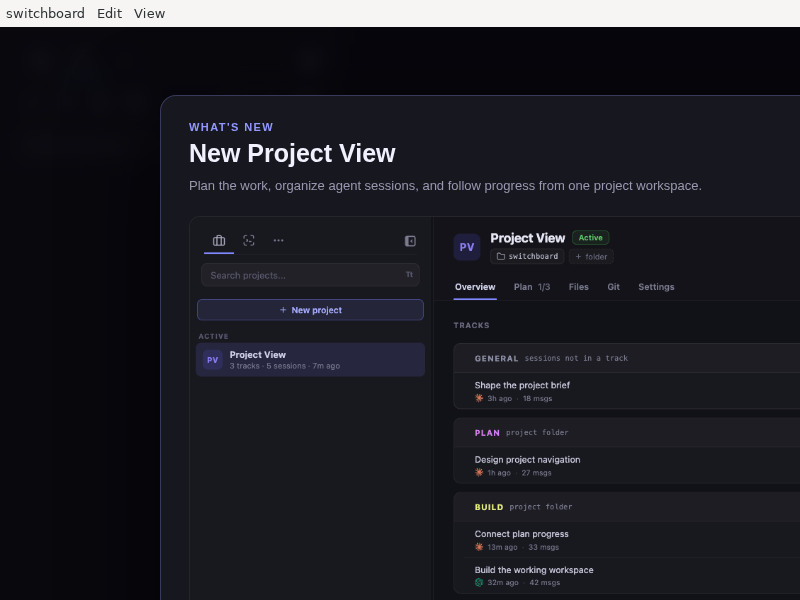
Switchboard
Tday
TeamSQL
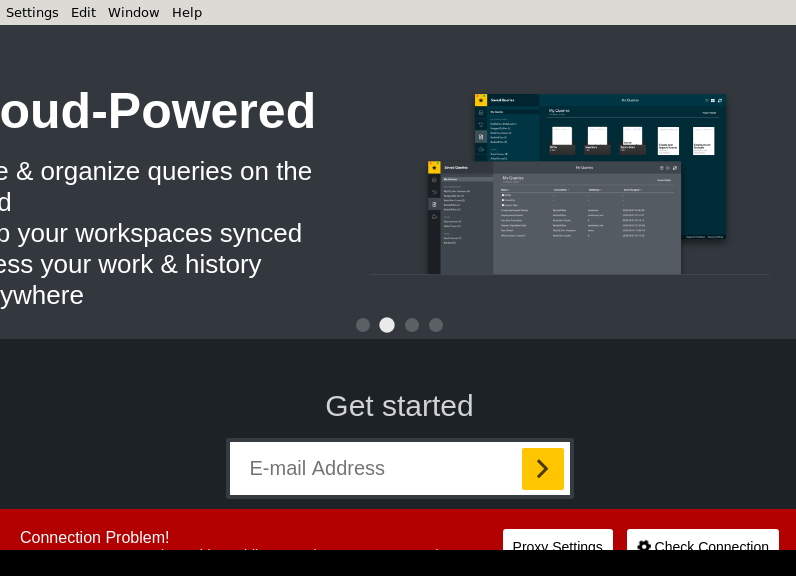
TeamSQL Desktop
TermLoop
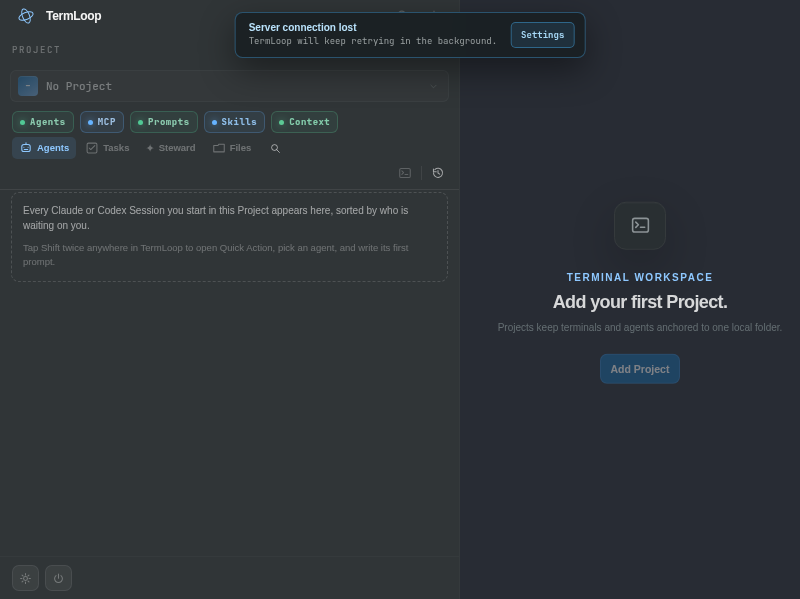
Termalime
TermiPod
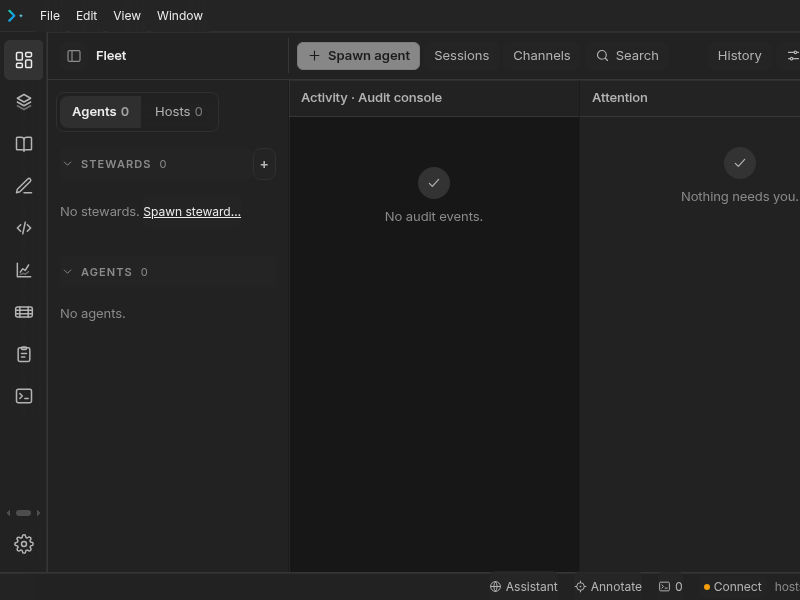
TermiPod desktop Electron shell (ADR-055 M1). Wraps the same Vite build (../dist) the Tauri shell ships; the frontend talks to it through the runtime-agnostic src/bridge/. Self-contained package (own deps) so the Tauri release build never installs Electron.
Termlnk

Testnizer
Textilosaurus
The_Office
Theia_IDE
Tonuino_Toolbox
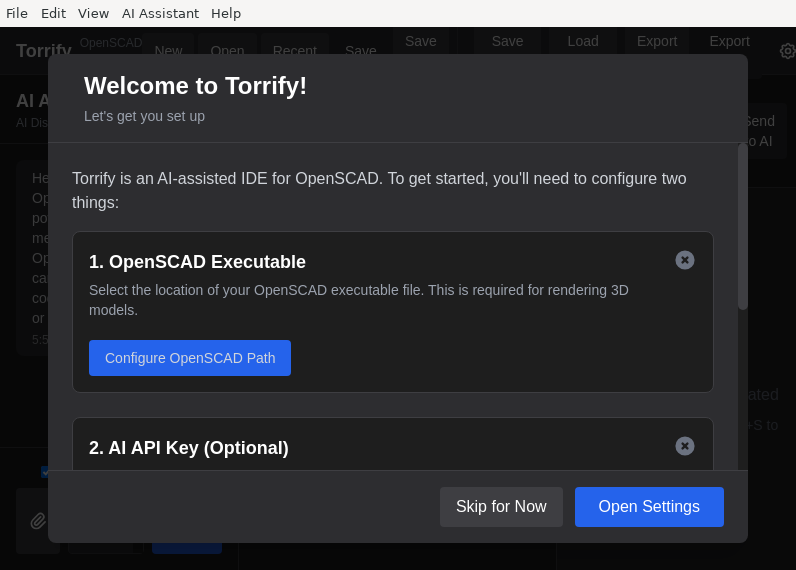
Torrify
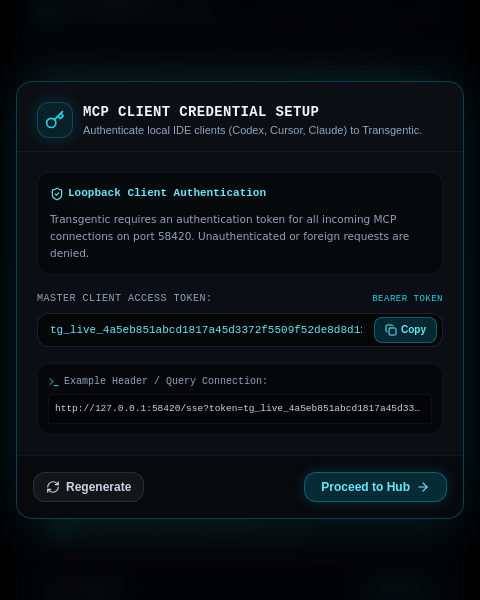
Transgentic
Traycer
Traycer standalone desktop shell (Electron) hosting the gui-app renderer; host lifecycle is delegated to the Traycer CLI.
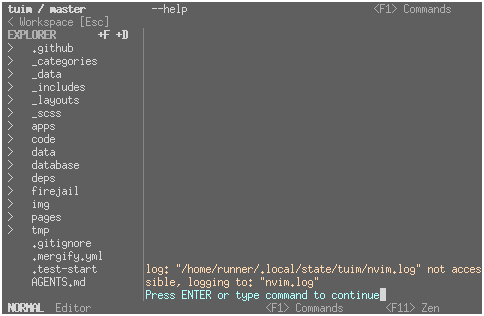
Tuim
TurboWarp
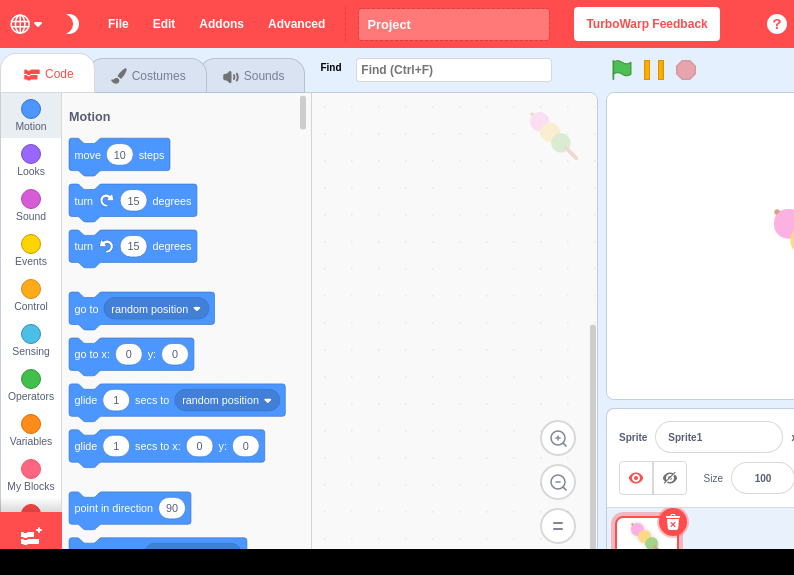
TurboWarp is a Scratch mod with a compiler to run projects faster, dark mode for your eyes, a bunch of addons to improve the editor, and more.
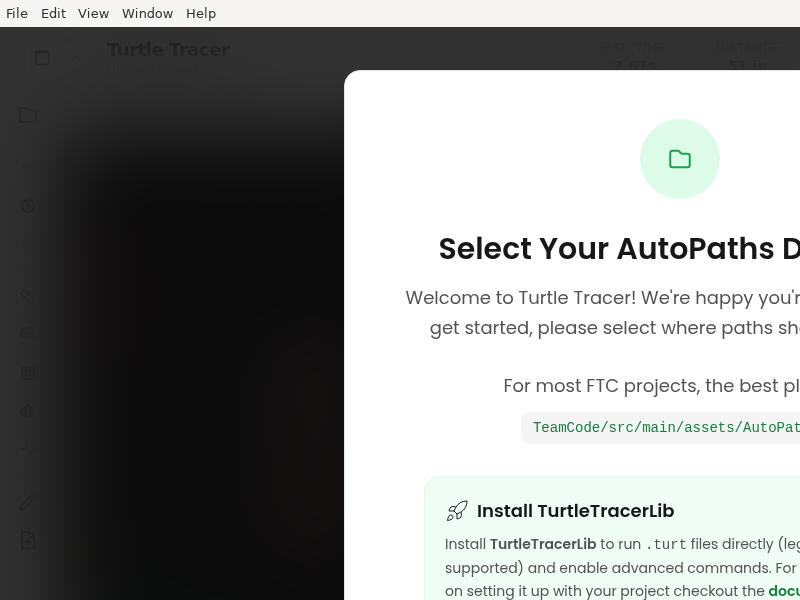
Turtle-Tracer
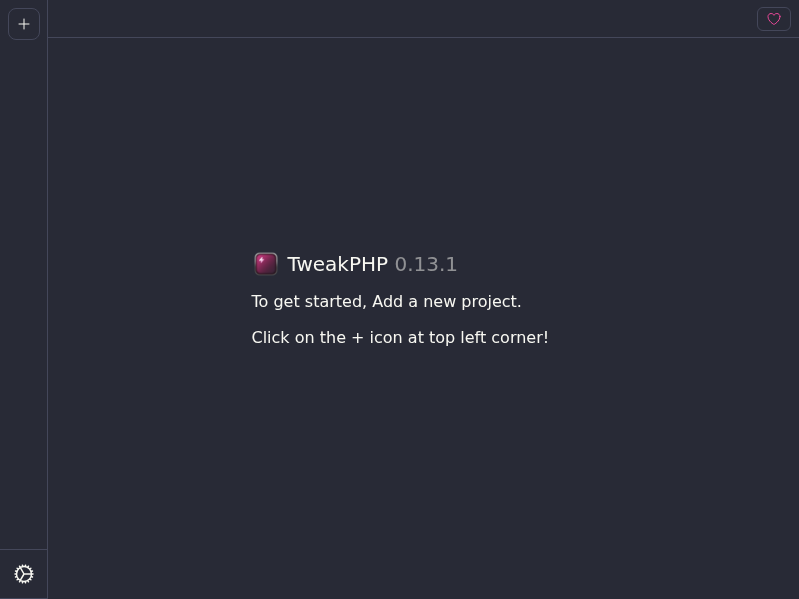
TweakPHP
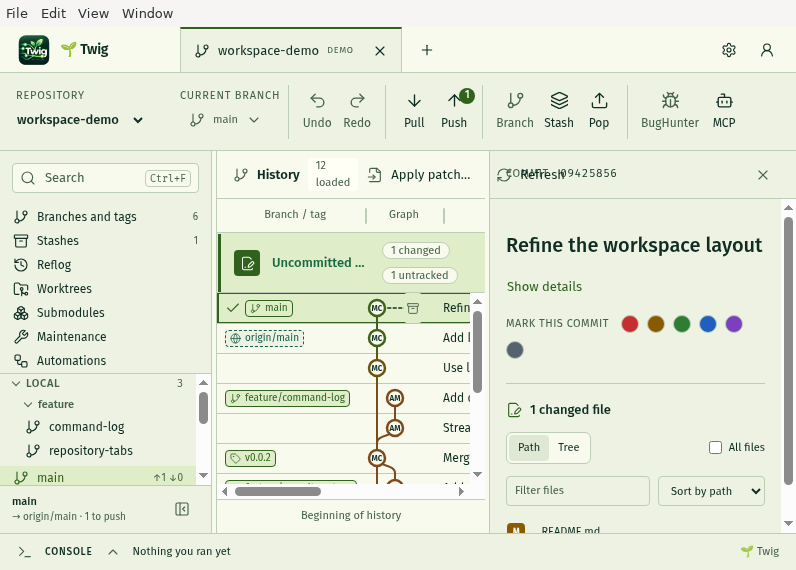
Twig
Typst_IDE
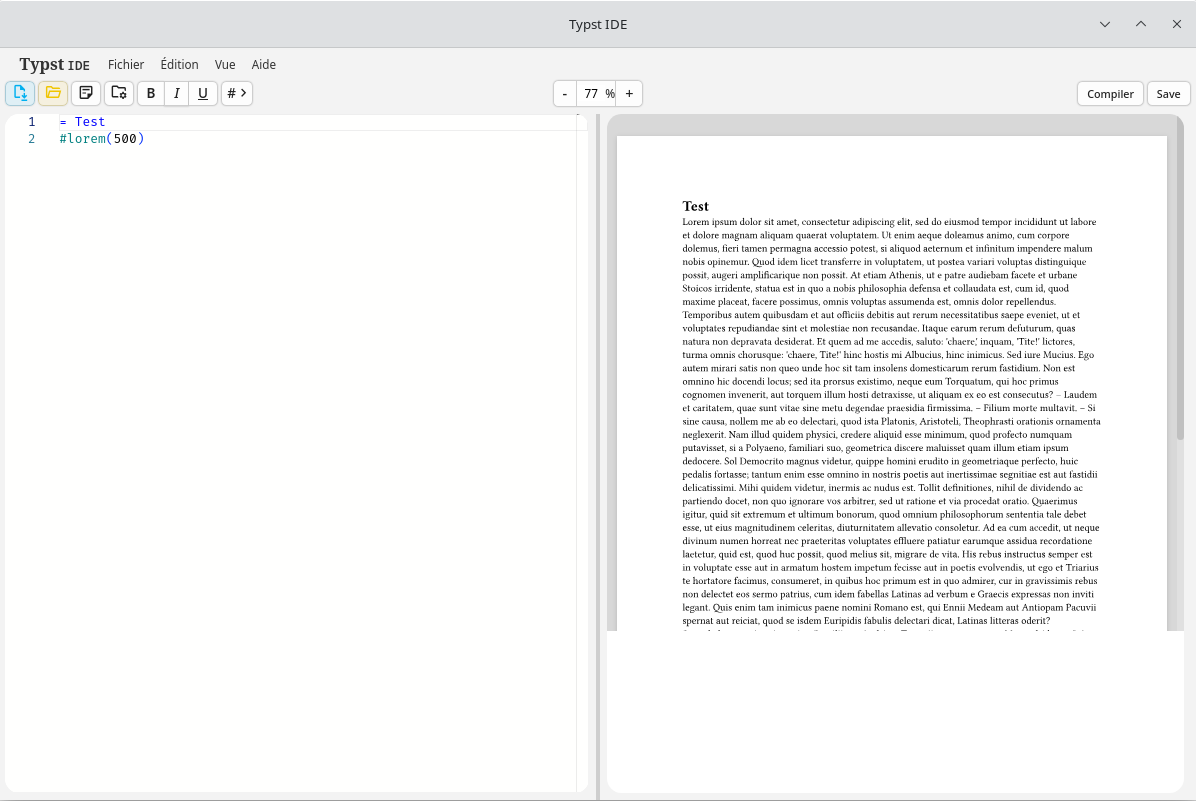
Typst IDE is a local editor for Typst, rebuilt with Tauri and Rust. Documents stay on your own machine: no account, no cloud, no browser.
Features include:
- Live preview rendered by the same compiler as Typst.app
- Click in the preview to jump to the matching source position
- Preview automatically follows the editor cursor
- Project file manager with drag & drop, imports and images
- Markers (TODO, FIXME, …) highlighted in the editor, with a marker book
- Global and per-project notes, templates, history
- PDF export, bibliography helpers, configuration import/export
UartX
UniSSH
Universal_Session_Viewer
UnofficialCrusaderPatch
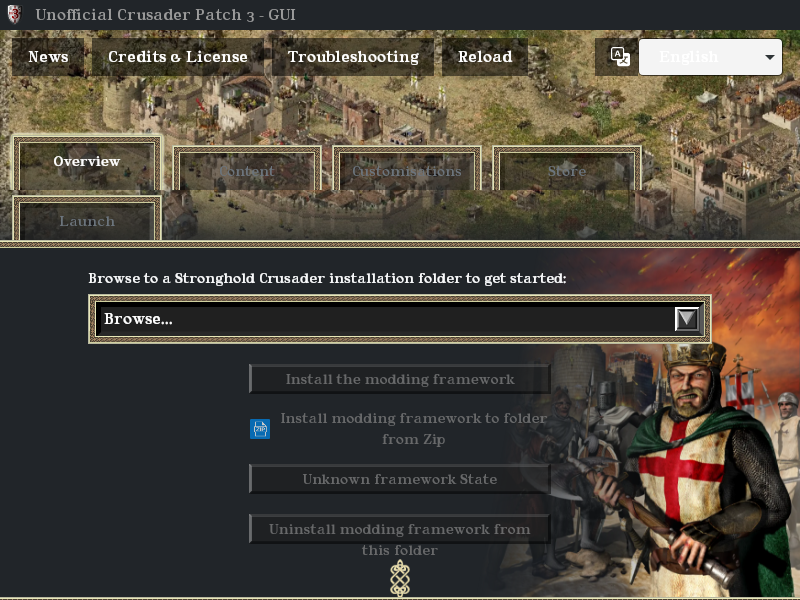
VIVA
VRRTest
Vayu
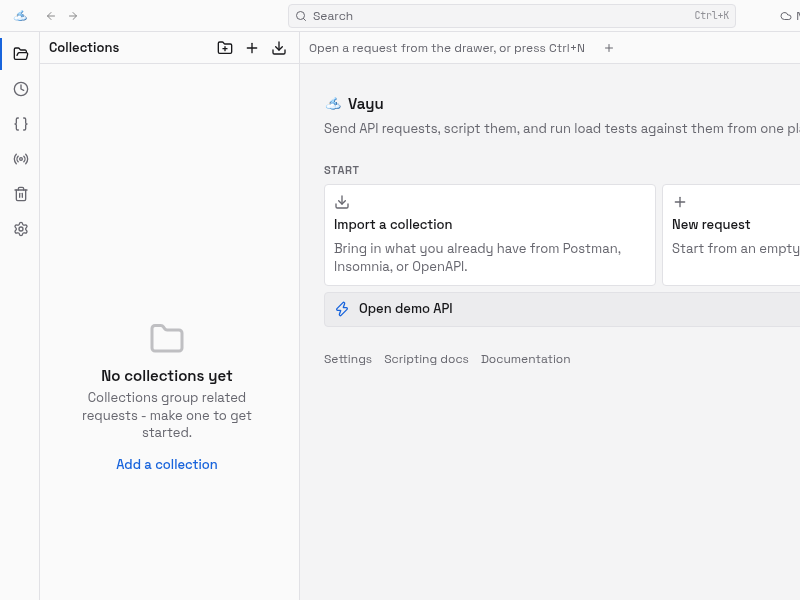
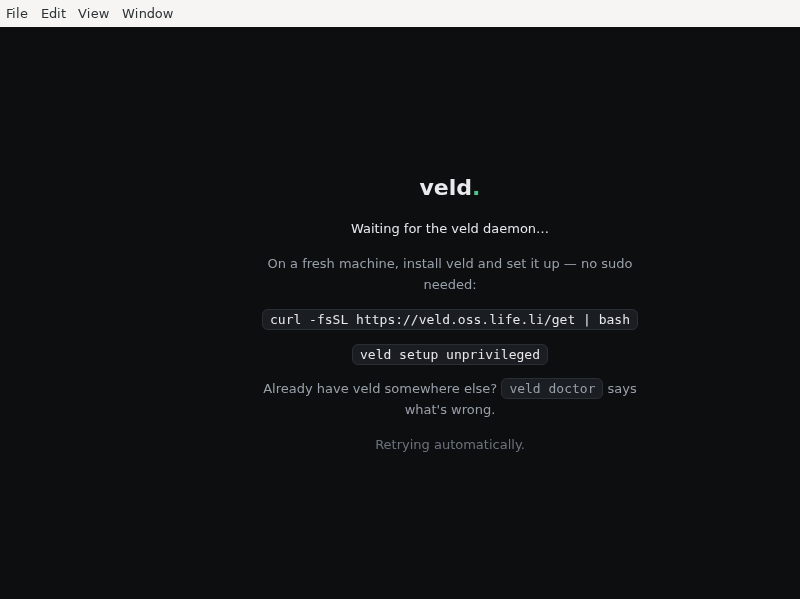
Veld
VibeHub
Vibe_Pet

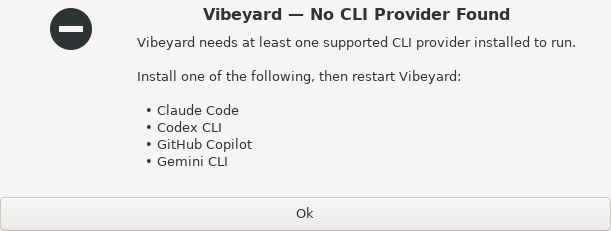
Vibeyard
Vimeflow
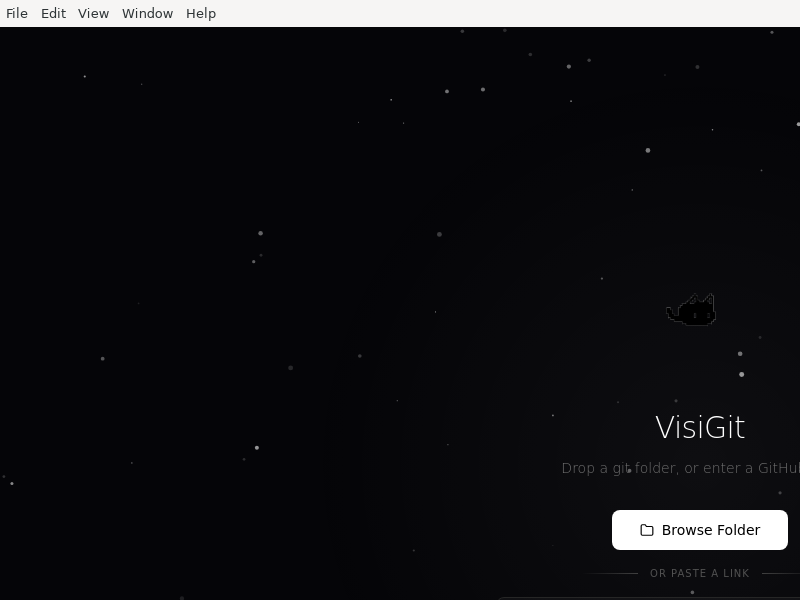
VisiGit
Visual_Define-XML_Editor
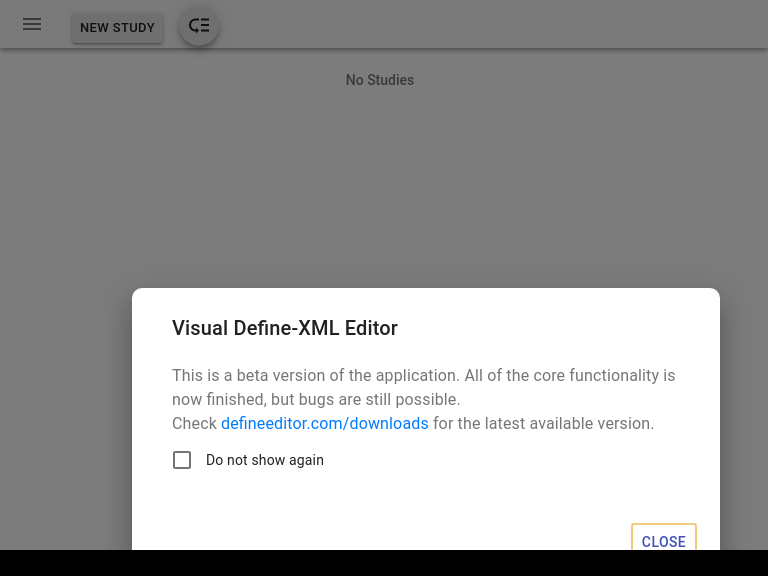
Editor for CDISC Define-XML standard
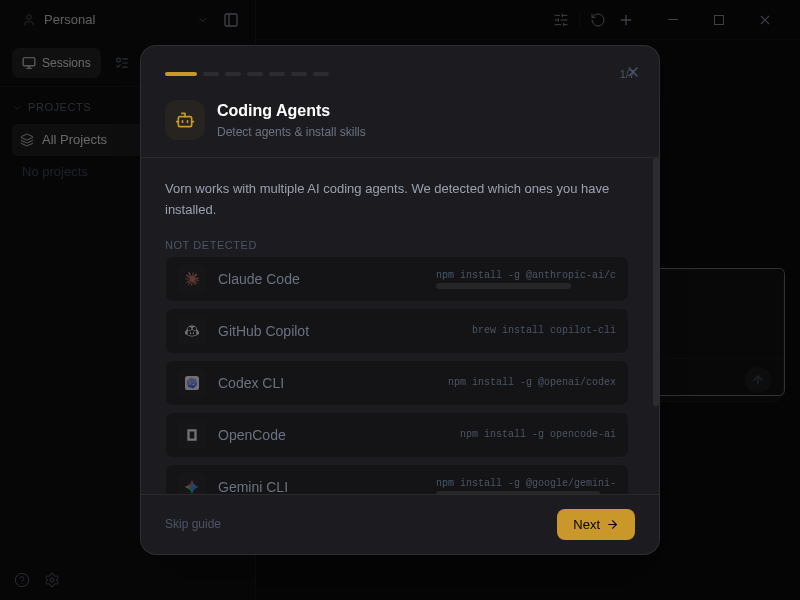
Vorn
Vulgr
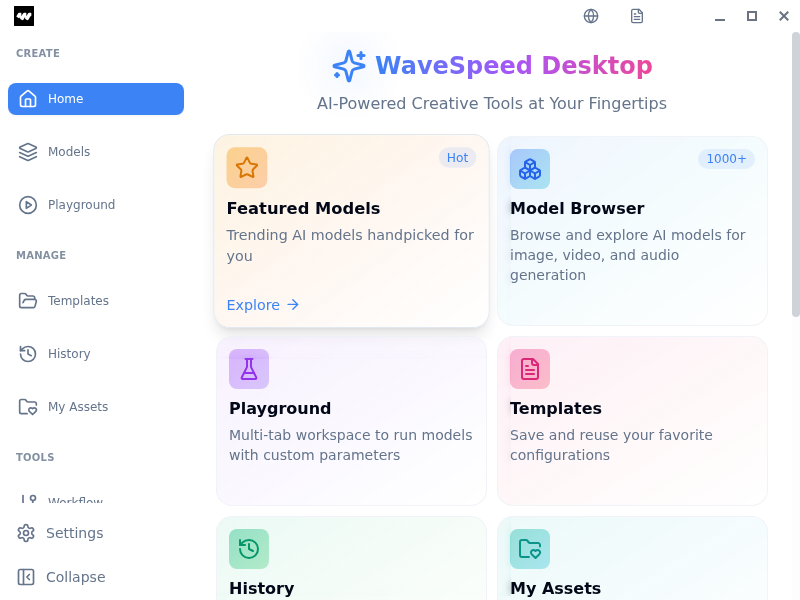
WaveSpeed_Desktop
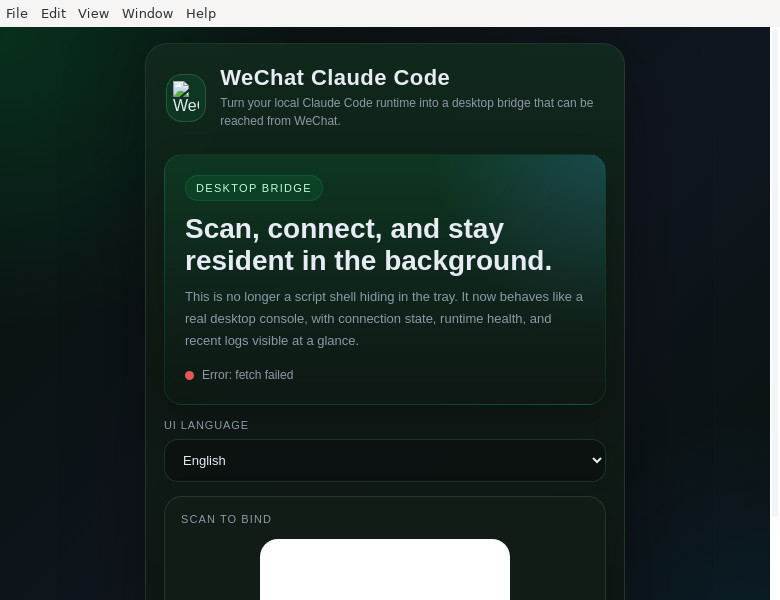
WeChat_Claude_Code
Weavit_UI
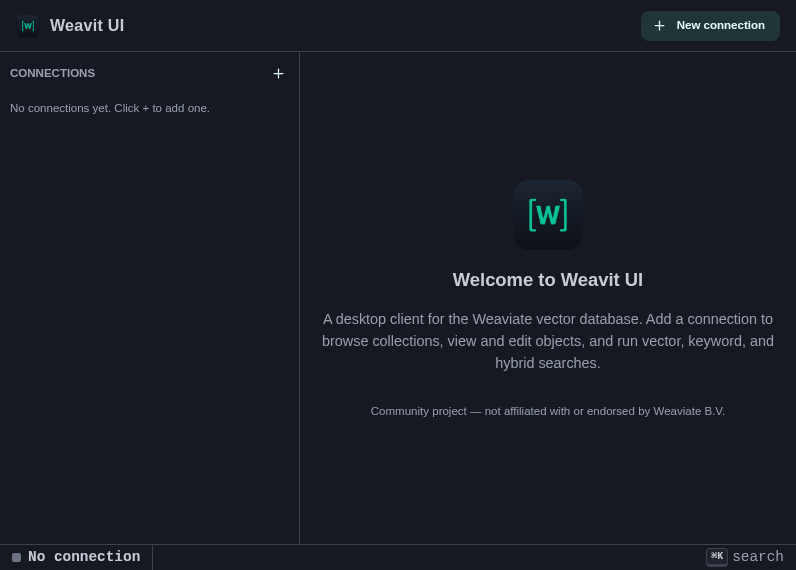
Weaviate GUI — Weavit UI is a free, open-source cross-platform desktop client for the Weaviate vector database. Browse collections, inspect vectors, and run vector, hybrid and BM25 searches. Community project, not affiliated with Weaviate B.V.
Wirewright
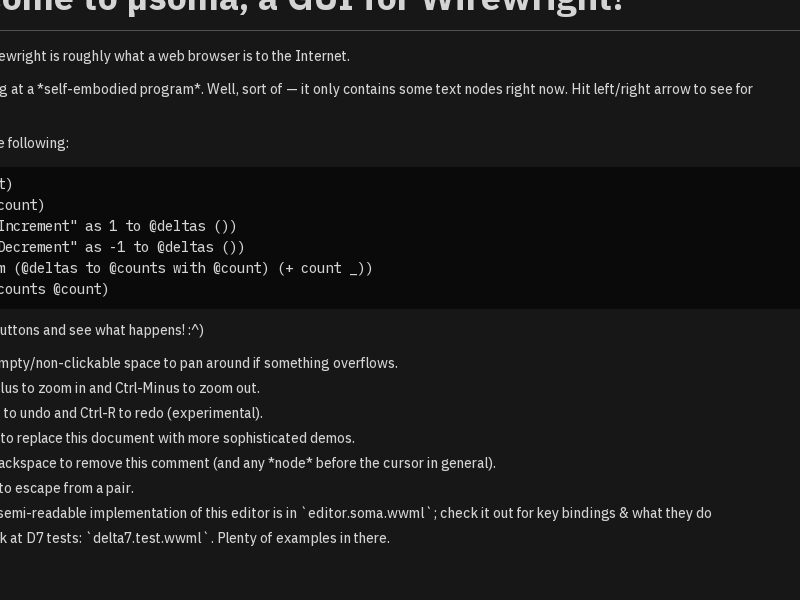
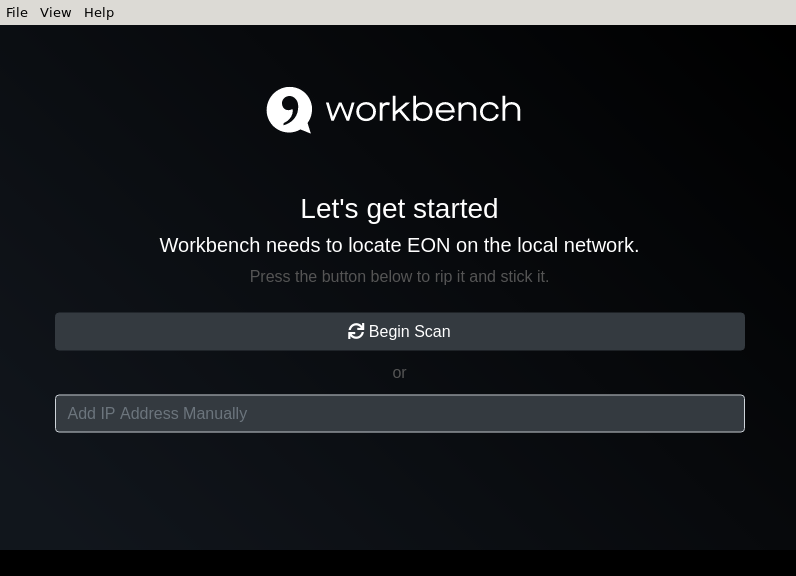
Workbench
XELFViewer

XPEViewer

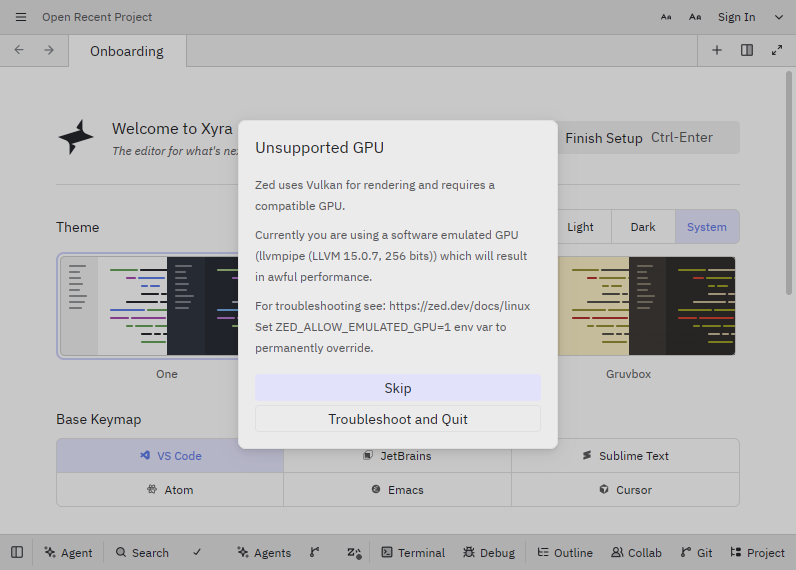
Xyra
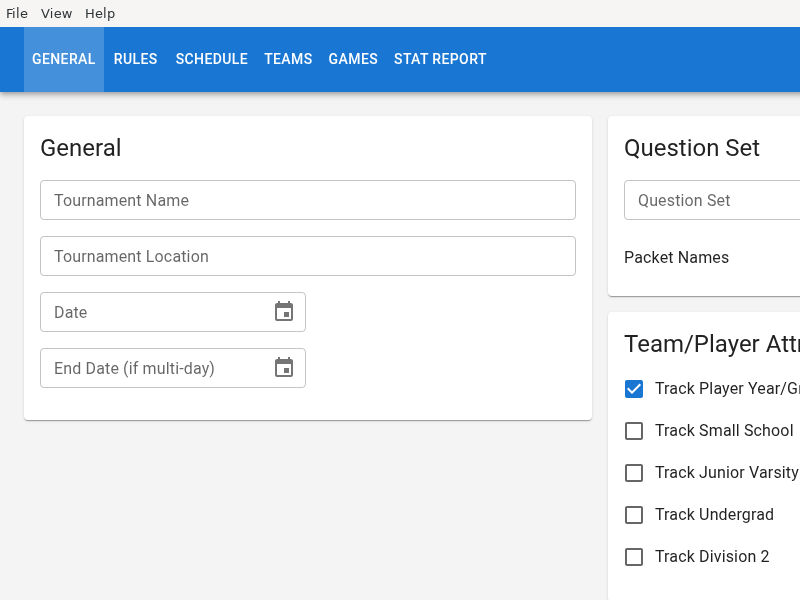
YellowFruit
ZCode-CE
ZCodium
ZY_Player
Zeno
ZenroomStudio
Zuse
ag-repatch
agentglass
Every AI coding agent on your machine, on one screen — live cost, tokens and tool calls across every provider, and a hold on anything dangerous until you say go.
ai-bot-workspace
An Electron application which includes testing workspaces for some Riddles.io competitions.
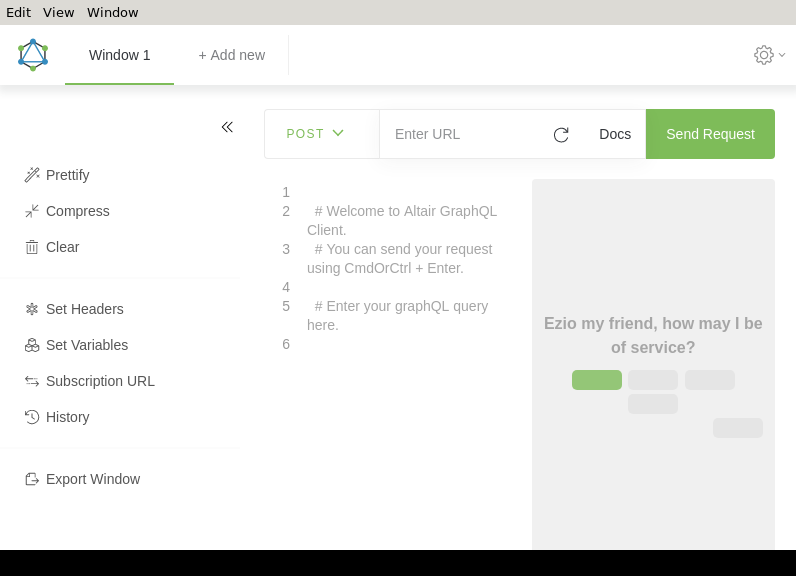
altair
appimagetool
appimagetool is a tool that lets you generate AppImage files. An AppImage is a self-running bundle that contains an application and everything it needs to run that cannot reasonably expected to be part of each target system.
This can include libraries that are not commonly available on target systems, resources such as translations, icons, fonts, and other auxiliary files. appimagetool makes it easy to take an AppDir (e.g., generated by linuxdeployqt) and turn it into an AppImage.
You can also embed update information so that your users can update the AppImage using binary delta updates with the AppImageUpdate tool. You can also sign the AppImage with GPG.
appium-desktop

attu
bettercode
blink
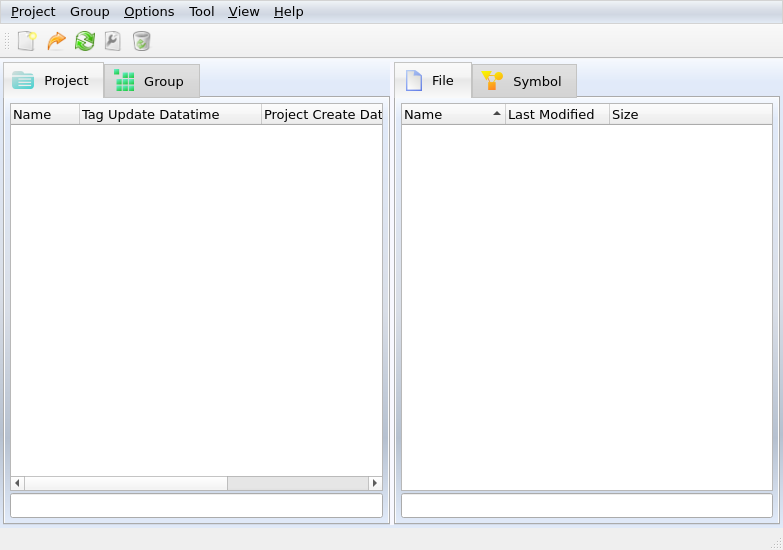
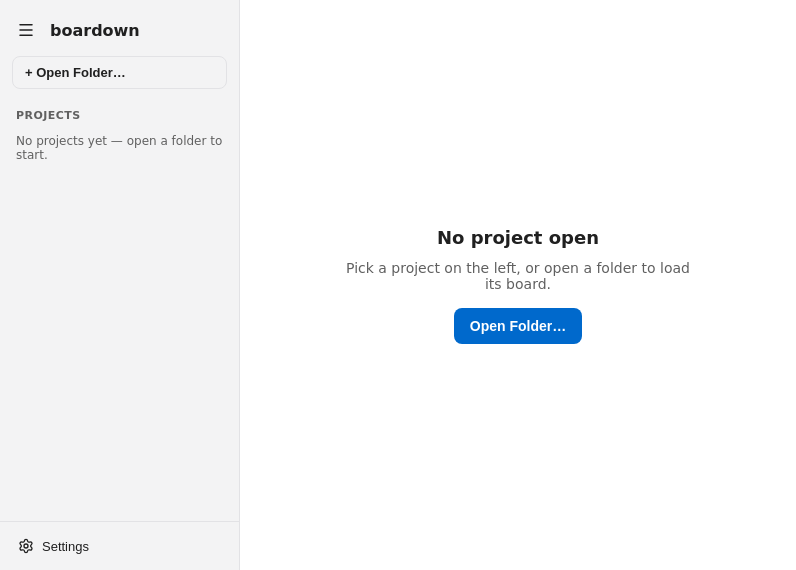
boardown
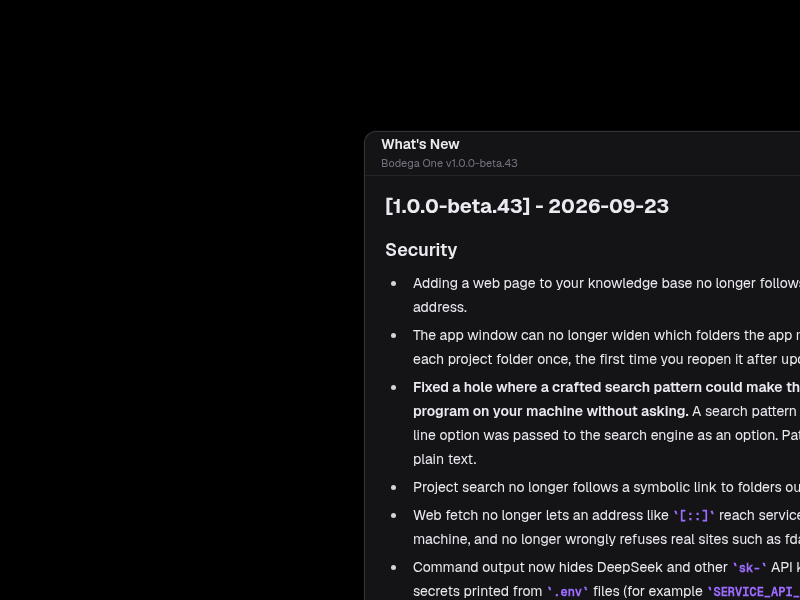
bodegaone-releases
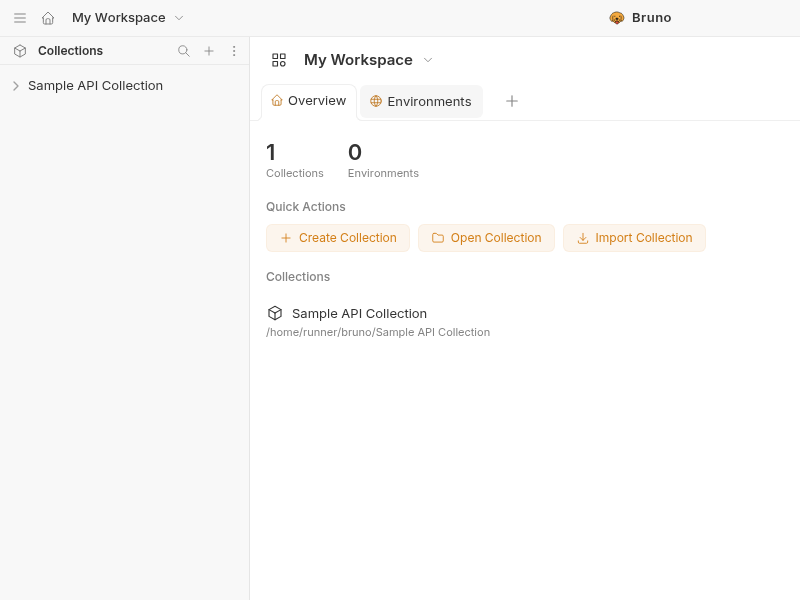
bruno-nightly-builds
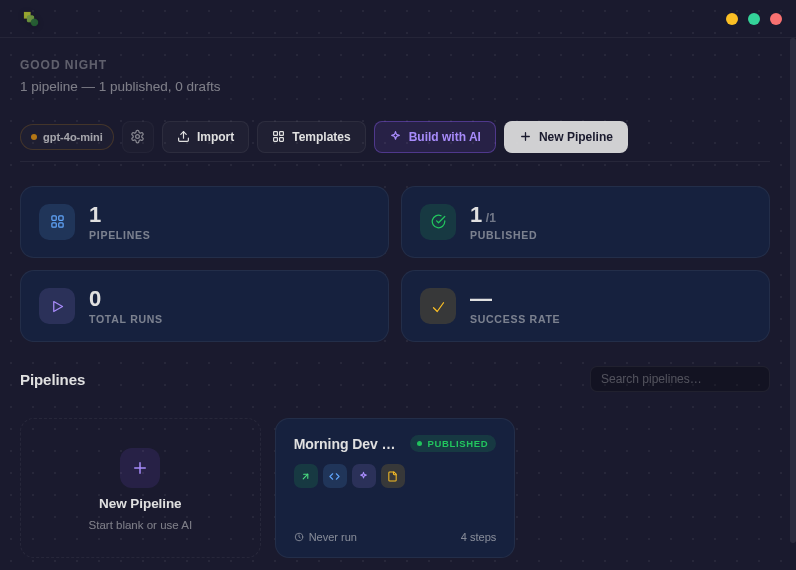
buildpipe
casm
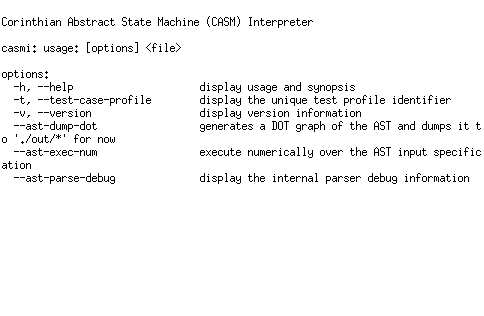
Corinthian Abstract State Machine (CASM)
ceasta
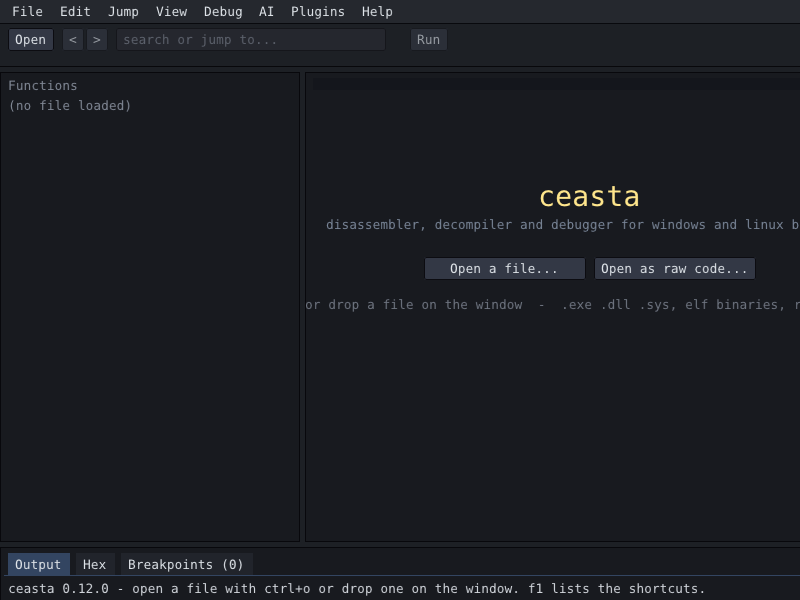
celer
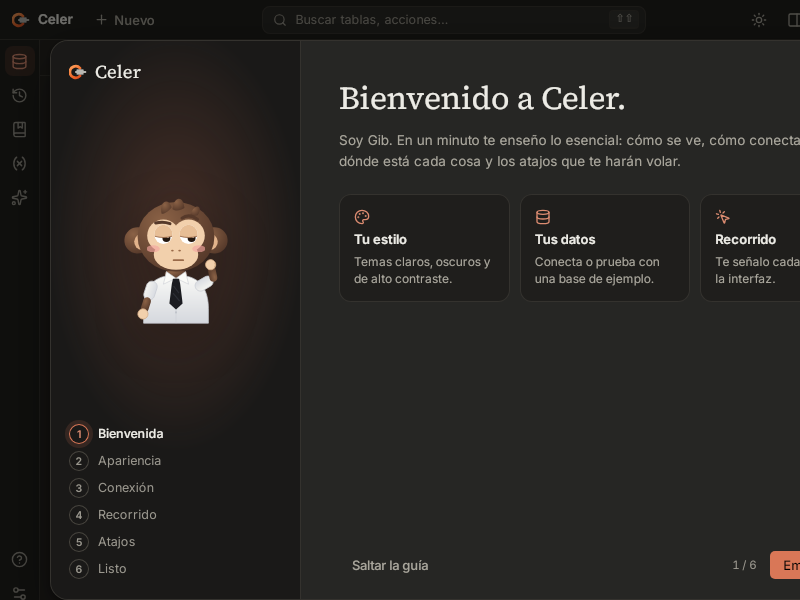
chimera-agent
claude-command-center
claude-dev-suite
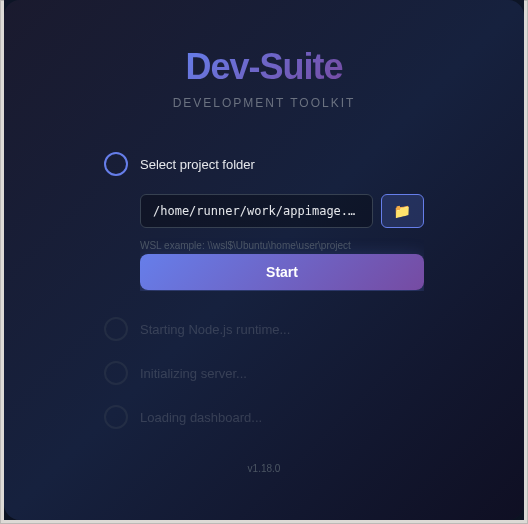
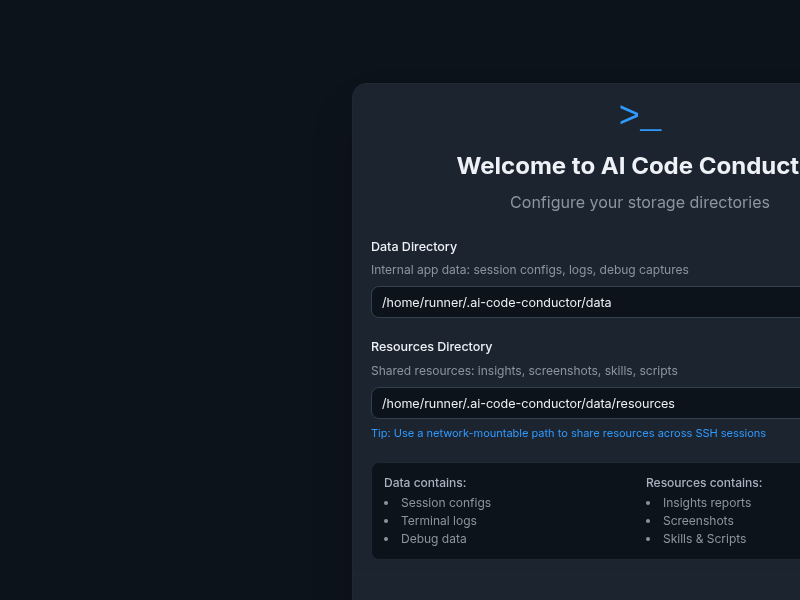
Visual project configuration, MCP server orchestration, and multi-agent task management for Claude Code.
claude-devtools
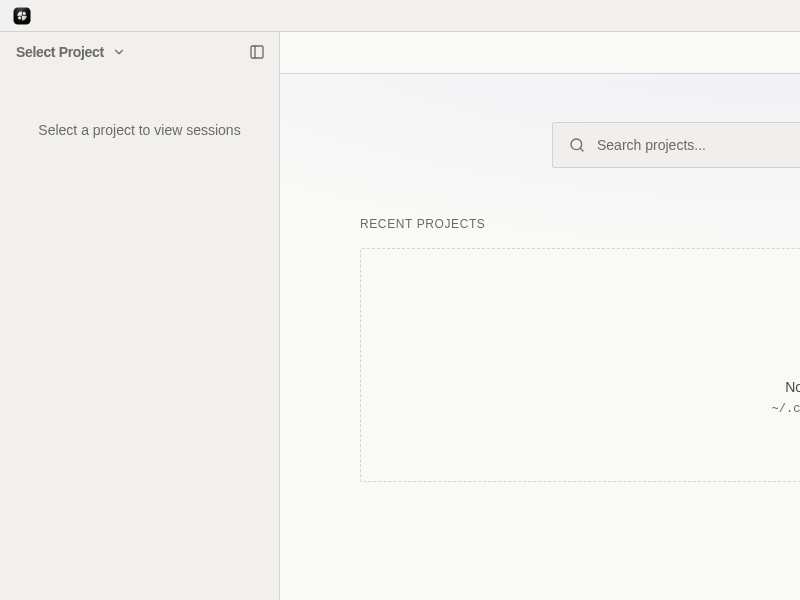
Desktop app that visualizes Claude Code session execution — explore conversations, track context usage, and analyze tool calls
cli-jaw
climaxima
CLIM-based interface to Maxima
clippy

codex-context-switch
conduit-desktop
containerlab-app
cric
data-peek
deepiri-emotion
devdocs-desktop
devo
devtools
dexter_dev_env
dpcc-harness
dsh-app
DSH APP — branded desktop client for DeepSeek Harness (dsh). macOS / Windows / Linux.
dsh-desktop
e2designer
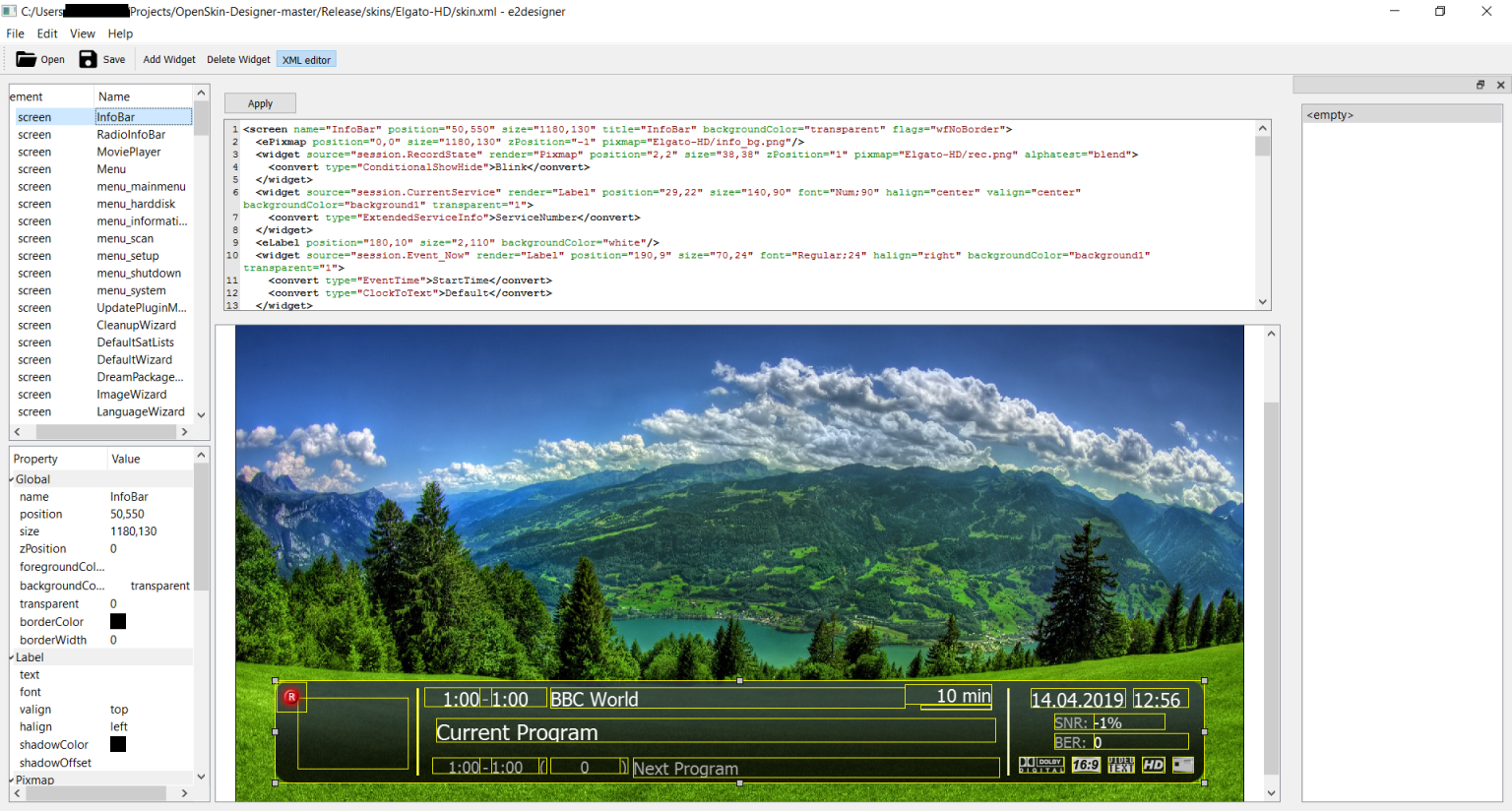
Provides graphical interface for editing skin.xml files used in the enigma2 set-top-box software.
ehdev-shell
electron-object-builder
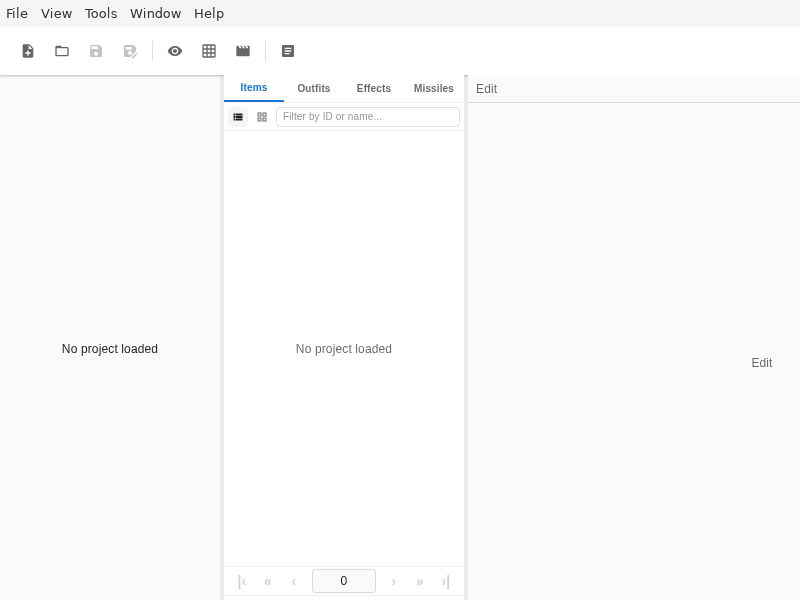
embedded-ide
enUi
etichetta
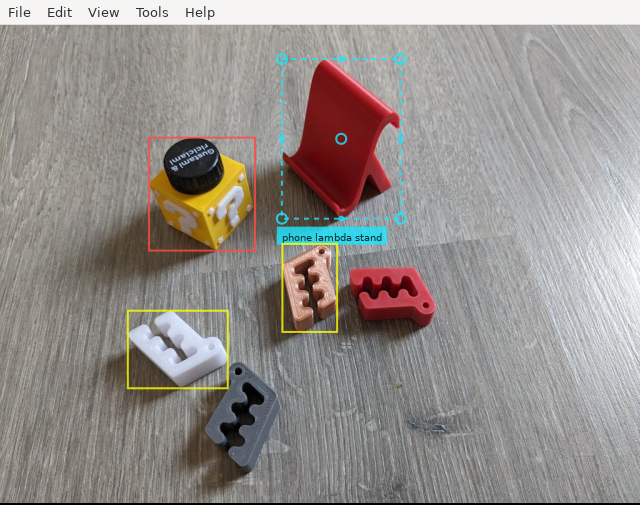
feebas
getswell
gibs
githoard
gleditor
graphql-playground
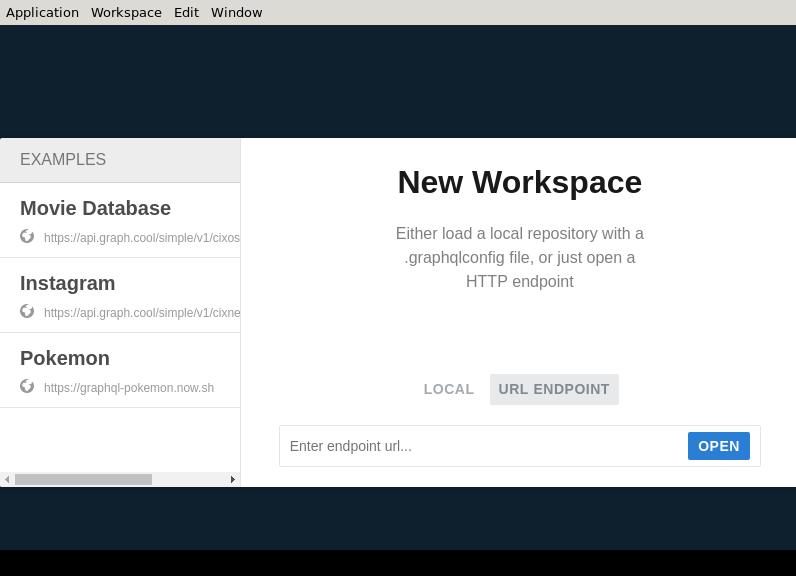
GraphQL IDE for better development workflows (GraphQL Subscriptions, interactive docs & collaboration)
grok-build-vscode
guiscrcpy
halium-tool
hotspot
hpack
i3X_Explorer
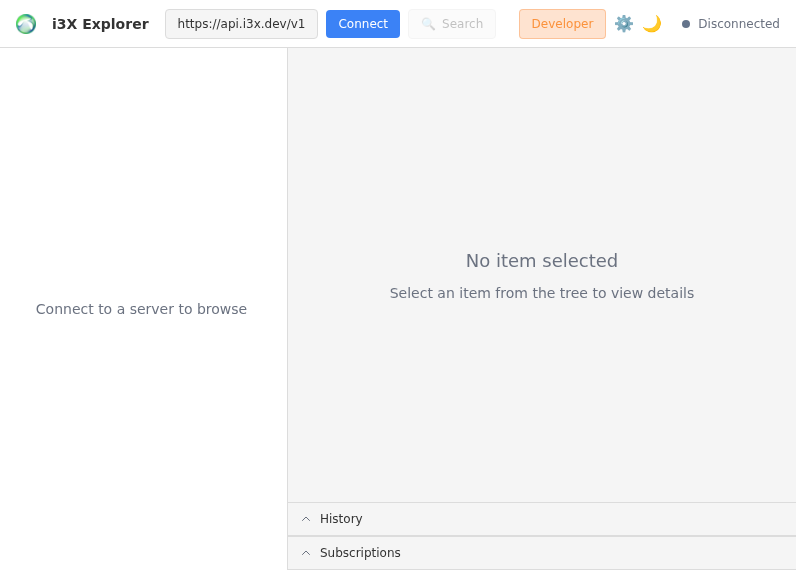
Cross-platform desktop application for exploring and interacting with I3X (Industrial Information Interface eXchange) API servers. Browse namespaces, object types, and instances. Monitor real-time values via subscriptions.
iota1k
ircuitry
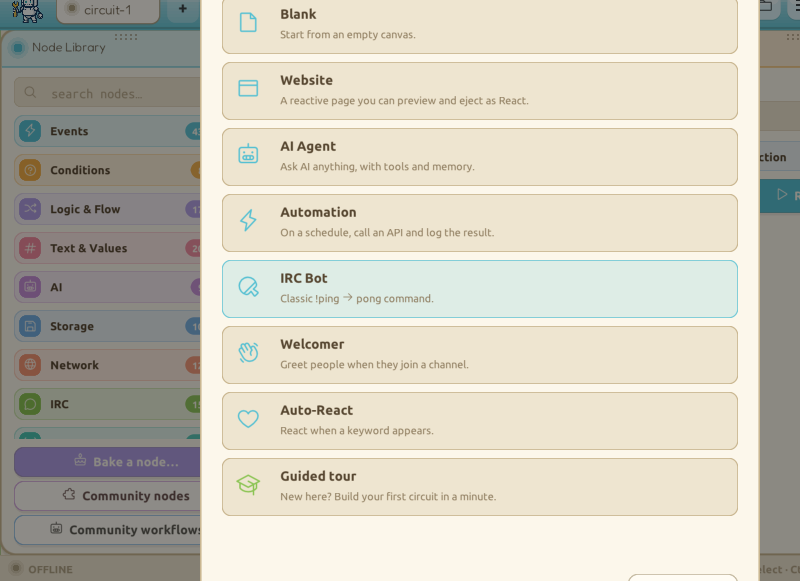
jsDevCleaner

jsonquery_gui
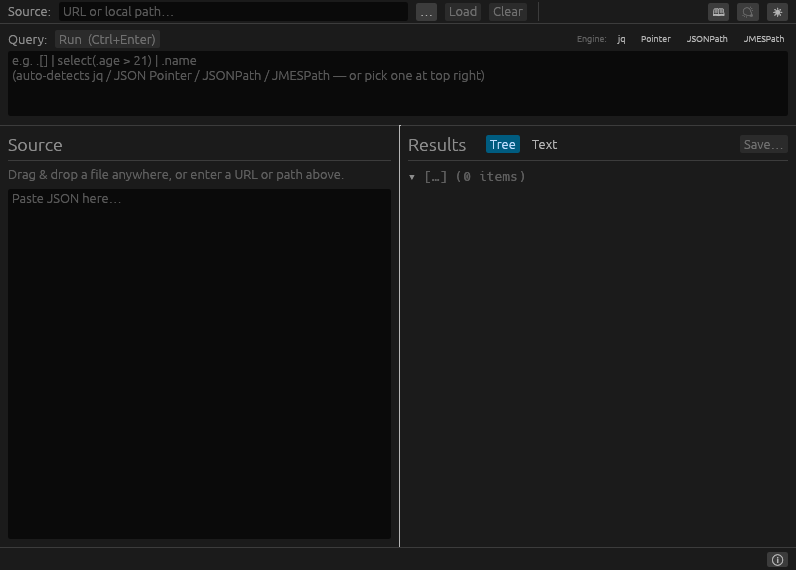
k10s
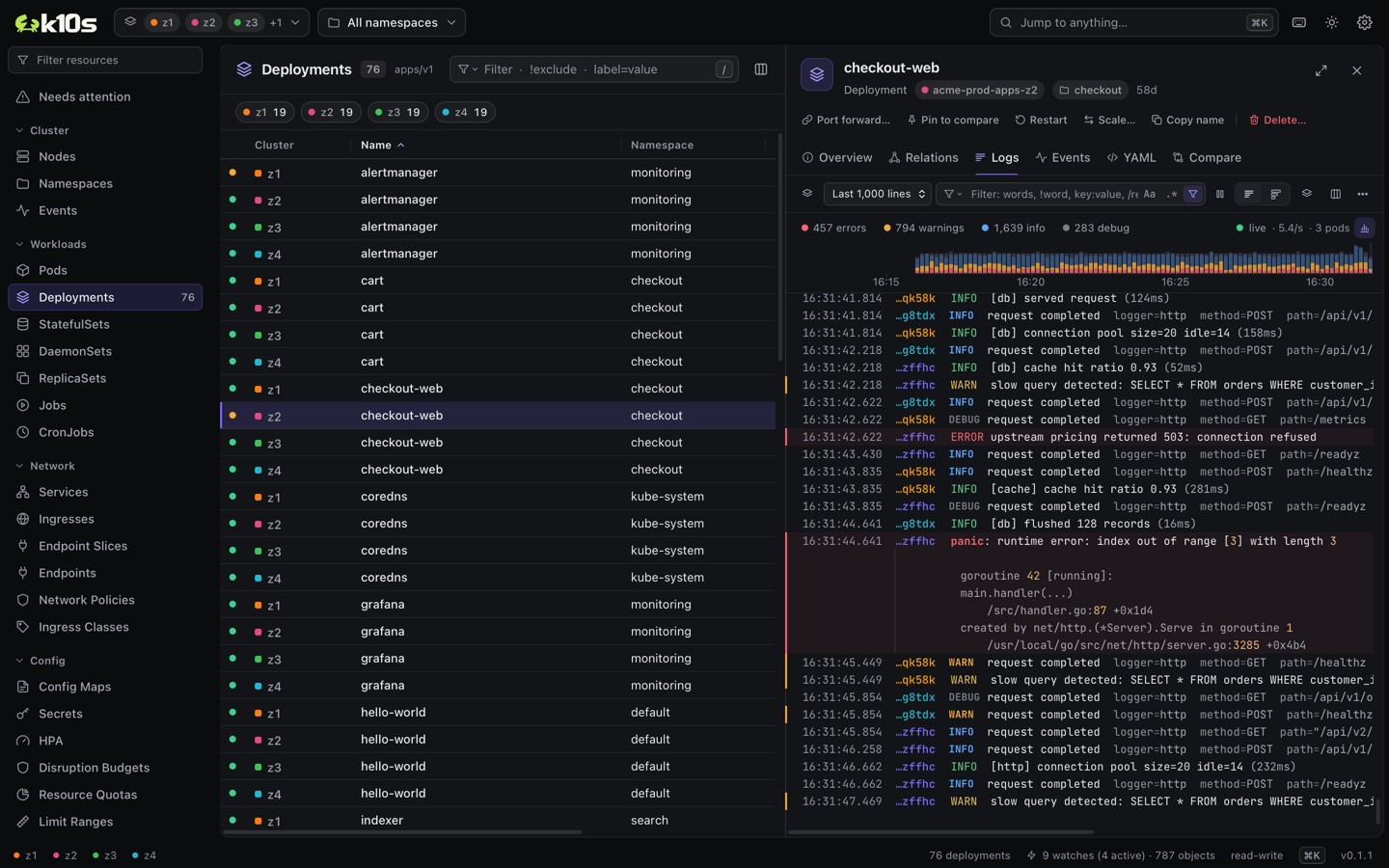
k10s is a Kubernetes client for people who look after many clusters at once: the zones of one data center, regions, staging and production. Often they can see only a few namespaces in each. k10s puts all of those clusters in one live table, checks your permissions before you act, and stays fast when the fleet is large.
- Every selected cluster in one table, connected in parallel: a slow or broken one never holds the rest back
- Made for namespace-restricted RBAC: a prompt instead of a wall of 403 errors, and actions you may not take grayed out with the reason
- Compare an object with its copies in every cluster and see only the fields that differ
- Needs attention: what is failing in all the clusters, on one screen
- Logs of pods and whole workloads across clusters, merged by time, with a query language, JSON fields and patterns
- Shells, debug containers and port-forwards without kubectl, and Helm releases read straight from the cluster
- A read-only mode enforced by the engine, and confirmations that list every object with its cluster
- Keyboard first, with k9s habits, a command palette and a cheat sheet
It's free and open source. No account, no telemetry, no license server.
k8sight
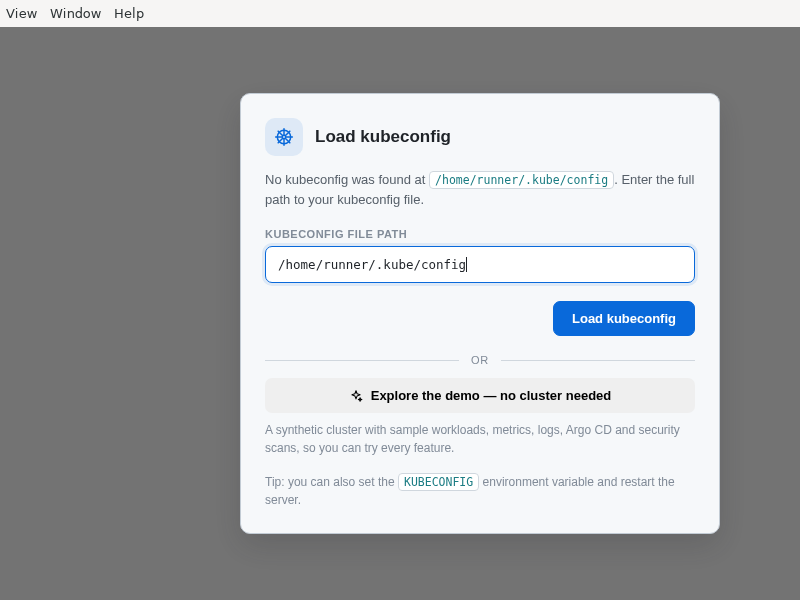
k8sight is a native desktop app for browsing and operating any Kubernetes cluster from your local kubeconfig — live dashboards, logs, an in-pod shell, topology, Helm, Argo CD, a Security Center and one-click EKS/AKS onboarding.
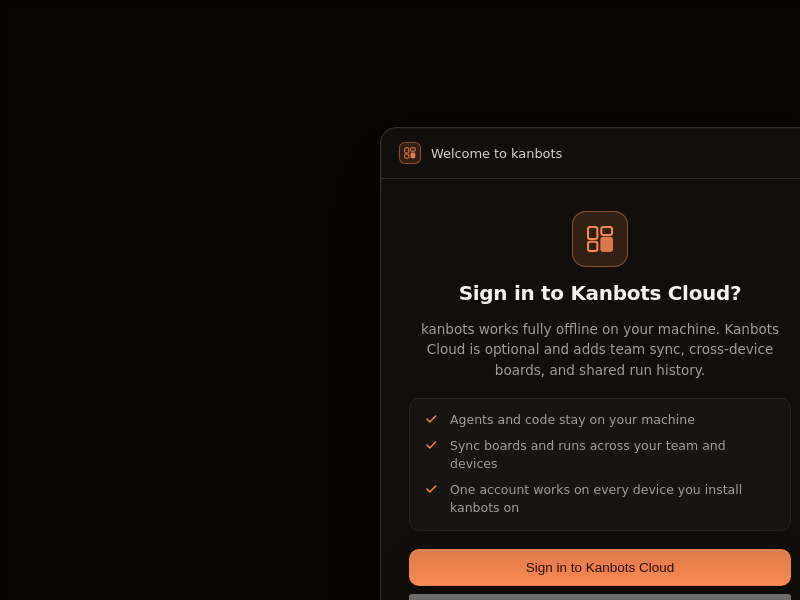
kanbots
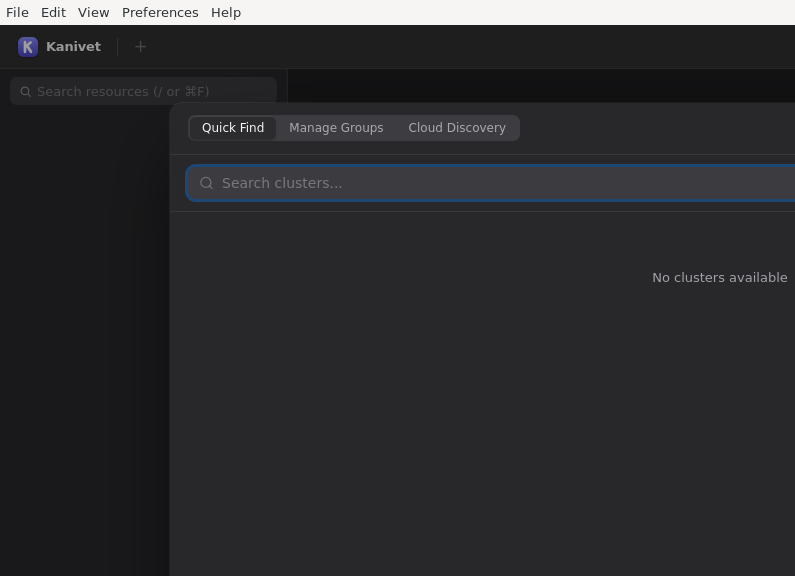
kanivet-oss
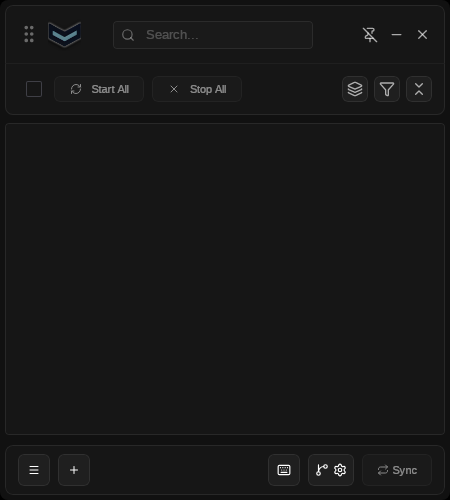
kftray
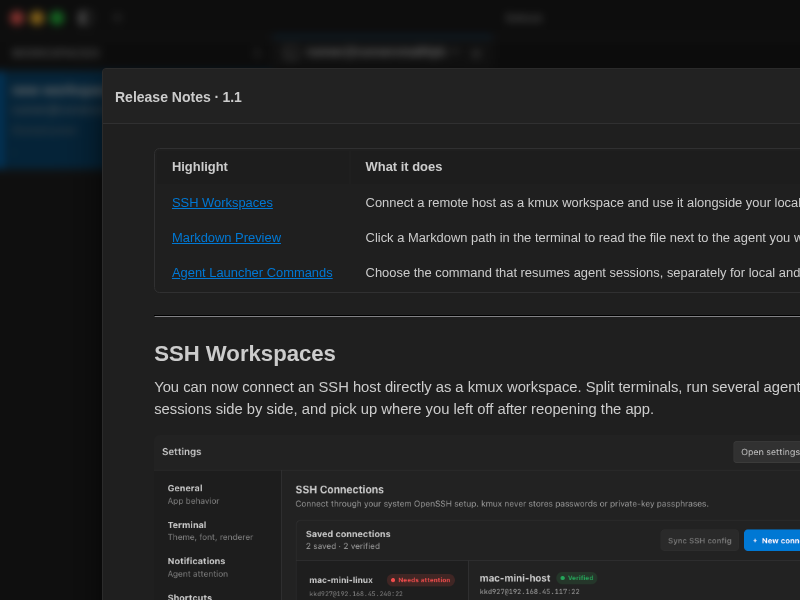
kmux
langly
laravel-kit
launcher
light-git-client
linux-intel-undervolt-gui
linuxdeployqt
lm-clipper
loki
lune-packaging
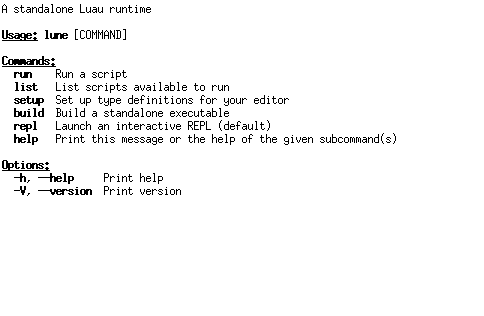
marlin-conf
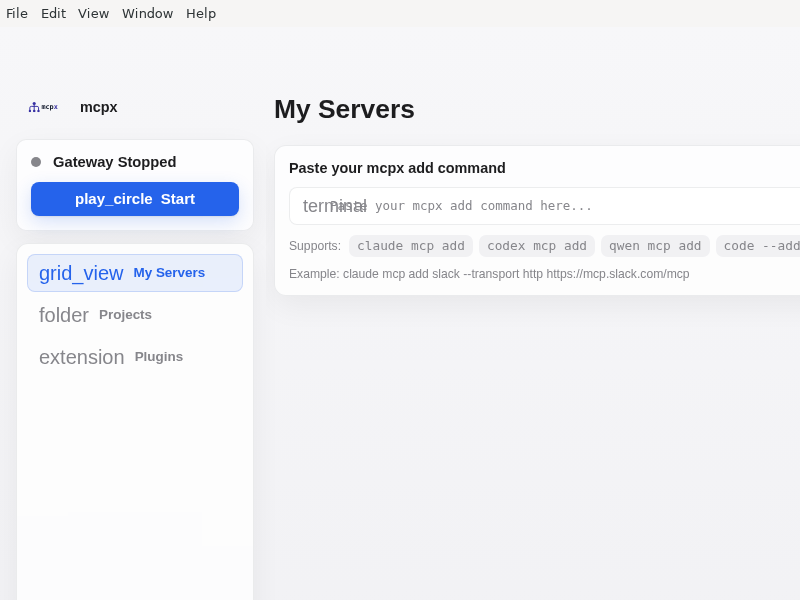
mcpx
mockoon
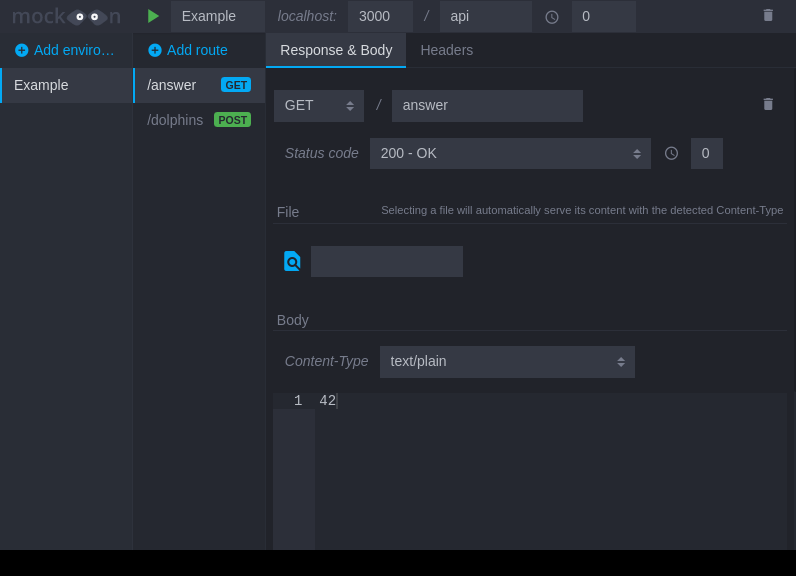
Mock servers in seconds
mrmd-electron
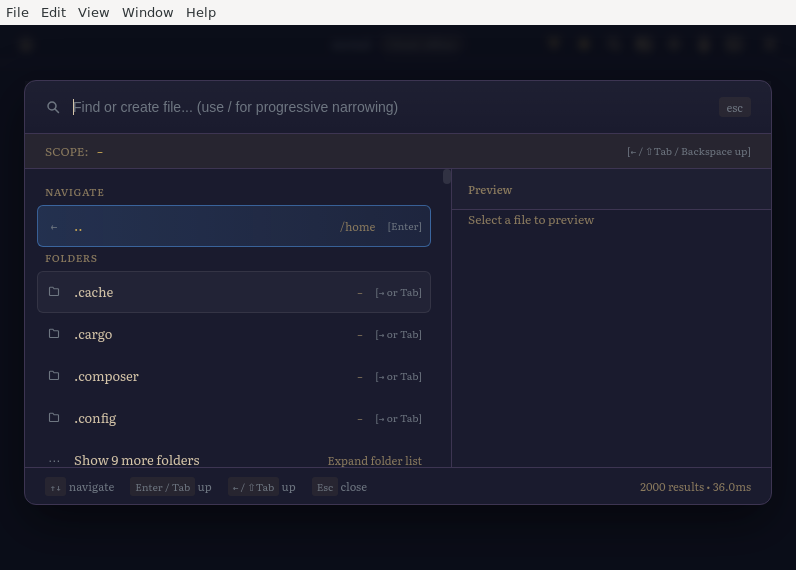
my-budget
nRF_Connect
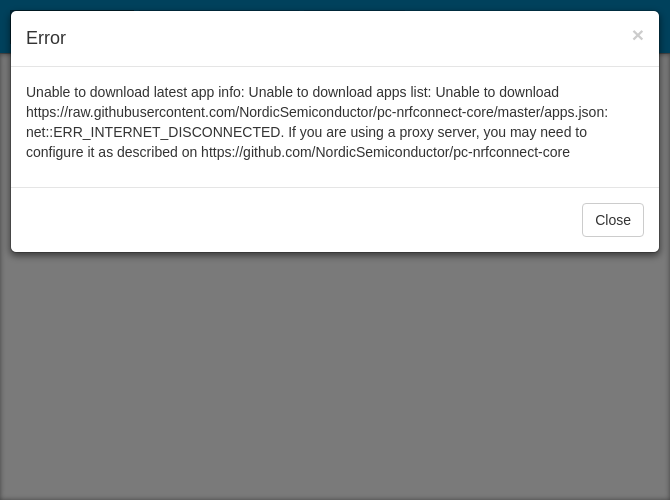
nimbus-weather
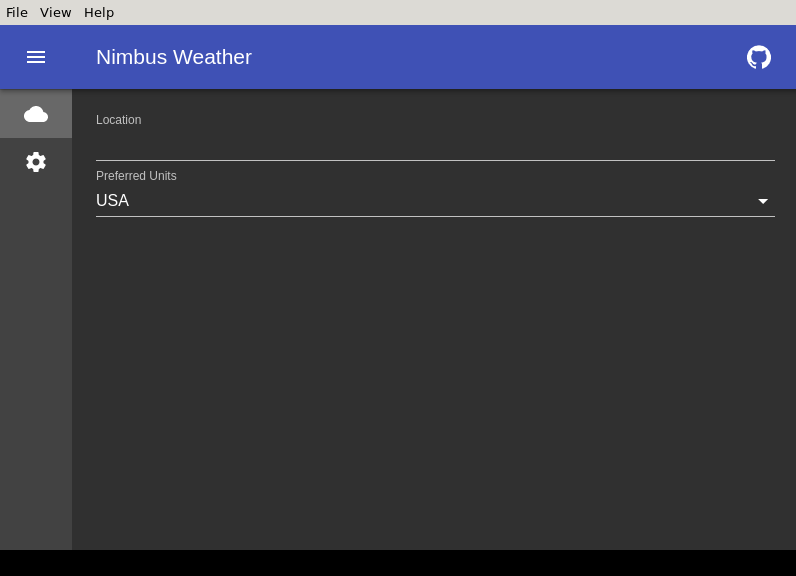
notepadqq
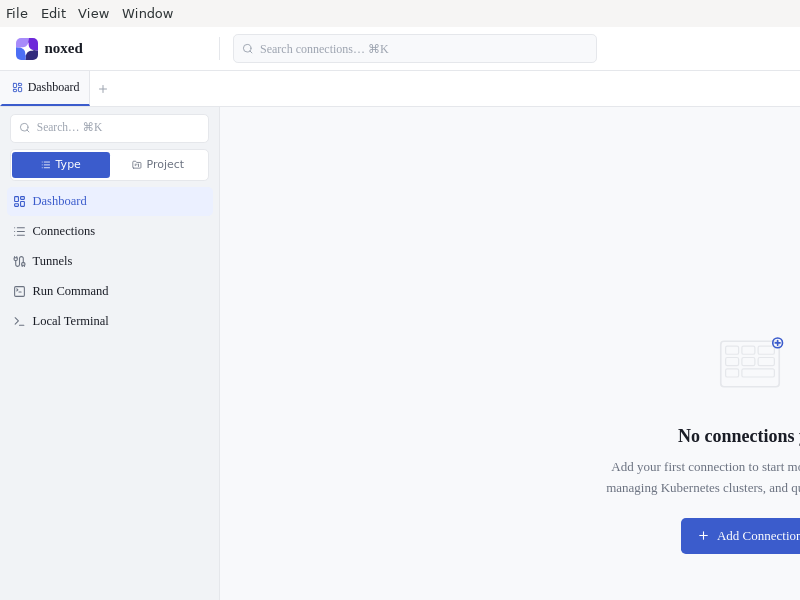
noxed
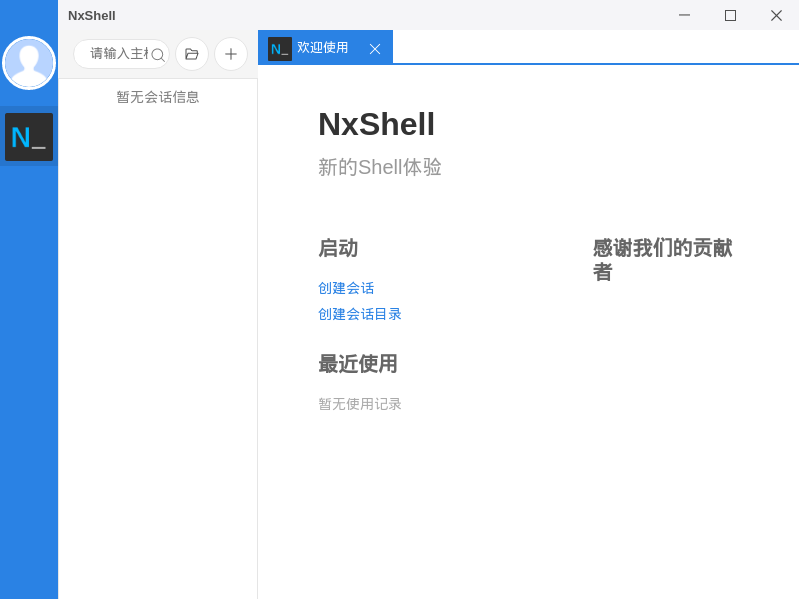
nxshell
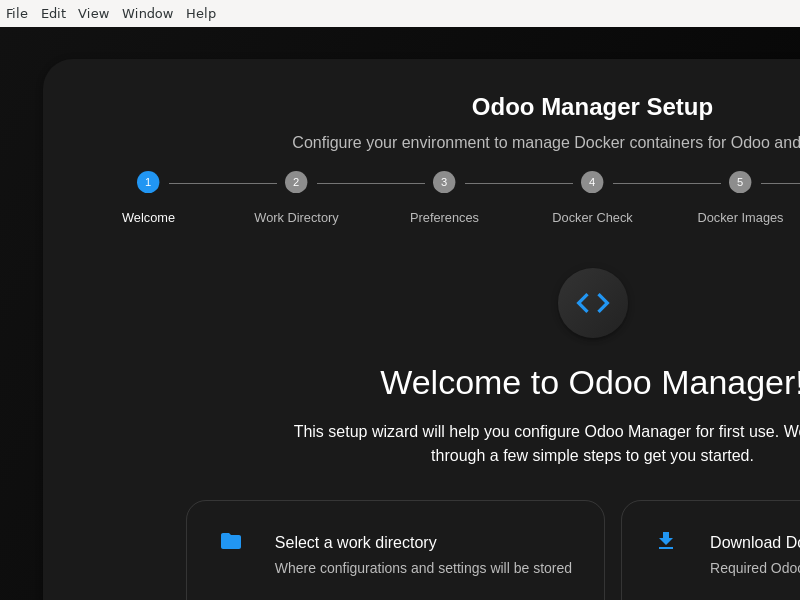
odoo-manager
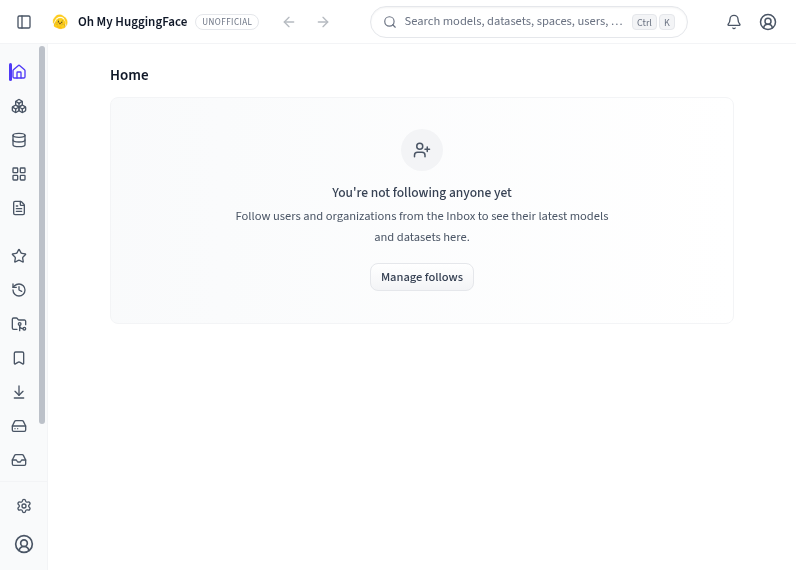
ohmyhf
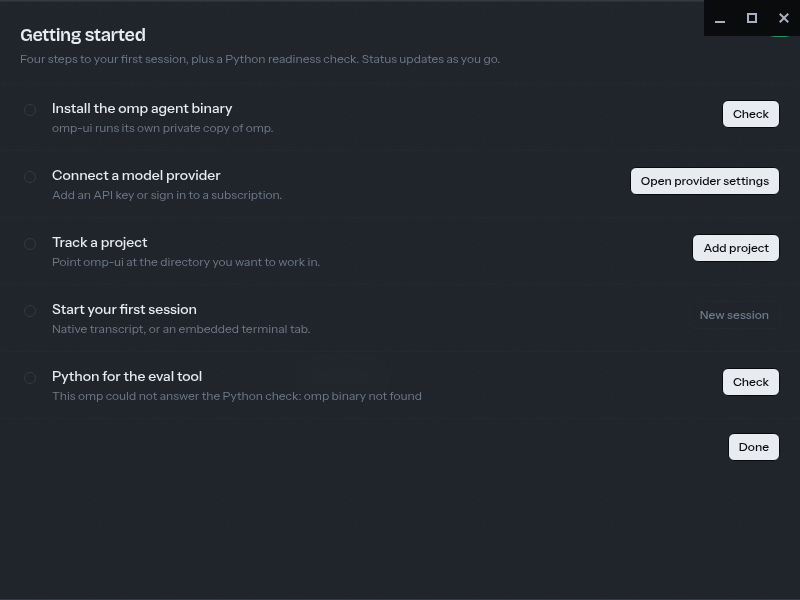
omp-ui
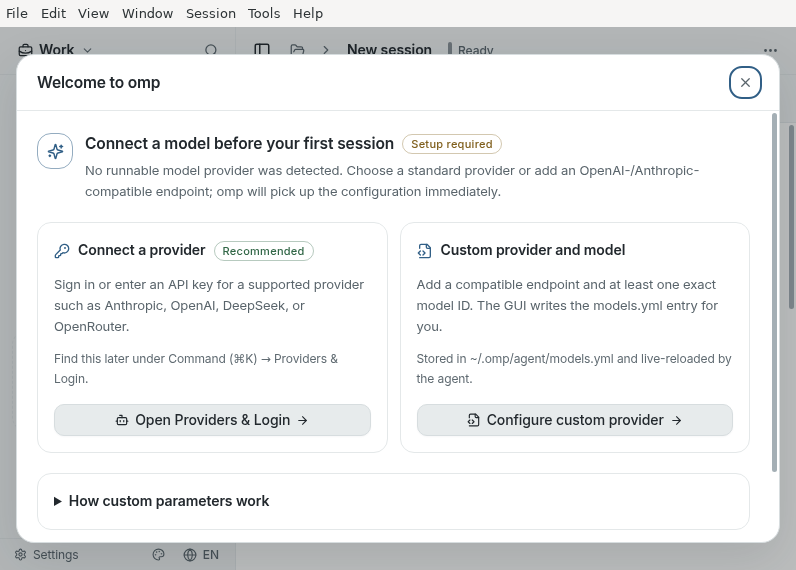
omp_GUI
onnx2bnn
onnx2daq
opius-workspace
perl-executing-browser

Perl Executing Browser (PEB) is an HTML5 user interface for Perl 5 desktop applications. By default it runs local Perl 5 scripts as child processes with no server and is implemented as a C++ executable based on the Qt 5 libraries. Inspired by Electron and NW.js, PEB is another reuse of web technologies in desktop applications with Perl doing the heavy lifting instead of Node.js.
perms-desktop
pgModeler
Create and deploy PostgreSQL database models
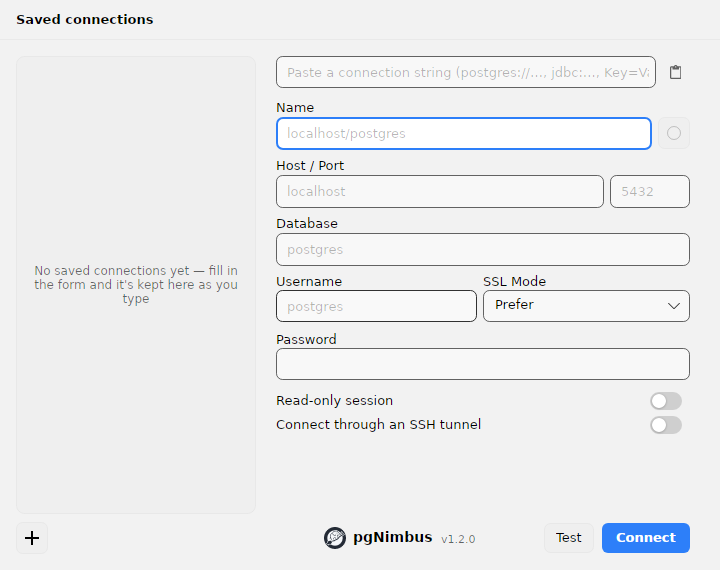
pgNimbus
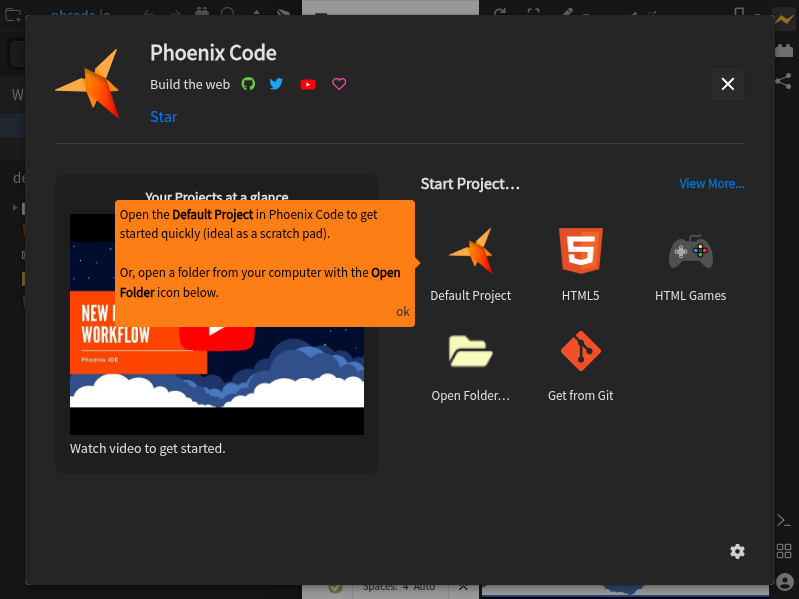
phoenix-desktop
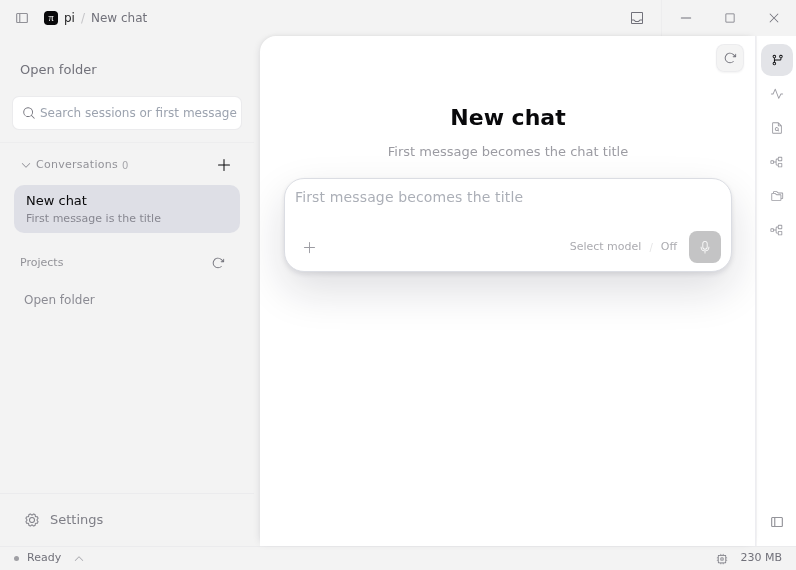
pi-app
pi-fategui
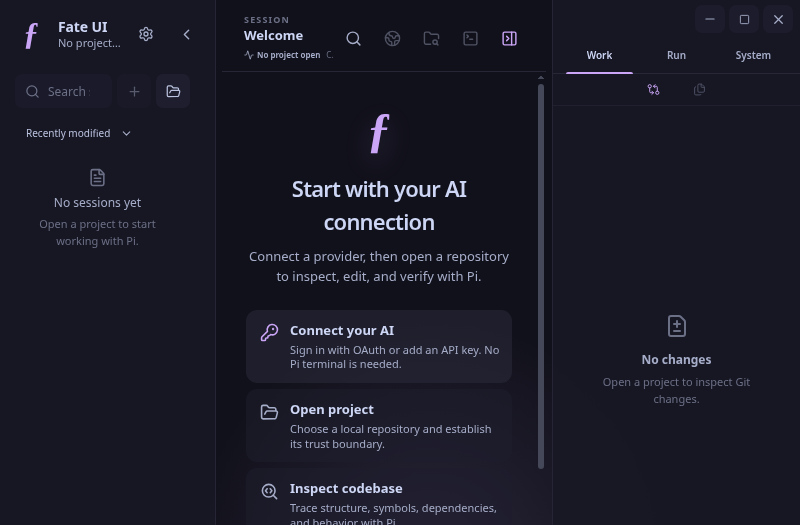
pi-gui
pkg2appimage
pkg2appimage is a tool that lets you generate AppImage files from existing packages. An AppImage is a self-running bundle that contains an application and everything it needs to run that cannot reasonably expected to be part of each target system.
This can include libraries that are not commonly available on target systems, resources such as translations, icons, fonts, and other auxiliary files. pkg2appimage makes it easy to take an existing package (e.g., a deb) and turn it into an AppImage.
pomodorolm
postman-gpui
pyappimage
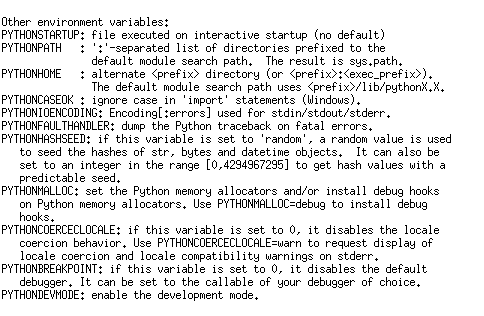
python2
python3
quokkagit
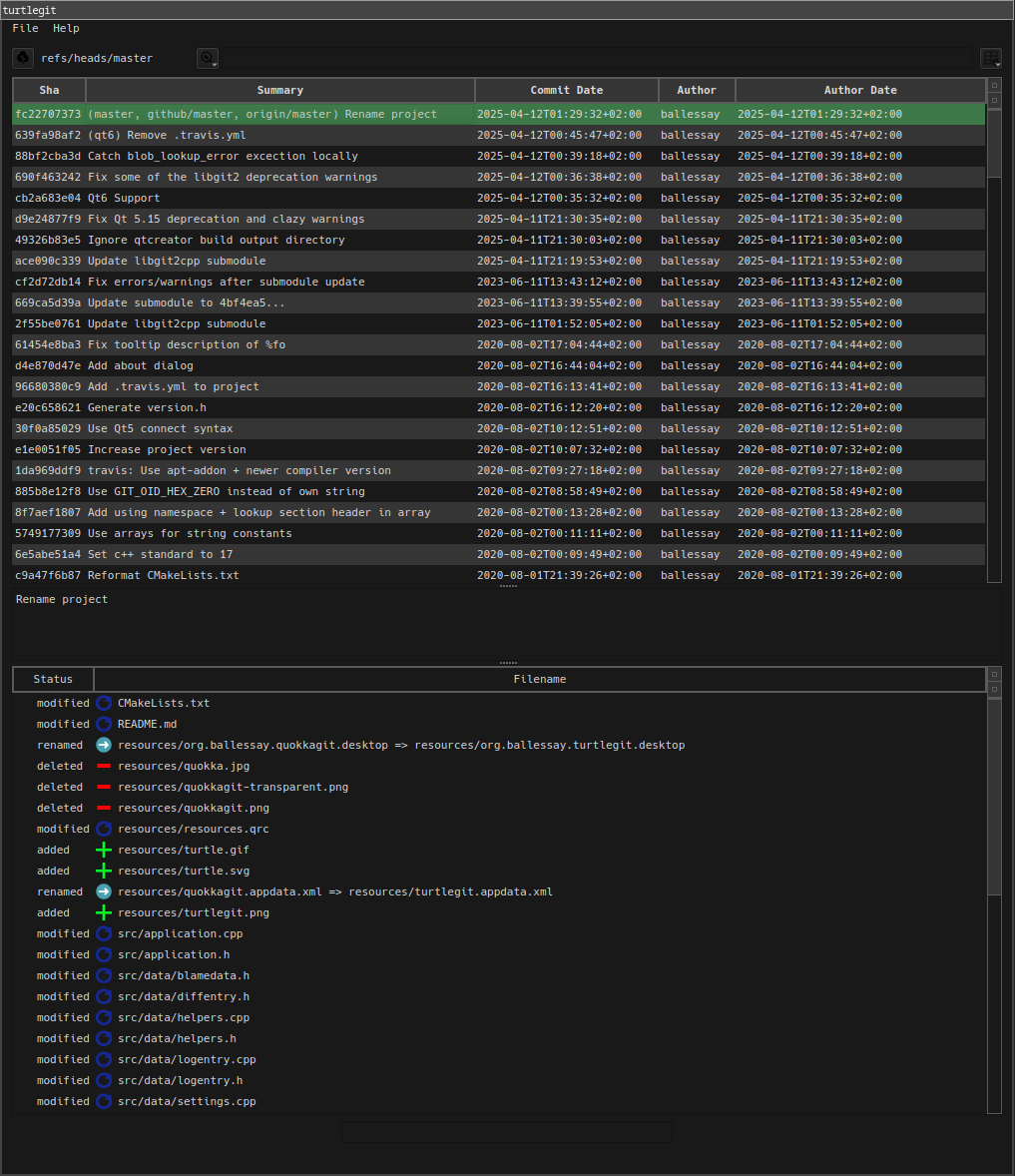
quokkagit is a TortoiseGit inspired git log viewer for linux, which provides basic repository operations.
raven-nest
rebase-git
rivet
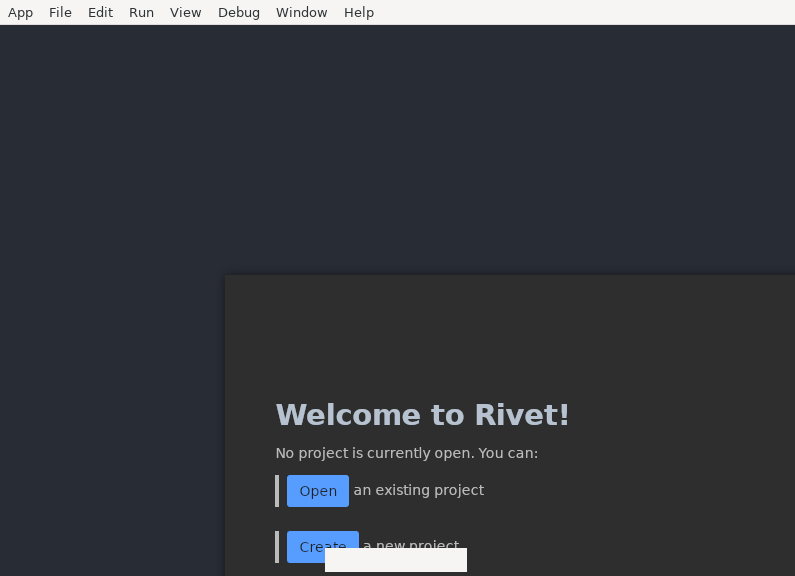
runanode
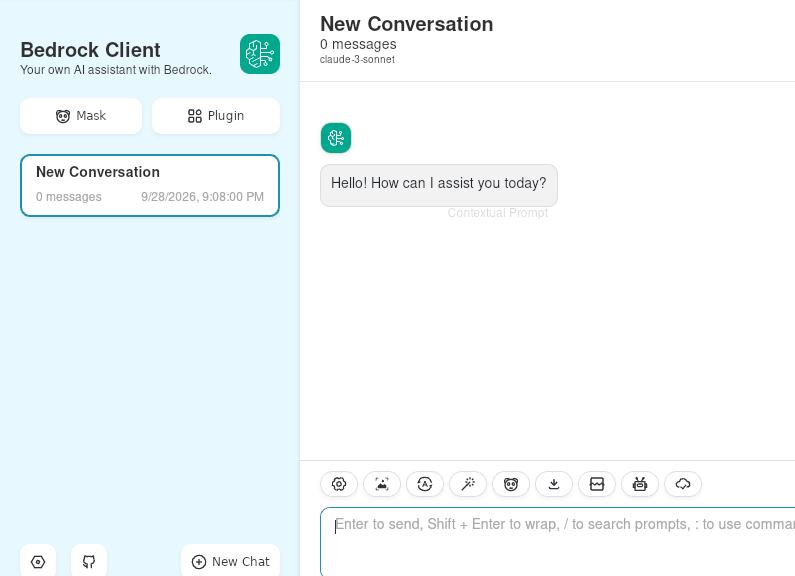
sample-client-for-amazon-bedrock
saphyr
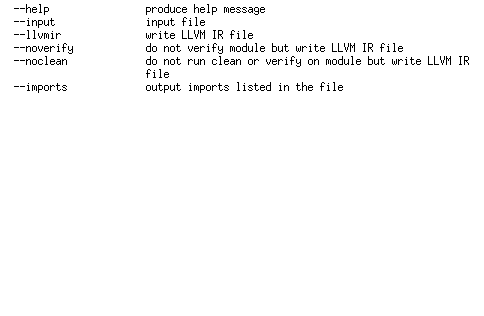
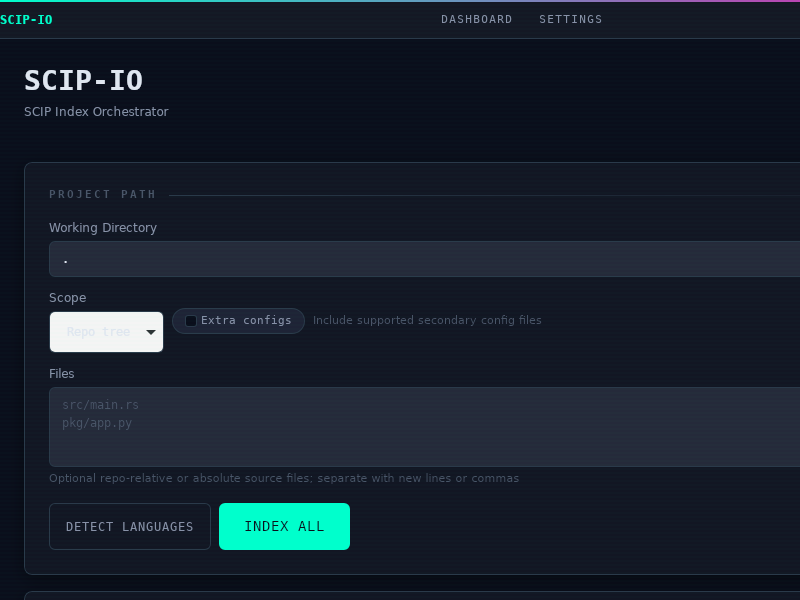
scip-io
sigrok-cli
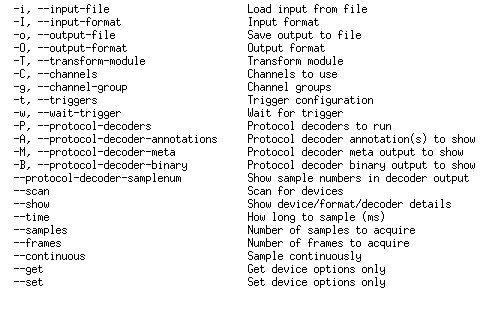
Control your logic analyzer, oscilloscope, or MSO
sourcegit
sqlitebrowser
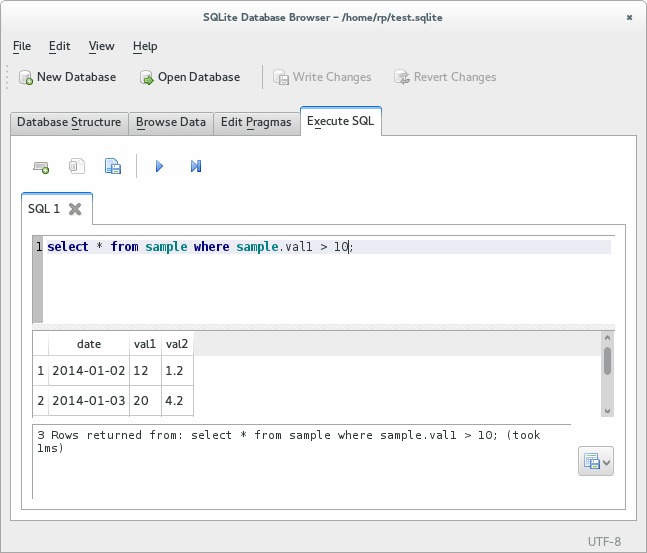
DB Browser for SQLite is a high quality, visual, open source tool to create, design, and edit database files compatible with SQLite.
It is for users and developers wanting to create databases, search, and edit data. It uses a familiar spreadsheet-like interface, and you don't need to learn complicated SQL commands.
Controls and wizards are available for users to:
- Create and compact database files
- Create, define, modify and delete tables
- Create, define and delete indexes
- Browse, edit, add and delete records
- Search records
- Import and export records as text
- Import and export tables from/to CSV files
- Import and export databases from/to SQL dump files
- Issue SQL queries and inspect the results
- Examine a log of all SQL commands issued by the application
sqt
strans

strans (string transform) is an intuitive string manipulation utility for the shell (primarily Unix, but should work cross-platform). The user does not need to know any programming. All she needs to do is provide strans with a set of examples. strans will automagically learn transformation rules from these examples and apply them to the input given on STDIN.
stream-server
tabularis
tastee-ui
timestep
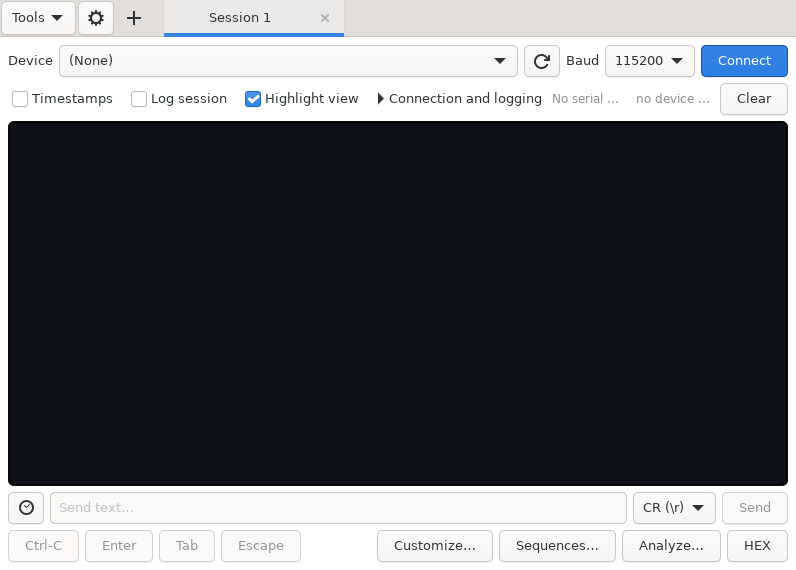
tio-gui
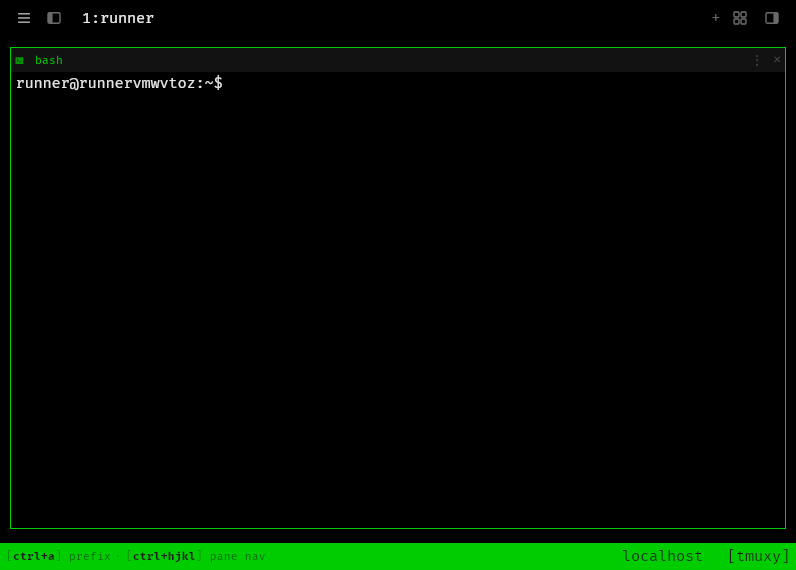
tmuxy
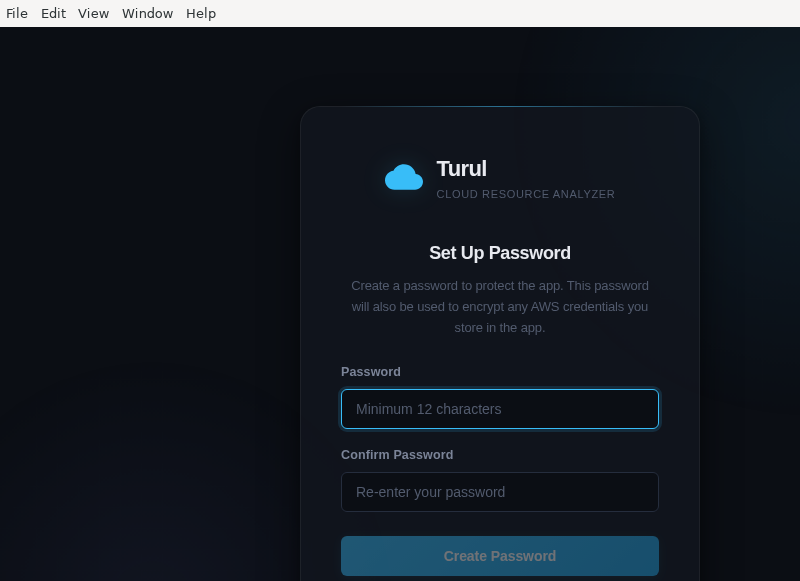
turul-app
tweet-tray

uncov
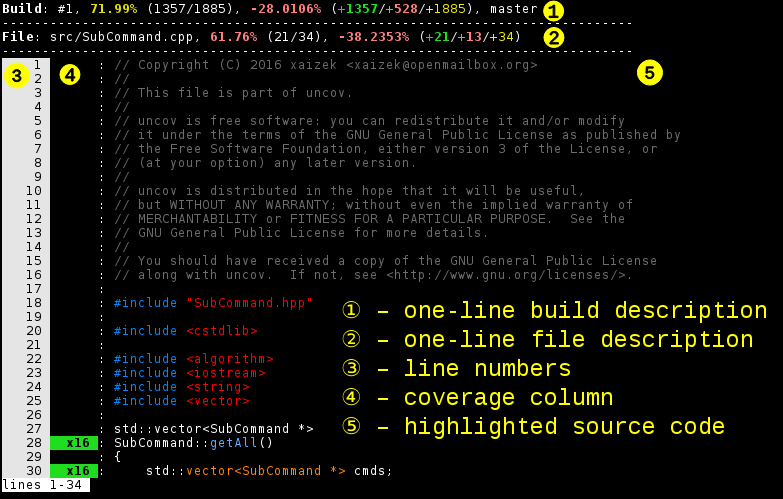
By storing history of coverage uncov allows you to monitor code coverage changes over time, view and compare collected reports.
The tool integrates with git repository of your projects and thus avoids generation of static reports. Data is bound to repository information, but can be shared among repository clones.
Provided command-line interface should be familiar to the majority of git users and helps to avoid switching to a browser to verify code coverage.
It's also possible to display coverage information in a browser, say, on your own CI server instead of using some third-party service.
updatedeployqt
vREST_NG
vbcdr-electron
violetbug
voyageai-cli
webshard_editor
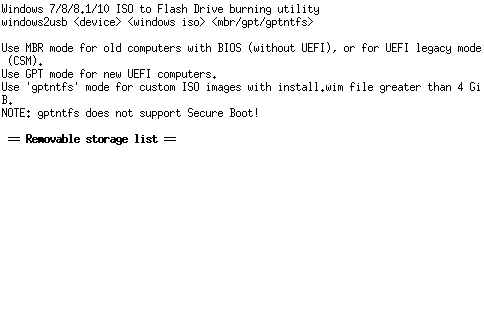
windows2usb
wsp
wxMaxima

Maxima is a system for the manipulation of symbolic and numerical expressions, including differentiation, integration, Taylor series, Laplace transforms, ordinary differential equations, systems of linear equations, polynomials, sets, lists, vectors, matrices and tensors. Maxima yields high precision numerical results by using exact fractions, arbitrary-precision integers and variable-precision floating-point numbers. Maxima can plot functions and data in two and three dimensions.
xDelta3_Cross_Gui
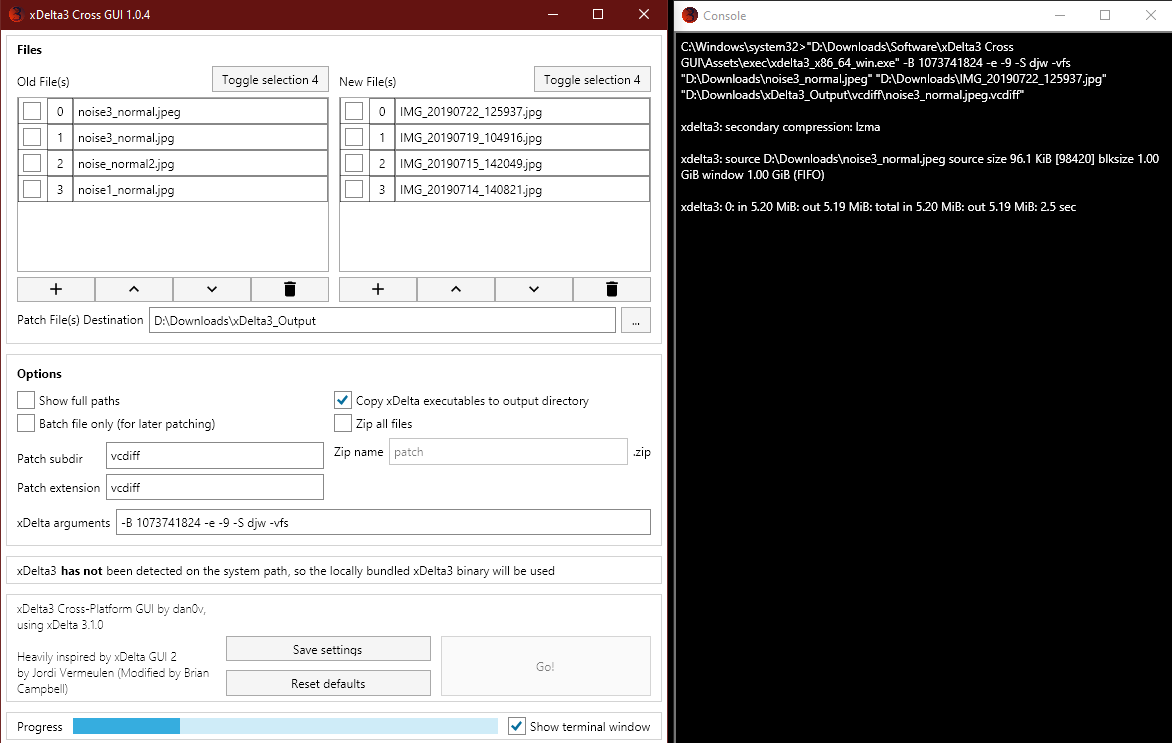
A cross-platform GUI for creating xDelta3 patches, inspired by Moodkiller/xdelta3-gui-2.0, now available for Windows, Linux, and MacOS. Output patches can also be applied on all three major platforms without requiring the GUI.
xde
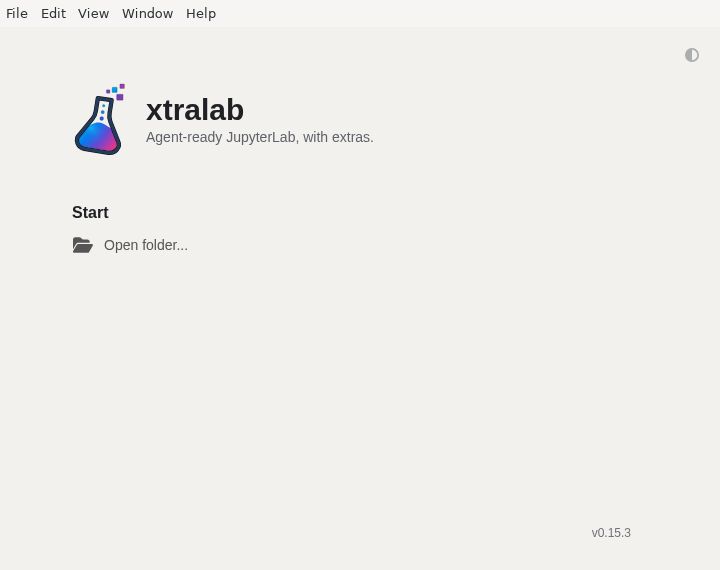
xtralab
zograscope
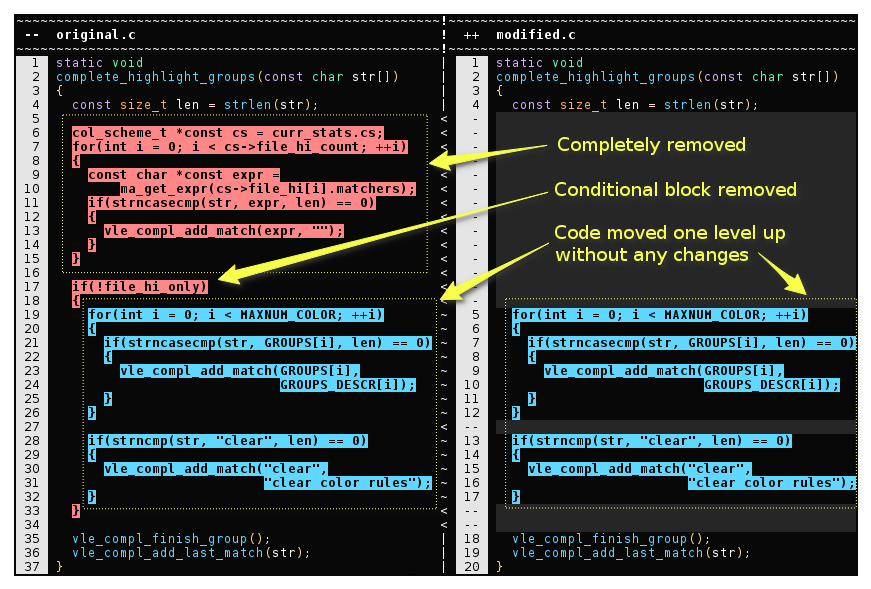
Main purpose of zograscope is implementation of syntax-aware diff (currently for C, C++ and GNU Makefile languages).
However, the infrastructure for doing this makes it possible to implement various other tools that don't require precise understanding of the code like compilers do.
There are additional tools for highlighting, searching and collecting statistics about source code.