

Moonlight-Qt-Mic
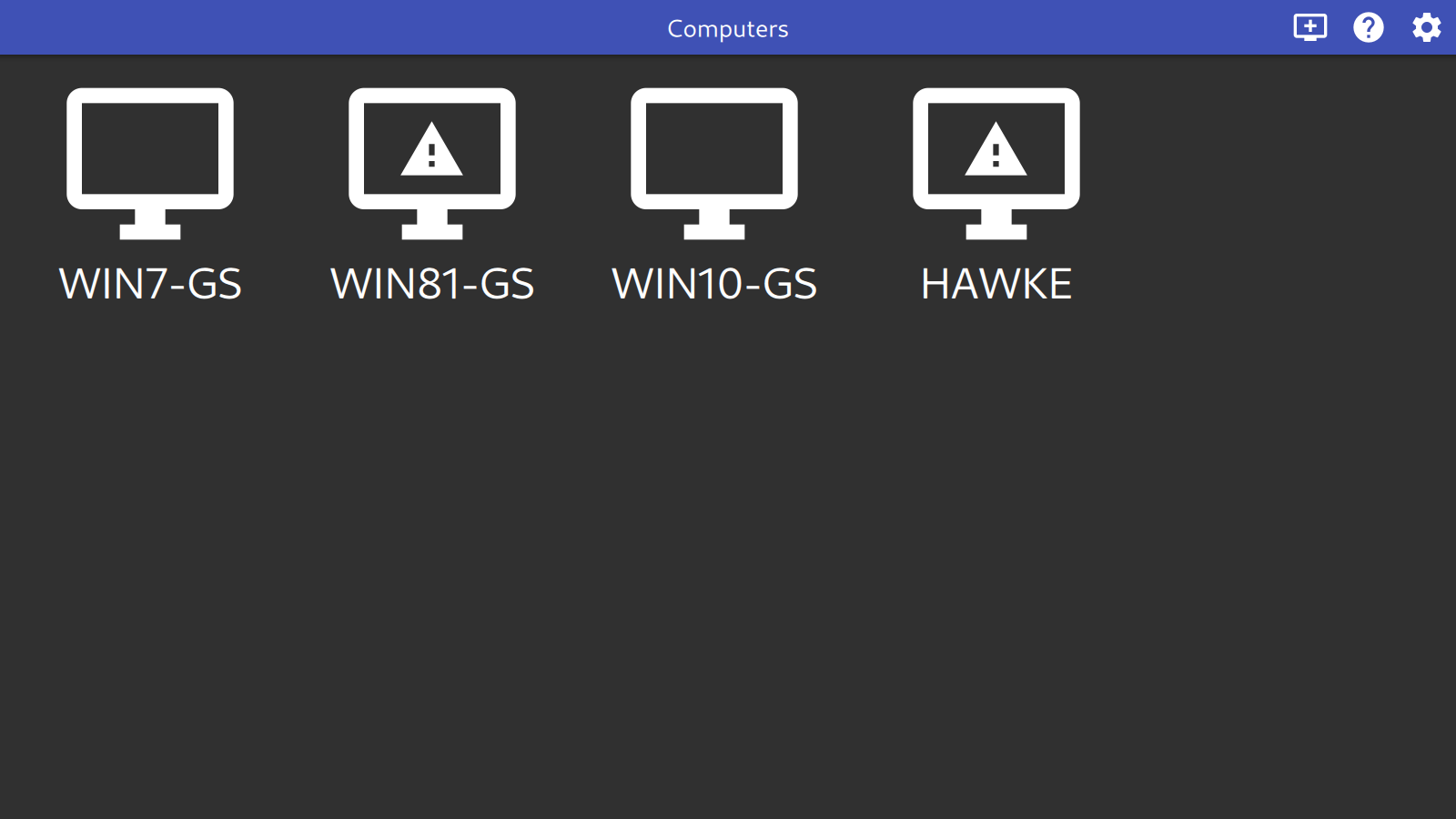
Moonlight can stream games and other applications from another PC with Sunshine or GeForce Experience software installed.
Features include:
- Hardware accelerated video decoding with VAAPI, VDPAU, and Vulkan Video support
- H.264, HEVC, and AV1 codec support
- 7.1 surround sound audio support
- 10-point multitouch support
- Gamepad support with force feedback for up to 16 players
- Support for both pointer capture (for games) and direct mouse control (for remote desktop)
- Support for passing system-wide keyboard shortcuts like Alt+Tab to the host
Compatibility: Uses the C library of the system (may need glibc 2.35 or later)
GitHub Download Moonlight-Qt-Mic Website Moonlight-Qt-Mic Bugtracker Moonlight-Qt-Mic Help
Usage
Moonlight-Qt-Mic is available as an AppImage which means "one app = one file", which you can download and run on your Linux system while you don't need a package manager and nothing gets changed in your system. Awesome!
AppImages are single-file applications that run on most Linux distributions. Download an application, make it executable, and run! No need to install. No system libraries or system preferences are altered. Most AppImages run on recent versions of Arch Linux, CentOS, Debian, Fedora, openSUSE, Red Hat, Ubuntu, and other common desktop distributions.
This AppImage uses the C library of the system and may need glibc 2.35 or later. It does not run on distributions that use a different C library (such as musl on Alpine Linux) or an older glibc.
Running Moonlight-Qt-Mic on Linux without installation
Unlike other applications, AppImages do not need to be installed before they can be used. However, they need to be marked as executable before they can be run. This is a Linux security feature.Beware! AppImages are usually not verified by others. Follow these instructions only if you trust the developer of the software. Use at your own risk!
Download the Moonlight-Qt-Mic AppImage and make it executable using your file manager or by entering the following commands in a terminal:
chmod +x ./*.AppImageThen double-click the AppImage in the file manager to open it.
Sandboxing Moonlight-Qt-Mic
If you want to restrict what Moonlight-Qt-Mic can do on your system, you can run the AppImage in a sandbox like Firejail. This is entirely optional and currently needs to be configured by the user.
Updating Moonlight-Qt-Mic
If you would like to update to a new version, simply download the new Moonlight-Qt-Mic AppImage.
Integrating AppImages into the system
If you would like to have the executable bit set automatically, and would like to see Moonlight-Qt-Mic and other AppImages integrated into the system (menus, icons, file type associations, etc.), then you may want to check the optional appimaged daemon.
Note for application authors
Thanks for distributing Moonlight-Qt-Mic in the AppImage format for all common Linux distributions. Great! Here are some ideas on how to make it even better.
Pro Tips for further enhancing the Moonlight-Qt-Mic AppImage
Please consider to add update information to the Moonlight-Qt-Mic AppImage and ship a .zsync file so that it can be updated using AppImageUpdate. Tools like appimagetool and linuxdeployqt can do this for you easily.
Please consider making the Moonlight-Qt-Mic AppImage self-contained, so that it does not depend on the C library of the system and runs on more distributions: ship the C library including its loader (ld-linux-*.so.*) and use it to launch the application, or link statically.
Thanks for shipping AppStream metainfo inside your AppImage. Please open a pull request on https://github.com/AppImage/appimage.github.io/blob/master/data/Moonlight-Qt-Mic if you have changed it and would like to see this page updated accordingly.
If you would like to see a donation link for the application here, please include one in the AppStream data.